ZyXEL ZyXEL USG40
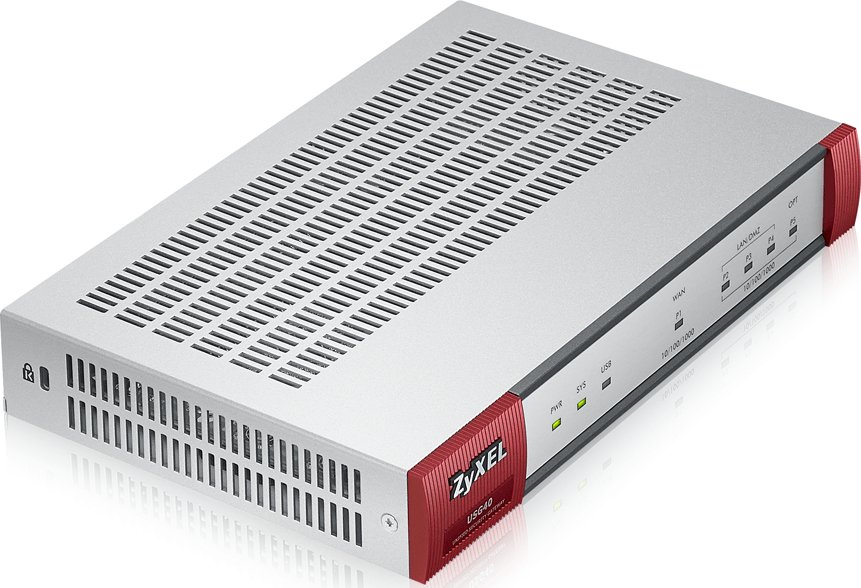
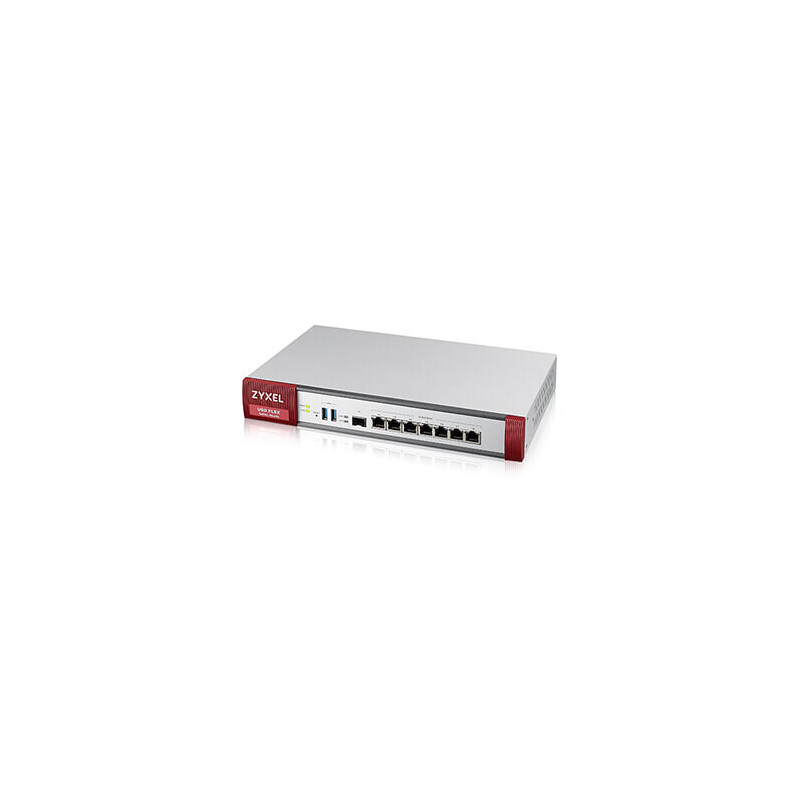
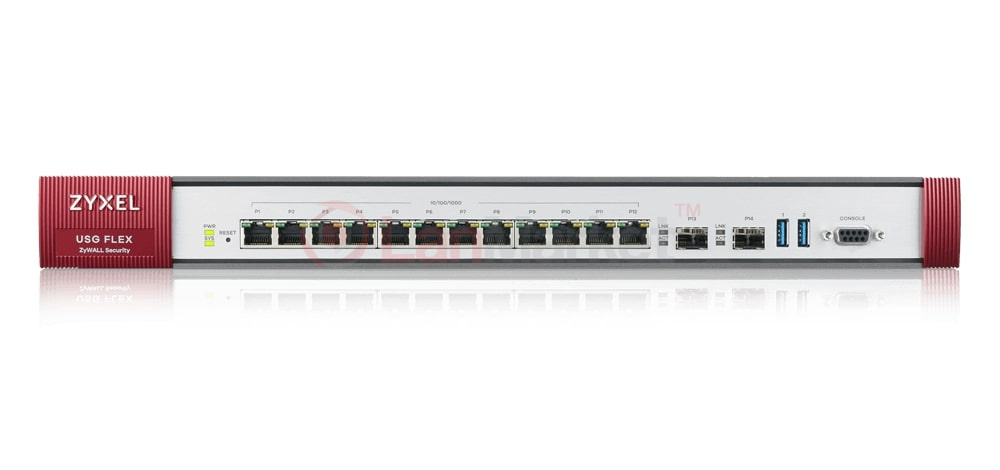
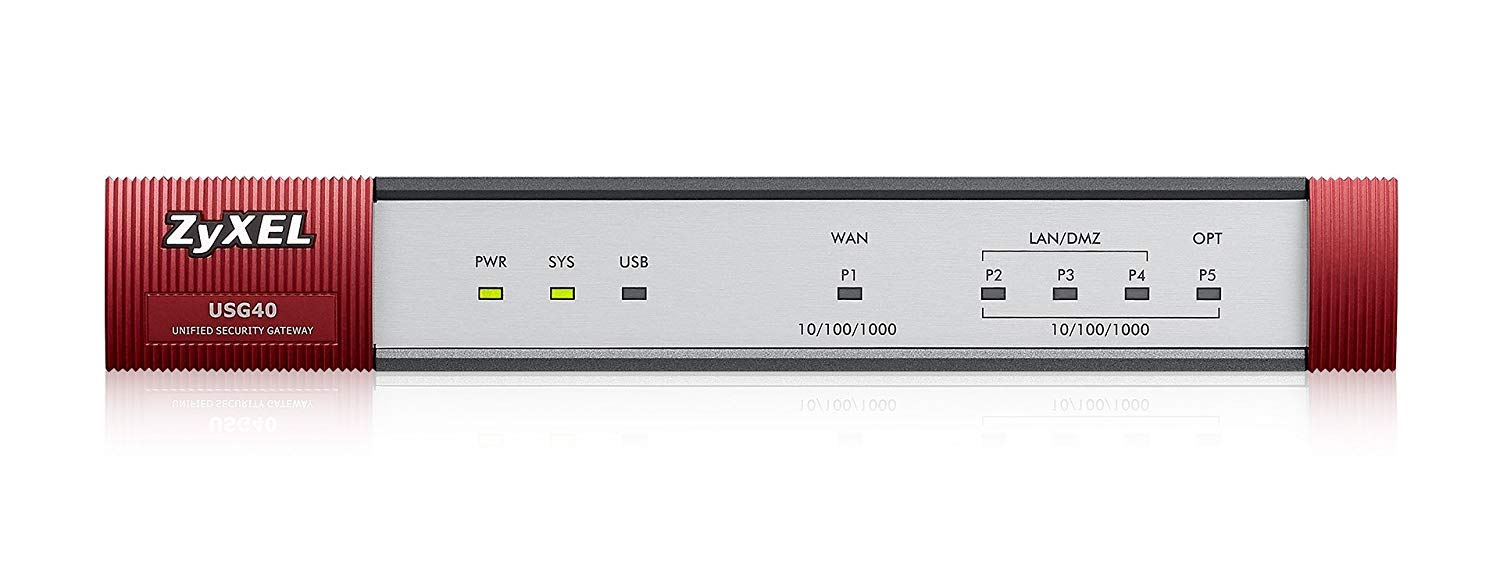
- The ZyXEL USG40 is a compact, all-in-one firewall solution designed to provide robust network security for small to medium-sized businesses.
Specifications
- OS
- ZyNOS
- IDS/IPS
- Yes
- LAN
- 4x GE
- QoS
- Yes
- USB
- 1x USB
- UTM
- 150 Mbps
- VPN
- 100 Mbps
- WAN
- 2x GE
- Firewall
- Stateful inspection, IPSec/SSL VPN, UTM
- Sessions
- 100,000
- LAN Ports
- 4
- Max VLANs
- 8
- VPN Peers
- 20
- WAN Ports
- 2
- Management
- Web, CLI, SNMP
- Throughput
- 1 Gbps
- SSL Inspection
- Yes
Potential Threats
12 Known CVEs
Default IP
192.168.1.1
Default admin panel address for ZyXEL ZyXEL USG40
Default Credentials — ZyXEL ZyXEL USG40
Known CVE Vulnerabilities (12)
Information disclosure in Core services while processing a Diag command.
Memory corruption while using the UIM diag command to get the operators name.
Memory corruption in Boot while running a ListVars test in UEFI Menu during boot.
Transient DOS in WLAN Host when an invalid channel (like channel out of range) is received in STA during CSA IE.
Transient DOS in WLAN Host while doing channel switch announcement (CSA), when a mobile station receives invalid channel in CSA IE.
Transient DOS in WLAN firmware while parsing MLO (multi-link operation).
Transient DOS in WLAN Firmware while interpreting MBSSID IE of a received beacon frame.
A post-authentication command injection vulnerability in the NTP feature of Zyxel NBG6604 firmware version V1.01(ABIR.1)C0 could allow an authenticate...
A command injection vulnerability in the configuration parser of the Zyxel ATP series firmware versions 5.10 through 5.36 Patch 2, USG FLEX series fir...
A format string vulnerability in the Zyxel ATP series firmware versions 5.10 through 5.36 Patch 2, USG FLEX series firmware versions 5.00 through 5.36...
Showing 10 of 12
FAQ
The most common default credentials for ZyXEL ZyXEL USG40 are listed in the table above. Always change these immediately after setup.
The default username for ZyXEL ZyXEL USG40 is typically "admin". The full list of default credentials including username, password, access type and port is shown in the table on this page.
Log in to the admin panel using the default credentials listed above. Navigate to Administration → Password or System → Account settings. Enter the current password and set a new strong password. Save the changes.
Locate the Reset button (usually a small pinhole on the back/bottom of the device). Hold it for 10-30 seconds while powered on until the LEDs flash. The device will reboot with default settings.
No. Default credentials are publicly known and frequently exploited by automated scanners. Change the admin password immediately after first login.
ZyXEL ZyXEL USG40 has 12 known CVE vulnerabilities documented in our database. The full list with severity ratings is shown on this page. Apply the latest firmware update from the manufacturer to address known issues.