ZyXEL ZyXEL USG FLEX 100W
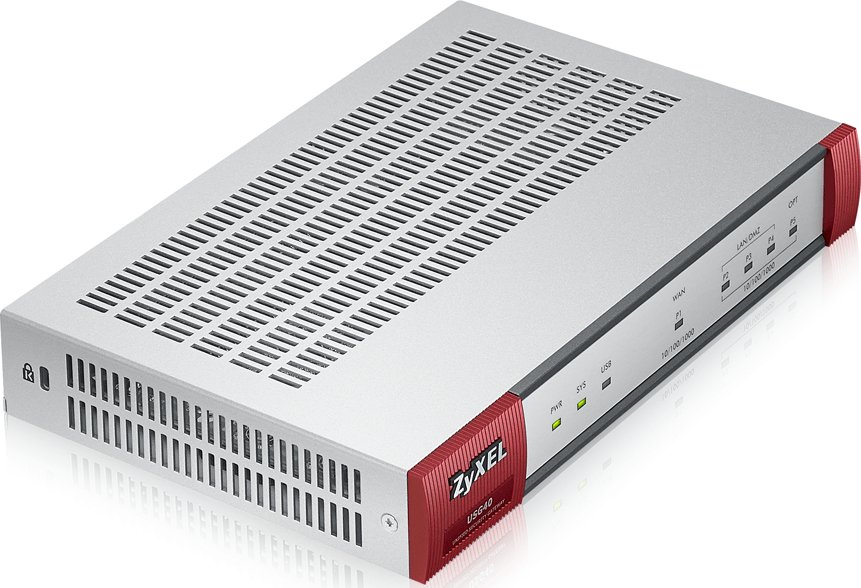
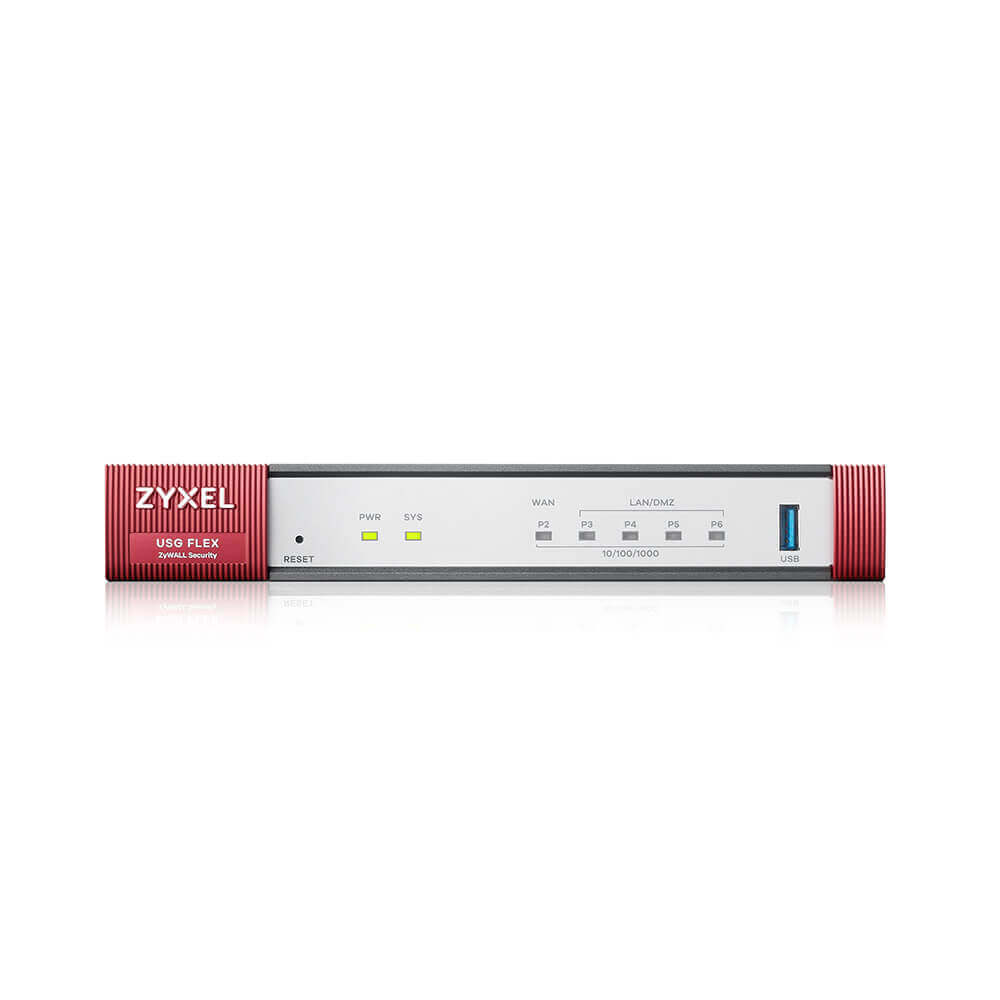
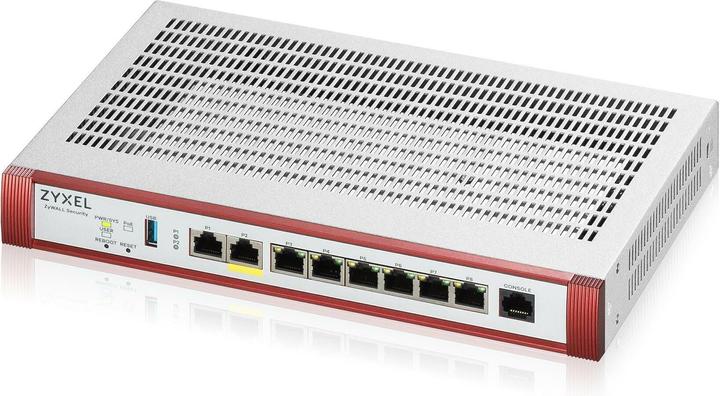
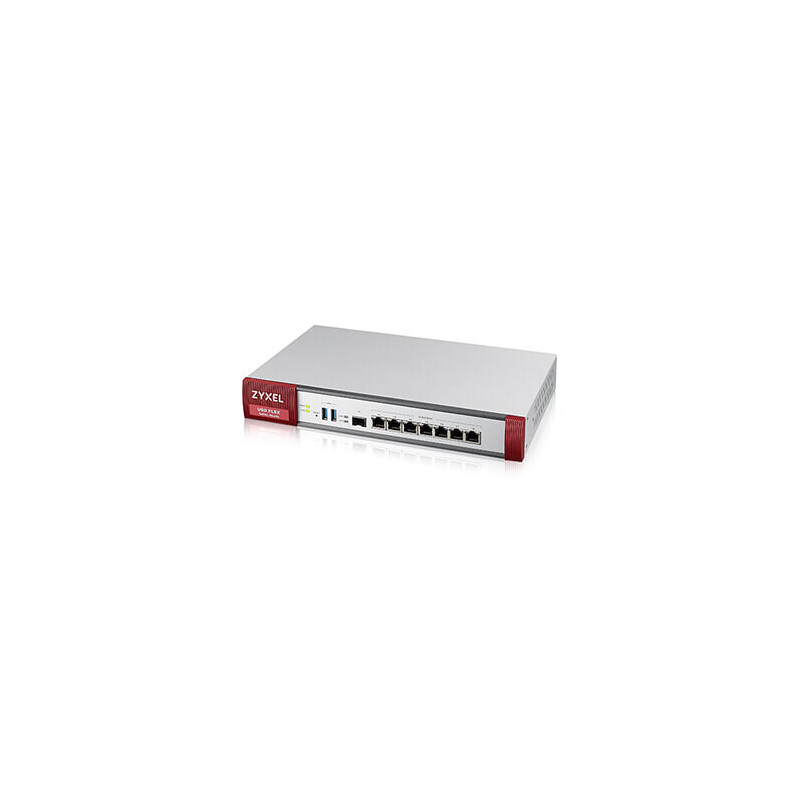
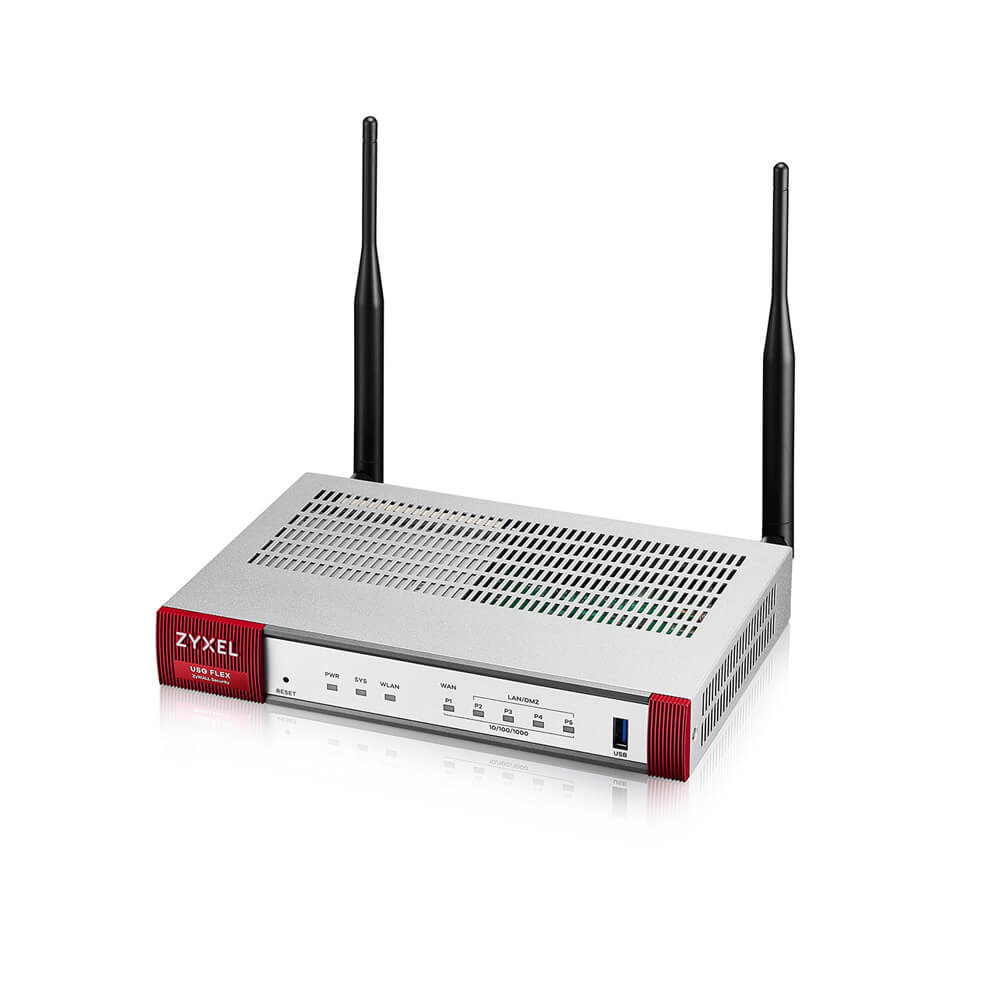
- The ZyXEL USG FLEX 100W is a compact, all-in-one firewall device that provides robust network security and flexibility.
Specifications
- OS
- ZyNOS
- CPU
- Quad-core 1.2 GHz
- IDS/IPS
- 450 Mbps
- LAN
- 4x GE
- RAM
- 1 GB
- USB
- 1x USB 3.0
- UTM
- 350 Mbps
- VPN
- 270 Mbps
- WAN
- 1x GE
- Mode
- AP
- Wi-Fi
- 802.11ac Wave 2
- Bands
- 2.4/5 GHz
- Flash
- 4 GB eMMC
- Radios
- 2
- SD-WAN
- Yes
- Max Clients
- 32
- Antennas
- 2
- Firewall
- 900 Mbps
- Sessions
- 300,000
- LAN Ports
- 4
- VPN Peers
- 100
- WAN Ports
- 1
- Management
- Nebula Cloud, Web, CLI
- SSL Inspection
- 310 Mbps
Potential Threats
25 Known CVEs
Default IP
192.168.168.1
Default admin panel address for ZyXEL ZyXEL USG FLEX 100W
Default Credentials — ZyXEL ZyXEL USG FLEX 100W
Known CVE Vulnerabilities (25)
CWE-522: Insufficiently Protected Credentials vulnerability exists that could cause unauthorized access to the project file in EcoStruxure Control Ex...
A command injection vulnerability in the configuration parser of the Zyxel ATP series firmware versions 5.10 through 5.36 Patch 2, USG FLEX series fir...
The pre-authentication command injection vulnerability in the Zyxel NAS326 firmware versions prior to V5.21(AAZF.14)C0, NAS540 firmware versions prior...
A buffer overflow vulnerability in the CGI program of the Zyxel NR7101 firmware versions prior to V1.00(ABUV.8)C0 could allow a remote authenticated...
The post-authentication command injection vulnerability in the Zyxel NAS326 firmware versions prior to V5.21(AAZF.13)C0 could allow an authenticated a...
A buffer overflow vulnerability in the ID processing function in Zyxel ATP series firmware versions 4.32 through 5.36 Patch 1, USG FLEX series firmwar...
A buffer overflow vulnerability in the notification function in Zyxel ATP series firmware versions 4.60 through 5.36 Patch 1, USG FLEX series firmware...
Certain HP LaserJet Pro print products are potentially vulnerable to Heap Overflow and/or Remote Code Execution.
Improper error message handling in Zyxel ZyWALL/USG series firmware versions 4.60 through 4.73, VPN series firmware versions 4.60 through 5.35, USG FL...
The post-authentication command injection vulnerability in the CLI command of Zyxel ATP series firmware versions 4.32 through 5.35, USG FLEX series fi...
Showing 10 of 25
FAQ
The most common default credentials for ZyXEL ZyXEL USG FLEX 100W are listed in the table above. Always change these immediately after setup.
The default username for ZyXEL ZyXEL USG FLEX 100W is typically "admin". The full list of default credentials including username, password, access type and port is shown in the table on this page.
Log in to the admin panel using the default credentials listed above. Navigate to Administration → Password or System → Account settings. Enter the current password and set a new strong password. Save the changes.
Locate the Reset button (usually a small pinhole on the back/bottom of the device). Hold it for 10-30 seconds while powered on until the LEDs flash. The device will reboot with default settings.
No. Default credentials are publicly known and frequently exploited by automated scanners. Change the admin password immediately after first login.
ZyXEL ZyXEL USG FLEX 100W has 25 known CVE vulnerabilities documented in our database. The full list with severity ratings is shown on this page. Apply the latest firmware update from the manufacturer to address known issues.