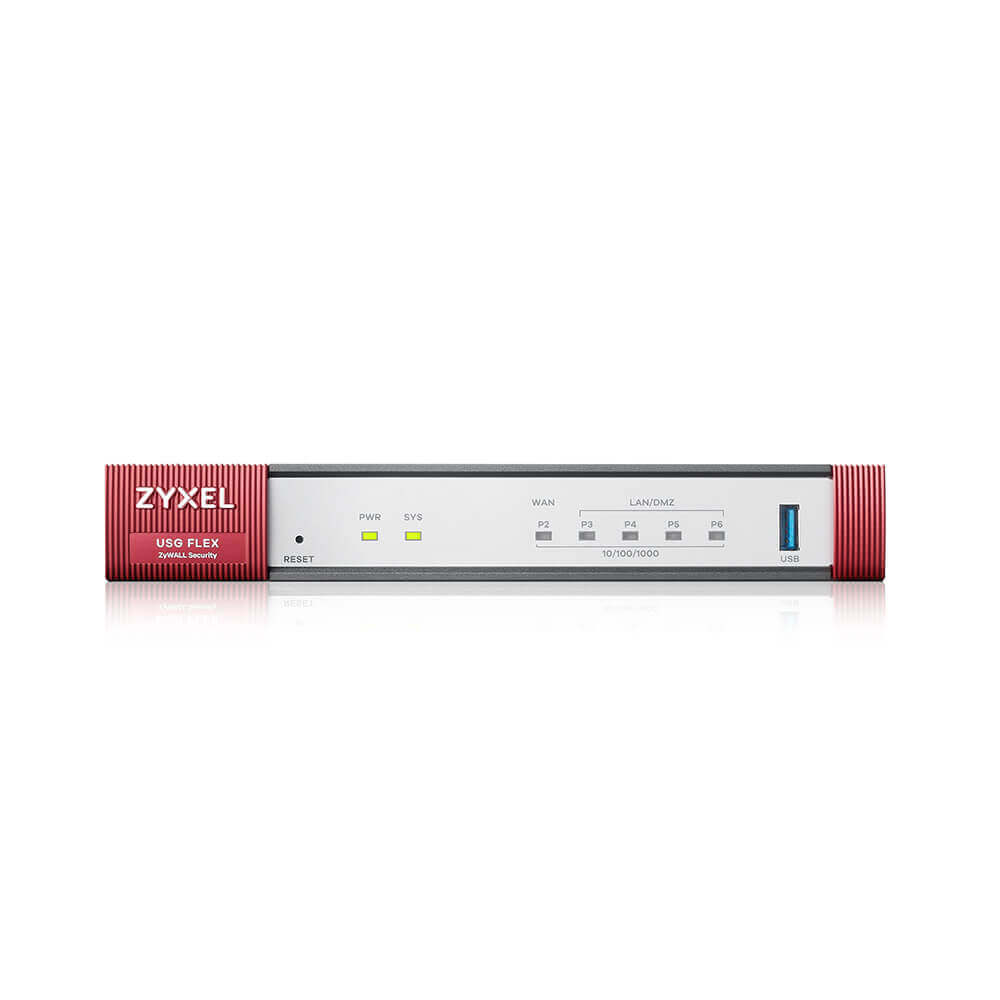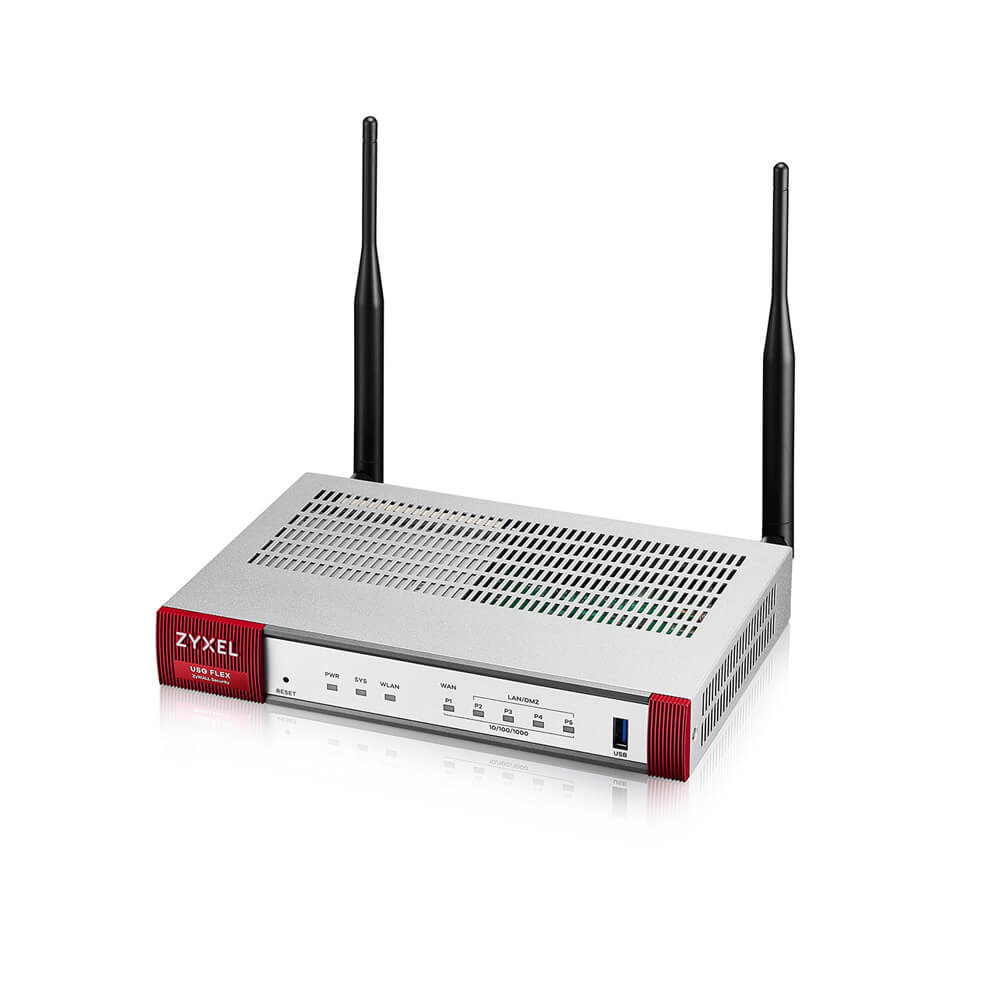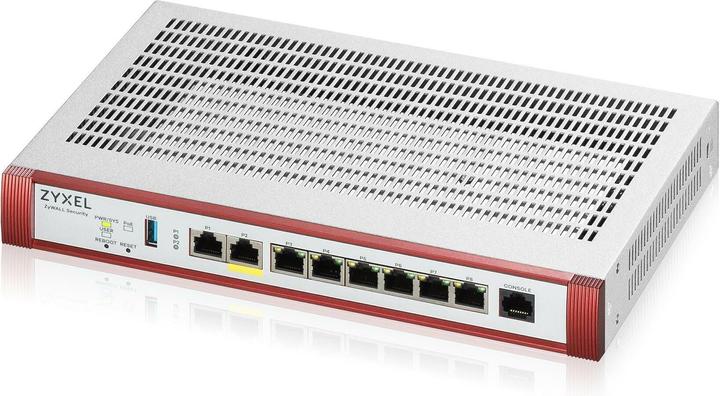
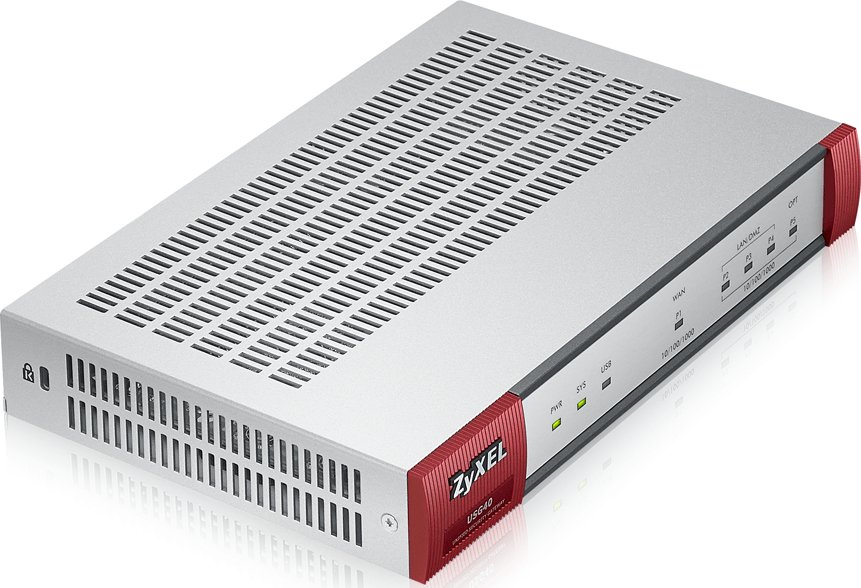
ZyXEL USG40
ZyXEL USG40 Unified Security Gateway for small office.
Specifications
- UTM
- Yes
- VPN
- IPSec, SSL
- Ports
- 4x Gigabit + 1x WAN
- Throughput
- 900 Mbps
Potential Threats
10 Known CVEs
Default IP
192.168.1.1
Default admin panel address for ZyXEL USG40
Default Credentials — ZyXEL USG40
Known CVE Vulnerabilities (10)
A post-authentication command injection vulnerability in the CLI command of Zyxel ZyWALL/USG series firmware versions 4.20 through 4.72, VPN series fi...
A cross-site scripting (XSS) vulnerability in the CGI program of Zyxel ZyWALL/USG series firmware versions 4.30 through 4.72, VPN series firmware vers...
A privilege escalation vulnerability was identified in the CLI command of Zyxel USG FLEX 100(W) firmware versions 4.50 through 5.30, USG FLEX 200 firm...
A directory traversal vulnerability caused by specific character sequences within an improperly sanitized URL was identified in some CGI programs of Z...
An authentication bypass vulnerability in the CGI program of Zyxel USG/ZyWALL series firmware versions 4.20 through 4.70, USG FLEX series firmware ver...
An authentication bypasss vulnerability in the web-based management interface of Zyxel USG/Zywall series firmware versions 4.35 through 4.64 and USG F...
Firmware version 4.60 of Zyxel USG devices contains an undocumented account (zyfwp) with an unchangeable password. The password for this account can b...
A stack-based buffer overflow in fbwifi_continue.cgi on Zyxel UTM and VPN series of gateways running firmware version V4.30 through to V4.55 allows re...
Multiple ZyXEL network-attached storage (NAS) devices running firmware version 5.21 contain a pre-authentication command injection vulnerability, whic...
On Zyxel ATP200, ATP500, ATP800, USG20-VPN, USG20W-VPN, USG40, USG40W, USG60, USG60W, USG110, USG210, USG310, USG1100, USG1900, USG2200-VPN, ZyWALL 11...
FAQ
The most common default credentials for ZyXEL USG40 are listed in the table above. Always change these immediately after setup.
The default username for ZyXEL USG40 is typically "admin". The full list of default credentials including username, password, access type and port is shown in the table on this page.
Log in to the admin panel using the default credentials listed above. Navigate to Administration → Password or System → Account settings. Enter the current password and set a new strong password. Save the changes.
Locate the Reset button (usually a small pinhole on the back/bottom of the device). Hold it for 10-30 seconds while powered on until the LEDs flash. The device will reboot with default settings.
No. Default credentials are publicly known and frequently exploited by automated scanners. Change the admin password immediately after first login.
ZyXEL USG40 has 10 known CVE vulnerabilities documented in our database. The full list with severity ratings is shown on this page. Apply the latest firmware update from the manufacturer to address known issues.