ZyXEL ZyXEL USG FLEX 500
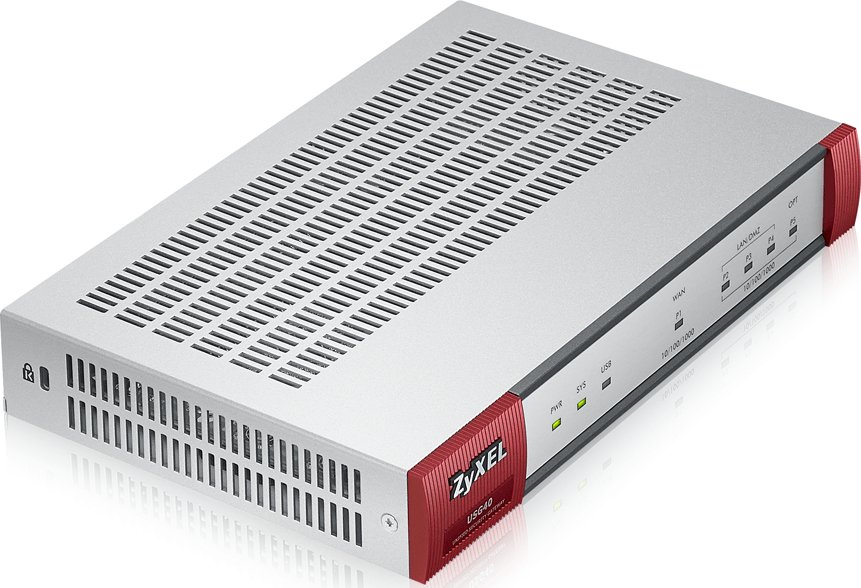
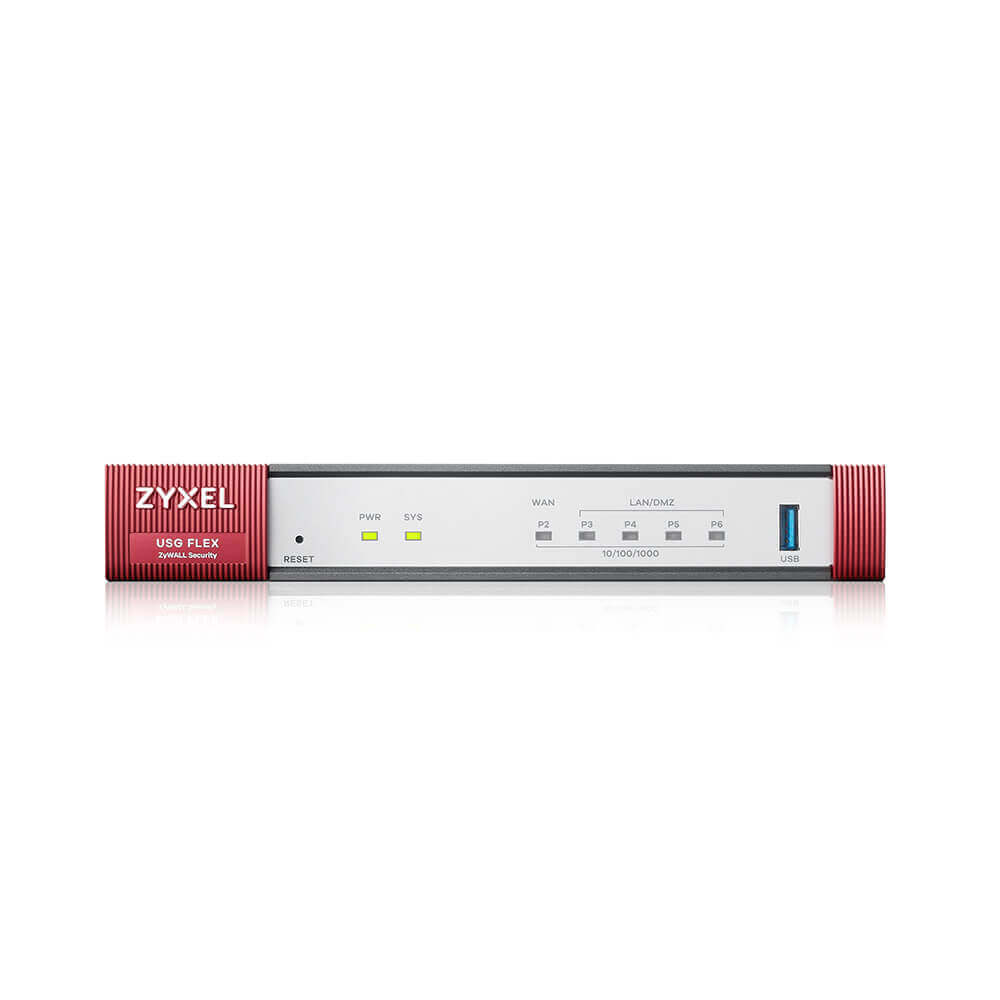
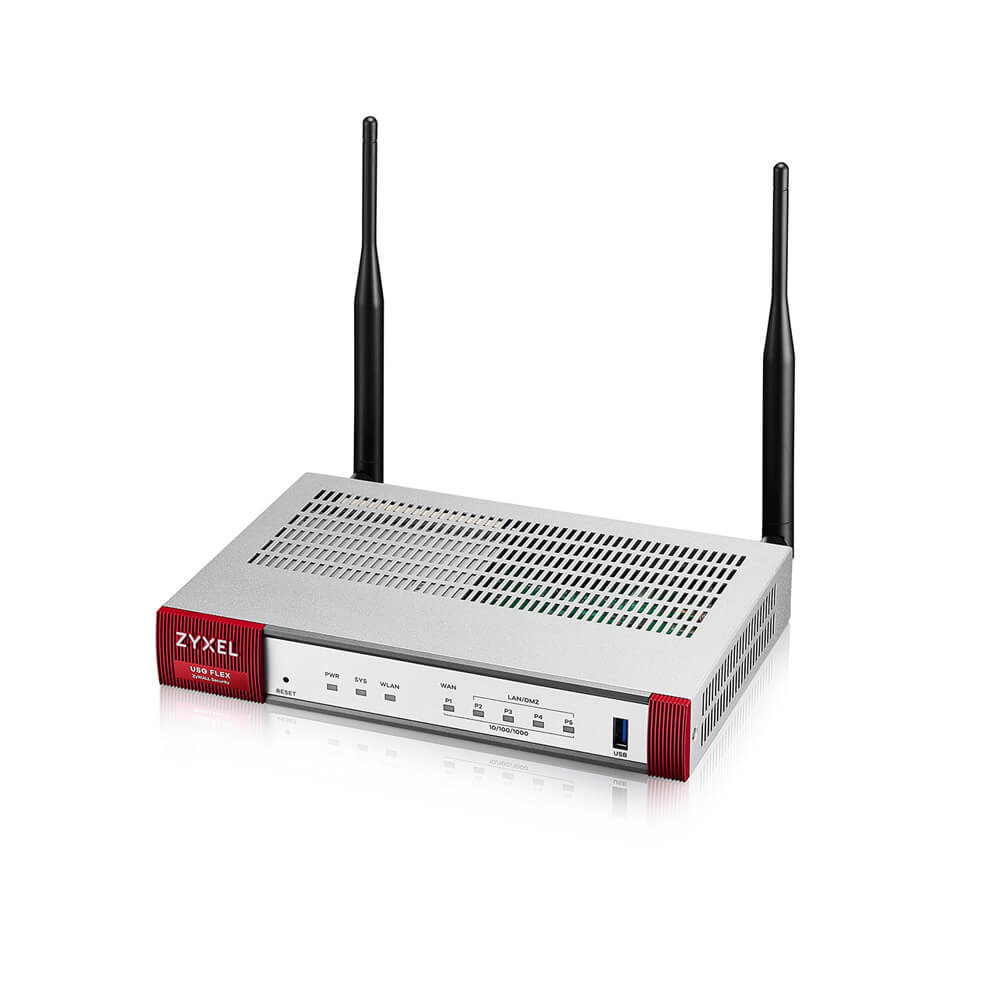
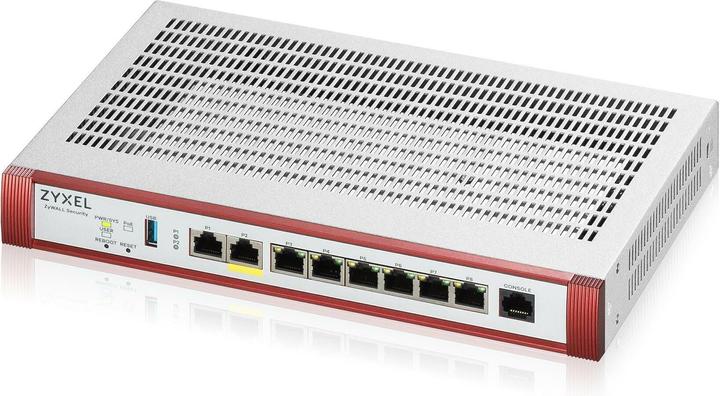
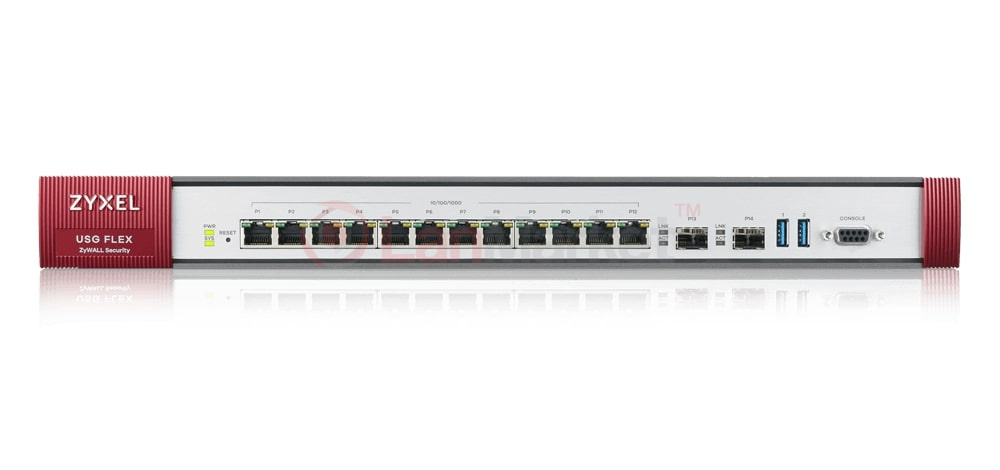
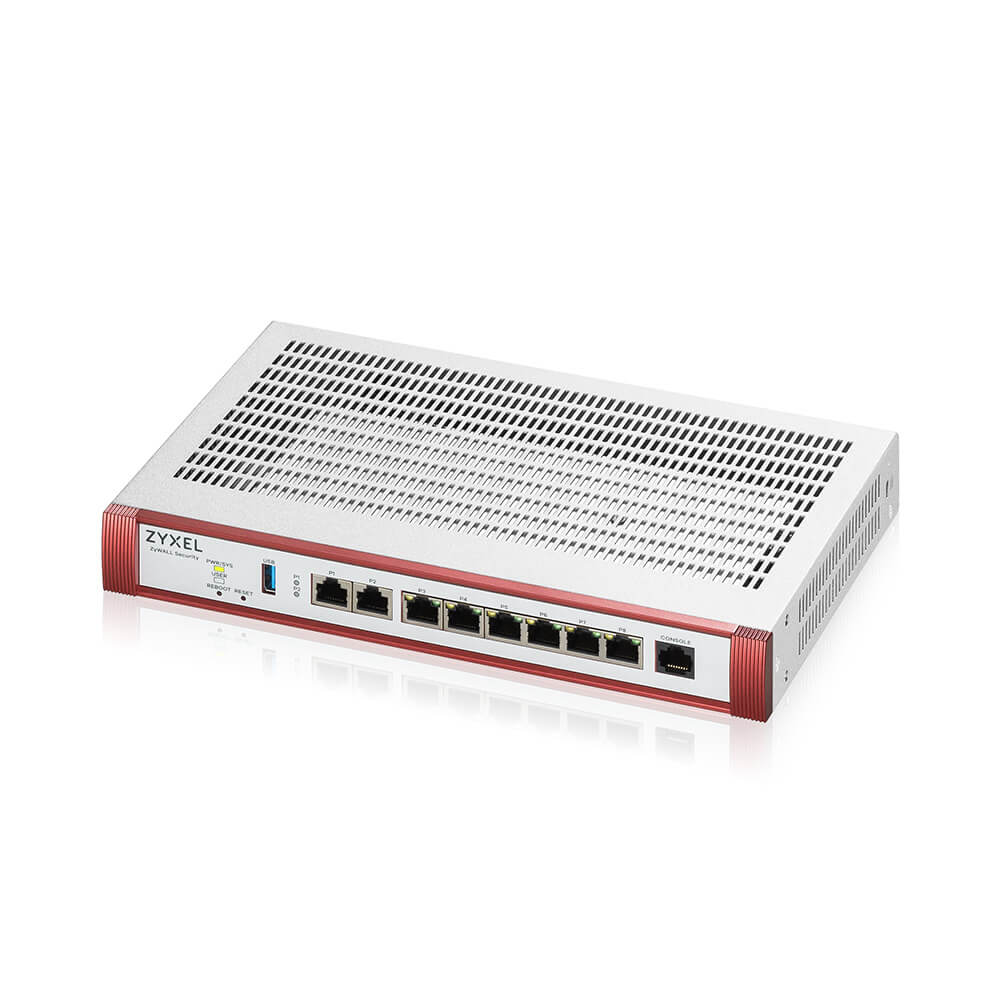
- The ZyXEL USG FLEX 500 is a compact and powerful firewall device designed for small to medium-sized businesses.
Specifications
- OS
- ZyNOS
- IDS/IPS
- Yes
- RAM
- 4 GB
- USB
- 1x USB 3.0
- UTM
- 810 Mbps
- VPN
- 900 Mbps
- Flash
- 8 GB eMMC
- SD-WAN
- Yes
- Firewall
- Yes
- Sessions
- 600,000
- LAN Ports
- 7x GE
- VPN Peers
- 300
- WAN Ports
- 2x GE
- Management
- Nebula, Web, CLI
- Throughput
- 2.3 Gbps
- Operating Temp
- 0 to 40°C
- SSL Inspection
- Yes
Potential Threats
19 Known CVEs
Default IP
192.168.1.1
Default admin panel address for ZyXEL ZyXEL USG FLEX 500
Default Credentials — ZyXEL ZyXEL USG FLEX 500
Known CVE Vulnerabilities (19)
Improper Check for Unusual or Exceptional Conditions vulnerability in Phoenix SecureCore™ for Intel Kaby Lake, Phoenix SecureCore™ for Intel Coffee La...
User passwords are decrypted and stored on memory before any user logged in. Those decrypted passwords can be retrieved from the coredump file. As for...
A null pointer dereference vulnerability in Zyxel ATP series firmware versions from V4.32 through V5.38, USG FLEX series firmware versions from V4.50...
A command injection vulnerability in the IPSec VPN feature of Zyxel ATP series firmware versions from V4.32 through V5.38, USG FLEX series firmware ve...
Retool (self-hosted enterprise) through 3.40.0 inserts resource authentication credentials into sent data. Credentials for users with "Use" permission...
Mattermost versions 9.9.x <= 9.9.0, 9.5.x <= 9.5.6 fail to properly validate synced reactions, when shared channels are enabled, which allows a malici...
Cervantes through 0.5-alpha allows stored XSS.
** UNSUPPORTED WHEN ASSIGNED ** The improper privilege management vulnerability in the command “show_allsessions” in Zyxel NAS326 firmware versions be...
** UNSUPPORTED WHEN ASSIGNED ** The improper privilege management vulnerability in the SUID executable binary in Zyxel NAS326 firmware versions before...
** UNSUPPORTED WHEN ASSIGNED ** The remote code execution vulnerability in the CGI program “file_upload-cgi” in Zyxel NAS326 firmware versions before ...
Showing 10 of 19
FAQ
The most common default credentials for ZyXEL ZyXEL USG FLEX 500 are listed in the table above. Always change these immediately after setup.
The default username for ZyXEL ZyXEL USG FLEX 500 is typically "admin". The full list of default credentials including username, password, access type and port is shown in the table on this page.
Log in to the admin panel using the default credentials listed above. Navigate to Administration → Password or System → Account settings. Enter the current password and set a new strong password. Save the changes.
Locate the Reset button (usually a small pinhole on the back/bottom of the device). Hold it for 10-30 seconds while powered on until the LEDs flash. The device will reboot with default settings.
No. Default credentials are publicly known and frequently exploited by automated scanners. Change the admin password immediately after first login.
ZyXEL ZyXEL USG FLEX 500 has 19 known CVE vulnerabilities documented in our database. The full list with severity ratings is shown on this page. Apply the latest firmware update from the manufacturer to address known issues.