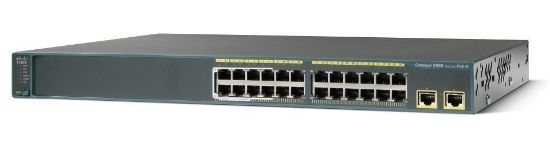
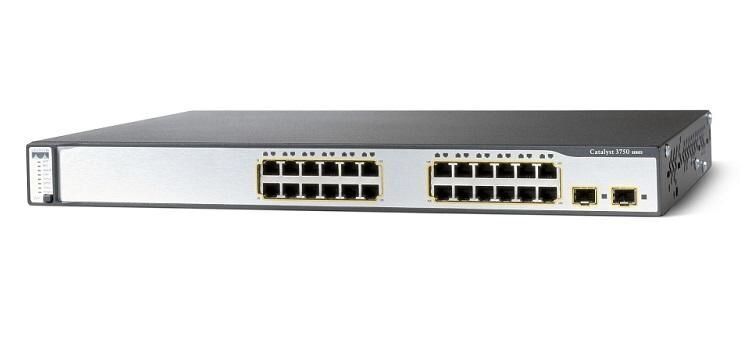
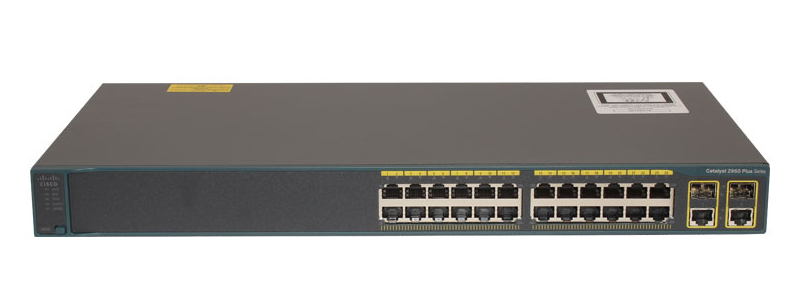
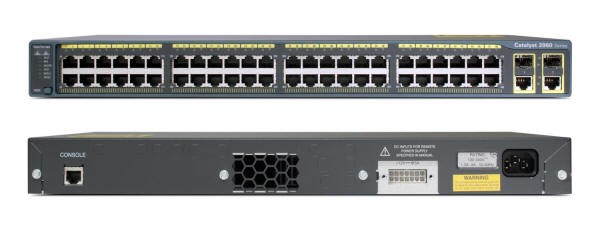
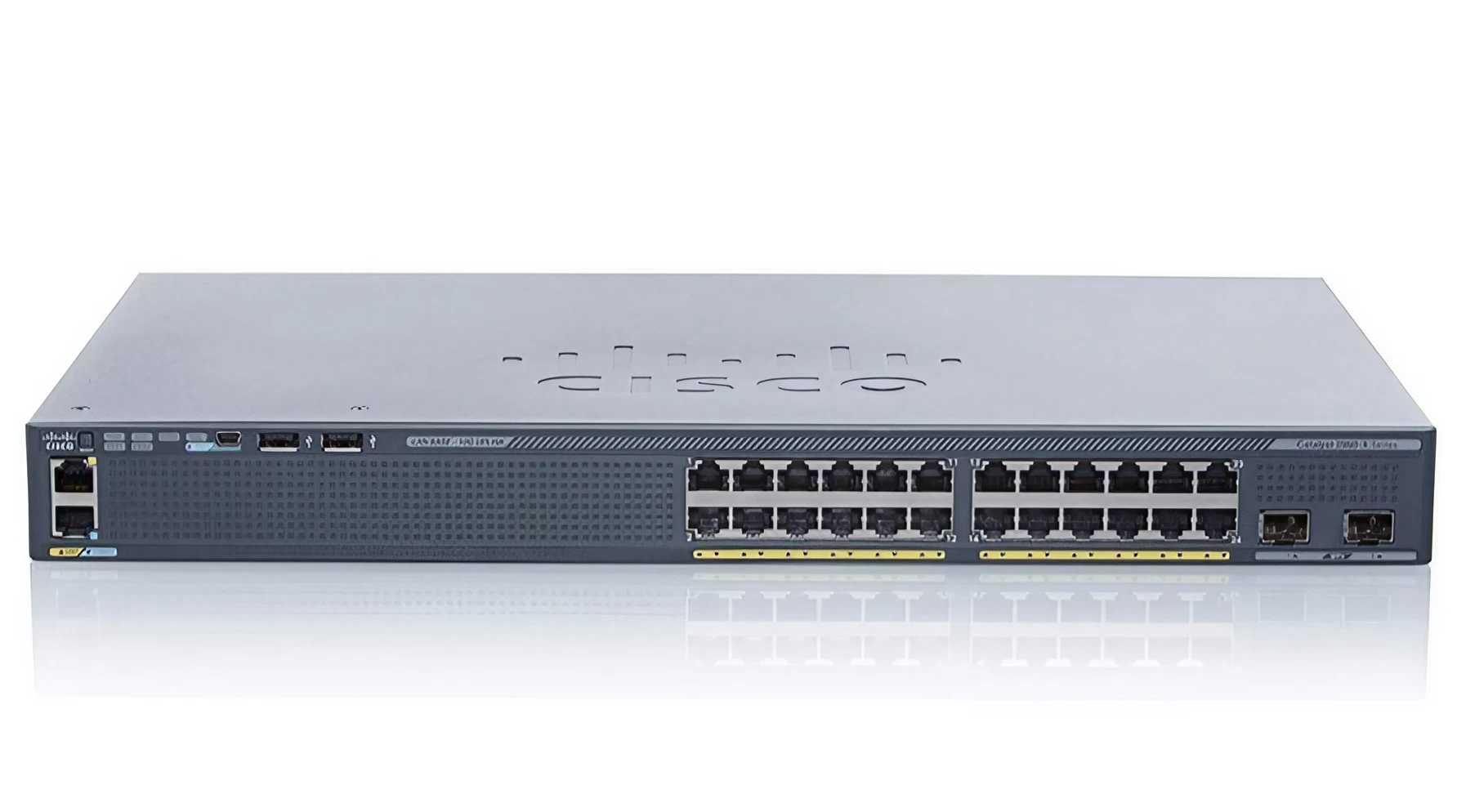
Cisco Cisco Catalyst 2960S-48TS-L
- The Cisco Catalyst 2960S-48TS-L is a reliable and scalable Ethernet switch that provides high-performance switching and routing capabilities.
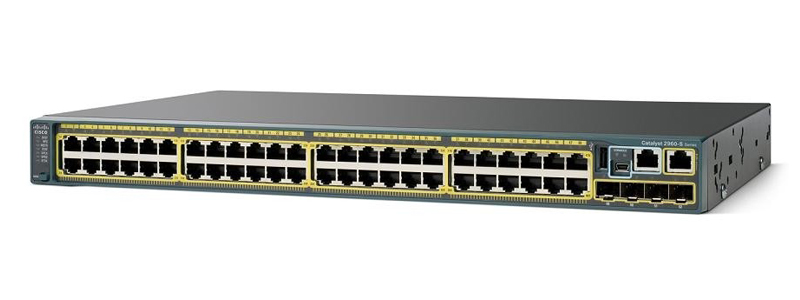
Specifications
- OS
- Cisco IOS
- LAN
- 10/100/1000 Ethernet
- QoS
- Yes
- RAM
- 128 MB
- USB
- 1x USB Type-A
- Flash
- 64 MB
- Layer
- Layer 2
- Ports
- 48x RJ-45
- VLANs
- 255
- Uplinks
- 4x 1G SFP
- Auto MDI/X
- Yes
- LAN Ports
- 48
- Max VLANs
- 255
- Switching Capacity
- 176 Gbps
- Management
- CLI, SNMP, Web GUI
Potential Threats
20 Known CVEs
Default IP
192.168.0.1
Default admin panel address for Cisco Cisco Catalyst 2960S-48TS-L
Default Credentials — Cisco Cisco Catalyst 2960S-48TS-L
| Username | Password | Access Type | Protocol | Port | Notes |
|---|---|---|---|---|---|
| (blank) | (blank) | console | Console | — |
Known CVE Vulnerabilities (20)
A vulnerability in the SSH connection handling of Cisco Integrated Management Controller (IMC) for Cisco UCS B-Series, UCS C-Series, UCS S-Series, and...
A vulnerability in the application data endpoints of Cisco Catalyst SD-WAN Manager, formerly Cisco SD-WAN vManage, could allow an authenticated, remot...
A vulnerability in confederation implementation for the Border Gateway Protocol (BGP) in Cisco IOS XR Software could allow an unauthenticated, re...
A vulnerability in the REST API of Cisco Meeting Management could allow a remote, authenticated attacker with low privileges to elevate privileges to...
A vulnerability in the web-based management interface of Cisco Unified Industrial Wireless Software for Cisco Ultra-Reliable Wireless Backhaul (URWB)...
A vulnerability in the web-based management interface of Cisco Secure Firewall Management Center (FMC) Software, formerly Firepower Management Center...
A vulnerability in Cisco Smart Licensing Utility (CSLU) could allow an unauthenticated, remote attacker to log into an affected system by using a stat...
A vulnerability in the CLI of Cisco NX-OS Software could allow an authenticated, low-privileged, local attacker to execute arbitrary commands on the u...
A vulnerability in the web-based management interface of Cisco Firepower Management Center (FMC) Software could allow an authenticated, remote attacke...
A vulnerability in the file policy feature that is used to inspect encrypted archive files of Cisco Firepower Threat Defense (FTD) Software could allo...
Showing 10 of 20
FAQ
The most common default credentials for Cisco Cisco Catalyst 2960S-48TS-L are listed in the table above. Always change these immediately after setup.
The default username for Cisco Cisco Catalyst 2960S-48TS-L is typically "admin". The full list of default credentials including username, password, access type and port is shown in the table on this page.
Log in to the admin panel using the default credentials listed above. Navigate to Administration → Password or System → Account settings. Enter the current password and set a new strong password. Save the changes.
Locate the Reset button (usually a small pinhole on the back/bottom of the device). Hold it for 10-30 seconds while powered on until the LEDs flash. The device will reboot with default settings.
No. Default credentials are publicly known and frequently exploited by automated scanners. Change the admin password immediately after first login.
Cisco Cisco Catalyst 2960S-48TS-L has 20 known CVE vulnerabilities documented in our database. The full list with severity ratings is shown on this page. Apply the latest firmware update from the manufacturer to address known issues.