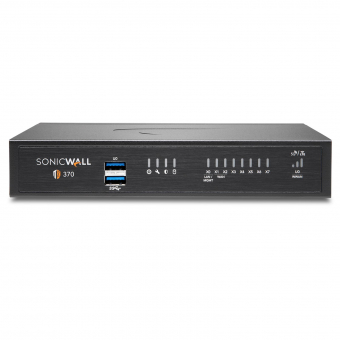
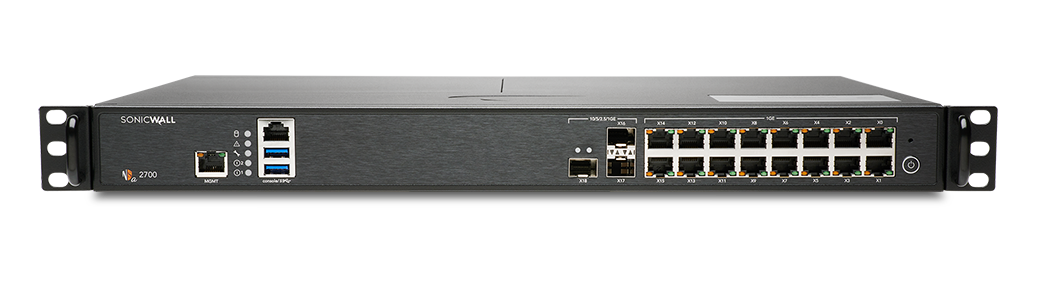
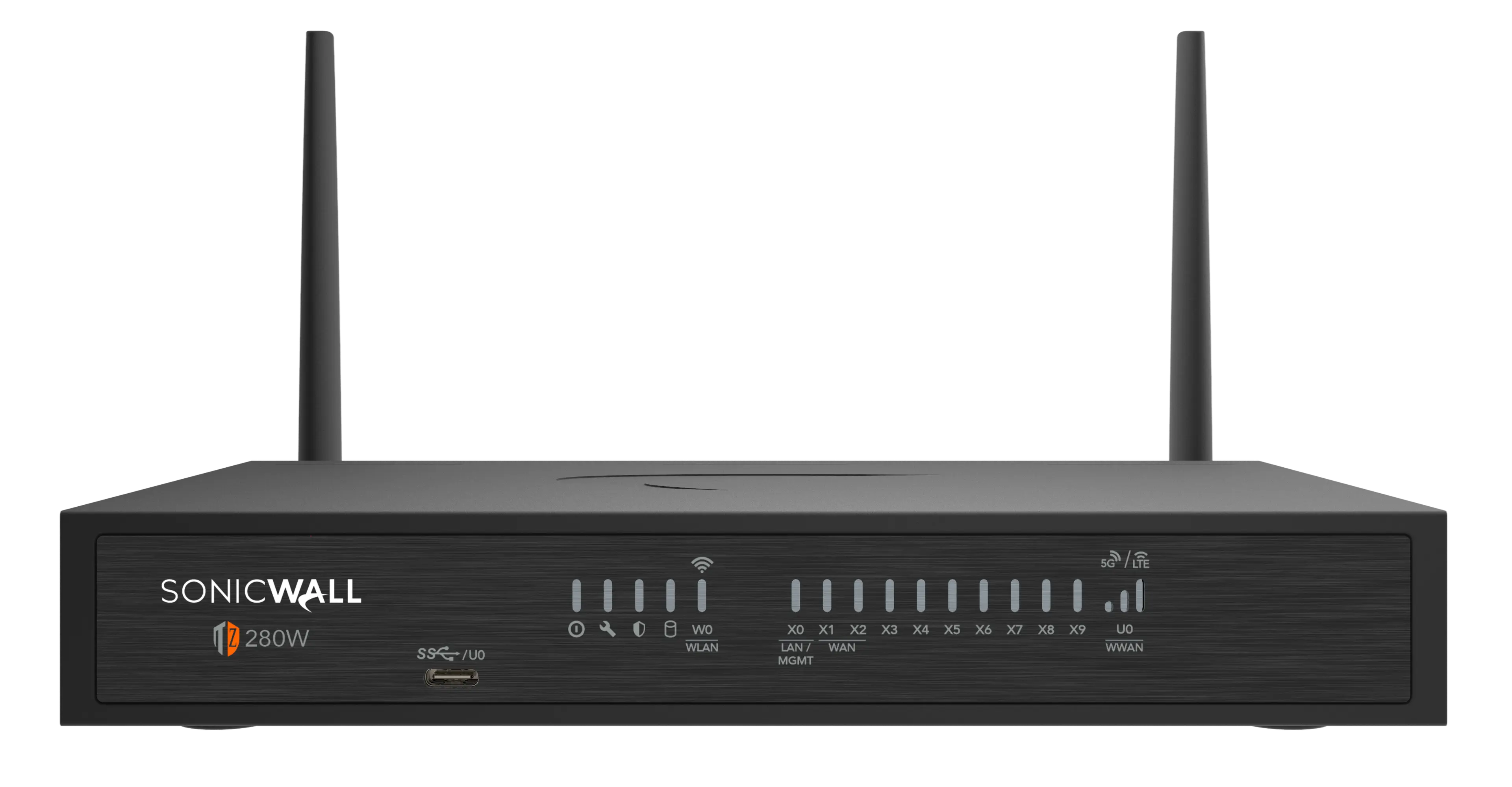
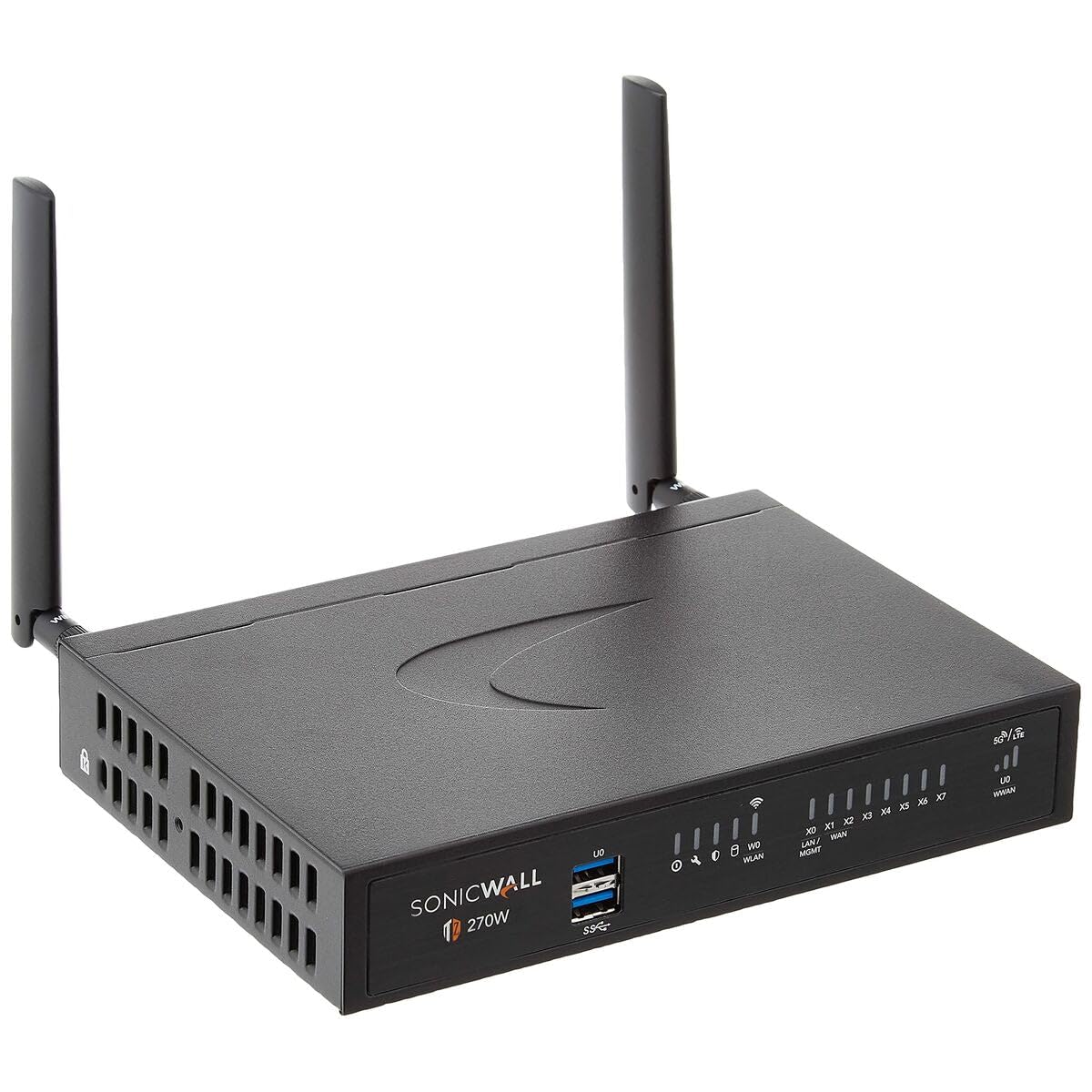
SonicWall SonicWall TZ570
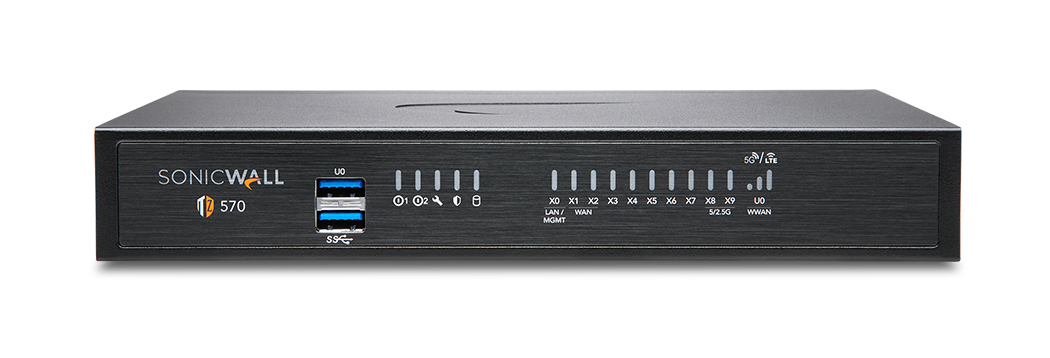
- The SonicWall TZ570 is a high-performance, feature-rich firewall designed for small to medium-sized businesses and branch offices.
Specifications
- OS
- SonicOS 7
- IDS/IPS
- Yes
- LAN
- 1 GbE
- RAM
- 4 GB
- USB
- 2x USB 3.0
- UTM
- 1.9 Gbps
- VPN
- 1.8 Gbps IPsec
- WAN
- 1/2.5/5 GbE
- Ports
- 7x GE + 2x 5GbE + 1x 2.5GbE + 1x GE SFP + 2x USB 3.0
- SD-WAN
- Yes
- Firewall
- Stateful, DPI, IPS
- Sessions
- 1,500,000
- LAN Ports
- 7x GE
- VPN Peers
- 1,000
- WAN Ports
- 2x 5GbE + 1x 2.5GbE + 1x GE SFP
- Management
- Web, CLI, NSM
- Throughput
- 3.6 Gbps
- SSL Inspection
- 2.0 Gbps
Potential Threats
25 Known CVEs
Default IP
192.168.168.168
Default admin panel address for SonicWall SonicWall TZ570
Default Credentials — SonicWall SonicWall TZ570
Known CVE Vulnerabilities (25)
An improper privilege management vulnerability in the SonicWall NetExtender Windows (32 and 64 bit) client allows a low privileged attacker to modify...
An Improper Authentication vulnerability in the SSLVPN authentication mechanism allows a remote attacker to bypass authentication.
Use of Cryptographically Weak Pseudo-Random Number Generator (PRNG) in the SonicOS SSLVPN authentication token generator that, in certain cases, can b...
An improper access control vulnerability has been identified in the SonicWall SonicOS management access, potentially leading to unauthorized resource...
Vulnerability in SonicWall SMA100 NetExtender Windows (32 and 64-bit) client 10.2.339 and earlier versions allows an attacker to arbitrary code execut...
Improper neutralization of special elements in the SMA100 SSL-VPN management interface allows a remote authenticated attacker with administrative priv...
Improper Neutralization of Special Elements used in an SQL Command ('SQL Injection') vulnerability in SonicWall GMS and Analytics allows an unauthenti...
Use of password hash instead of password for authentication vulnerability in SonicWall GMS and Analytics allows Pass-the-Hash attacks. This issue affe...
Exposure of sensitive information to an unauthorized actor vulnerability in SonicWall GMS and Analytics enables an unauthenticated attacker to access...
SonicWall GMS and Analytics use outdated Tiny Encryption Algorithm (TEA) with a hardcoded key to encrypt sensitive data. This issue affects GMS: 9.3.2...
Showing 10 of 25
FAQ
The most common default credentials for SonicWall SonicWall TZ570 are listed in the table above. Always change these immediately after setup.
The default username for SonicWall SonicWall TZ570 is typically "admin". The full list of default credentials including username, password, access type and port is shown in the table on this page.
Log in to the admin panel using the default credentials listed above. Navigate to Administration → Password or System → Account settings. Enter the current password and set a new strong password. Save the changes.
Locate the Reset button (usually a small pinhole on the back/bottom of the device). Hold it for 10-30 seconds while powered on until the LEDs flash. The device will reboot with default settings.
No. Default credentials are publicly known and frequently exploited by automated scanners. Change the admin password immediately after first login.
SonicWall SonicWall TZ570 has 25 known CVE vulnerabilities documented in our database. The full list with severity ratings is shown on this page. Apply the latest firmware update from the manufacturer to address known issues.