SonicWall SonicWall SMA 500v
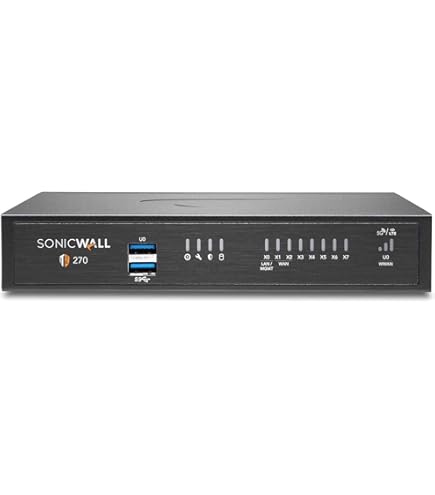
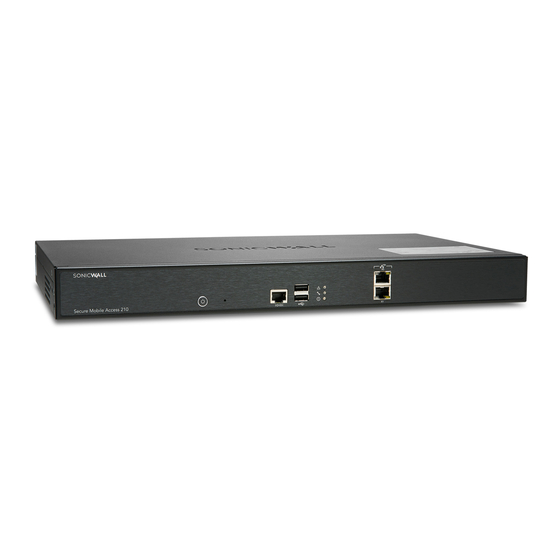
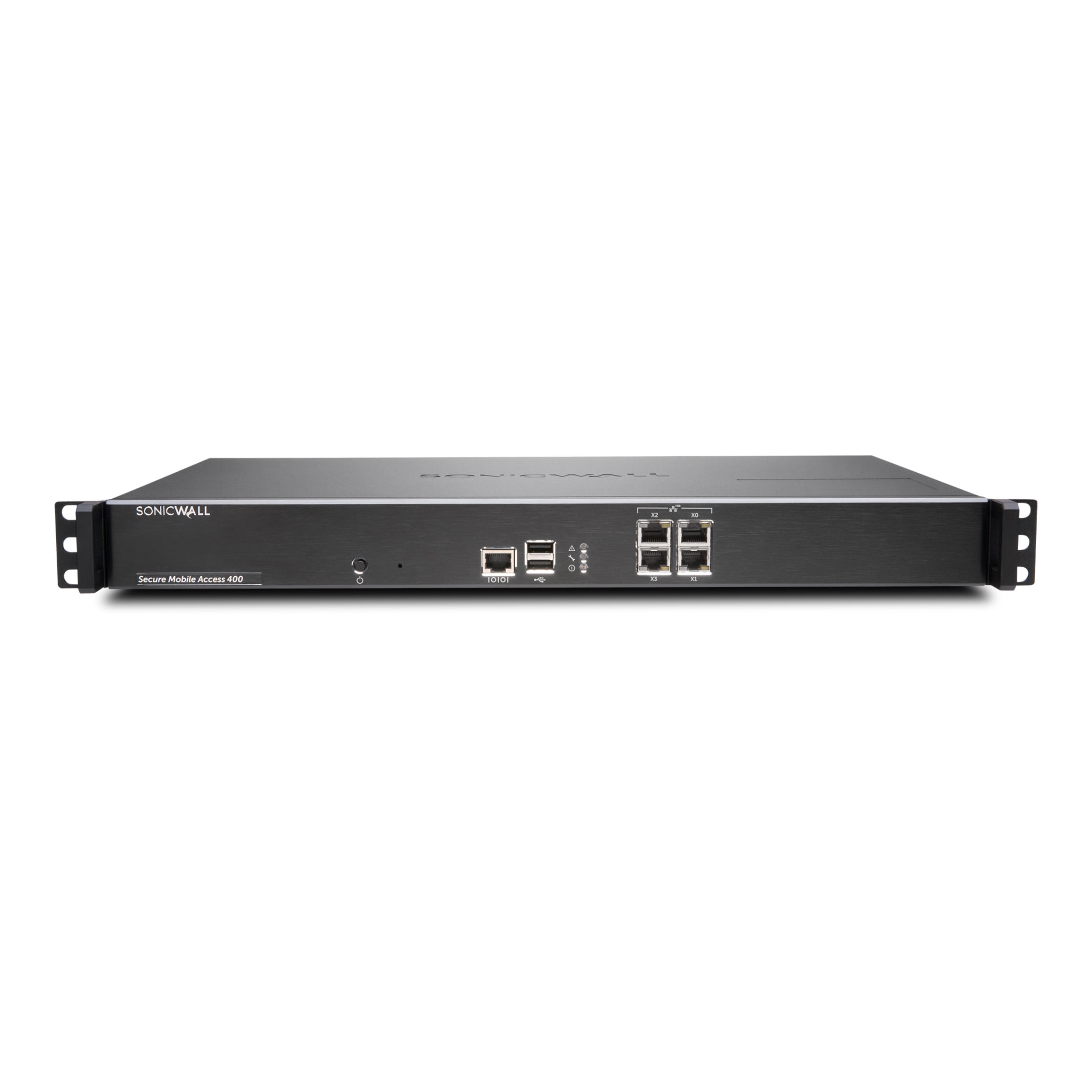
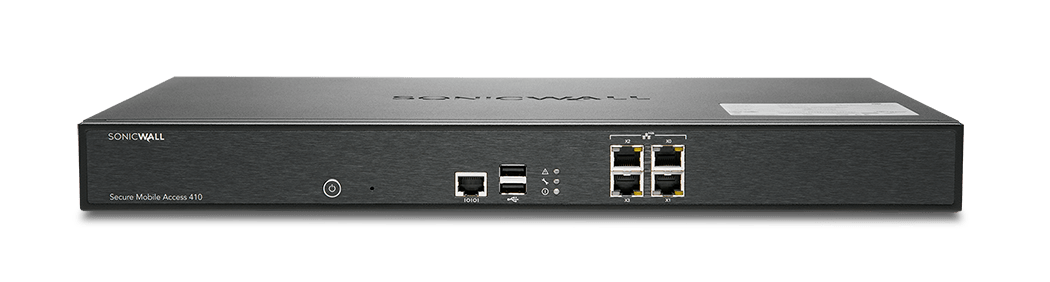
- The SonicWall SMA 500v is a virtualized remote access gateway that provides secure, policy-based access to network resources.
Specifications
- OS
- SMAOS
- VPN
- SSL VPN
- Firewall
- No
- Management
- Web
- Form Factor
- Virtual
Potential Threats
8 Known CVEs
Default IP
192.168.1.100
Default admin panel address for SonicWall SonicWall SMA 500v
Default Credentials — SonicWall SonicWall SMA 500v
| Username | Password | Access Type | Protocol | Port | Notes |
|---|---|---|---|---|---|
| web | HTTPS | 443 |
Known CVE Vulnerabilities (8)
A vulnerability in SonicOS where the HTTP server response leaks partial memory by sending a crafted HTTP request, this can potentially lead to an inte...
SonicWall Email Security version 10.0.9.x contains a vulnerability that allows a post-authenticated attacker to read an arbitrary file on the remote h...
A command execution vulnerability in SonicWall GMS 9.3 allows a remote unauthenticated attacker to locally escalate privilege to root.
SonicWall Email Security version 10.0.9.x contains a vulnerability that allows a post-authenticated attacker to upload an arbitrary file to the remote...
A vulnerability in the SonicWall Email Security version 10.0.9.x allows an attacker to create an administrative account by sending a crafted HTTP requ...
A post-authenticated vulnerability in SonicWall SMA100 allows an attacker to export the configuration file to the specified email address. This vulner...
A post-authenticated command injection vulnerability in SonicWall SMA100 allows an authenticated attacker to execute OS commands as a 'nobody' user. T...
A SQL-Injection vulnerability in the SonicWall SSLVPN SMA100 product allows a remote unauthenticated attacker to perform SQL query to access username...
FAQ
The most common default credentials for SonicWall SonicWall SMA 500v are listed in the table above. Always change these immediately after setup.
The default username for SonicWall SonicWall SMA 500v is typically "admin". The full list of default credentials including username, password, access type and port is shown in the table on this page.
Log in to the admin panel using the default credentials listed above. Navigate to Administration → Password or System → Account settings. Enter the current password and set a new strong password. Save the changes.
Locate the Reset button (usually a small pinhole on the back/bottom of the device). Hold it for 10-30 seconds while powered on until the LEDs flash. The device will reboot with default settings.
No. Default credentials are publicly known and frequently exploited by automated scanners. Change the admin password immediately after first login.
SonicWall SonicWall SMA 500v has 8 known CVE vulnerabilities documented in our database. The full list with severity ratings is shown on this page. Apply the latest firmware update from the manufacturer to address known issues.