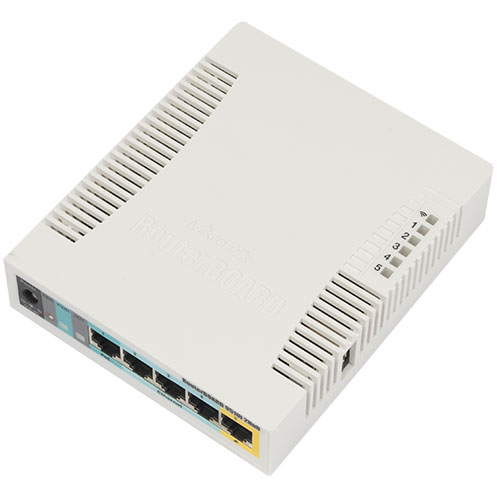
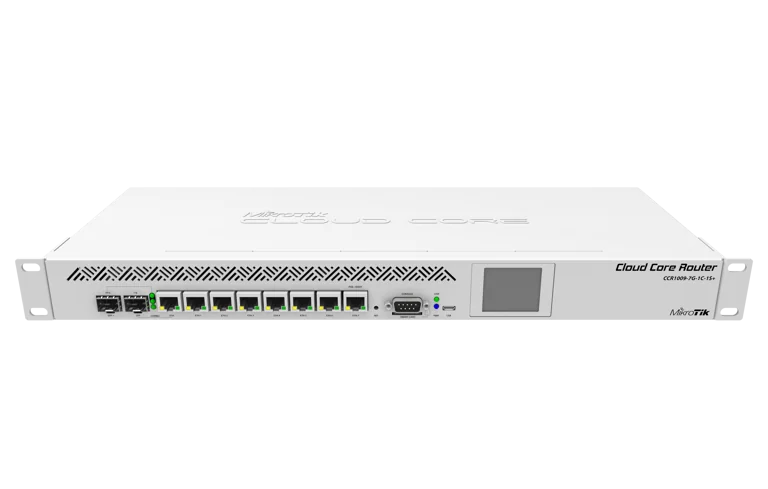
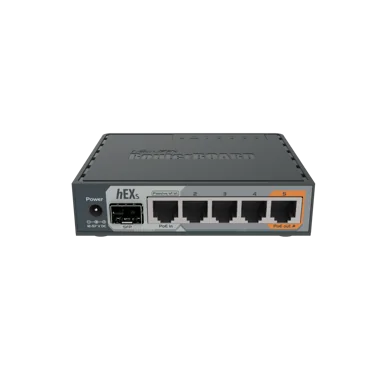
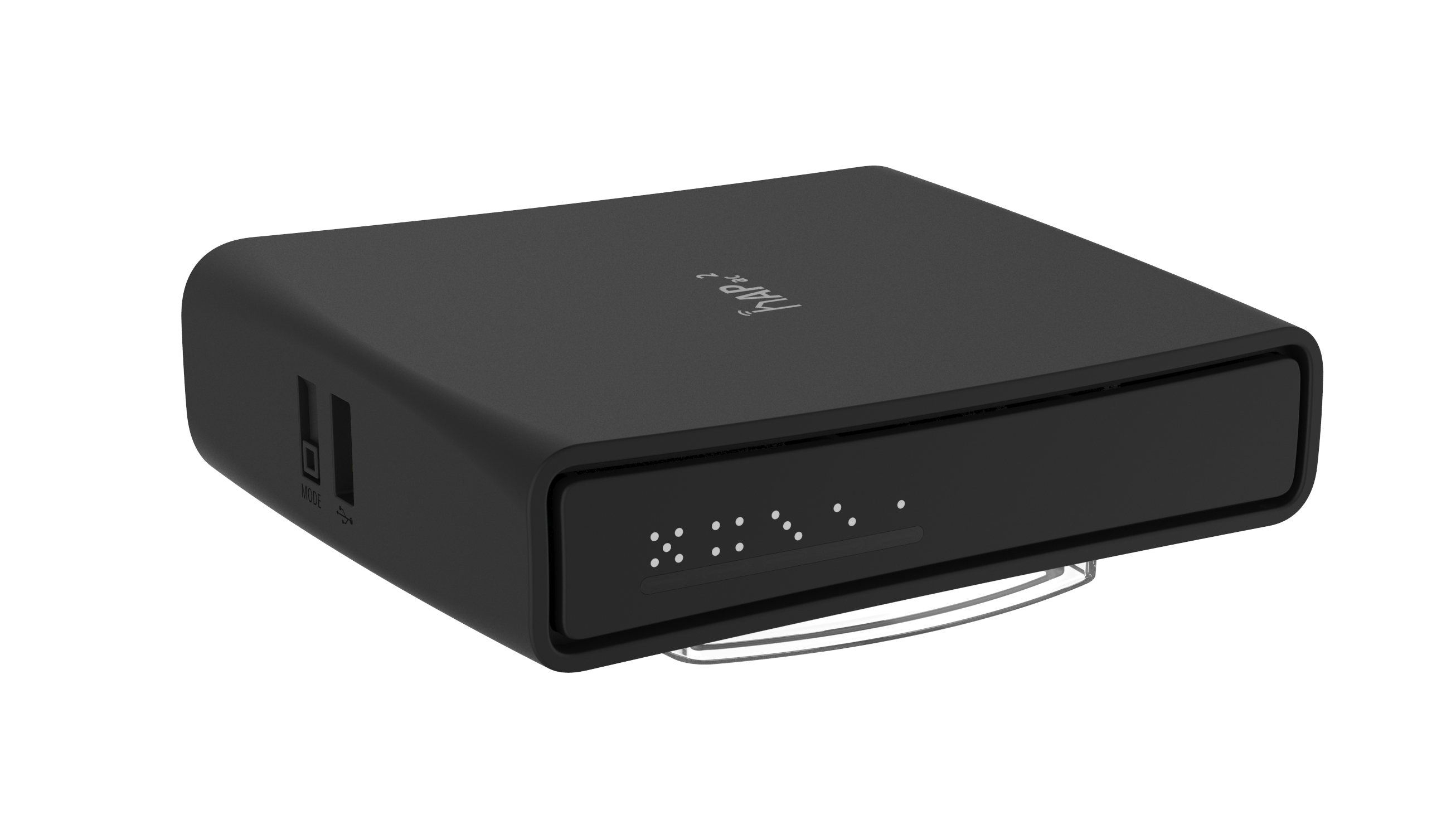
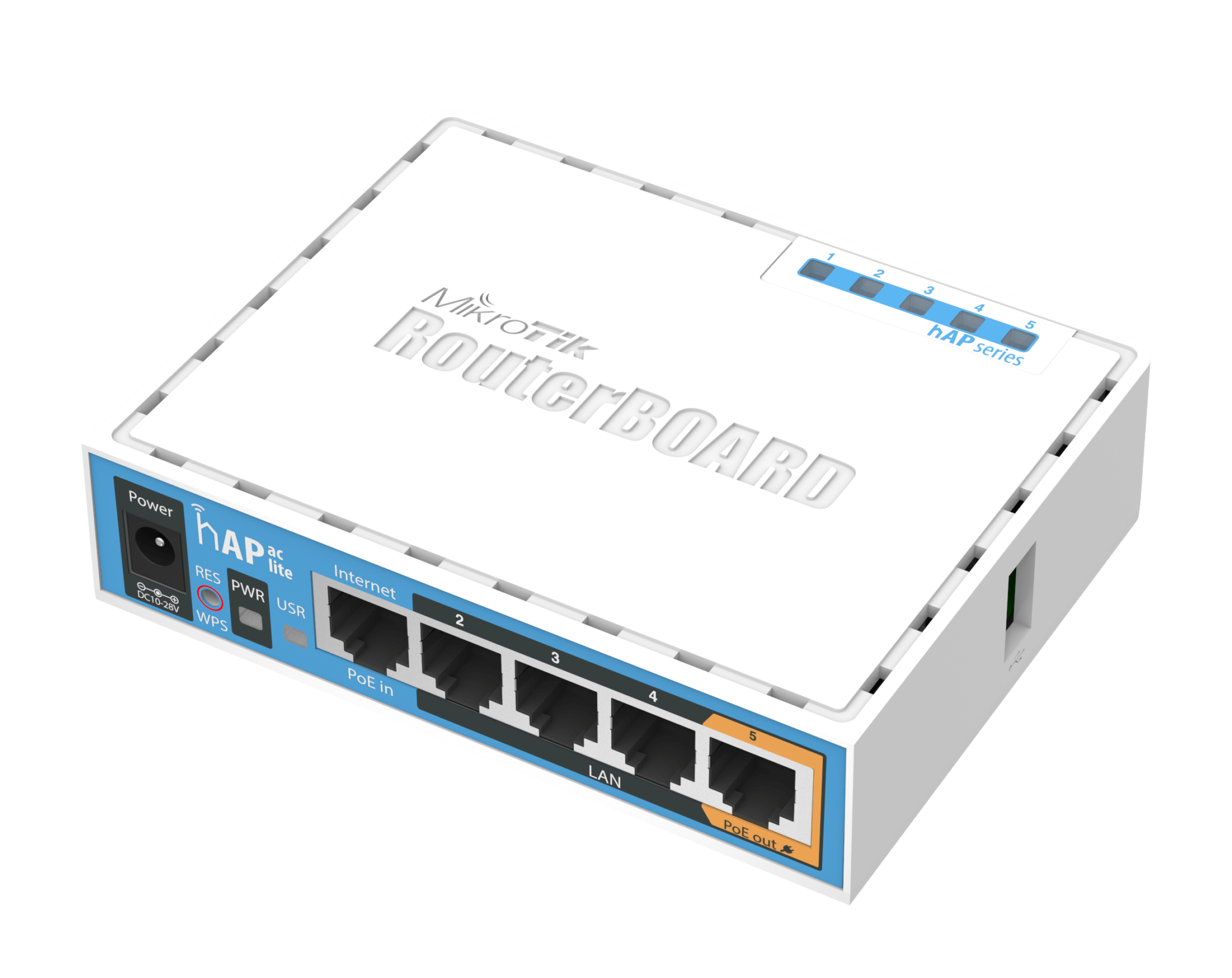
MikroTik MikroTik RBM11G
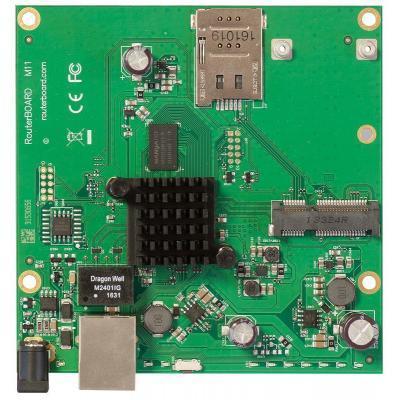
- The MikroTik RBM11G is a powerful router designed for high-speed internet and network connectivity.
Specifications
- OS
- RouterOS
- CPU
- 880 MHz
- LAN
- Gigabit Ethernet
- PoE
- Passive PoE
- RAM
- 128 MB
- USB
- 1x USB 2.0
- Wi-Fi
- No
- Flash
- 16 MB
- Ports
- 1x GE, 1x miniPCIe, 1x SIM
- Storage
- NAND
- LAN Ports
- 1
- Operating Temp
- -40 to 70 C
Potential Threats
Default IP
192.168.88.1
Default admin panel address for MikroTik MikroTik RBM11G
Default Credentials — MikroTik MikroTik RBM11G
FAQ
The most common default credentials for MikroTik MikroTik RBM11G are listed in the table above. Always change these immediately after setup.
The default username for MikroTik MikroTik RBM11G is typically "admin". The full list of default credentials including username, password, access type and port is shown in the table on this page.
Log in to the admin panel using the default credentials listed above. Navigate to Administration → Password or System → Account settings. Enter the current password and set a new strong password. Save the changes.
Locate the Reset button (usually a small pinhole on the back/bottom of the device). Hold it for 10-30 seconds while powered on until the LEDs flash. The device will reboot with default settings.
No. Default credentials are publicly known and frequently exploited by automated scanners. Change the admin password immediately after first login.
The default admin login address for MikroTik MikroTik RBM11G is shown in the "Default IP" field above. Most routers use 192.168.1.1 or 192.168.0.1. Open a browser on a device connected to the router and navigate to that IP.
Log in to the router admin panel at the default IP address. Go to Wireless or Wi-Fi settings. Find the WPA2/WPA3 passphrase field and update it. Save and reconnect your devices.
Change the default admin password and Wi-Fi password immediately. Disable WPS (Wi-Fi Protected Setup) — it is vulnerable to brute-force attacks. Enable WPA3 encryption if supported. Turn off remote management unless needed. Keep firmware updated.
No CVE vulnerabilities have been linked to MikroTik MikroTik RBM11G in our database. This may mean the device has a good security record, or that vulnerabilities exist but have not been officially assigned CVE identifiers.