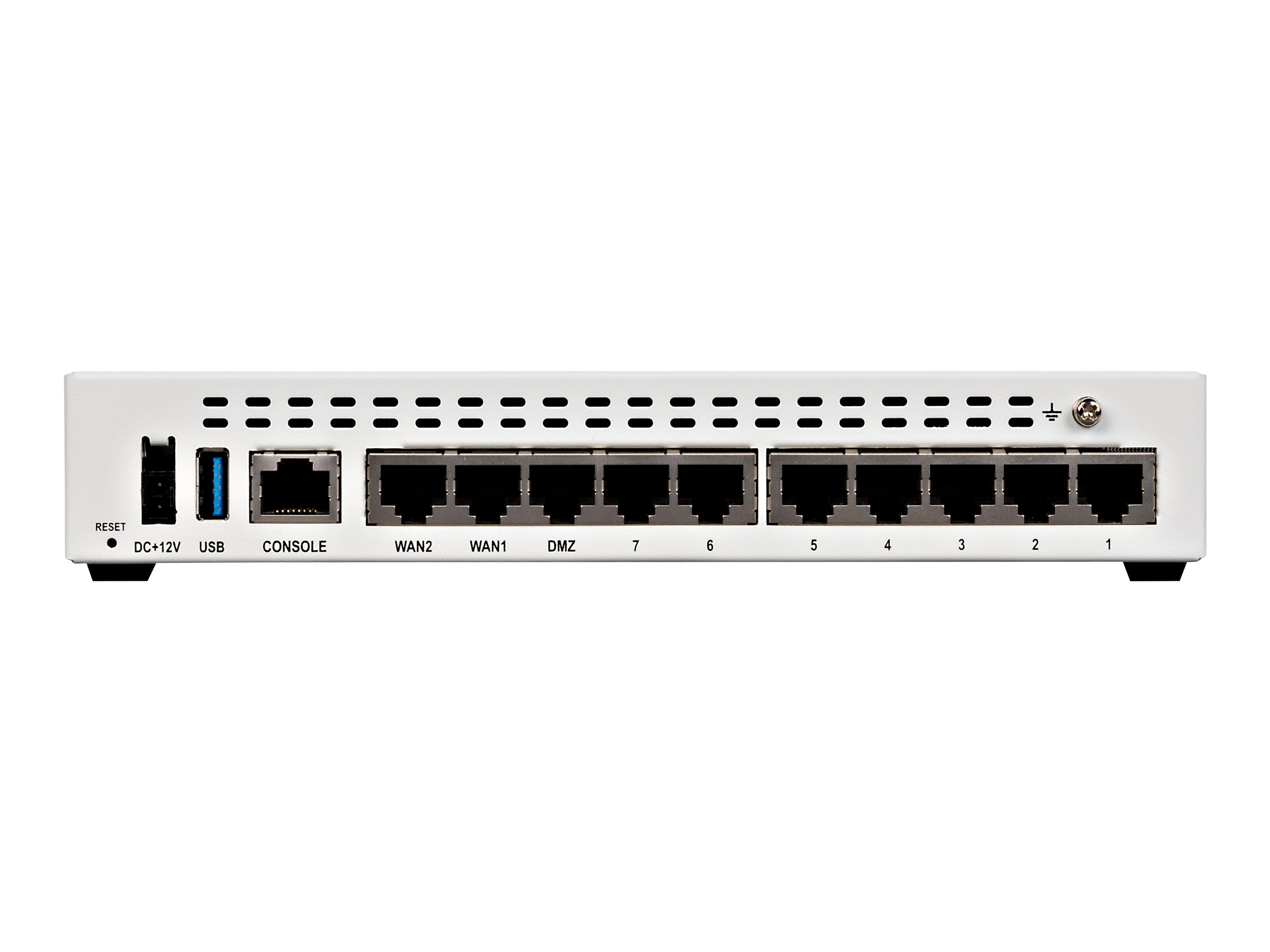
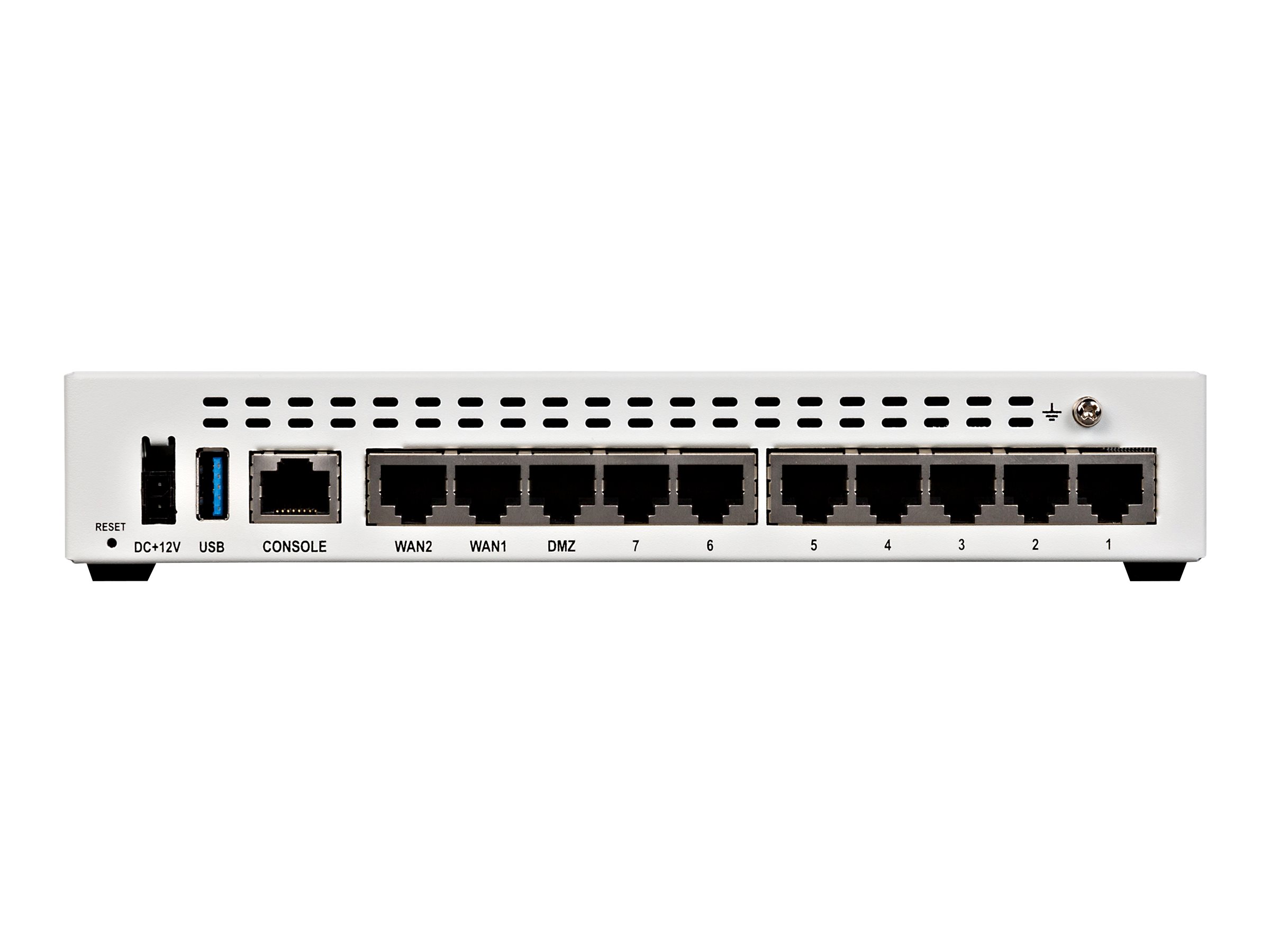
Fortinet Fortinet FortiGate 7060E
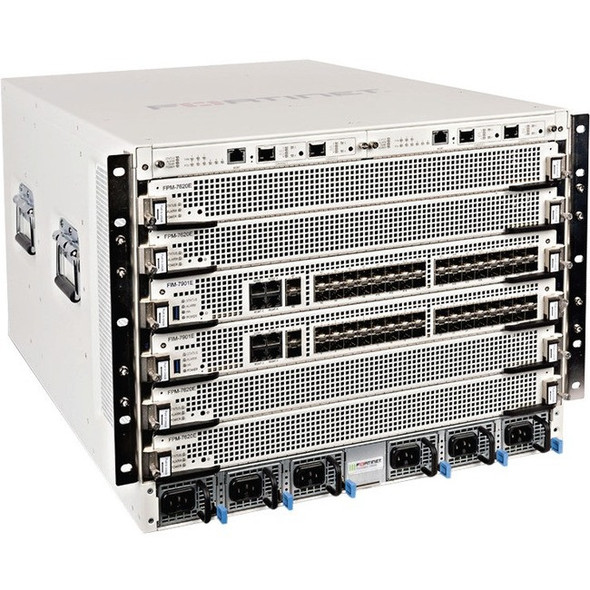
- The Fortinet FortiGate 7060E is a high-performance, next-generation firewall that provides robust security and networking features for large-scale enterprise environments.
Specifications
- OS
- FortiOS
- IDS/IPS
- Yes
- LAN
- 40/100 GE, 4x 10 GE, 4x 40 GE
- RAM
- Variable by module
- UTM
- 100 Gbps
- VPN
- IPsec/SSL
- WAN
- 10/40/100 GE
- Rack
- Chassis
- SD-WAN
- Yes
- Firewall
- Yes
- Sessions
- 300 million
- LAN Ports
- 48
- WAN Ports
- 48
- Management
- FortiManager, FortiAnalyzer, Web, CLI
- Throughput
- 220 Gbps
- SSL Inspection
- 120 Gbps
Potential Threats
25 Known CVEs
Default IP
192.168.1.99
Default admin panel address for Fortinet Fortinet FortiGate 7060E
Default Credentials — Fortinet Fortinet FortiGate 7060E
Known CVE Vulnerabilities (25)
An incomplete cleanup vulnerability [CWE-459] in FortiOS 7.2 all versions and before & FortiProxy version 7.2.0 through 7.2.2 and before 7.0.8 allows...
A improper restriction of communication channel to intended endpoints vulnerability [CWE-923] in Fortinet FortiOS version 7.4.0 through 7.4.3, 7.2.0 t...
A improper restriction of communication channel to intended endpoints vulnerability [CWE-923] in Fortinet FortiOS version 7.4.0 through 7.4.4, 7.2.0 t...
A improper neutralization of special elements used in a command ('command injection') in Fortinet FortiNAC 7.2.1 and earlier, 9.4.3 and earlier allows...
An improper neutralization of special elements used in an OS Command vulnerability [CWE-78] vulnerability in Fortinet FortiSandbox 5.0.0, FortiSandbox...
An Authentication Bypass Using an Alternate Path or Channel vulnerability [CWE-288] affecting FortiOS 7.0.0 through 7.0.16 and FortiProxy 7.2.0 throug...
An incorrect privilege assignment vulnerability [CWE-266] in Fortinet FortiOS version 7.6.0, 7.4.0 through 7.4.4, 7.2.0 through 7.2.9 and before 7.0.1...
A stack-based buffer overflow [CWE-121] vulnerability in Fortinet FortiOS version 7.2.4 through 7.2.8 and version 7.4.0 through 7.4.4 allows a remote...
An Authentication Bypass Using an Alternate Path or Channel vulnerability [CWE-288] affecting FortiOS version 7.0.0 through 7.0.16 and FortiProxy vers...
An allocation of resources without limits or throttling [CWE-770] vulnerability in FortiOS versions 7.6.0, versions 7.4.4 through 7.4.0, 7.2 all versi...
Showing 10 of 25
FAQ
The most common default credentials for Fortinet Fortinet FortiGate 7060E are listed in the table above. Always change these immediately after setup.
The default username for Fortinet Fortinet FortiGate 7060E is typically "admin". The full list of default credentials including username, password, access type and port is shown in the table on this page.
Log in to the admin panel using the default credentials listed above. Navigate to Administration → Password or System → Account settings. Enter the current password and set a new strong password. Save the changes.
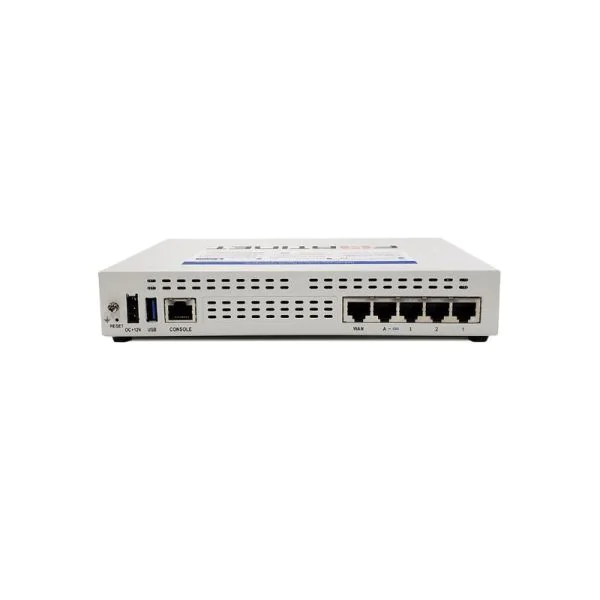
Locate the Reset button (usually a small pinhole on the back/bottom of the device). Hold it for 10-30 seconds while powered on until the LEDs flash. The device will reboot with default settings.
No. Default credentials are publicly known and frequently exploited by automated scanners. Change the admin password immediately after first login.
Fortinet Fortinet FortiGate 7060E has 25 known CVE vulnerabilities documented in our database. The full list with severity ratings is shown on this page. Apply the latest firmware update from the manufacturer to address known issues.