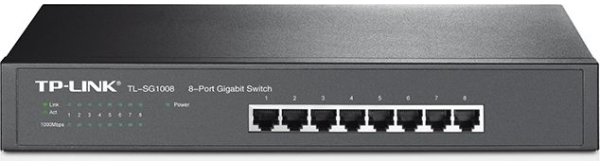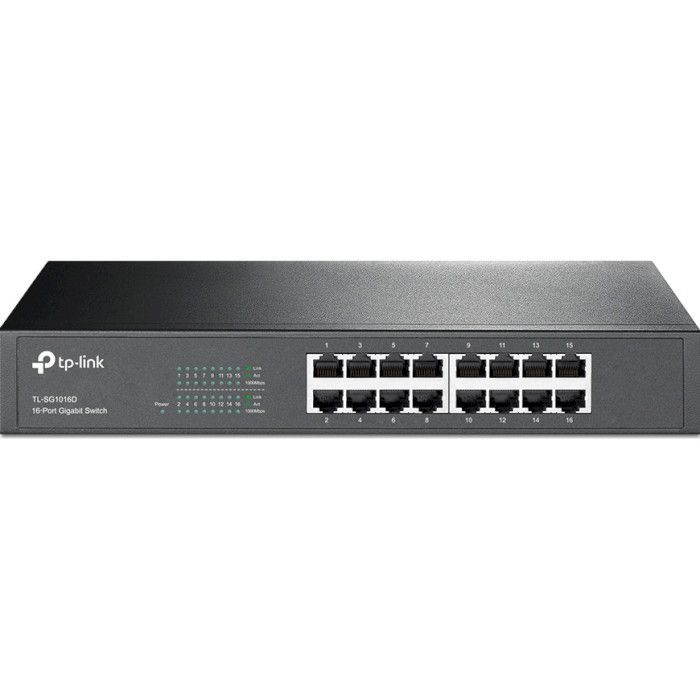
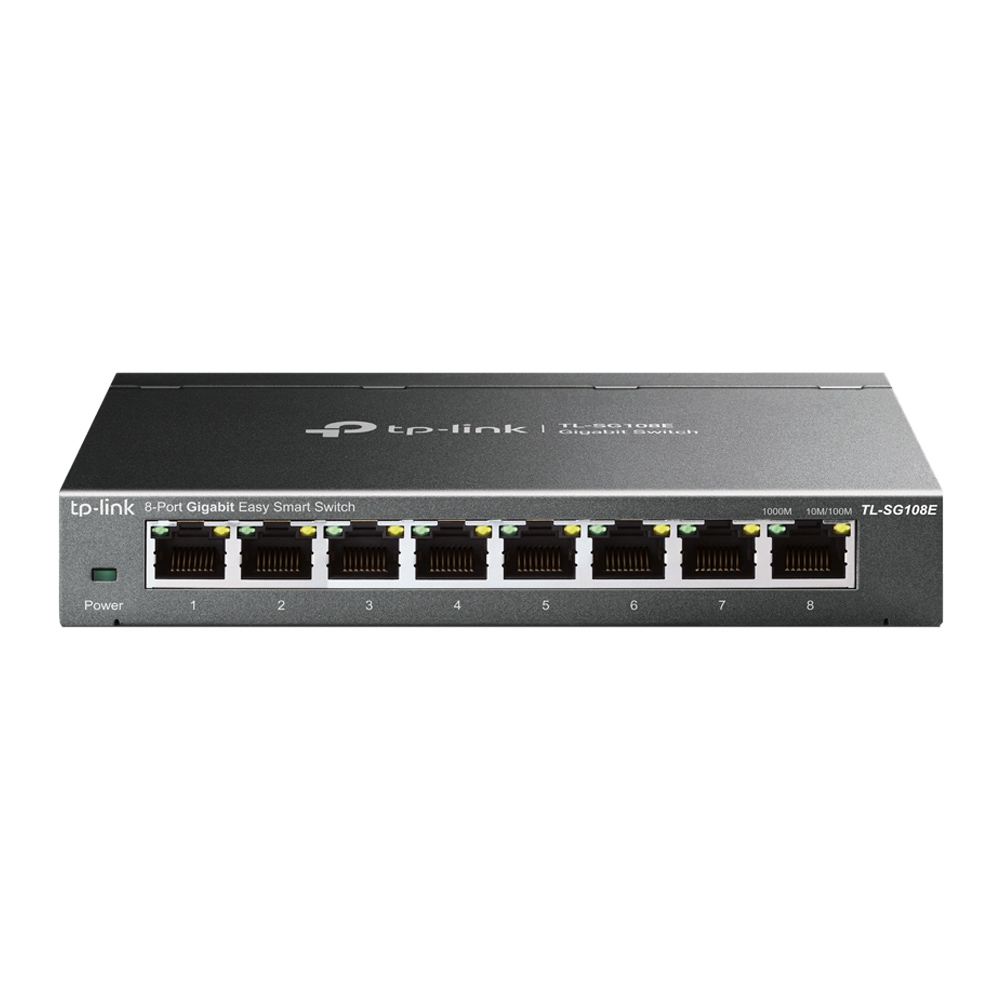
TP-Link TL-SG108E
TP-Link 8-Port Gigabit Easy Smart Switch with VLAN support.
Specifications
- QoS
- 802.1p
- Ports
- 8x Gigabit
- VLANs
- 32 VLANs
- Management
- Web GUI
Potential Threats
9 Known CVEs
Default IP
192.168.0.1
Default admin panel address for TP-Link TL-SG108E
Default Credentials — TP-Link TL-SG108E
| Username | Password | Access Type | Protocol | Port | Notes |
|---|---|---|---|---|---|
| web | HTTP | 80 |
Known CVE Vulnerabilities (9)
A vulnerability classified as problematic has been found in TP-Link TL-SG108E 1.0.0 Build 20201208 Rel. 40304. Affected is an unknown function of the...
Weak access controls in the Device Logout functionality on the TP-Link TL-SG108E v1.0.0 allow remote attackers to call the logout functionality, trigg...
Weak access control methods on the TP-Link TL-SG108E 1.0.0 allow any user on a NAT network with an authenticated administrator to access the device wi...
Cross-site scripting (XSS) vulnerability in system_name_set.cgi in TP-Link TL-SG108E 1.0.0 allows authenticated remote attackers to submit arbitrary j...
On the TP-Link TL-SG108E 1.0, the upgrade process can be requested remotely without authentication (httpupg.cgi with a parameter called cmd). This aff...
On the TP-Link TL-SG108E 1.0, there is a hard-coded ciphering key (a long string beginning with Ei2HNryt). This affects the 1.1.2 Build 20141017 Rel.5...
On the TP-Link TL-SG108E 1.0, admin network communications are RC4 encoded, even though RC4 is deprecated. This affects the 1.1.2 Build 20141017 Rel.5...
On the TP-Link TL-SG108E 1.0, a remote attacker could retrieve credentials from "Switch Info" log lines where passwords are in cleartext. This affects...
On the TP-Link TL-SG108E 1.0, a remote attacker could retrieve credentials from "SEND data" log lines where passwords are encoded in hexadecimal. This...
FAQ
The most common default credentials for TP-Link TL-SG108E are listed in the table above. Always change these immediately after setup.
The default username for TP-Link TL-SG108E is typically "admin". The full list of default credentials including username, password, access type and port is shown in the table on this page.
Log in to the admin panel using the default credentials listed above. Navigate to Administration → Password or System → Account settings. Enter the current password and set a new strong password. Save the changes.
Locate the Reset button (usually a small pinhole on the back/bottom of the device). Hold it for 10-30 seconds while powered on until the LEDs flash. The device will reboot with default settings.
No. Default credentials are publicly known and frequently exploited by automated scanners. Change the admin password immediately after first login.
TP-Link TL-SG108E has 9 known CVE vulnerabilities documented in our database. The full list with severity ratings is shown on this page. Apply the latest firmware update from the manufacturer to address known issues.