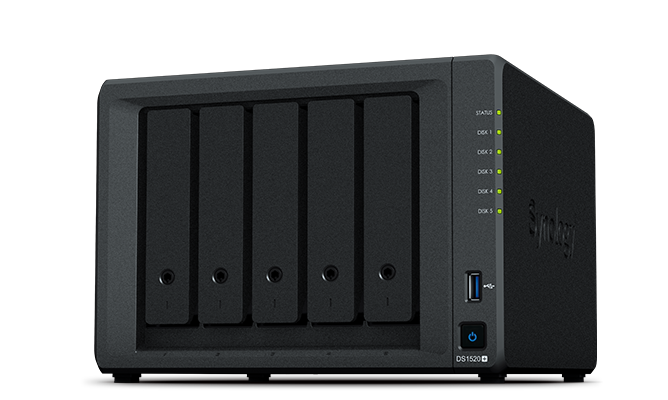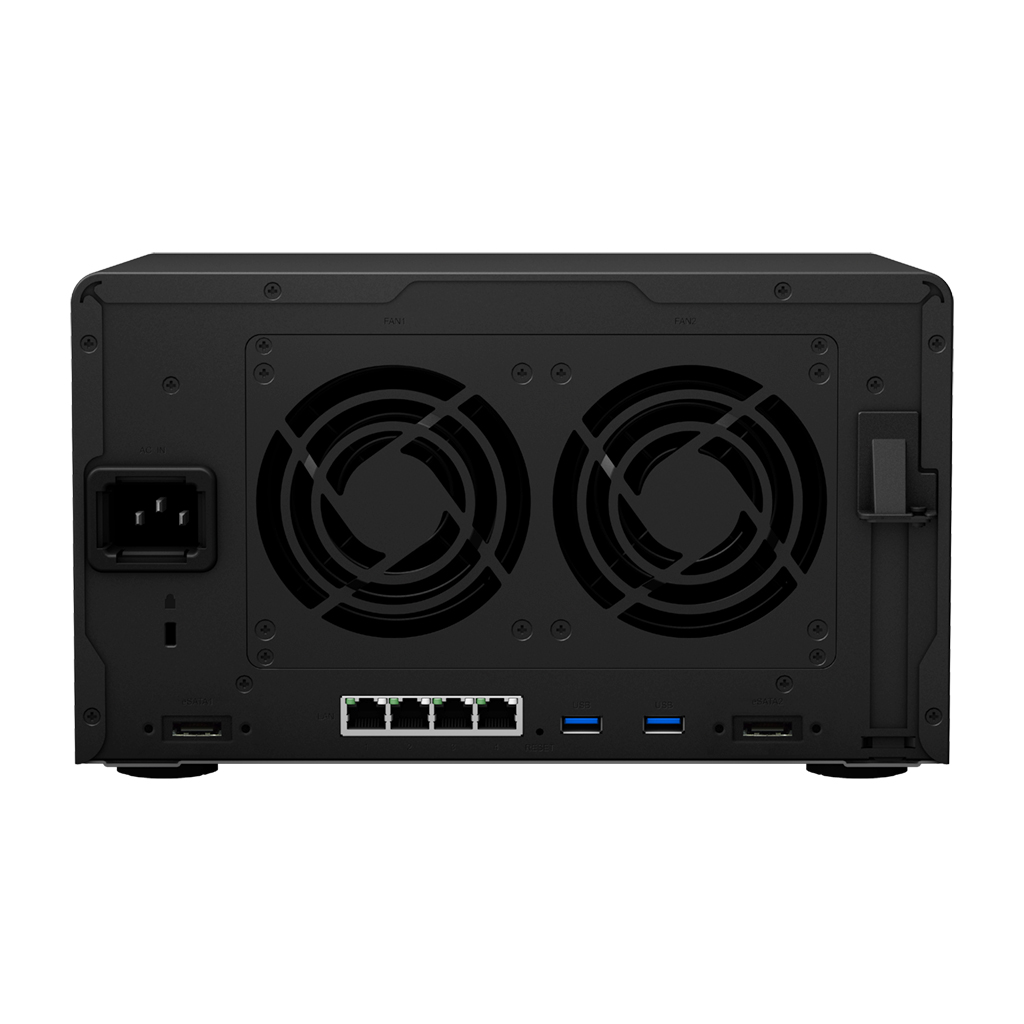
Synology Synology RS2821RP+
- The Synology RS2821RP+ is a powerful NAS device designed for home and small business use, offering advanced features such as AI-powered data analysis and robust security.
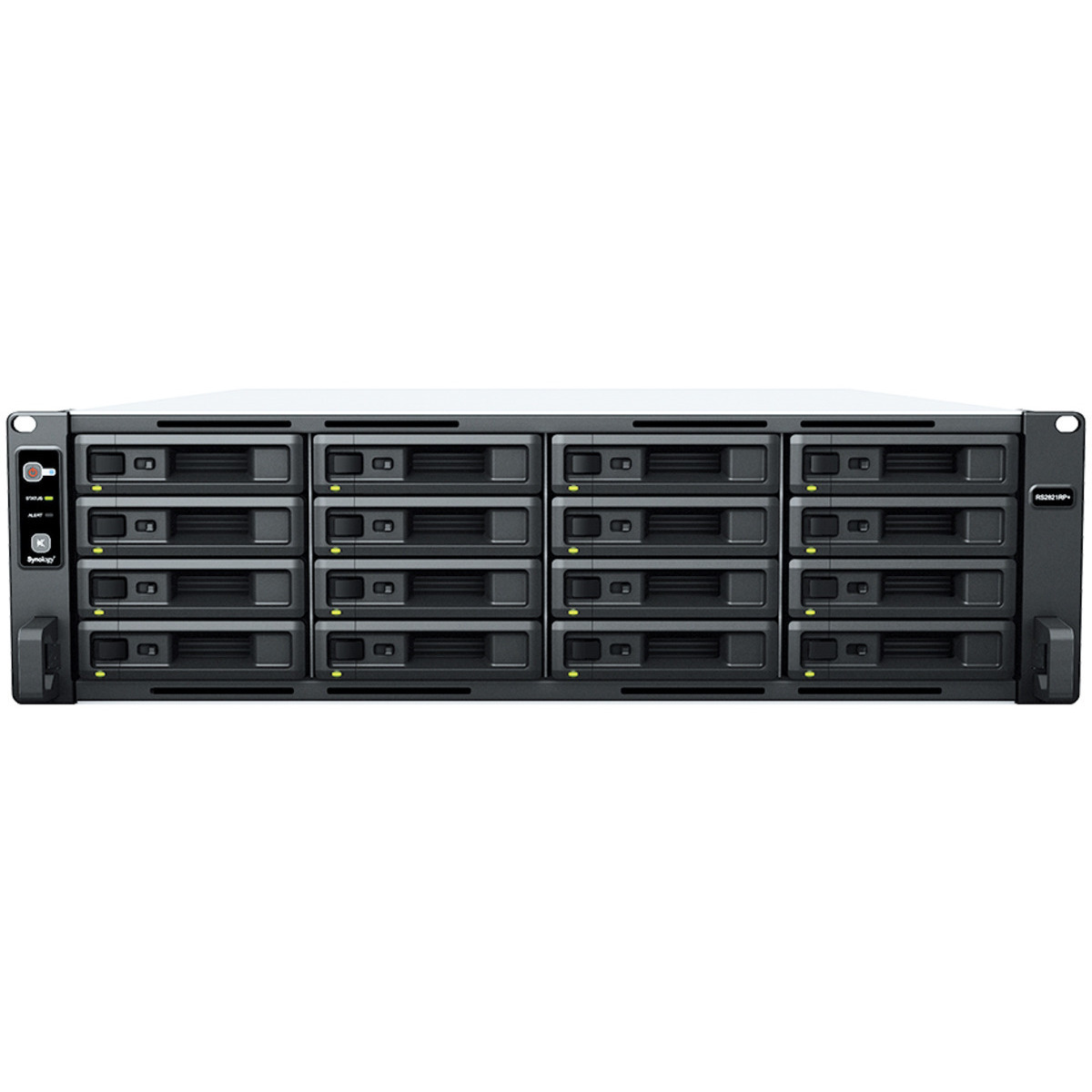
Specifications
- OS
- DSM
- CPU
- AMD Ryzen V1500B 4-core 2.2 GHz
- LAN
- 4x 1GbE
- RAM
- 4 GB DDR4 ECC
- USB
- 2x USB 3.2 Gen 1
- Drive Bays
- 16x 3.5/2.5"
- DIN Rail
- Optional
- Ports
- 1x expansion
- Storage
- 16 bays
- LAN Ports
- 4
- Management
- Synology DiskStation Manager
Potential Threats
Default IP
192.168.1.2
Default admin panel address for Synology Synology RS2821RP+
FAQ
The most common default credentials for Synology Synology RS2821RP+ are listed in the table above. Always change these immediately after setup.
The default username for Synology Synology RS2821RP+ is typically "admin". The full list of default credentials including username, password, access type and port is shown in the table on this page.
Log in to the admin panel using the default credentials listed above. Navigate to Administration → Password or System → Account settings. Enter the current password and set a new strong password. Save the changes.
Locate the Reset button (usually a small pinhole on the back/bottom of the device). Hold it for 10-30 seconds while powered on until the LEDs flash. The device will reboot with default settings.
No. Default credentials are publicly known and frequently exploited by automated scanners. Change the admin password immediately after first login.
No CVE vulnerabilities have been linked to Synology Synology RS2821RP+ in our database. This may mean the device has a good security record, or that vulnerabilities exist but have not been officially assigned CVE identifiers.