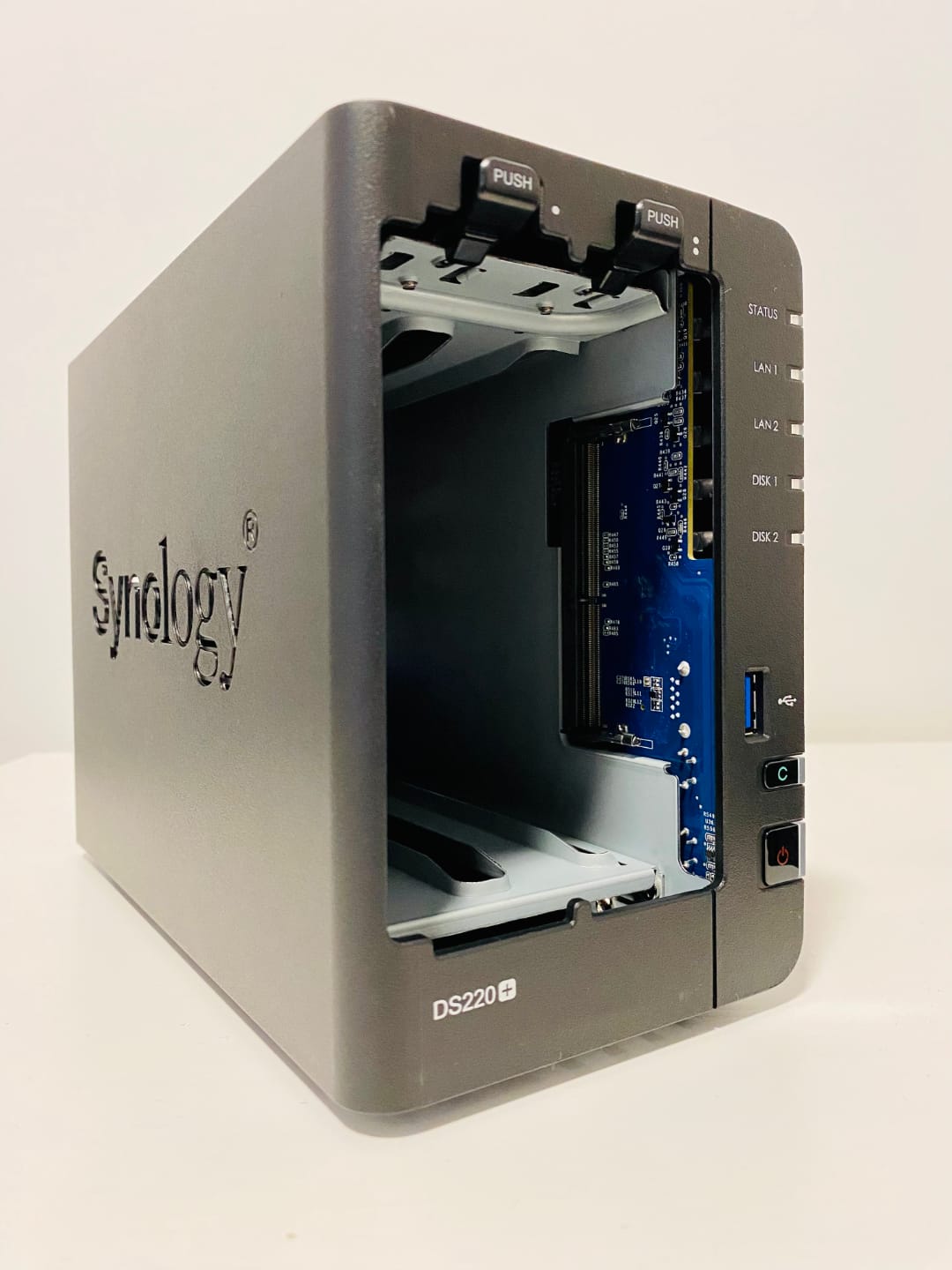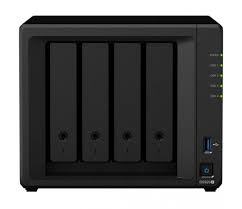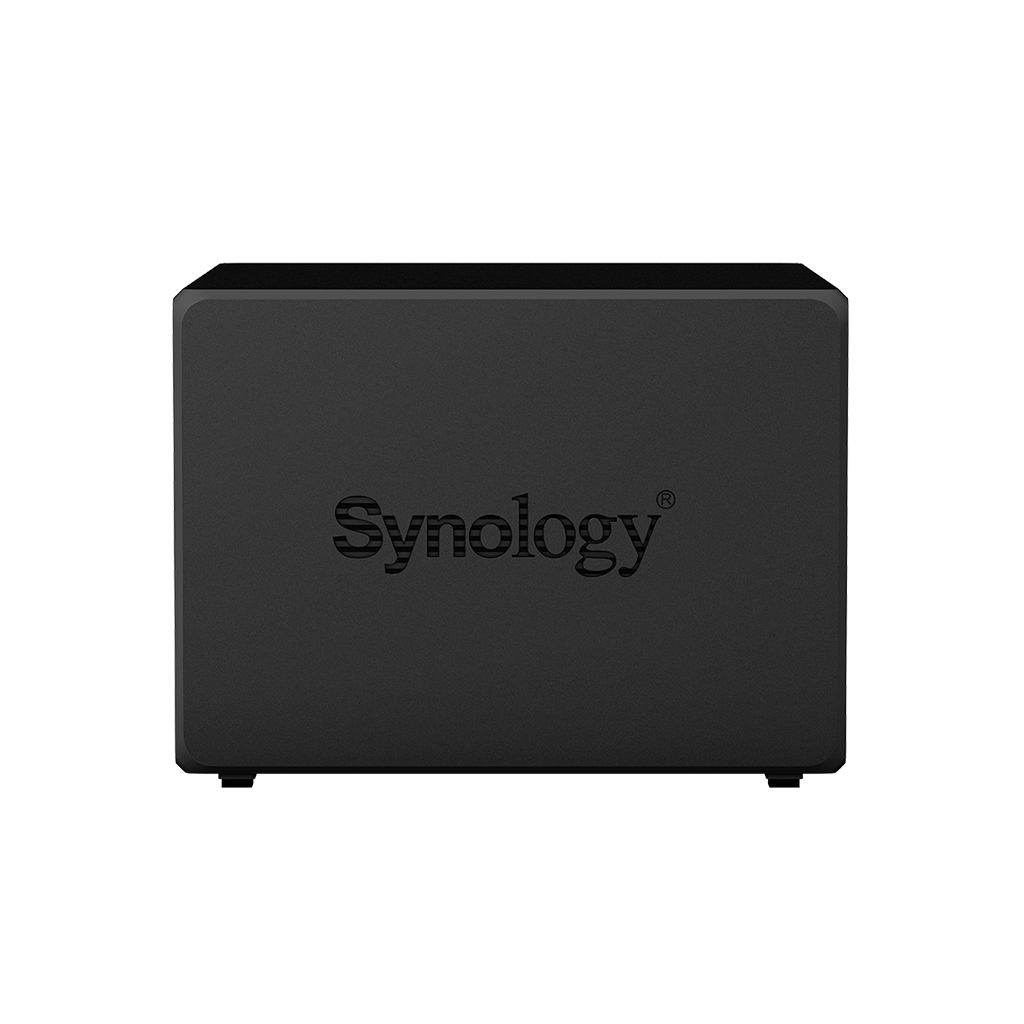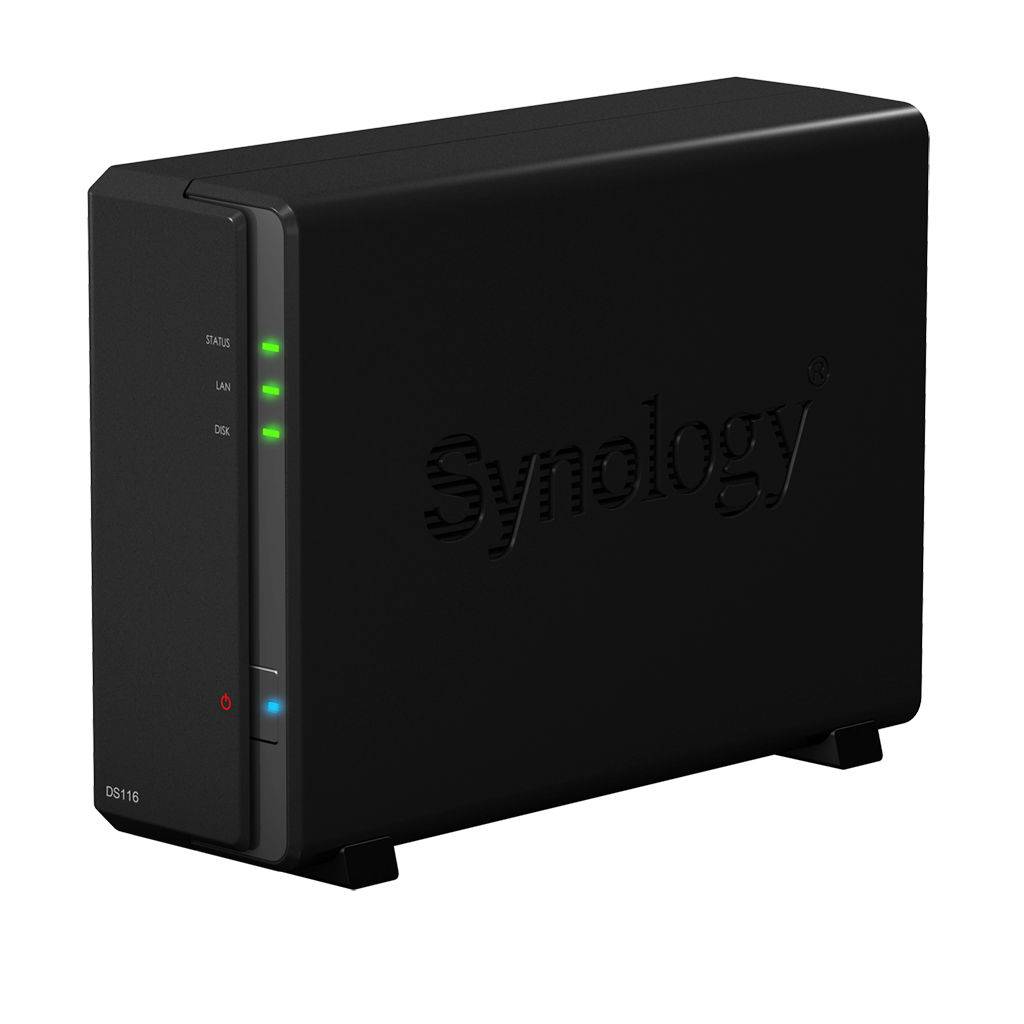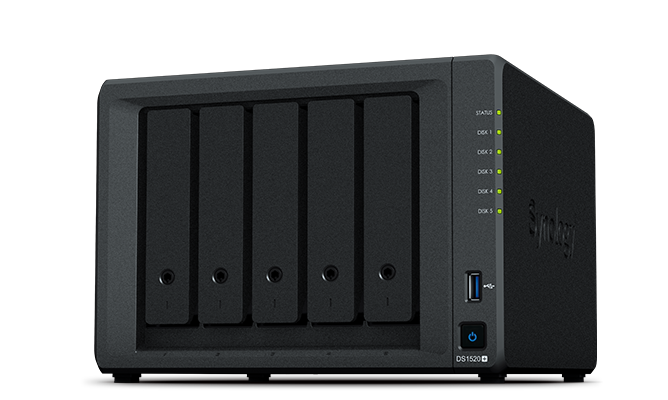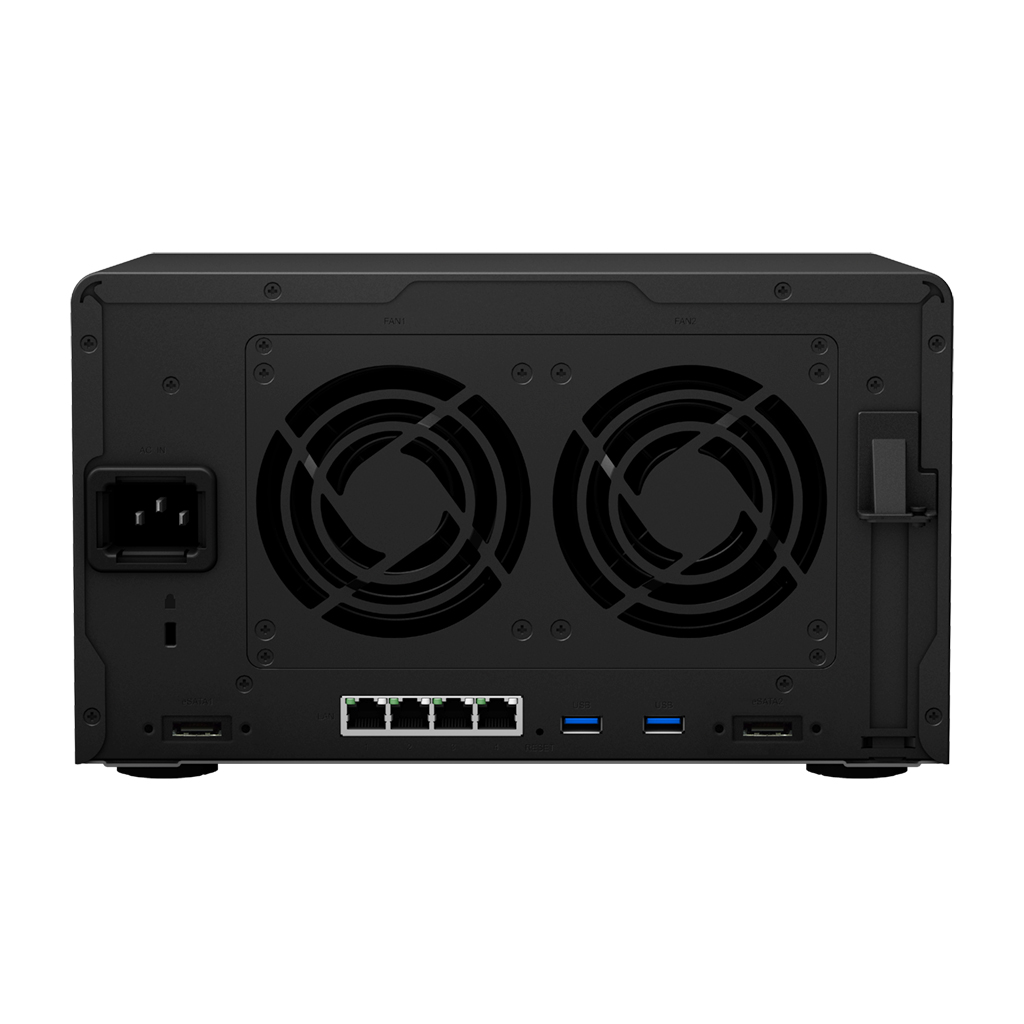
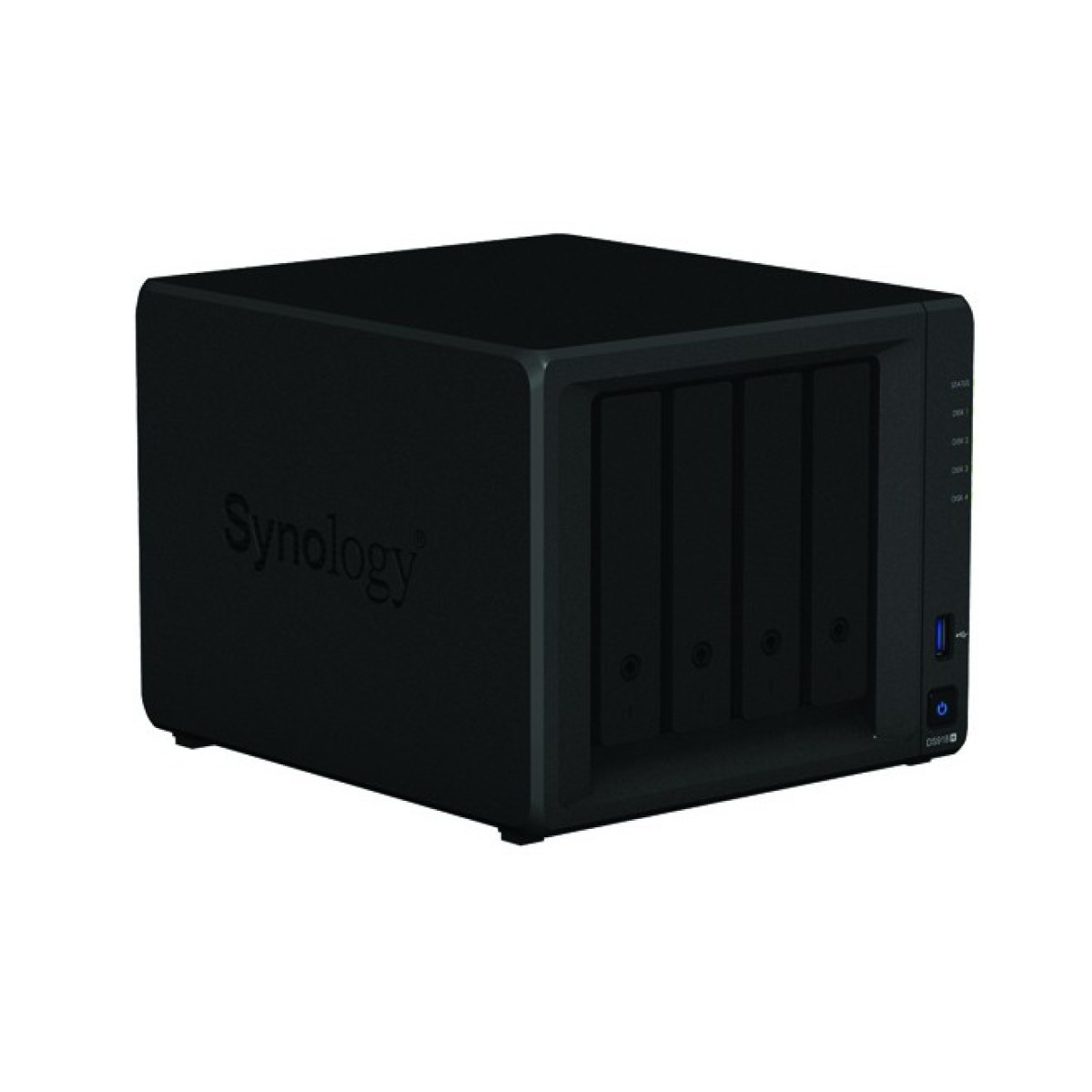
Synology Synology DS918+
- The Synology DS918+ is a powerful NAS device designed for small and medium-sized businesses, offering advanced features such as Btrfs file system, snapshot technology, and real-time data compression.
Specifications
- OS
- DiskStation Manager (DSM)
- CPU
- Intel Celeron J3455 quad-core 1.5 GHz
- LAN
- Gigabit Ethernet
- RAM
- 4 GB DDR3L
- USB
- 2x USB 3.0, 1x eSATA
- Drive Bays
- 4
- Ports
- 2x GE
- Storage
- 4x 3.5/2.5 SATA, 2x M.2 NVMe
- LAN Ports
- 2x GE
- Management
- Web, Synology DSM
Potential Threats
25 Known CVEs
Default IP
192.168.1.2
Default admin panel address for Synology Synology DS918+
Known CVE Vulnerabilities (25)
Improper encoding or escaping of output vulnerability in the webapi component in Synology BeeStation OS (BSM) before 1.1-65374 and Synology DiskStatio...
Off-by-one error vulnerability in the transmission component in Synology Replication Service before 1.0.12-0066, 1.2.2-0353 and 1.3.0-0423 and Synolog...
Improper encoding or escaping of output vulnerability in the system plugin daemon in Synology BeeStation OS (BSM) before 1.1-65374 and Synology DiskSt...
Insecure Permissions in Atos Eviden IDRA and IDCA before 2.7.0. A highly trusted role (Config Admin) could exceed their configuration privileges in a...
Incorrect Access Control vulnerability in Atos Eviden IDRA before 2.6.1 could allow the possibility to obtain CA signing in an illegitimate way.
An issue was discovered in the web services of Digi ConnectPort LTS before 1.4.12. It allows an attacker on the local area network to achieve unauthor...
An issue was discovered in Digi ConnectPort LTS before 1.4.12. A Privilege Escalation vulnerability exists in the file upload feature. It allows an at...
An issue was discovered in Digi ConnectPort LTS before 1.4.12. A Directory Traversal vulnerability exists in WebFS. This allows an attacker on the loc...
An issue was discovered in Digi ConnectPort LTS before 1.4.12. A vulnerability in the file upload handling of a web application allows manipulation of...
Improper neutralization of special elements used in an OS command ('OS Command Injection') vulnerability in Task Manager component in Synology BeePhot...
Showing 10 of 25
FAQ
The most common default credentials for Synology Synology DS918+ are listed in the table above. Always change these immediately after setup.
The default username for Synology Synology DS918+ is typically "admin". The full list of default credentials including username, password, access type and port is shown in the table on this page.
Log in to the admin panel using the default credentials listed above. Navigate to Administration → Password or System → Account settings. Enter the current password and set a new strong password. Save the changes.
Locate the Reset button (usually a small pinhole on the back/bottom of the device). Hold it for 10-30 seconds while powered on until the LEDs flash. The device will reboot with default settings.
No. Default credentials are publicly known and frequently exploited by automated scanners. Change the admin password immediately after first login.
Synology Synology DS918+ has 25 known CVE vulnerabilities documented in our database. The full list with severity ratings is shown on this page. Apply the latest firmware update from the manufacturer to address known issues.