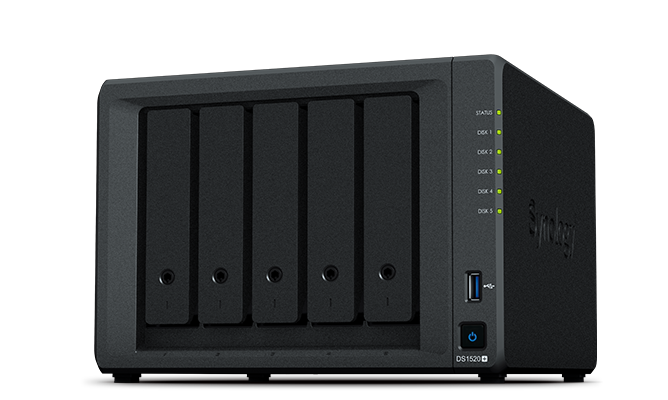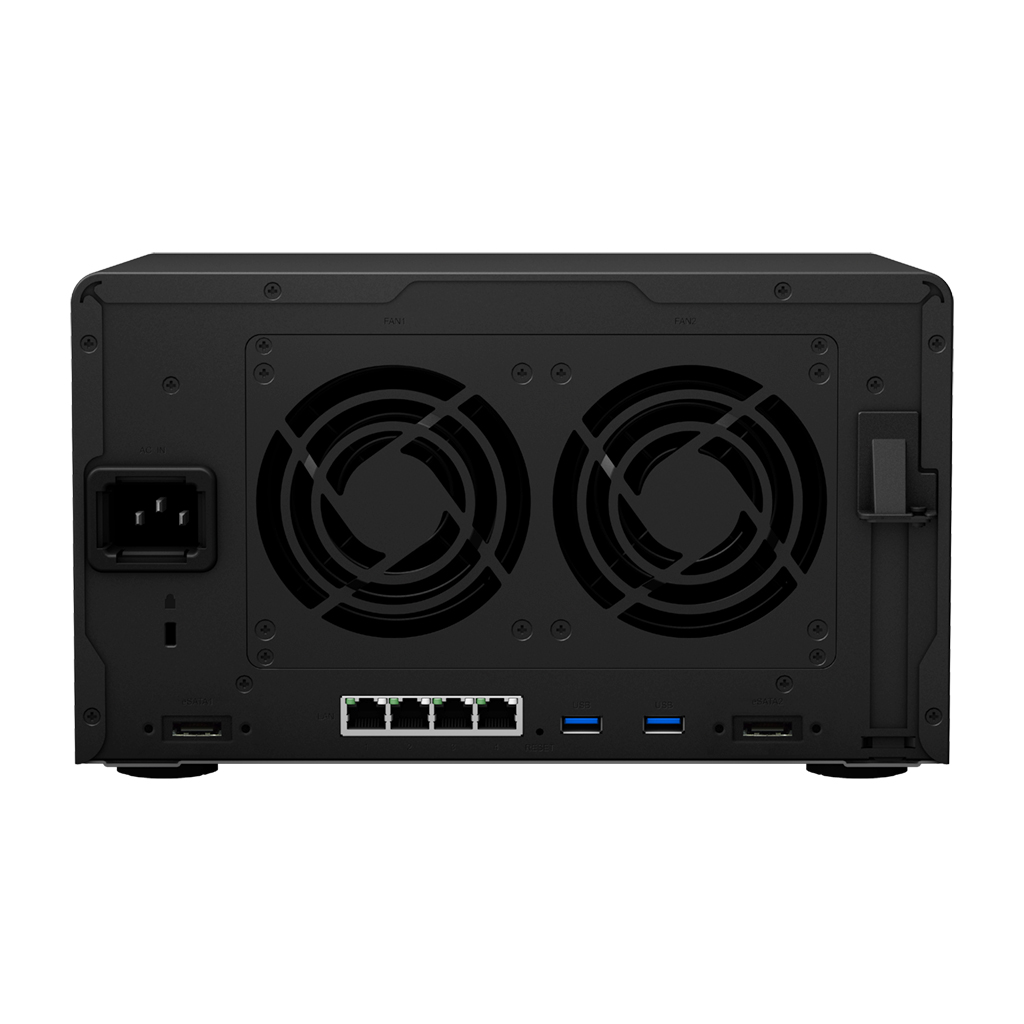
Synology Synology DS218+
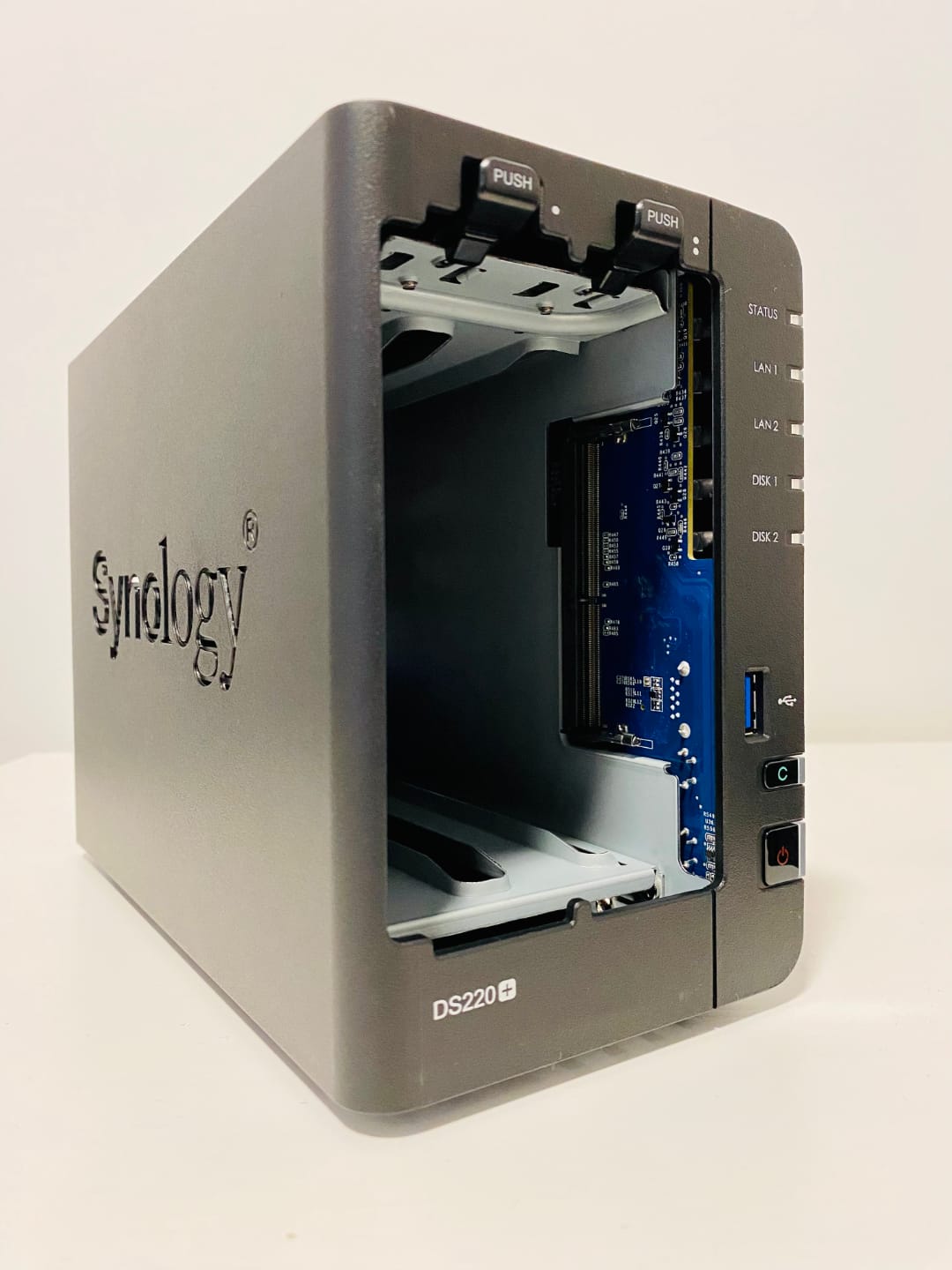
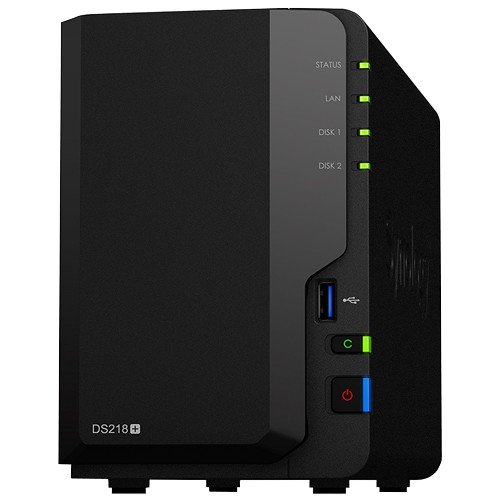
- The Synology DS218+ is a 2-bay NAS device designed for home and small business use, offering high-performance storage and advanced features.
Specifications
- OS
- DiskStation Manager (DSM)
- CPU
- Intel Celeron J3355 dual-core 2.0 GHz
- LAN
- Gigabit Ethernet
- RAM
- 2 GB DDR3L
- USB
- 3x USB 3.0
- WAN
- No
- Drive Bays
- 2
- Wi-Fi
- No
- Storage
- Hot-swappable 3.5"/2.5" SATA HDD/SSD
- LAN Ports
- 2x GE
Potential Threats
25 Known CVEs
Default IP
192.168.1.2
Default admin panel address for Synology Synology DS218+
Known CVE Vulnerabilities (25)
Off-by-one error vulnerability in the transmission component in Synology Replication Service before 1.0.12-0066, 1.2.2-0353 and 1.3.0-0423 and Synolog...
Improper encoding or escaping of output vulnerability in the system plugin daemon in Synology BeeStation OS (BSM) before 1.1-65374 and Synology DiskSt...
The WPC Smart Messages for WooCommerce plugin for WordPress is vulnerable to unauthorized Smar Message activation/deactivation due to a missing capabi...
The WPC Smart Messages for WooCommerce plugin for WordPress is vulnerable to Local File Inclusion in all versions up to, and including, 4.2.1 via the...
The eHDR CTMS from Sunnet has a SQL Injection vulnerability, allowing unauthenticated remote attackers to inject arbitrary SQL command to read, modify...
The eHRD CTMS from Sunnet has an Insecure Direct Object Reference (IDOR) vulnerability, allowing unauthenticated remote attackers to modify a specific...
The eHRD CTMS from Sunnet has an Authentication Bypass vulnerability, allowing unauthenticated remote attackers to bypass authentication by satisfying...
A vulnerability was found in didi Super-Jacoco 1.0. It has been declared as critical. This vulnerability affects unknown code of the file /cov/trigger...
A vulnerability was found in Tenda AC1206 up to 20241027. It has been classified as critical. This affects the function ate_Tenda_mfg_check_usb/ate_Te...
A vulnerability was found in Project Worlds Simple Web-Based Chat Application 1.0 and classified as problematic. Affected by this issue is some unknow...
Showing 10 of 25
FAQ
The most common default credentials for Synology Synology DS218+ are listed in the table above. Always change these immediately after setup.
The default username for Synology Synology DS218+ is typically "admin". The full list of default credentials including username, password, access type and port is shown in the table on this page.
Log in to the admin panel using the default credentials listed above. Navigate to Administration → Password or System → Account settings. Enter the current password and set a new strong password. Save the changes.
Locate the Reset button (usually a small pinhole on the back/bottom of the device). Hold it for 10-30 seconds while powered on until the LEDs flash. The device will reboot with default settings.
No. Default credentials are publicly known and frequently exploited by automated scanners. Change the admin password immediately after first login.
Synology Synology DS218+ has 25 known CVE vulnerabilities documented in our database. The full list with severity ratings is shown on this page. Apply the latest firmware update from the manufacturer to address known issues.