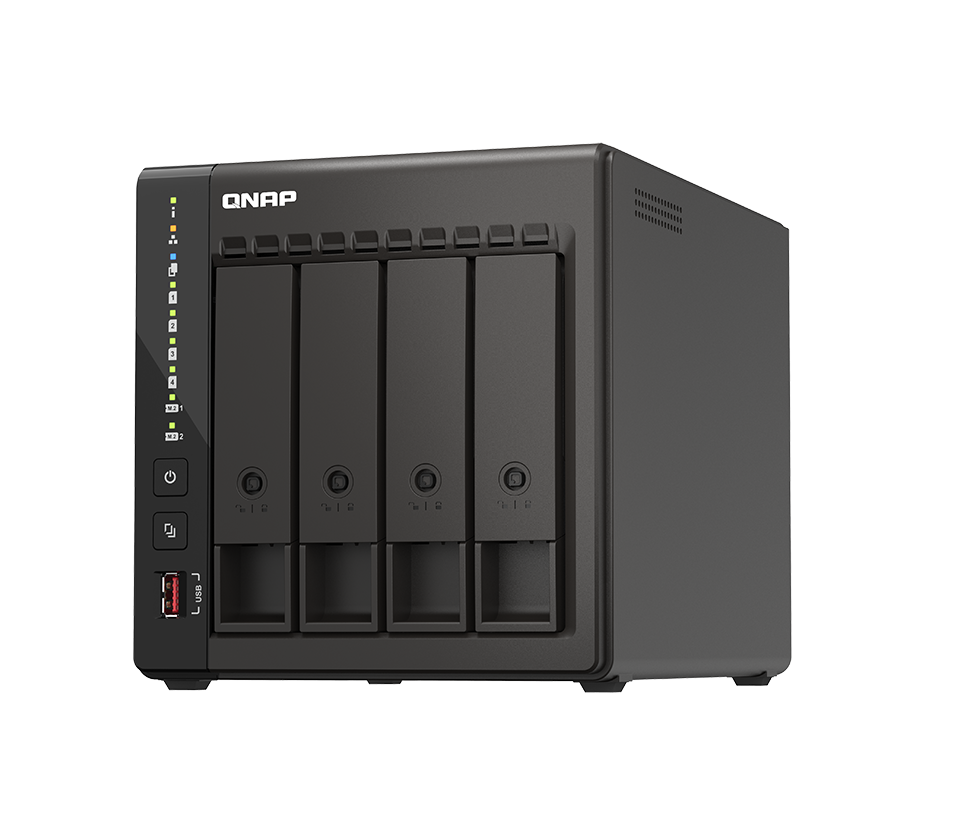
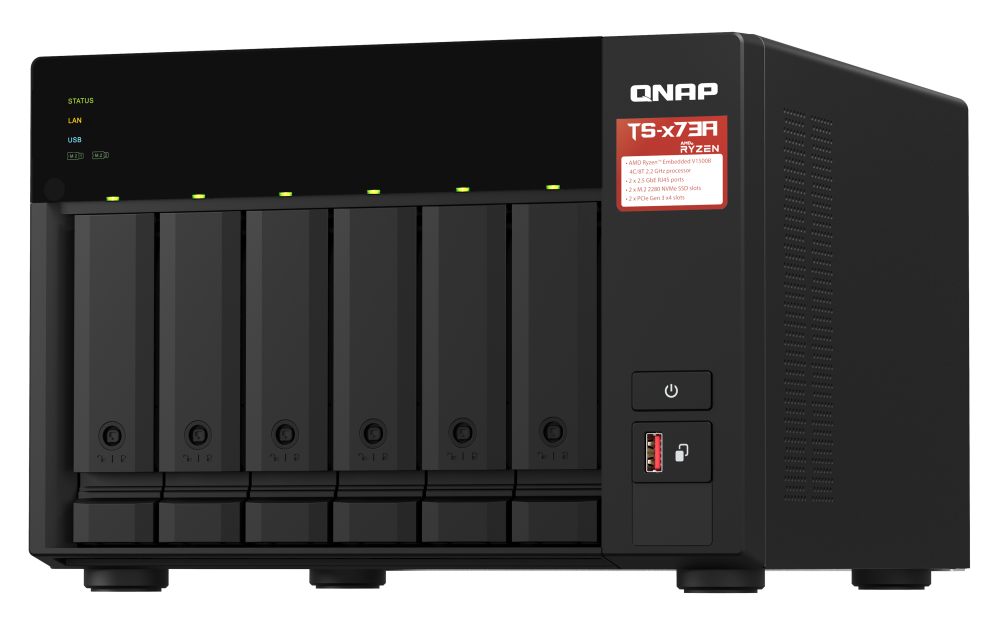
QNAP QNAP TS-464
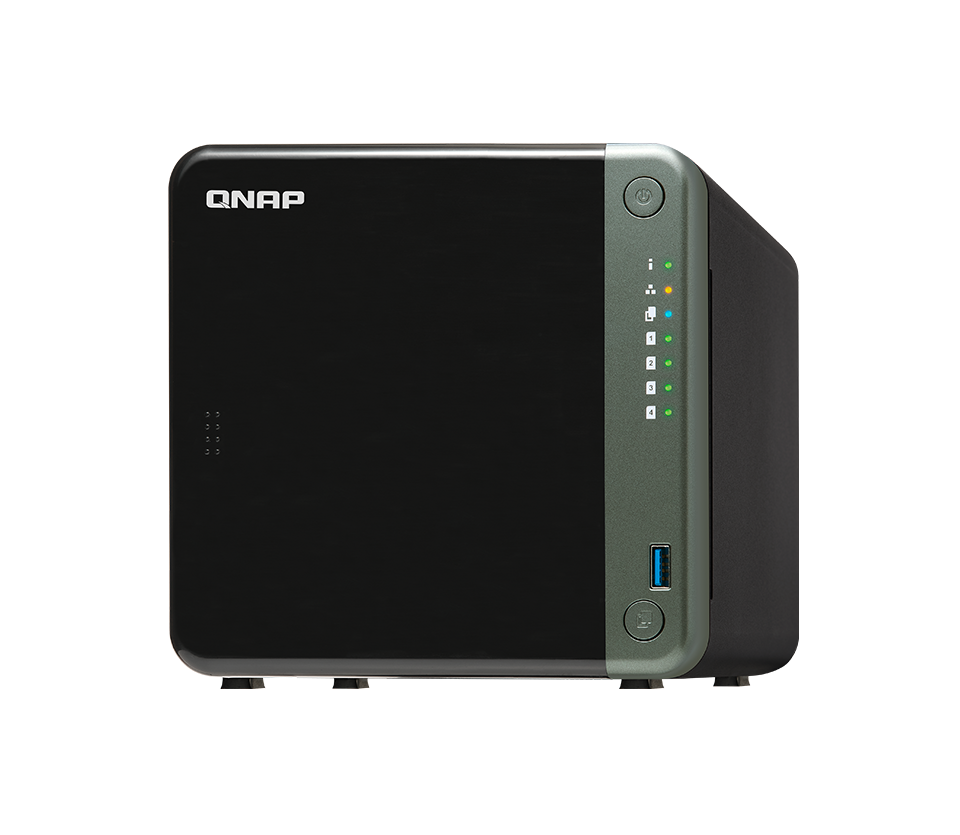
- The QNAP TS-464 is a 4-bay NAS device that supports up to 64TB of storage and features advanced data protection and multimedia capabilities.
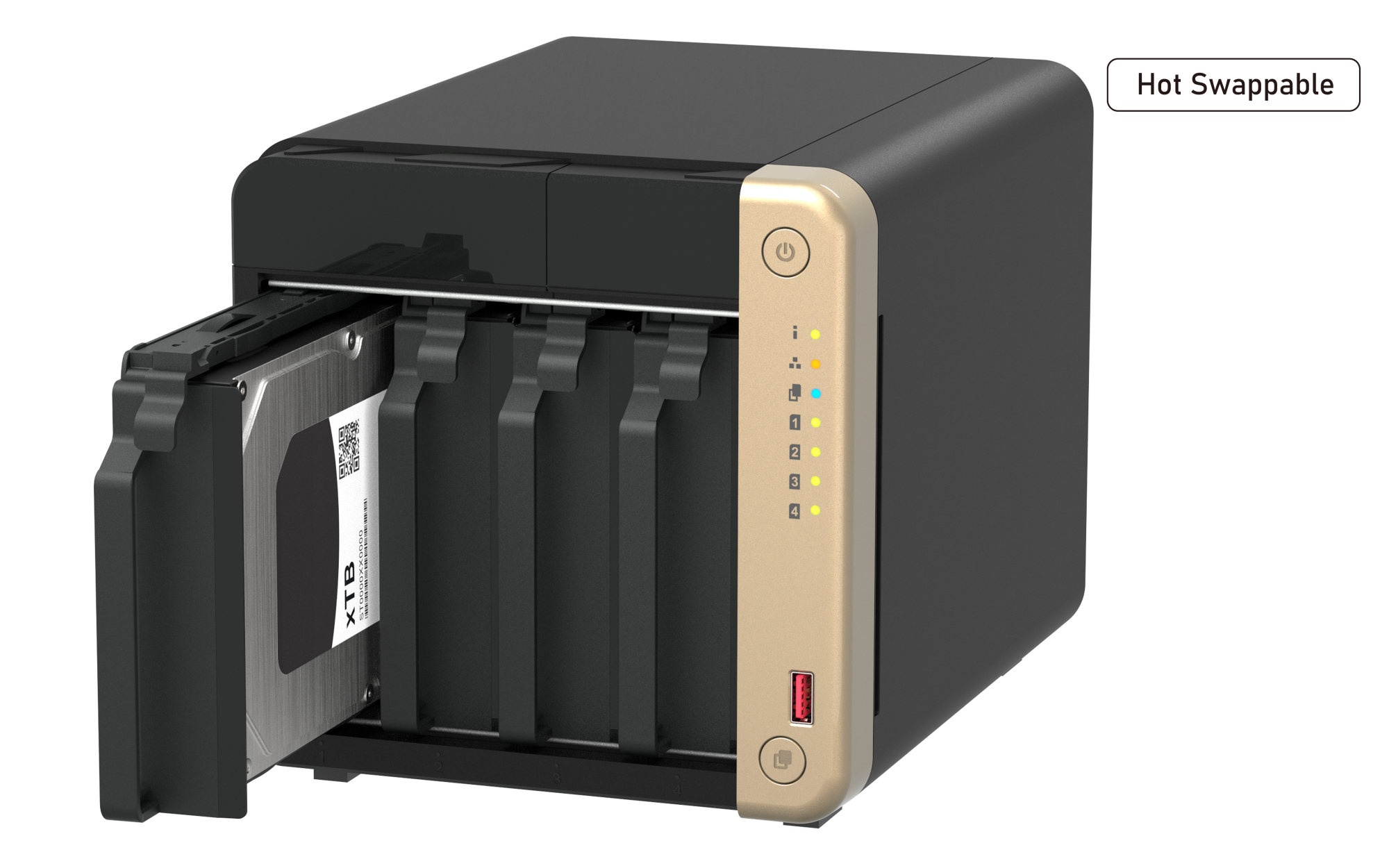
Specifications
- OS
- QTS / QuTS hero
- CPU
- Intel Celeron N5095/N5105 quad-core 2.0 GHz
- LAN
- 2.5GbE
- RAM
- 4 GB / 8 GB DDR4
- USB
- 2x USB 2.0, 2x USB 3.2 Gen 2
- Drive Bays
- 4x 3.5/2.5-inch SATA
- Flash
- 4 GB
- Ports
- 1x HDMI 2.0
- Storage
- M.2 NVMe SSD slots
- LAN Ports
- 2x 2.5GbE
Potential Threats
24 Known CVEs
Default IP
192.168.1.2
Default admin panel address for QNAP QNAP TS-464
Default Credentials — QNAP QNAP TS-464
Known CVE Vulnerabilities (24)
A missing authorization vulnerability has been reported to affect several QNAP operating system versions. If exploited, the vulnerability could allow...
A buffer copy without checking size of input vulnerability has been reported to affect several QNAP operating system versions. If exploited, the vulne...
A buffer copy without checking size of input vulnerability has been reported to affect several QNAP operating system versions. If exploited, the vulne...
An OS command injection vulnerability has been reported to affect several QNAP operating system versions. If exploited, the vulnerability could allow...
An OS command injection vulnerability has been reported to affect several QNAP operating system versions. If exploited, the vulnerability could allow...
A prototype pollution vulnerability has been reported to affect several QNAP operating system versions. If exploited, the vulnerability could allow us...
An OS command injection vulnerability has been reported to affect several QNAP operating system versions. If exploited, the vulnerability could allow...
An OS command injection vulnerability has been reported to affect QuMagie. If exploited, the vulnerability could allow authenticated users to execute...
An SMM memory corruption vulnerability in the SMM driver (SMRAM write) in CsmInt10HookSmm in Insyde InsydeH2O with kernel 5.0 through 5.5 allows attac...
An issue was discovered in IhisiServicesSmm in Insyde InsydeH2O with kernel 5.0 through 5.5. There are arbitrary calls to SetVariable with unsanitized...
Showing 10 of 24
FAQ
The most common default credentials for QNAP QNAP TS-464 are listed in the table above. Always change these immediately after setup.
The default username for QNAP QNAP TS-464 is typically "admin". The full list of default credentials including username, password, access type and port is shown in the table on this page.
Log in to the admin panel using the default credentials listed above. Navigate to Administration → Password or System → Account settings. Enter the current password and set a new strong password. Save the changes.
Locate the Reset button (usually a small pinhole on the back/bottom of the device). Hold it for 10-30 seconds while powered on until the LEDs flash. The device will reboot with default settings.
No. Default credentials are publicly known and frequently exploited by automated scanners. Change the admin password immediately after first login.
QNAP QNAP TS-464 has 24 known CVE vulnerabilities documented in our database. The full list with severity ratings is shown on this page. Apply the latest firmware update from the manufacturer to address known issues.