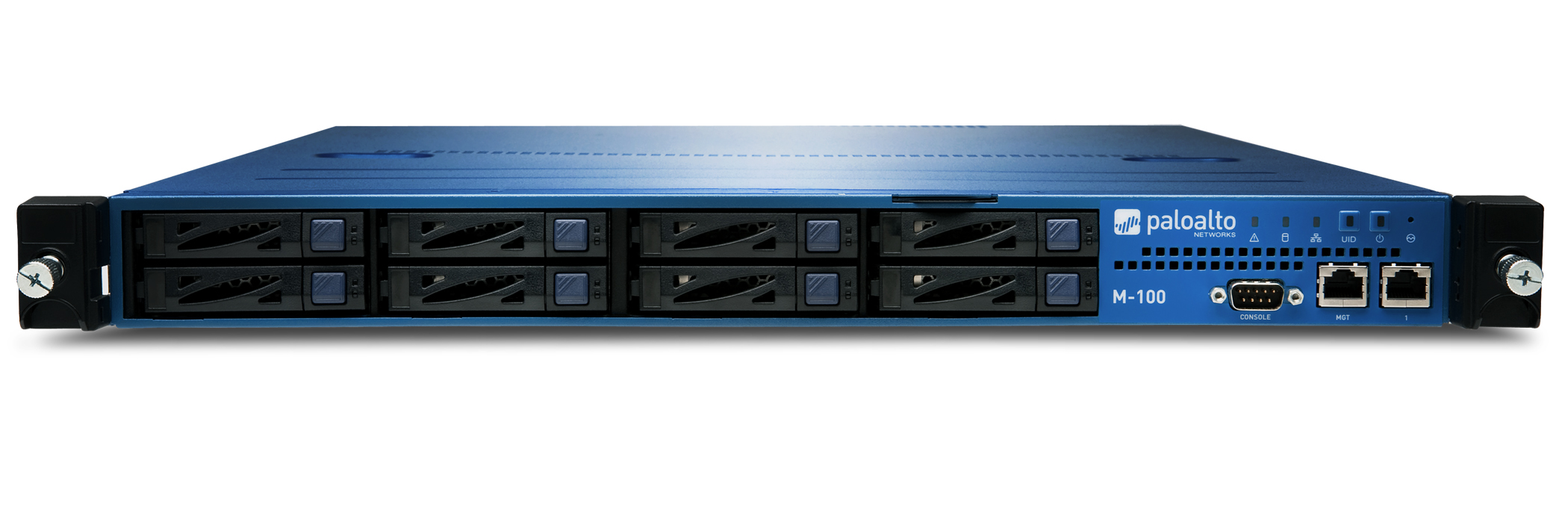
Palo Alto Networks Palo Alto Panorama M-200
- The Palo Alto Networks Panorama M-200 is a centralized management platform for the Palo Alto Networks next-generation firewalls.
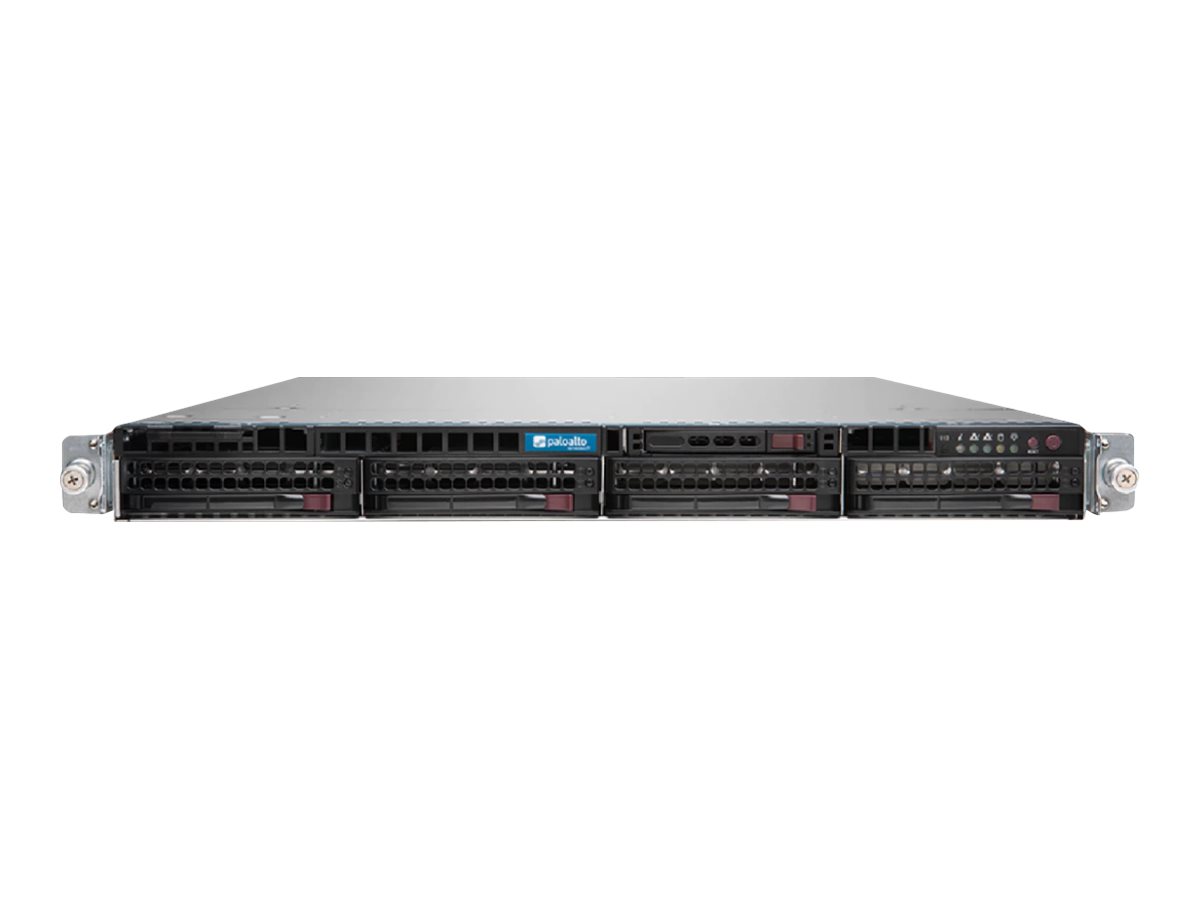
Specifications
- OS
- PAN-OS
- CPU
- Intel Xeon
- RAM
- 4 GB
- USB
- 2x USB
- DIN Rail
- 1U rackmount
- Ports
- 2x 10/100/1000
- Storage
- 500 GB HDD
- Management
- 1x RJ-45 serial, 1x VGA, 2x USB
Potential Threats
25 Known CVEs
Default IP
192.168.1.1
Default admin panel address for Palo Alto Networks Palo Alto Panorama M-200
Default Credentials — Palo Alto Networks Palo Alto Panorama M-200
Known CVE Vulnerabilities (25)
An authenticated file read vulnerability in the Palo Alto Networks PAN-OS software enables an authenticated attacker with network access to the manage...
An authentication bypass in the Palo Alto Networks PAN-OS software enables an unauthenticated attacker with network access to the management web inter...
A privilege escalation vulnerability in Palo Alto Networks PAN-OS software allows a PAN-OS administrator with access to the management web interface t...
An authentication bypass in Palo Alto Networks PAN-OS software enables an unauthenticated attacker with network access to the management web interface...
A cleartext storage of sensitive information vulnerability in Palo Alto Networks Expedition allows an authenticated attacker to reveal firewall userna...
An SQL injection vulnerability in Palo Alto Networks Expedition allows an unauthenticated attacker to reveal Expedition database contents, such as pas...
An OS command injection vulnerability in Palo Alto Networks Expedition allows an unauthenticated attacker to run arbitrary OS commands as root in Expe...
An arbitrary file upload vulnerability in Palo Alto Networks Panorama software enables an authenticated read-write administrator with access to the we...
Missing authentication for a critical function in Palo Alto Networks Expedition can lead to an Expedition admin account takeover for attackers with ne...
A command injection as a result of arbitrary file creation vulnerability in the GlobalProtect feature of Palo Alto Networks PAN-OS software for specif...
Showing 10 of 25
FAQ
The most common default credentials for Palo Alto Networks Palo Alto Panorama M-200 are listed in the table above. Always change these immediately after setup.
The default username for Palo Alto Networks Palo Alto Panorama M-200 is typically "admin". The full list of default credentials including username, password, access type and port is shown in the table on this page.
Log in to the admin panel using the default credentials listed above. Navigate to Administration → Password or System → Account settings. Enter the current password and set a new strong password. Save the changes.
Locate the Reset button (usually a small pinhole on the back/bottom of the device). Hold it for 10-30 seconds while powered on until the LEDs flash. The device will reboot with default settings.
No. Default credentials are publicly known and frequently exploited by automated scanners. Change the admin password immediately after first login.
Palo Alto Networks Palo Alto Panorama M-200 has 25 known CVE vulnerabilities documented in our database. The full list with severity ratings is shown on this page. Apply the latest firmware update from the manufacturer to address known issues.