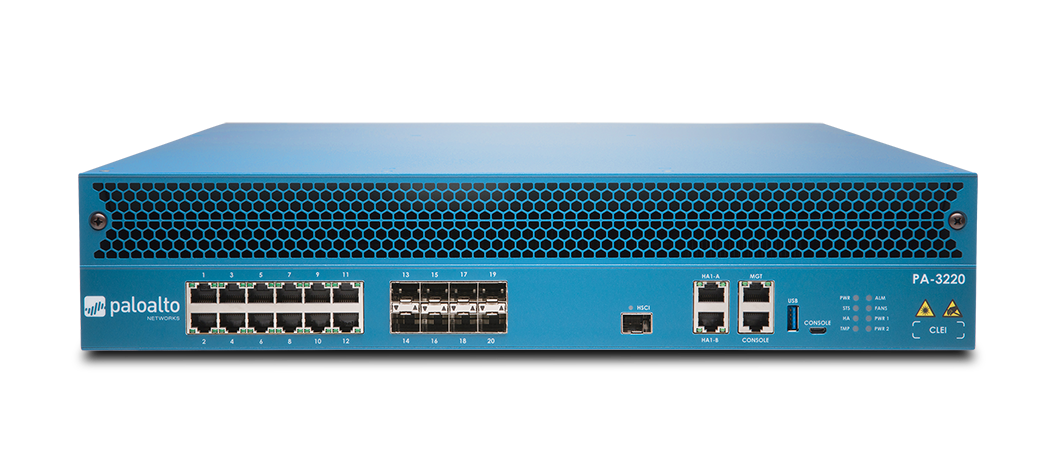
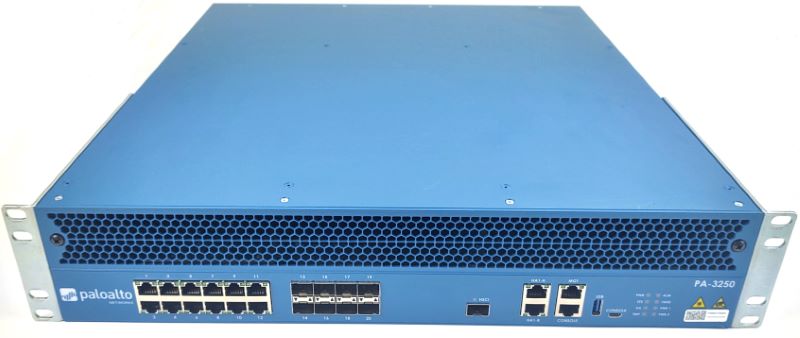
Palo Alto Networks Palo Alto PA-5440
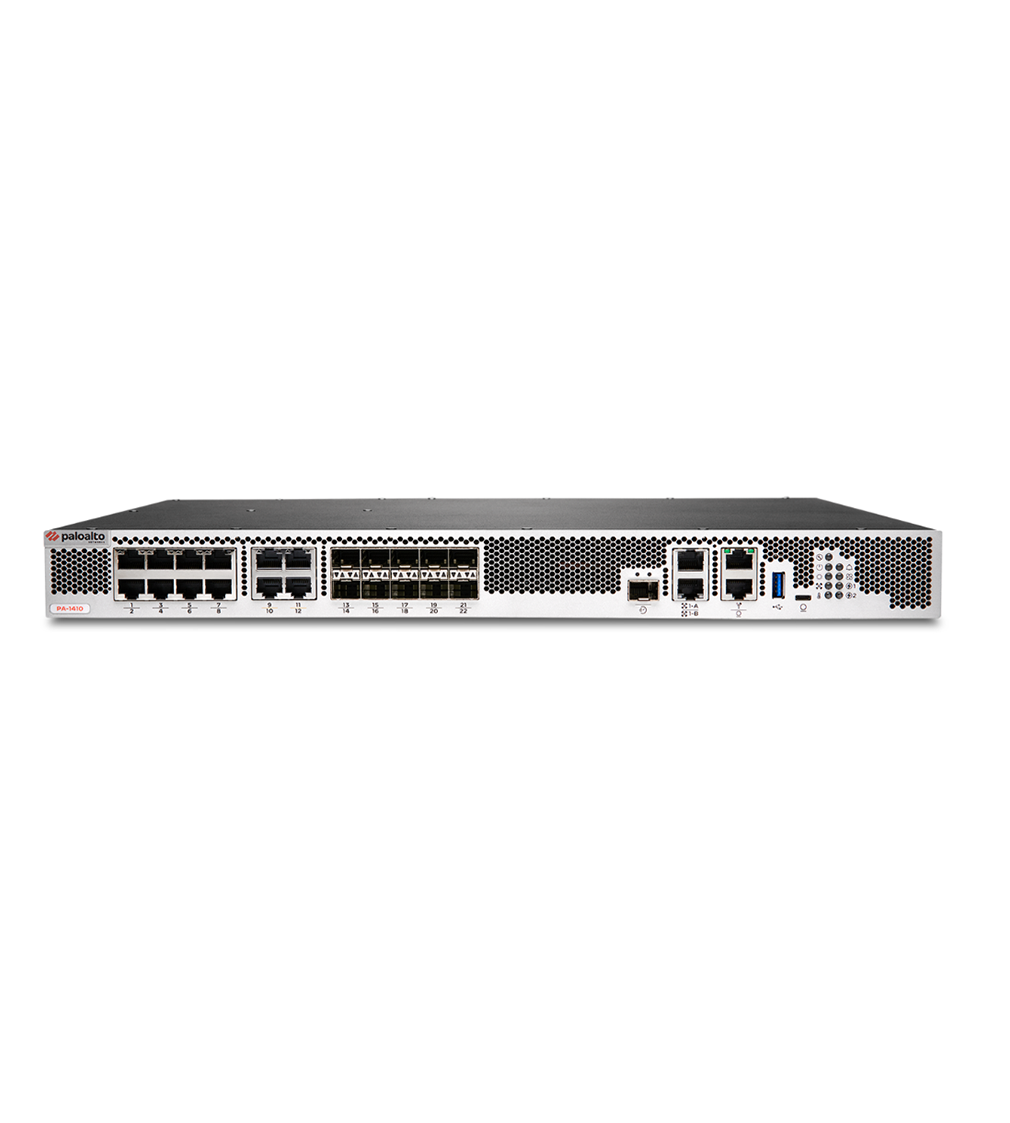
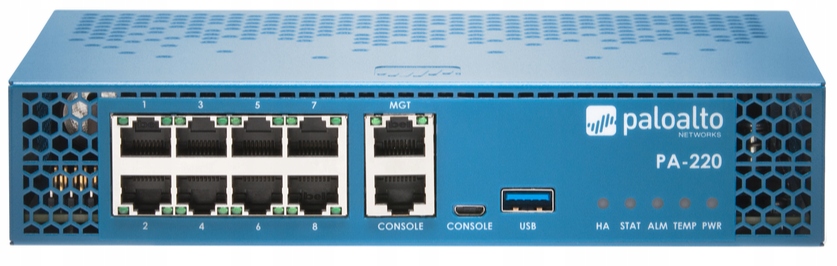
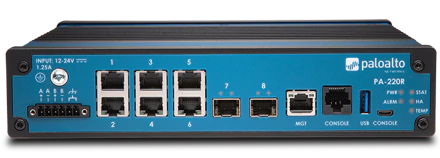
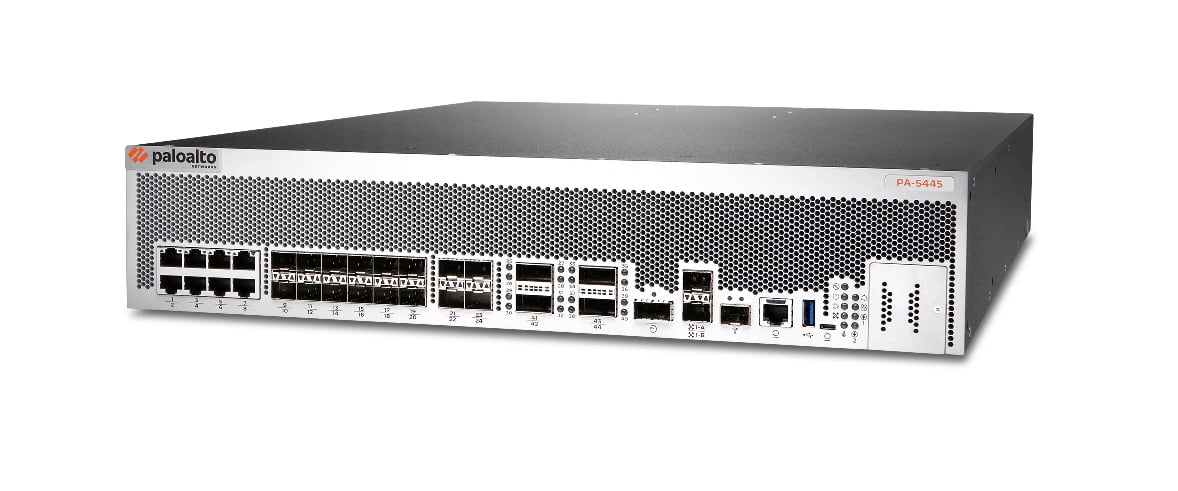
- The Palo Alto PA-5440 is a high-performance next-generation firewall designed for large-scale enterprise networks.
Specifications
- IDS/IPS
- Yes
- USB
- 2x USB 3.0
- VPN
- 90 Gbps
- Ports
- 2x 10GbE SFP+, 4x 25GbE SFP28, 8x 1/10GbE SFP/SFP+, 12x 40/100GbE QSFP28
- Firewall
- Yes
- Sessions
- 60M
- LAN Ports
- 26
- WAN Ports
- 26
- Management
- RJ-45, USB, Console
- Throughput
- 220 Gbps
- SSL Inspection
- 115 Gbps
Potential Threats
25 Known CVEs
Default IP
192.168.1.1
Default admin panel address for Palo Alto Networks Palo Alto PA-5440
Default Credentials — Palo Alto Networks Palo Alto PA-5440
Known CVE Vulnerabilities (25)
The Payment Gateway for Telcell WordPress plugin through 2.0.1 does not validate the api_url parameter before redirecting the user to its value, leadi...
The WolfNet IDX for WordPress plugin through 1.19.1 does not sanitise and escape some of its settings, which could allow high privilege users such as...
An authenticated file read vulnerability in the Palo Alto Networks PAN-OS software enables an authenticated attacker with network access to the manage...
A command injection vulnerability in the Palo Alto Networks PAN-OS OpenConfig plugin enables an authenticated administrator with the ability to make g...
An unauthenticated file deletion vulnerability in the Palo Alto Networks PAN-OS management web interface enables an unauthenticated attacker with netw...
An authentication bypass in the Palo Alto Networks PAN-OS software enables an unauthenticated attacker with network access to the management web inter...
An OS command injection vulnerability in Palo Alto Networks Expedition enables an unauthenticated attacker to run arbitrary OS commands as the www-dat...
The Total Upkeep – WordPress Backup Plugin plus Restore & Migrate by BoldGrid plugin for WordPress is vulnerable to Remote Code Execution in all versi...
A privilege escalation vulnerability in Palo Alto Networks PAN-OS software allows a PAN-OS administrator with access to the management web interface t...
An authentication bypass in Palo Alto Networks PAN-OS software enables an unauthenticated attacker with network access to the management web interface...
Showing 10 of 25
FAQ
The most common default credentials for Palo Alto Networks Palo Alto PA-5440 are listed in the table above. Always change these immediately after setup.
The default username for Palo Alto Networks Palo Alto PA-5440 is typically "admin". The full list of default credentials including username, password, access type and port is shown in the table on this page.
Log in to the admin panel using the default credentials listed above. Navigate to Administration → Password or System → Account settings. Enter the current password and set a new strong password. Save the changes.
Locate the Reset button (usually a small pinhole on the back/bottom of the device). Hold it for 10-30 seconds while powered on until the LEDs flash. The device will reboot with default settings.
No. Default credentials are publicly known and frequently exploited by automated scanners. Change the admin password immediately after first login.
Palo Alto Networks Palo Alto PA-5440 has 25 known CVE vulnerabilities documented in our database. The full list with severity ratings is shown on this page. Apply the latest firmware update from the manufacturer to address known issues.