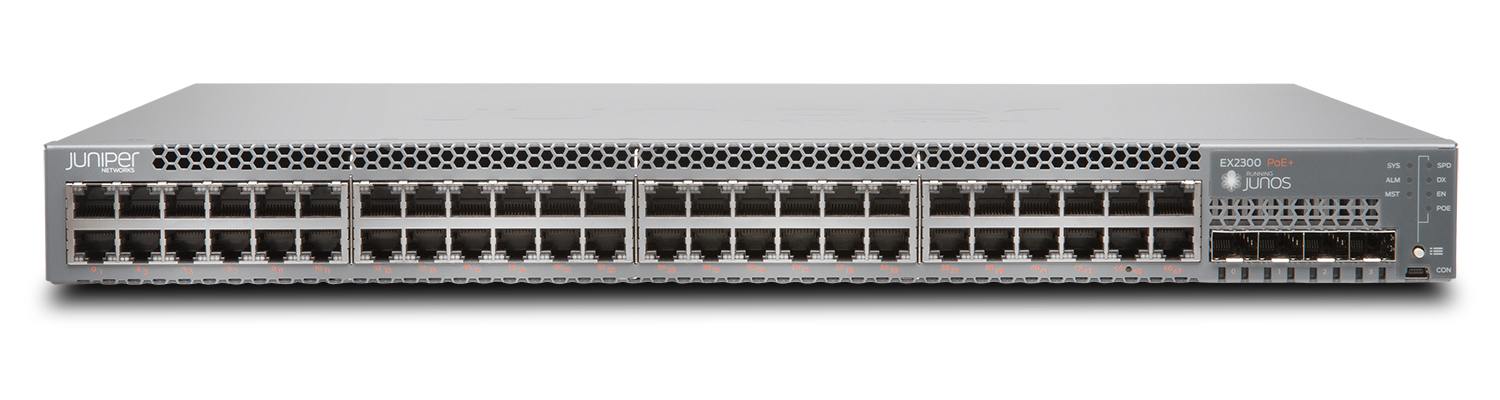
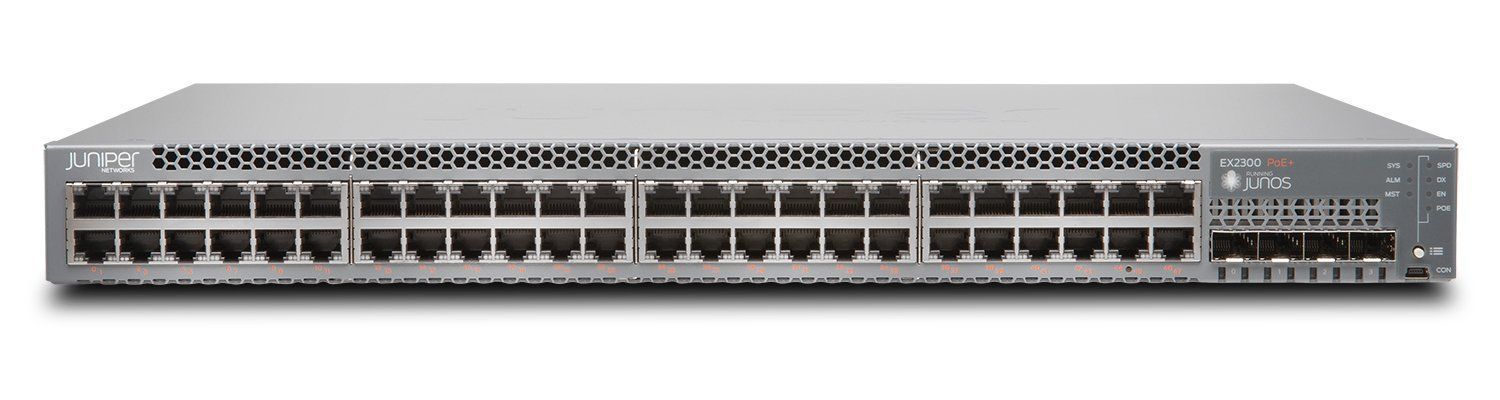
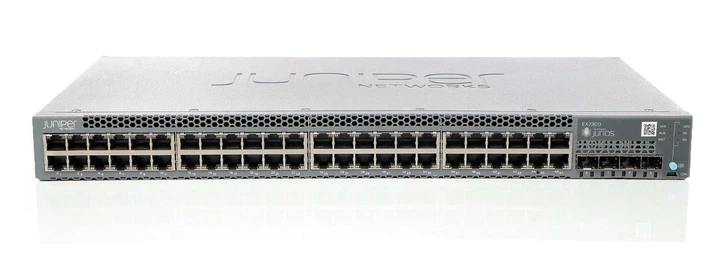
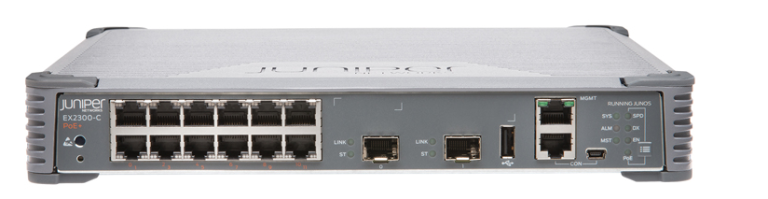
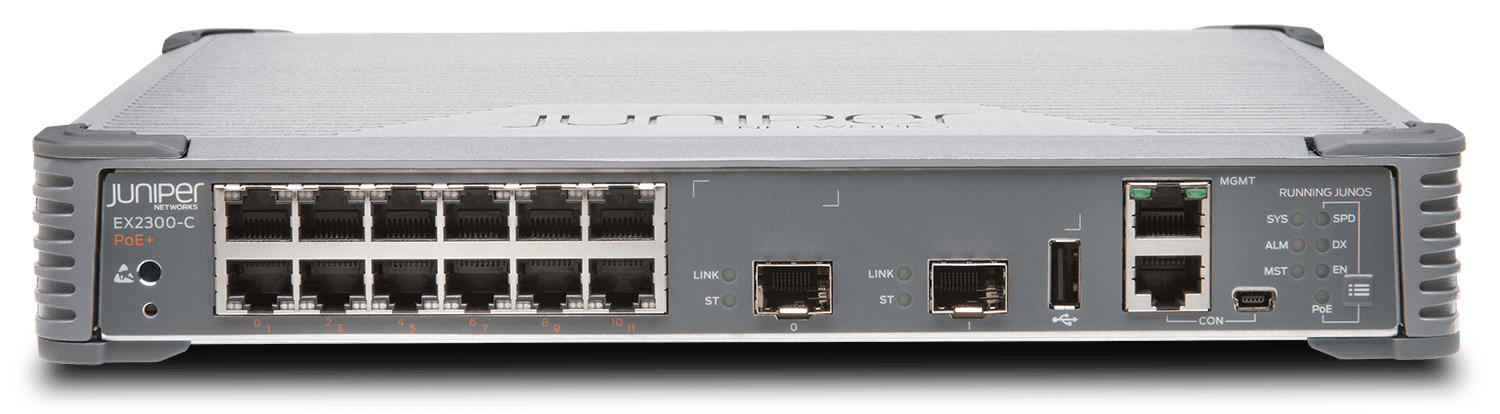
Juniper Networks EX2300-24T
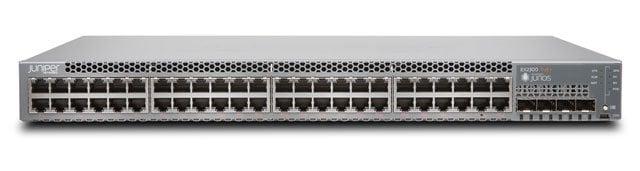
Juniper EX2300 24-port Gigabit Ethernet switch.
Specifications
- PoE
- Optional
- RAM
- 2 GB
- Layer
- Layer 2/3
- Ports
- 24x Gigabit + 4x 10G SFP/SFP+
Potential Threats
10 Known CVEs
Default IP
192.168.1.1
Default admin panel address for Juniper Networks EX2300-24T
Default Credentials — Juniper Networks EX2300-24T
| Username | Password | Access Type | Protocol | Port | Notes |
|---|---|---|---|---|---|
| (blank) | console | Console | — |
Known CVE Vulnerabilities (10)
An Improper Neutralization of Input During Web Page Generation ('Cross-site Scripting') vulnerability in J-Web of Juniper Networks Junos OS on SRX Ser...
A Missing Authentication for Critical Function vulnerability combined with a Generation of Error Message Containing Sensitive Information vulnerabilit...
An Improper Check or Handling of Exceptional Conditions vulnerability in the Packet Forwarding Engine (pfe) of Juniper Networks Junos OS on QFX5000 S...
A Missing Authentication for Critical Function vulnerability in Juniper Networks Junos OS on SRX Series allows an unauthenticated, network-based attac...
A Missing Authentication for Critical Function vulnerability in Juniper Networks Junos OS on EX Series allows an unauthenticated, network-based attack...
A PHP External Variable Modification vulnerability in J-Web of Juniper Networks Junos OS on EX Series allows an unauthenticated, network-based attacke...
An Improper Preservation of Consistency Between Independent Representations of Shared State vulnerability in the Packet Forwarding Engine (PFE) of Jun...
An Improper Check for Unusual or Exceptional Conditions vulnerability in the processing of specific IPv6 packets on certain EX Series devices may lead...
An issue was discovered in Embedthis GoAhead before 4.0.1 and Appweb before 7.0.2. The server mishandles some HTTP request fields associated with time...
Embedthis Appweb before 4.6.6 and 5.x before 5.2.1 allows remote attackers to cause a denial of service (NULL pointer dereference) via a Range header...
FAQ
The most common default credentials for Juniper Networks EX2300-24T are listed in the table above. Always change these immediately after setup.
The default username for Juniper Networks EX2300-24T is typically "admin". The full list of default credentials including username, password, access type and port is shown in the table on this page.
Log in to the admin panel using the default credentials listed above. Navigate to Administration → Password or System → Account settings. Enter the current password and set a new strong password. Save the changes.
Locate the Reset button (usually a small pinhole on the back/bottom of the device). Hold it for 10-30 seconds while powered on until the LEDs flash. The device will reboot with default settings.
No. Default credentials are publicly known and frequently exploited by automated scanners. Change the admin password immediately after first login.
Juniper Networks EX2300-24T has 10 known CVE vulnerabilities documented in our database. The full list with severity ratings is shown on this page. Apply the latest firmware update from the manufacturer to address known issues.