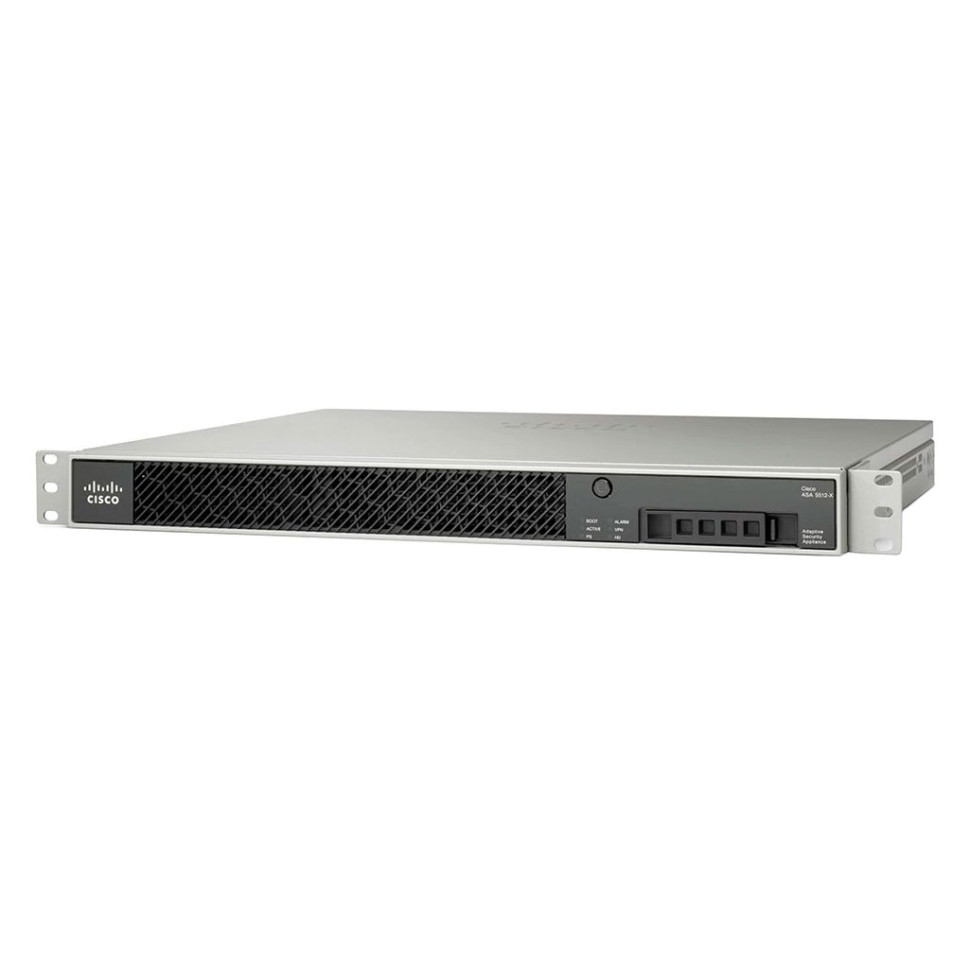
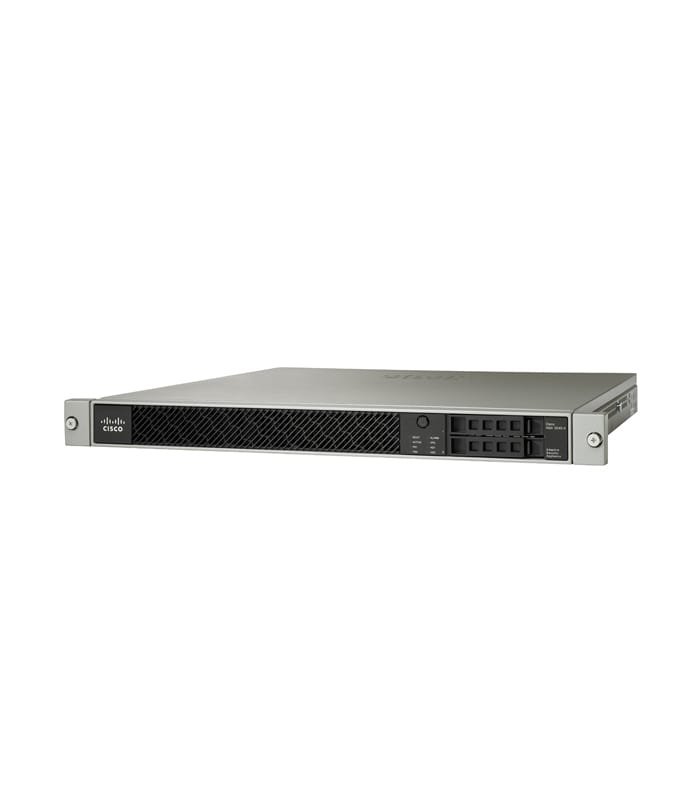
Cisco Cisco Firepower 4140
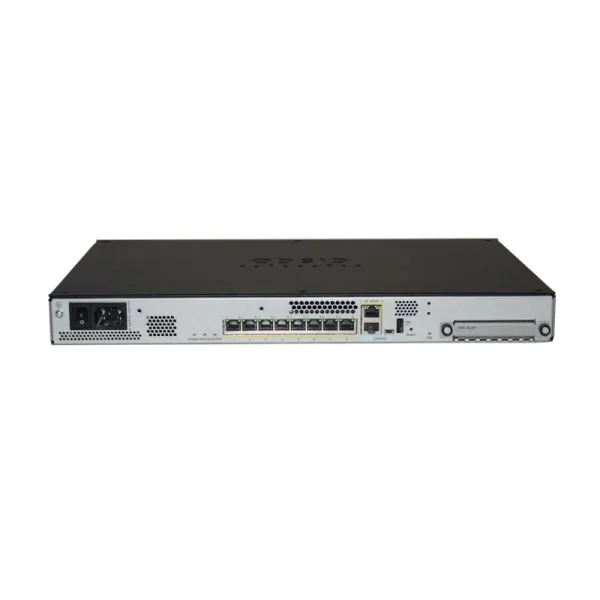
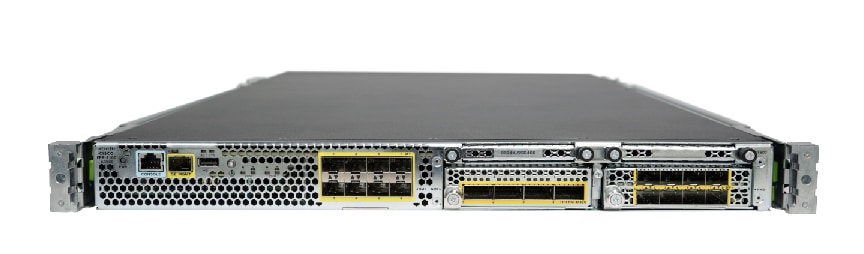
- The Cisco Firepower 4140 is a high-performance, next-generation firewall designed for small to medium-sized businesses and branch offices.
Specifications
- OS
- Cisco Firepower Threat Defense, Cisco ASA
- IDS/IPS
- Yes
- RAM
- 64 GB
- USB
- 2x USB 3.0
- VPN
- Yes
- Rack
- 1U
- Ports
- 8x SFP+
- Storage
- 1x 200 GB SSD
- Firewall
- Yes
- Sessions
- 60 million
- Management
- 1x RJ-45, 1x RJ-45 serial, 1x VGA
- Throughput
- 80 Gbps firewall, 35 Gbps IPS, 24 Gbps NGFW
- SSL Inspection
- Yes
Potential Threats
25 Known CVEs
Default IP
192.168.45.45
Default admin panel address for Cisco Cisco Firepower 4140
Default Credentials — Cisco Cisco Firepower 4140
Known CVE Vulnerabilities (25)
A vulnerability in the Remote Access VPN (RAVPN) service of Cisco Adaptive Security Appliance (ASA) Software and Cisco Firepower Threat Defense (FTD)...
A vulnerability in Cisco Firepower Threat Defense (FTD) Software for Cisco Firepower 1000, 2100, 3100, and 4200 Series could allow an unauthenticated,...
A vulnerability in the session authentication functionality of the Remote Access SSL VPN feature of Cisco Adaptive Security Appliance (ASA) Software a...
A vulnerability in the SSH subsystem of Cisco Adaptive Security Appliance (ASA) Software could allow an authenticated, remote attacker to execute oper...
A vulnerability in a legacy capability that allowed for the preloading of VPN clients and plug-ins and that has been available in Cisco Adaptive Secur...
A vulnerability in the management and VPN web servers for Cisco Adaptive Security Appliance (ASA) Software and Cisco Firepower Threat Defense (FTD) So...
A vulnerability in the web-based management interface of Cisco TelePresence Management Suite (TMS) could allow a low-privileged, remote attacker to co...
A vulnerability in the web-based management interface of Cisco Identity Services Engine (ISE) could allow an authenticated, remote attacker to conduct...
A vulnerability in the web-based interface of Cisco Unified Communications Manager IM & Presence Service (Unified CM IM&P) could allow an unauthentica...
A vulnerability in the IKEv1 fragmentation code of Cisco IOS Software and Cisco IOS XE Software could allow an unauthenticated, remote attacker to cau...
Showing 10 of 25
FAQ
The most common default credentials for Cisco Cisco Firepower 4140 are listed in the table above. Always change these immediately after setup.
The default username for Cisco Cisco Firepower 4140 is typically "admin". The full list of default credentials including username, password, access type and port is shown in the table on this page.
Log in to the admin panel using the default credentials listed above. Navigate to Administration → Password or System → Account settings. Enter the current password and set a new strong password. Save the changes.
Locate the Reset button (usually a small pinhole on the back/bottom of the device). Hold it for 10-30 seconds while powered on until the LEDs flash. The device will reboot with default settings.
No. Default credentials are publicly known and frequently exploited by automated scanners. Change the admin password immediately after first login.
Cisco Cisco Firepower 4140 has 25 known CVE vulnerabilities documented in our database. The full list with severity ratings is shown on this page. Apply the latest firmware update from the manufacturer to address known issues.