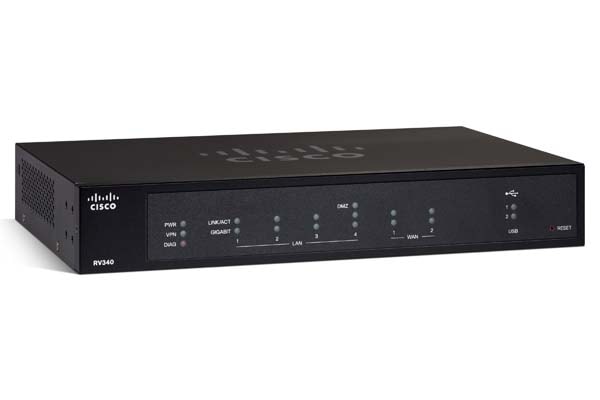
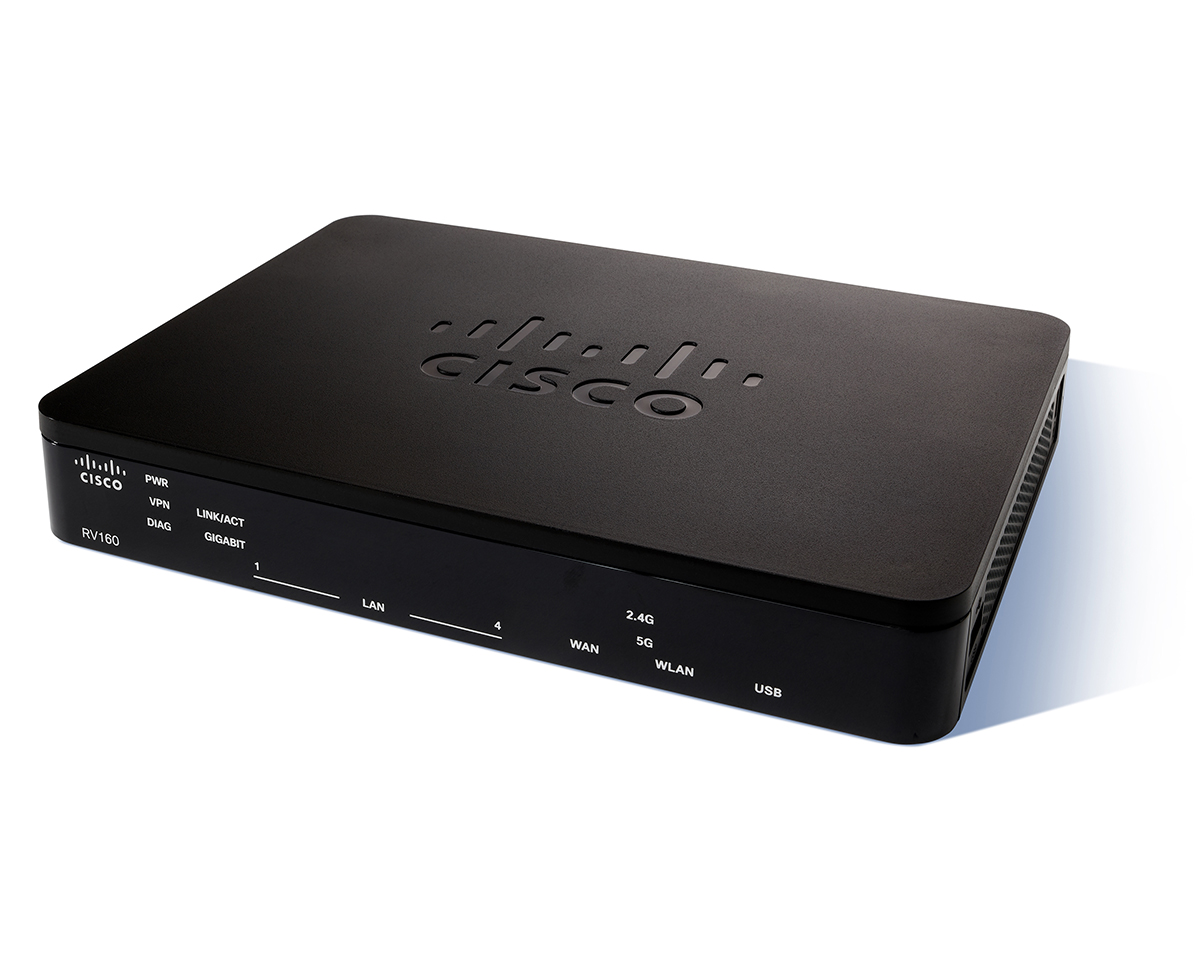
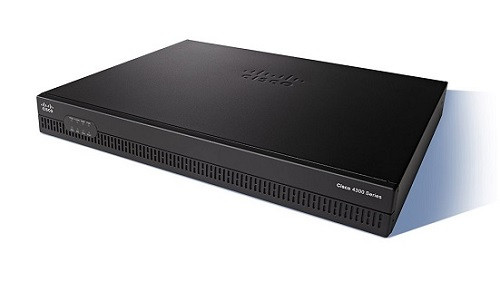
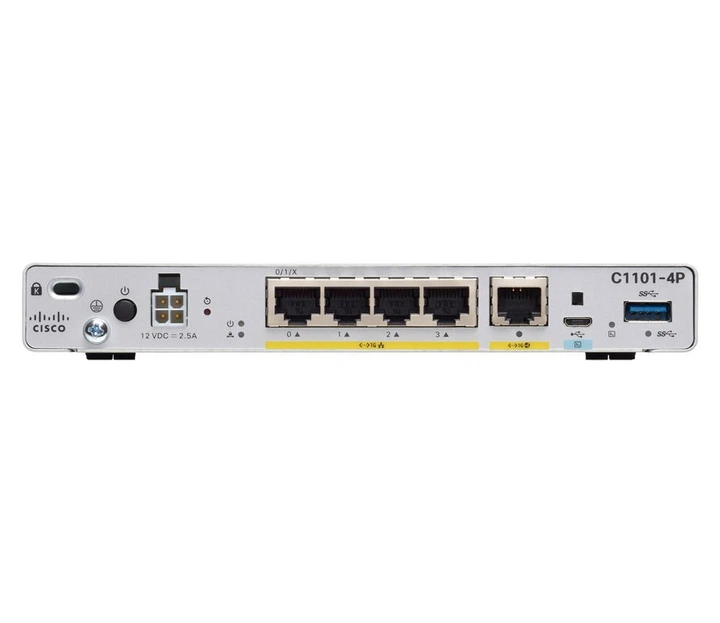
Cisco Cisco ASR 1001-HX
- The Cisco ASR 1001-HX is a compact, high-performance router designed for small to medium-sized businesses and branch offices. It provides reliable connectivity and advanced security features. With its small form factor and low power consumption, it's an ideal solution for remote or distributed networks.
Specifications
- OS
- Cisco IOS XE
- CPU
- 6-core 2.4 GHz
- RAM
- 8 GB
- USB
- 2x USB
- VPN
- Yes
- Rack
- 1RU
- Flash
- 16 GB
- Ports
- 8x 1GE, 6x 10GE
- SD-WAN
- Yes
- WAN Ports
- 8x 1GE, 6x 10GE
- Management
- 1x RJ-45 console, 1x USB console, 1x MGMT
- Throughput
- 60 Gbps
Potential Threats
23 Known CVEs
Known CVE Vulnerabilities (23)
Rejected reason: This CVE ID has been rejected or withdrawn by its CVE Numbering Authority because it is Unused
A vulnerability in the API of Cisco Unified Intelligence Center could allow an authenticated, remote attacker to perform a horizontal privilege escala...
A vulnerability in Cisco Unified Intelligence Center could allow an authenticated, remote attacker to elevate privileges to Administrator for a limite...
A vulnerability in multiple Cisco Unified Communications and Contact Center Solutions products could allow an authenticated, local attacker to elevate...
A vulnerability in the Out-of-Band Access Point (AP) Image Download, the Clean Air Spectral Recording, and the client debug bundles features of Cisco...
A vulnerability in confederation implementation for the Border Gateway Protocol (BGP) in Cisco IOS XR Software could allow an unauthenticated, re...
A vulnerability in the health monitoring diagnostics of Cisco Nexus 3000 Series Switches and Cisco Nexus 9000 Series Switches in standalone NX-OS mode...
A vulnerability in the web-based management interface of Cisco Secure Firewall Management Center (FMC) Software, formerly Firepower Management Center...
A vulnerability in the VPN and management web servers of the Cisco Adaptive Security Virtual Appliance (ASAv) and Cisco Secure Firewall Threat Defense...
A vulnerability in the web-based management interface of Cisco ATA 190 Series Analog Telephone Adapter firmware could allow an authenticated, remote a...
Showing 10 of 23
FAQ
The most common default credentials for Cisco Cisco ASR 1001-HX are listed in the table above. Always change these immediately after setup.
The default username for Cisco Cisco ASR 1001-HX is typically "admin". The full list of default credentials including username, password, access type and port is shown in the table on this page.
Log in to the admin panel using the default credentials listed above. Navigate to Administration → Password or System → Account settings. Enter the current password and set a new strong password. Save the changes.
Locate the Reset button (usually a small pinhole on the back/bottom of the device). Hold it for 10-30 seconds while powered on until the LEDs flash. The device will reboot with default settings.
No. Default credentials are publicly known and frequently exploited by automated scanners. Change the admin password immediately after first login.
Most routers are accessible at 192.168.1.1 or 192.168.0.1. Open a browser on a connected device and type the IP in the address bar to reach the admin login page.
Log in to the router admin panel at the default IP address. Go to Wireless or Wi-Fi settings. Find the WPA2/WPA3 passphrase field and update it. Save and reconnect your devices.
Change the default admin password and Wi-Fi password immediately. Disable WPS (Wi-Fi Protected Setup) — it is vulnerable to brute-force attacks. Enable WPA3 encryption if supported. Turn off remote management unless needed. Keep firmware updated.
Cisco Cisco ASR 1001-HX has 23 known CVE vulnerabilities documented in our database. The full list with severity ratings is shown on this page. Apply the latest firmware update from the manufacturer to address known issues.