Check Point Check Point 6700
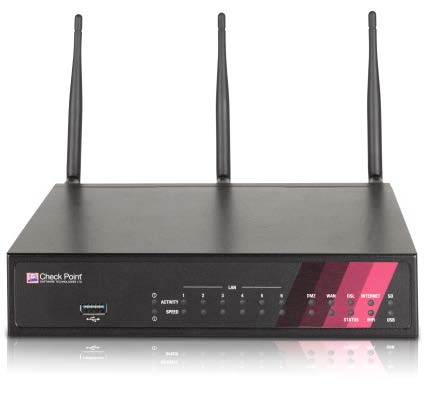
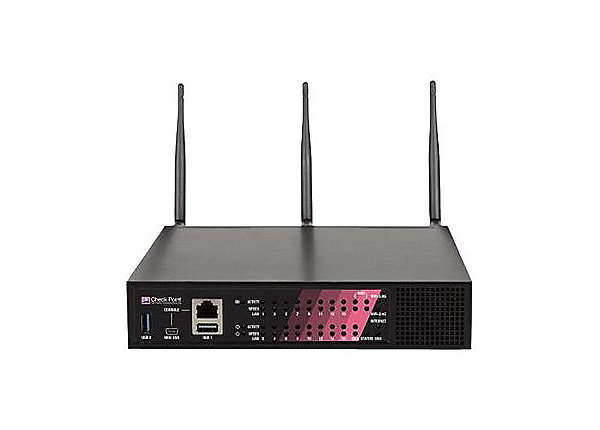
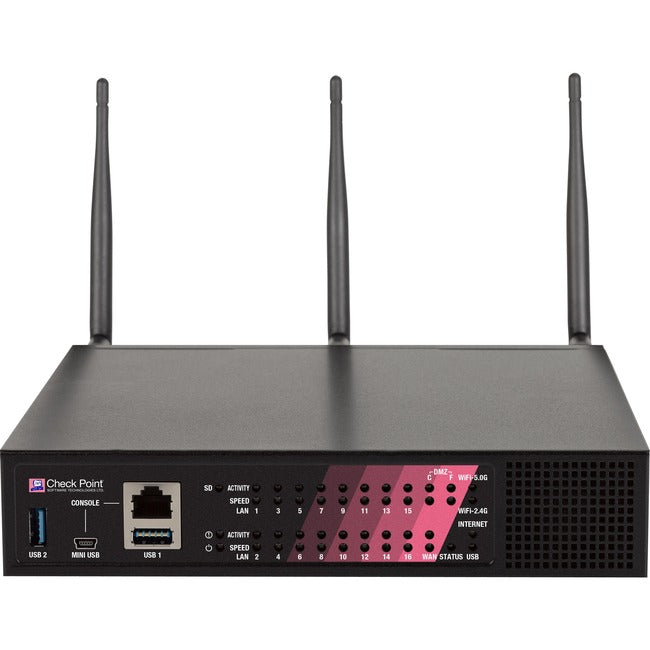
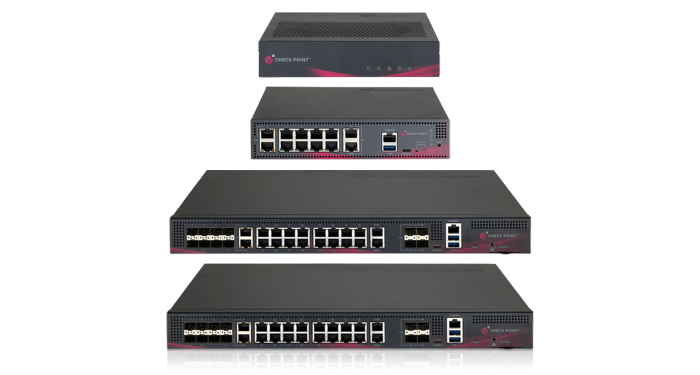
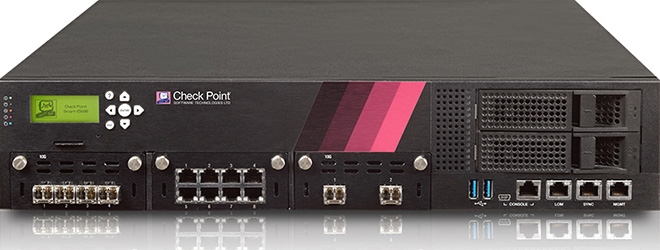
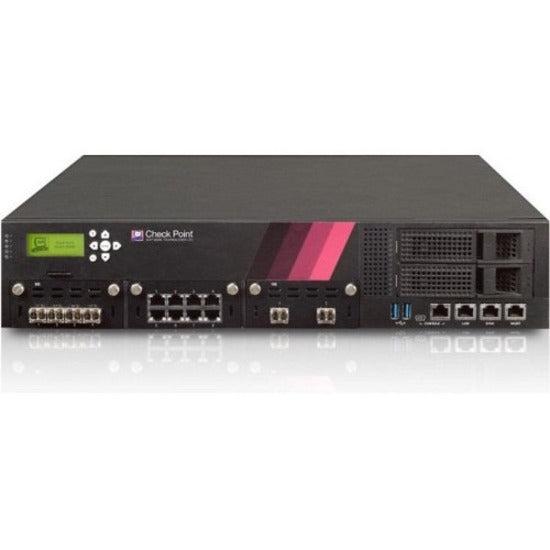
- The Check Point 6700 is a high-performance next-generation firewall designed for large-scale enterprise networks.
Specifications
- OS
- Gaia
- IDS/IPS
- Yes
- RAM
- 16 GB
- USB
- 2x USB
- UTM
- Yes
- VPN
- Yes
- Ports
- 8x GE RJ-45, 4x 1/10Gb SFP+
- SD-WAN
- Yes
- Storage
- 240 GB SSD
- Firewall
- Yes
- Sessions
- 12 million
- Management
- Web, CLI, SNMP
- Throughput
- 15 Gbps firewall, 3.2 Gbps threat prevention, 2.1 Gbps IPSec VPN
- SSL Inspection
- Yes
Potential Threats
22 Known CVEs
Default IP
192.168.1.1
Default admin panel address for Check Point Check Point 6700
Default Credentials — Check Point Check Point 6700
Known CVE Vulnerabilities (22)
Credentials are not cleared from memory after being used. A user with Administrator permissions can execute memory dump for SmartConsole process and f...
Untrusted DLLs in the installer's directory may be loaded and executed, leading to potentially arbitrary code execution with the installer's privilege...
Authenticated Gaia users can inject code or commands by global variables through special HTTP requests. A Security fix that mitigates this vulnerabili...
Potentially allowing an attacker to read certain information on Check Point Security Gateways once connected to the internet and enabled with remote A...
An improper array index validation vulnerability exists in the EVCD var len parsing functionality of GTKWave 3.3.115. A specially crafted .evcd file c...
Decidim is a participatory democracy framework, written in Ruby on Rails, originally developed for the Barcelona City government online and offline pa...
Decidim is a participatory democracy framework, written in Ruby on Rails, originally developed for the Barcelona City government online and offline pa...
Vite provides frontend tooling. Prior to versions 2.9.16, 3.2.7, 4.0.5, 4.1.5, 4.2.3, and 4.3.9, Vite Server Options (`server.fs.deny`) can be bypasse...
Kyverno is a policy engine designed for Kubernetes. In versions of Kyverno prior to 1.10.0, resources which have the `deletionTimestamp` field defined...
Collabora Online is a collaborative online office suite. A stored cross-site scripting (XSS) vulnerability was found in Collabora Online prior to vers...
Showing 10 of 22
FAQ
The most common default credentials for Check Point Check Point 6700 are listed in the table above. Always change these immediately after setup.
The default username for Check Point Check Point 6700 is typically "admin". The full list of default credentials including username, password, access type and port is shown in the table on this page.
Log in to the admin panel using the default credentials listed above. Navigate to Administration → Password or System → Account settings. Enter the current password and set a new strong password. Save the changes.
Locate the Reset button (usually a small pinhole on the back/bottom of the device). Hold it for 10-30 seconds while powered on until the LEDs flash. The device will reboot with default settings.
No. Default credentials are publicly known and frequently exploited by automated scanners. Change the admin password immediately after first login.
Check Point Check Point 6700 has 22 known CVE vulnerabilities documented in our database. The full list with severity ratings is shown on this page. Apply the latest firmware update from the manufacturer to address known issues.