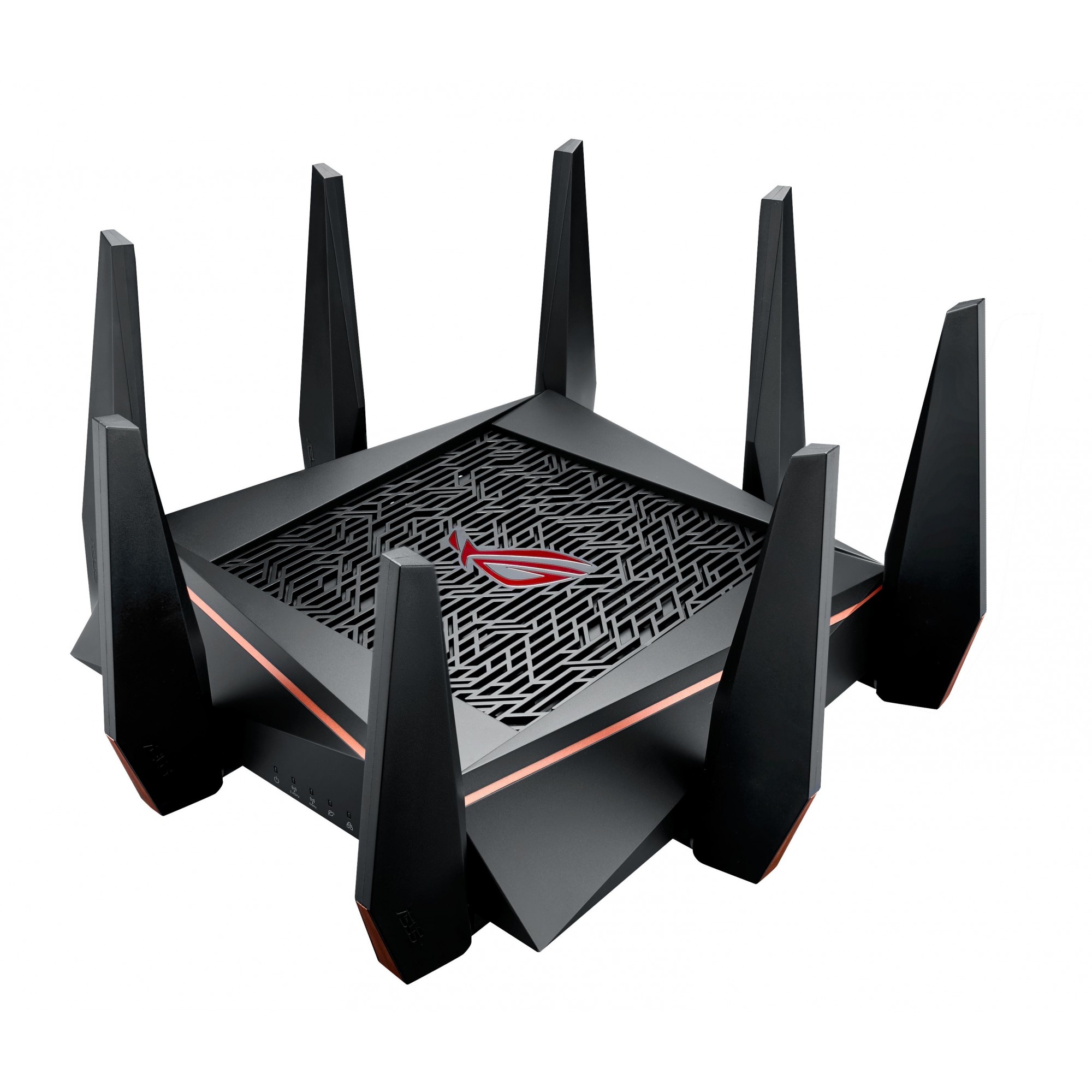
Asus ASUS ROG Rapture GT-AX6000
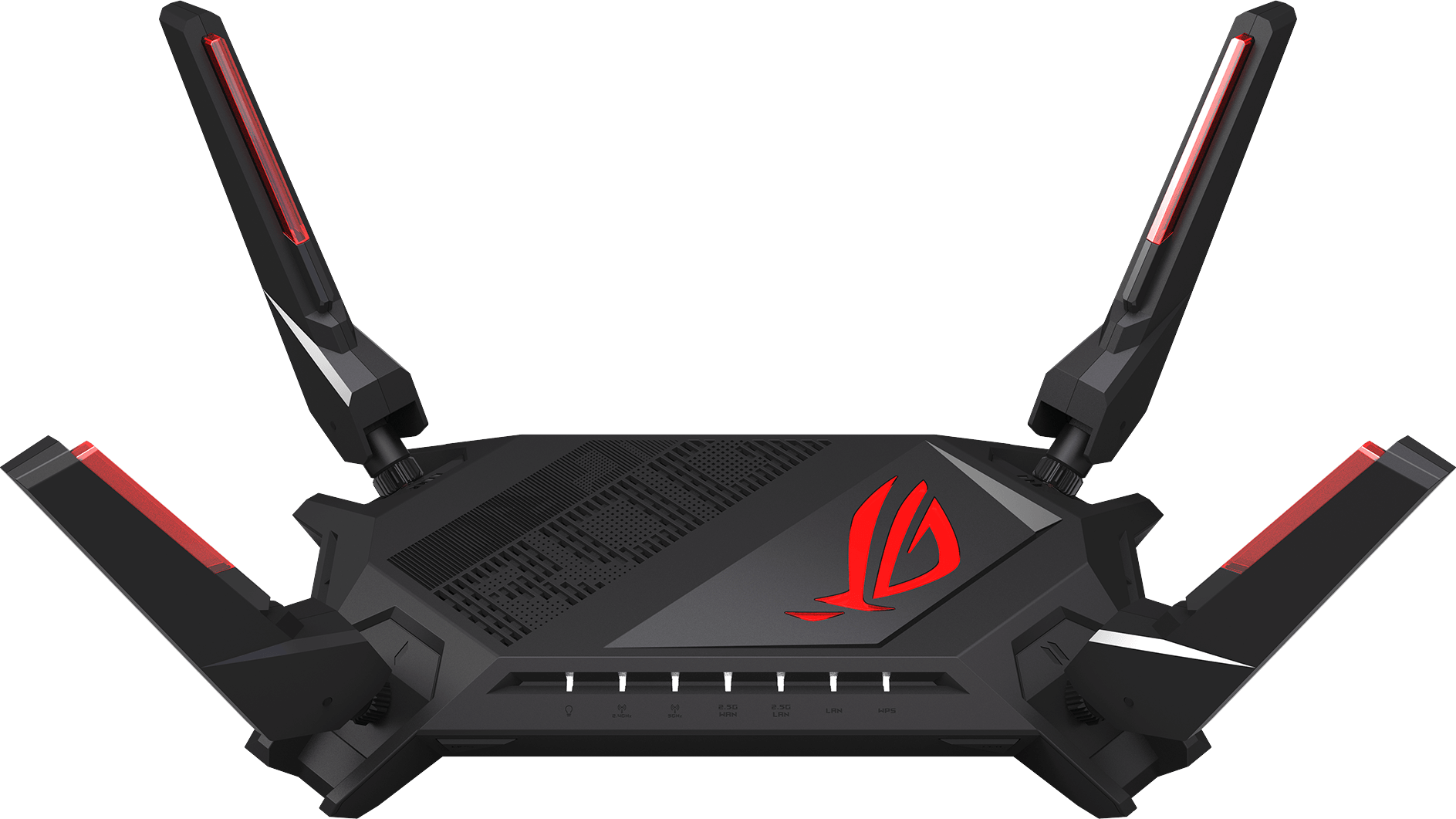
- The ASUS ROG Rapture GT-AX6000 is a high-performance gaming router that delivers fast and reliable internet connections.
Specifications
- AI
- AiMesh, AiProtection Pro
- OS
- Asuswrt
- CPU
- 2.0 GHz quad-core
- LAN
- Gigabit Ethernet
- QoS
- Yes
- RAM
- 1 GB
- USB
- 1x USB 3.2 Gen 1, 1x USB 2.0
- VPN
- Yes
- WAN
- 2.5 Gigabit Ethernet
- Mode
- Router, Access Point, Media Bridge, Repeater
- Wi-Fi
- Wi‑Fi 6 (802.11ax) AX6000
- Bands
- Dual-band
- Flash
- 256 MB
- Ports
- 1x 2.5GbE WAN, 1x 2.5GbE LAN, 4x 1GbE LAN, 1x USB 3.2 Gen 1, 1x USB 2.0
- Antenna
- External
- MU-MIMO
- Yes
- Antennas
- 4
- Firewall
- Yes
- Bandwidth
- 2.4 GHz, 5 GHz
- LAN Ports
- 4x 1GbE
- WAN Ports
- 1x 2.5GbE
- Management
- Web, ASUS Router app
Potential Threats
21 Known CVEs
Default IP
192.168.50.1
Default admin panel address for Asus ASUS ROG Rapture GT-AX6000
Default Credentials — Asus ASUS ROG Rapture GT-AX6000
Known CVE Vulnerabilities (21)
The Genesis Blocks WordPress plugin through 3.1.3 does not properly escape attributes provided to some of its custom blocks, making it possible for us...
Incorrect Default Permissions vulnerability in Smart Device Communication Gateway preinstalled on MELIPC Series MI5122-VW firmware versions "05" to "0...
Certain models of ASUS routers have an arbitrary firmware upload vulnerability. An unauthenticated remote attacker can exploit this vulnerability to e...
The Add Custom CSS and JS WordPress plugin through 1.20 does not have CSRF check in some places, and is missing sanitisation as well as escaping, whic...
Out-of-bounds array write in Xpdf 4.05 and earlier, triggered by long Unicode sequence in ActualText.
A vulnerability classified as critical has been found in Tenda AC500 2.0.1.9(1307). Affected is the function formWriteFacMac of the file /goform/Write...
A vulnerability was found in Tenda AC500 2.0.1.9(1307). It has been rated as critical. This issue affects the function formSetCfm of the file /goform/...
A vulnerability was found in Tenda AC500 2.0.1.9(1307). It has been declared as critical. This vulnerability affects the function formQuickIndex of th...
A vulnerability was found in Tenda AC500 2.0.1.9(1307). It has been classified as critical. This affects the function R7WebsSecurityHandler of the fil...
Multiple out-of-bounds write vulnerabilities exist in the VZT vzt_rd_process_block autosort functionality of GTKWave 3.3.115. A specially crafted .vzt...
Showing 10 of 21
FAQ
The most common default credentials for Asus ASUS ROG Rapture GT-AX6000 are listed in the table above. Always change these immediately after setup.
The default username for Asus ASUS ROG Rapture GT-AX6000 is typically "admin". The full list of default credentials including username, password, access type and port is shown in the table on this page.
Log in to the admin panel using the default credentials listed above. Navigate to Administration → Password or System → Account settings. Enter the current password and set a new strong password. Save the changes.
Locate the Reset button (usually a small pinhole on the back/bottom of the device). Hold it for 10-30 seconds while powered on until the LEDs flash. The device will reboot with default settings.
No. Default credentials are publicly known and frequently exploited by automated scanners. Change the admin password immediately after first login.
The default admin login address for Asus ASUS ROG Rapture GT-AX6000 is shown in the "Default IP" field above. Most routers use 192.168.1.1 or 192.168.0.1. Open a browser on a device connected to the router and navigate to that IP.
Log in to the router admin panel at the default IP address. Go to Wireless or Wi-Fi settings. Find the WPA2/WPA3 passphrase field and update it. Save and reconnect your devices.
Change the default admin password and Wi-Fi password immediately. Disable WPS (Wi-Fi Protected Setup) — it is vulnerable to brute-force attacks. Enable WPA3 encryption if supported. Turn off remote management unless needed. Keep firmware updated.
Asus ASUS ROG Rapture GT-AX6000 has 21 known CVE vulnerabilities documented in our database. The full list with severity ratings is shown on this page. Apply the latest firmware update from the manufacturer to address known issues.