Cisco Default Password and Console Login
Most enterprise Cisco hardware ships with no password at all — you configure it over the console cable. The admin/admin and cisco/cisco pairs belong to the Small Business line, not to Catalyst or ISR.
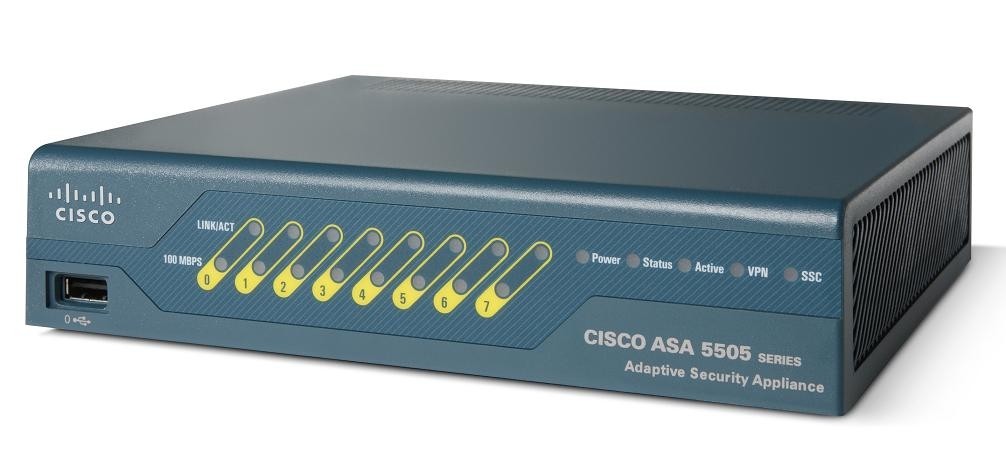
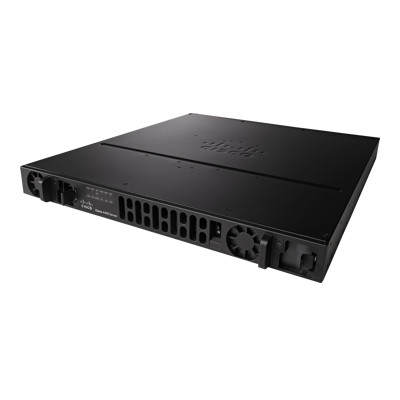
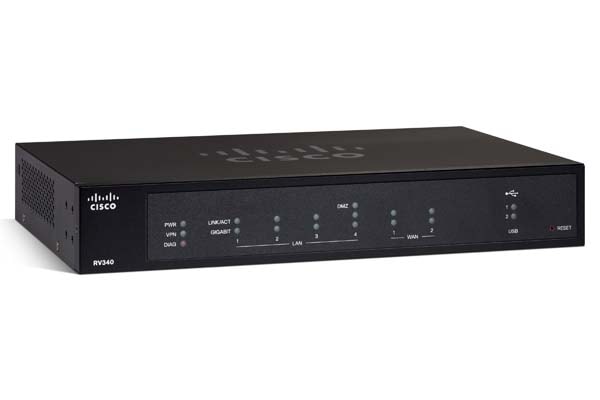
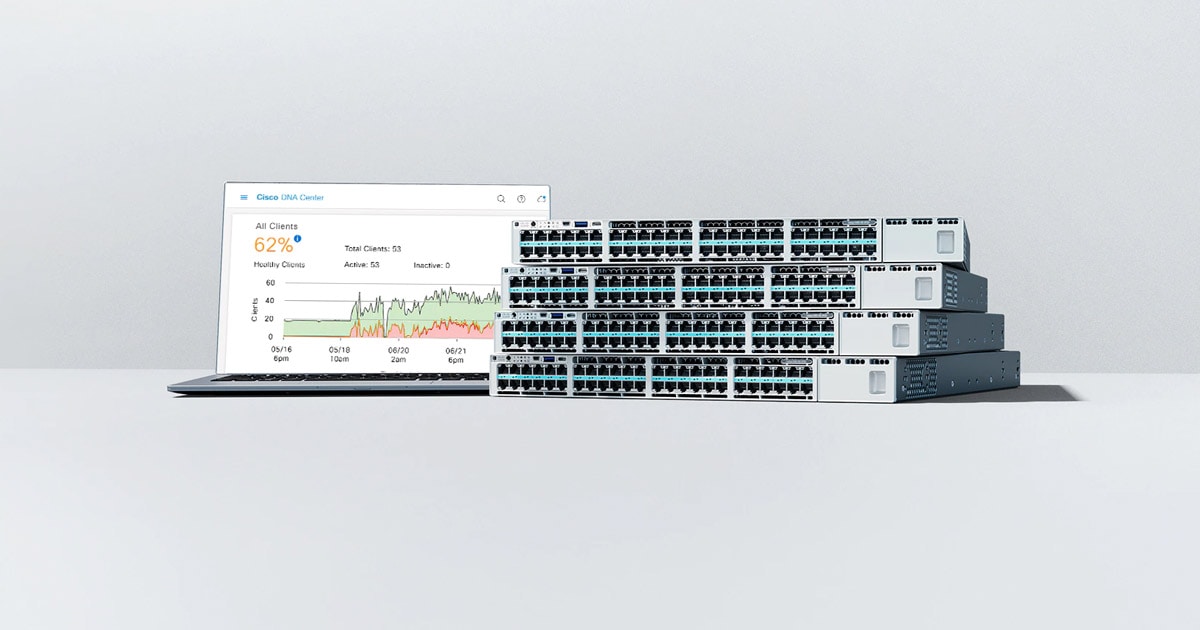
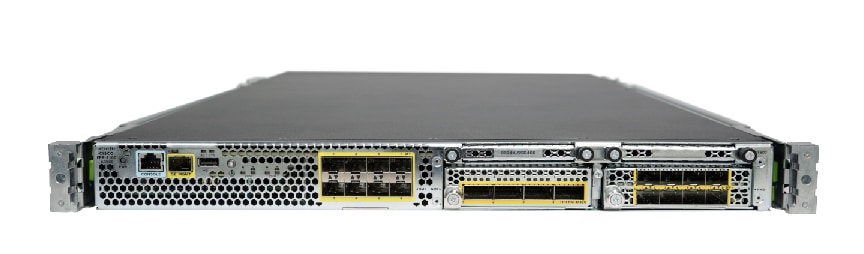
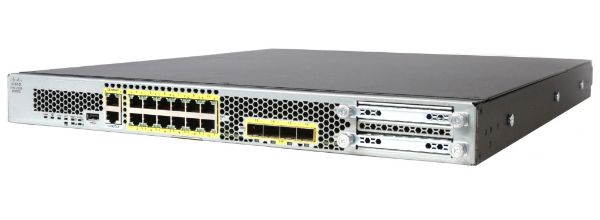
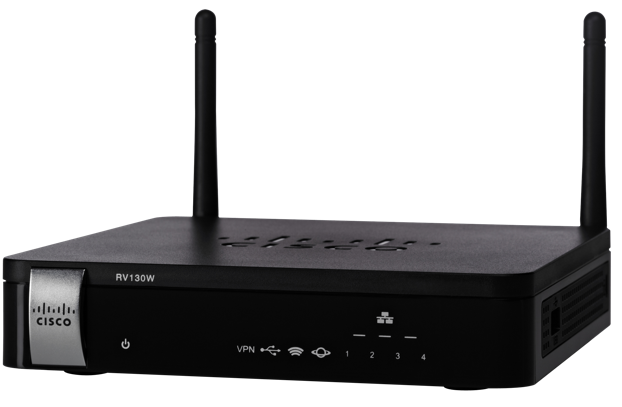
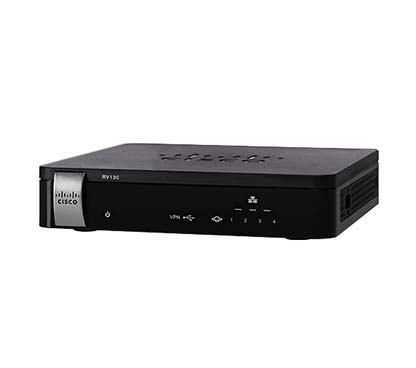
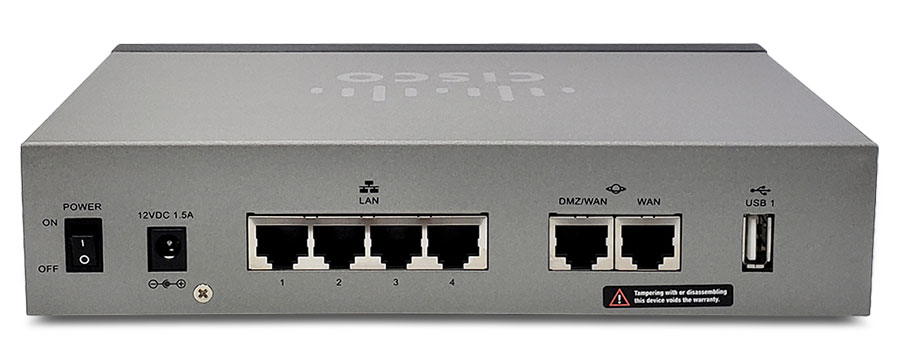
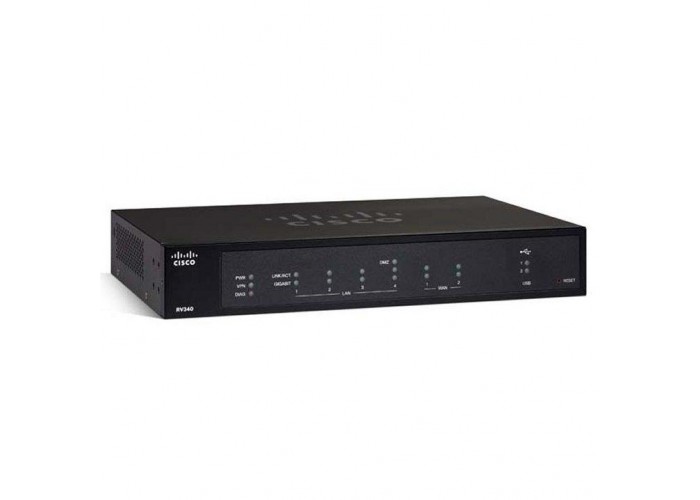
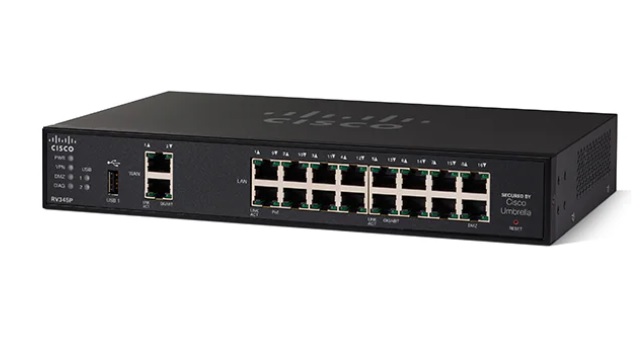
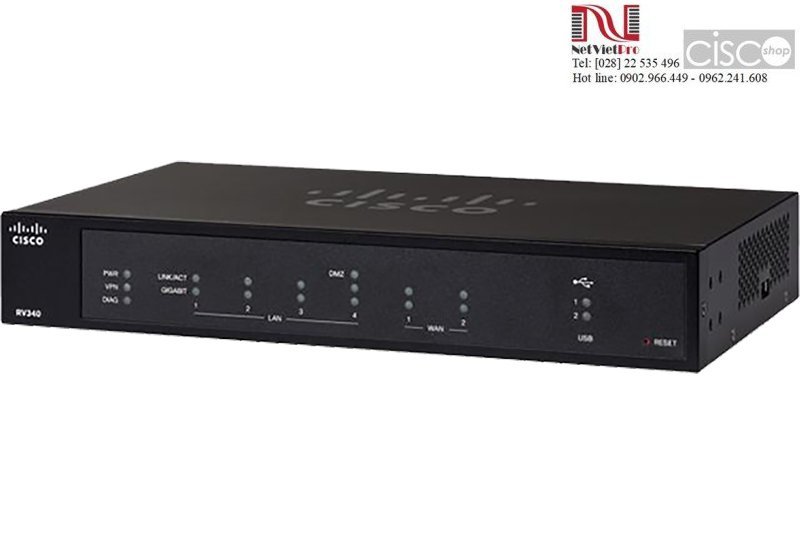
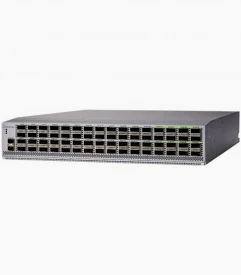
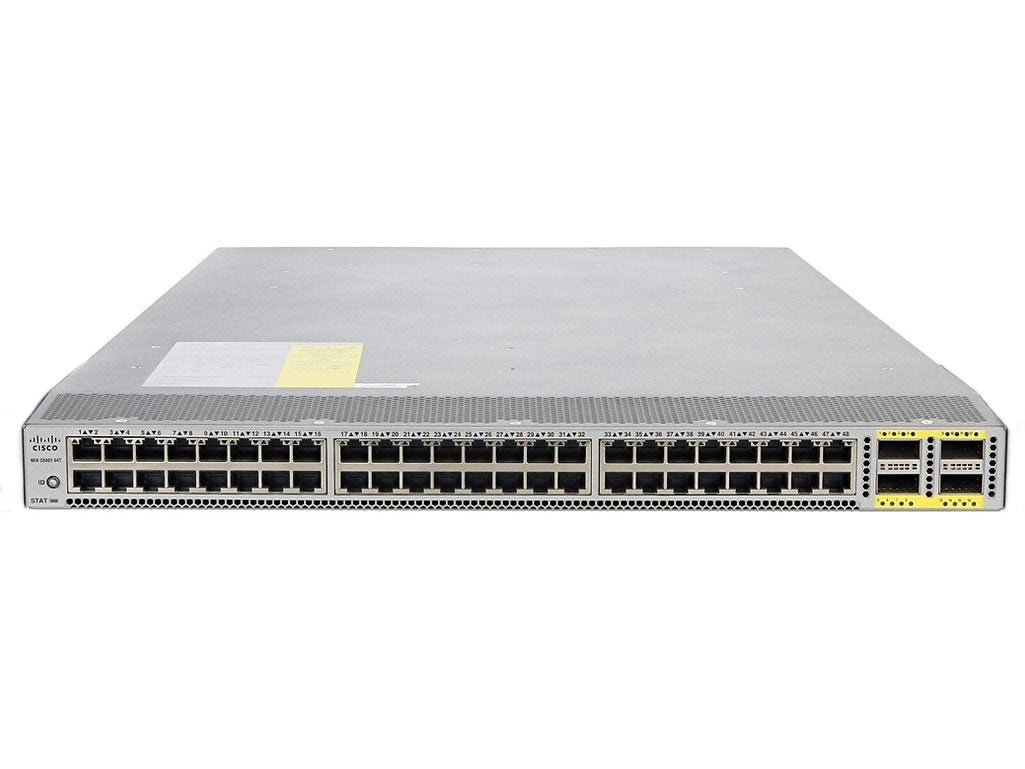
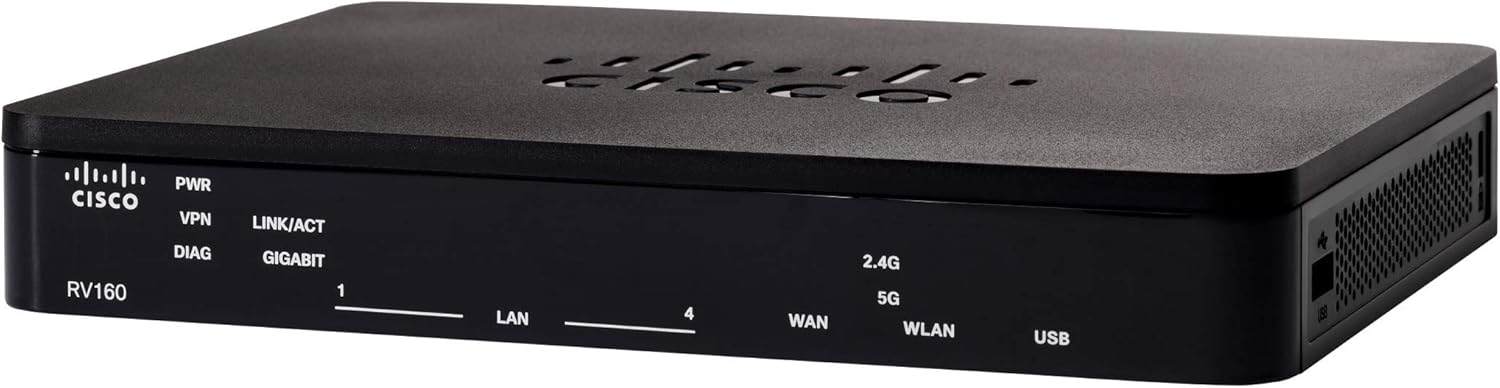
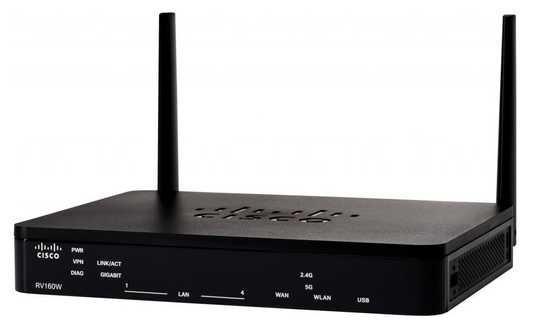
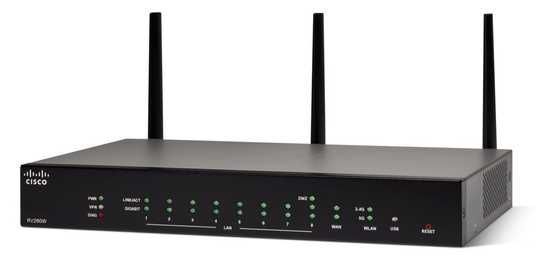
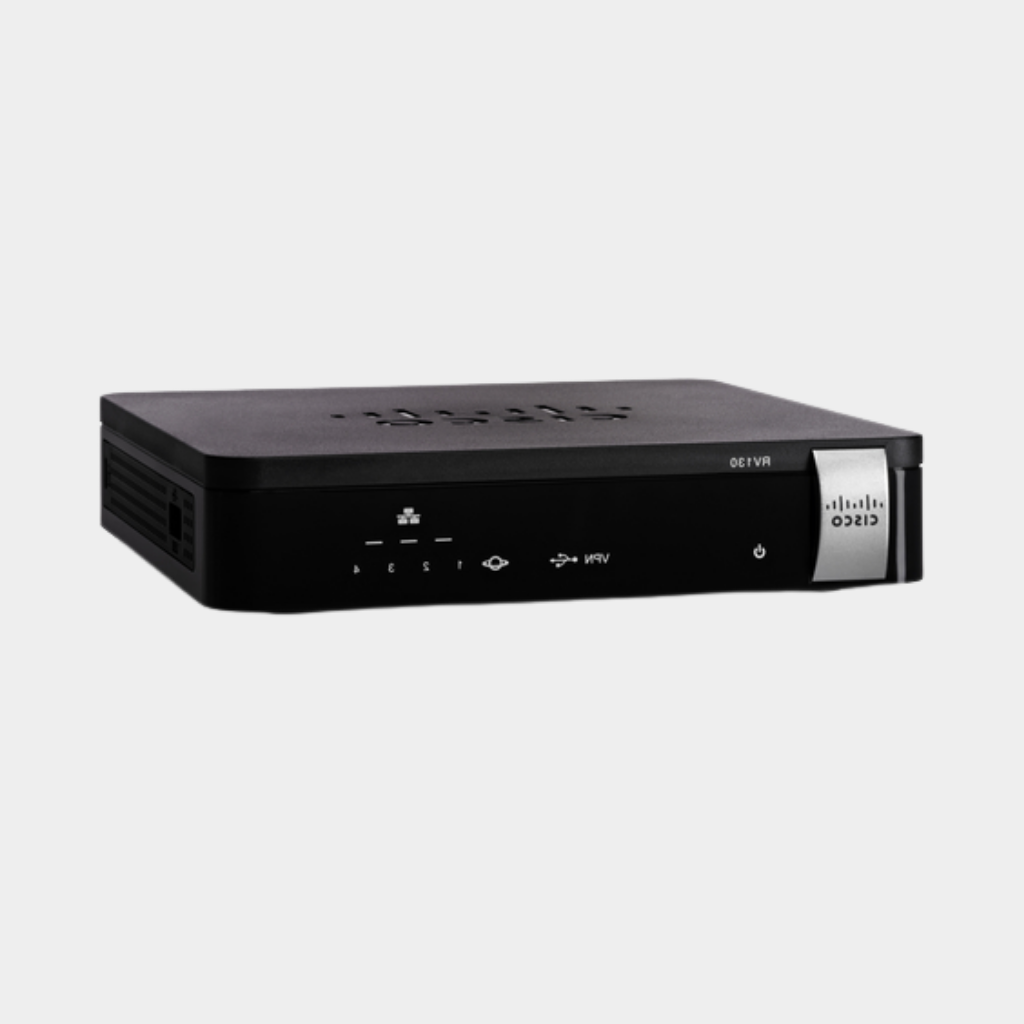
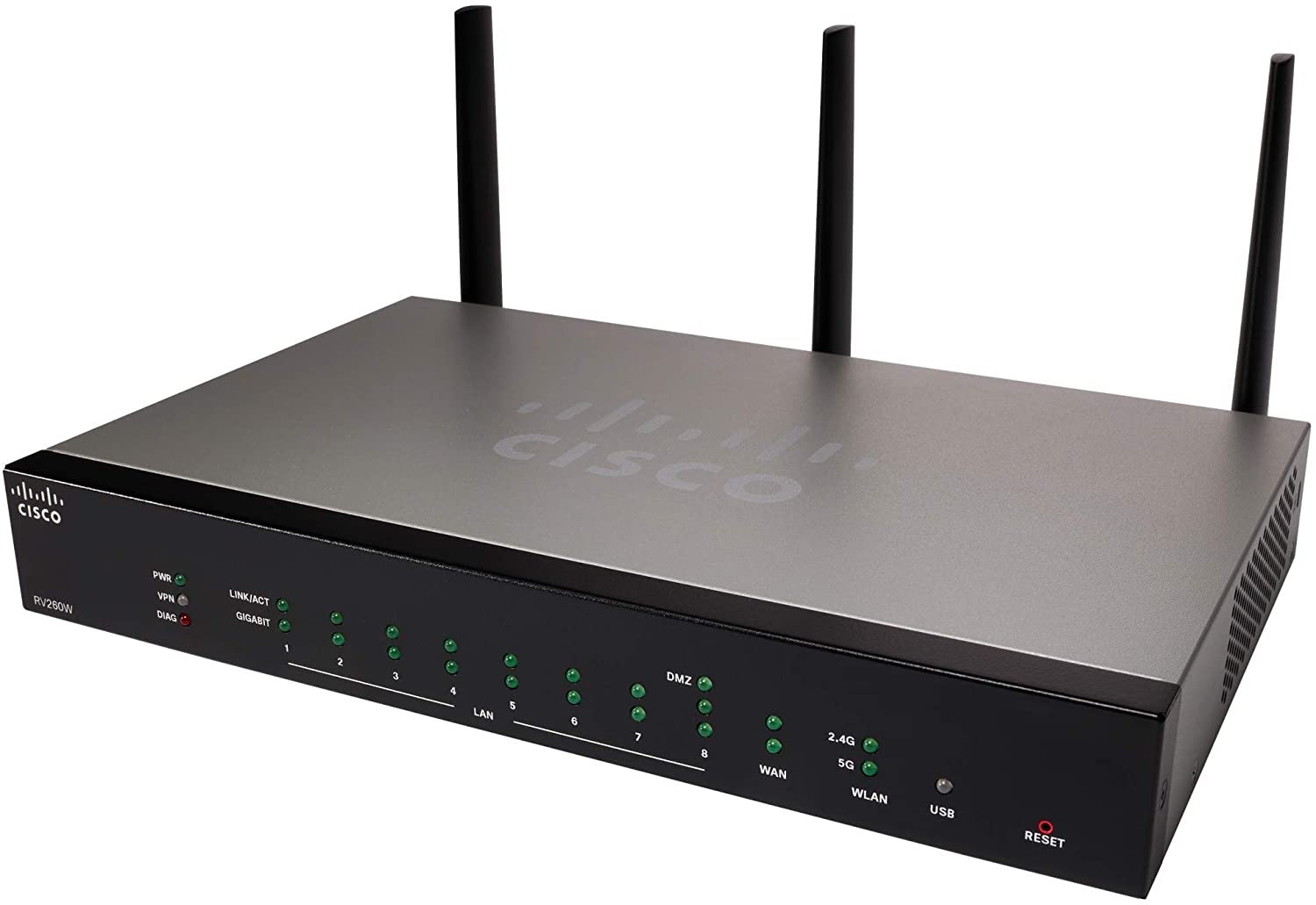
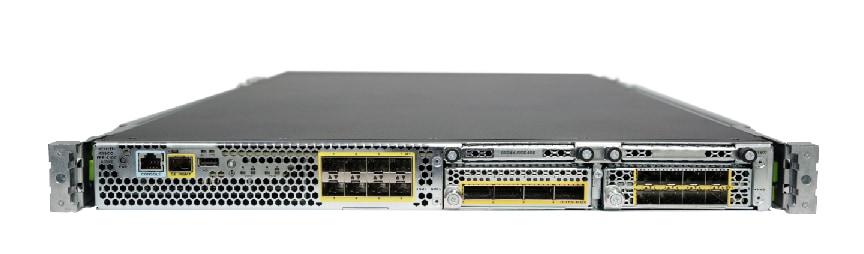
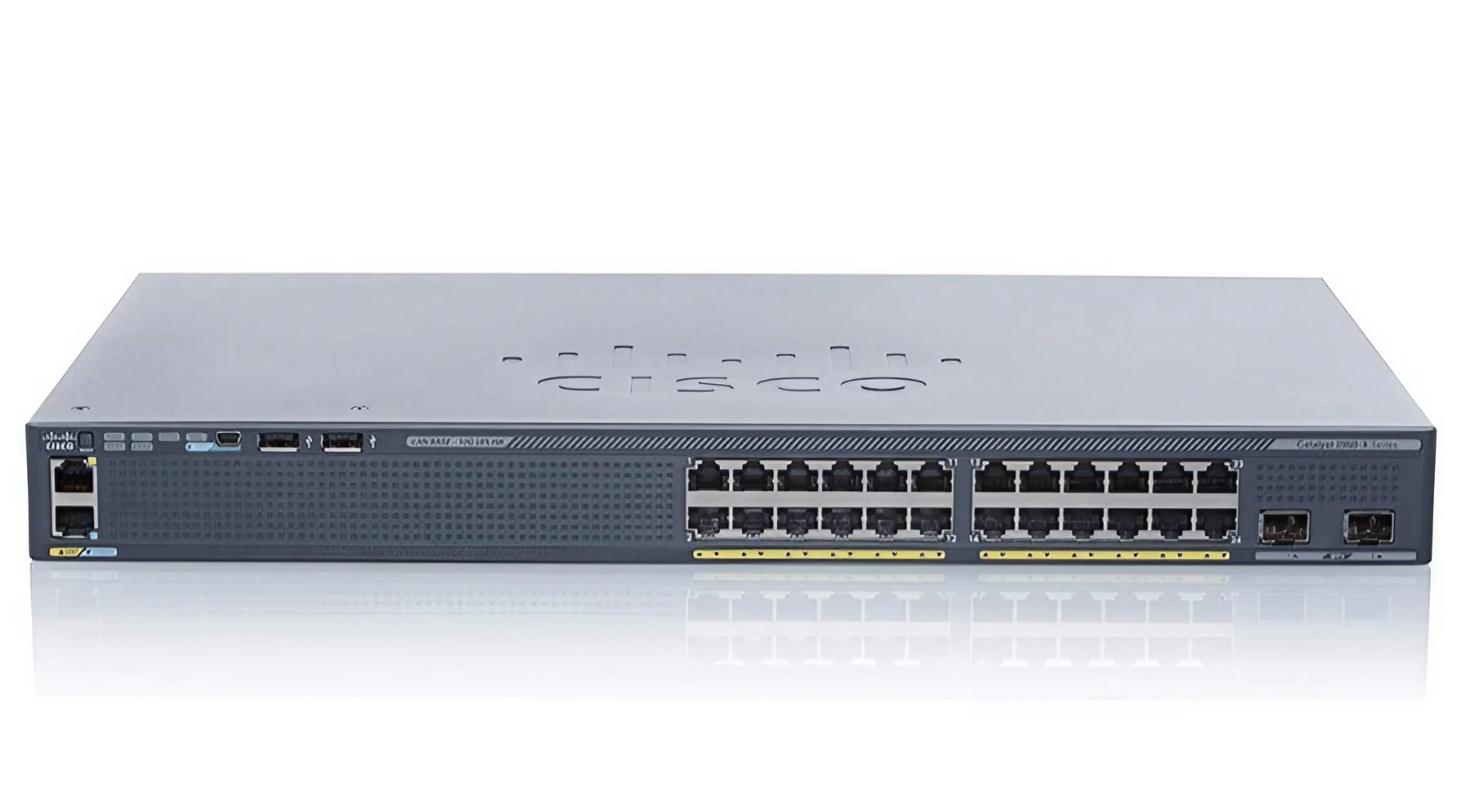
Enterprise gear has no default password
This is the single most misunderstood point about Cisco. A factory Catalyst switch or ISR router has no username, no password and no IP address. It expects you to connect a console cable — traditionally RJ-45 rolled, now usually USB — and run through the initial configuration dialogue. There is nothing to look up because nothing has been set.
Where admin/admin does apply
Cisco's Small Business range — the SG/SF switches, RV routers, older Linksys-derived kit — does ship with credentials, typically cisco/cisco or admin/admin, with a default address of 192.168.1.254 or 192.168.1.1. These units also force a password change on first login.
Meraki devices have no local login in the traditional sense; they are claimed into a cloud dashboard and configured there.
Password recovery on IOS
Cisco documents a proper recovery procedure rather than a reset button. The outline: interrupt the boot sequence with the Break key, set the configuration register to 0x2142 so the device ignores its stored configuration, boot, copy the startup configuration into the running configuration, change the password, then set the register back to 0x2102 and save. The exact steps vary by platform — a 2960 differs from an ISR 4000.
Critically, this preserves the configuration. Skipping the copy step is how people accidentally erase a production switch config.
CVE exposure
Cisco is the most represented vendor in this catalogue by both device count and CVE count. That reflects deployment scale and disclosure discipline rather than unusual weakness — Cisco publishes thoroughly. Per-model advisories are listed below.
Популярні запитання
Enterprise switches such as the Catalyst line have none — they ship unconfigured and are set up over a console cable. Small Business SG/SF switches do ship with cisco/cisco or admin/admin.
There is not one. A factory 2960 has no password and no IP address; you connect a console cable and run the setup dialogue. If it already has a password, use the configuration-register recovery procedure.
Break into ROMMON, set the config register to 0x2142, boot, then copy startup-config to running-config before changing the password. Restore the register to 0x2102 and save. Omitting the copy step wipes the configuration.