Netgear Router Login and Default Password
Netgear routers answer at routerlogin.net and at 192.168.1.1. The factory login is admin with the password password — lowercase, and yes, that really is the password.
Two ways in
Netgear ships a local hostname, routerlogin.net (also routerlogin.com), which resolves only while you are connected to the router. If it fails to load, the cause is usually a public DNS server intercepting the name — type 192.168.1.1 instead and the panel appears.
Factory credentials
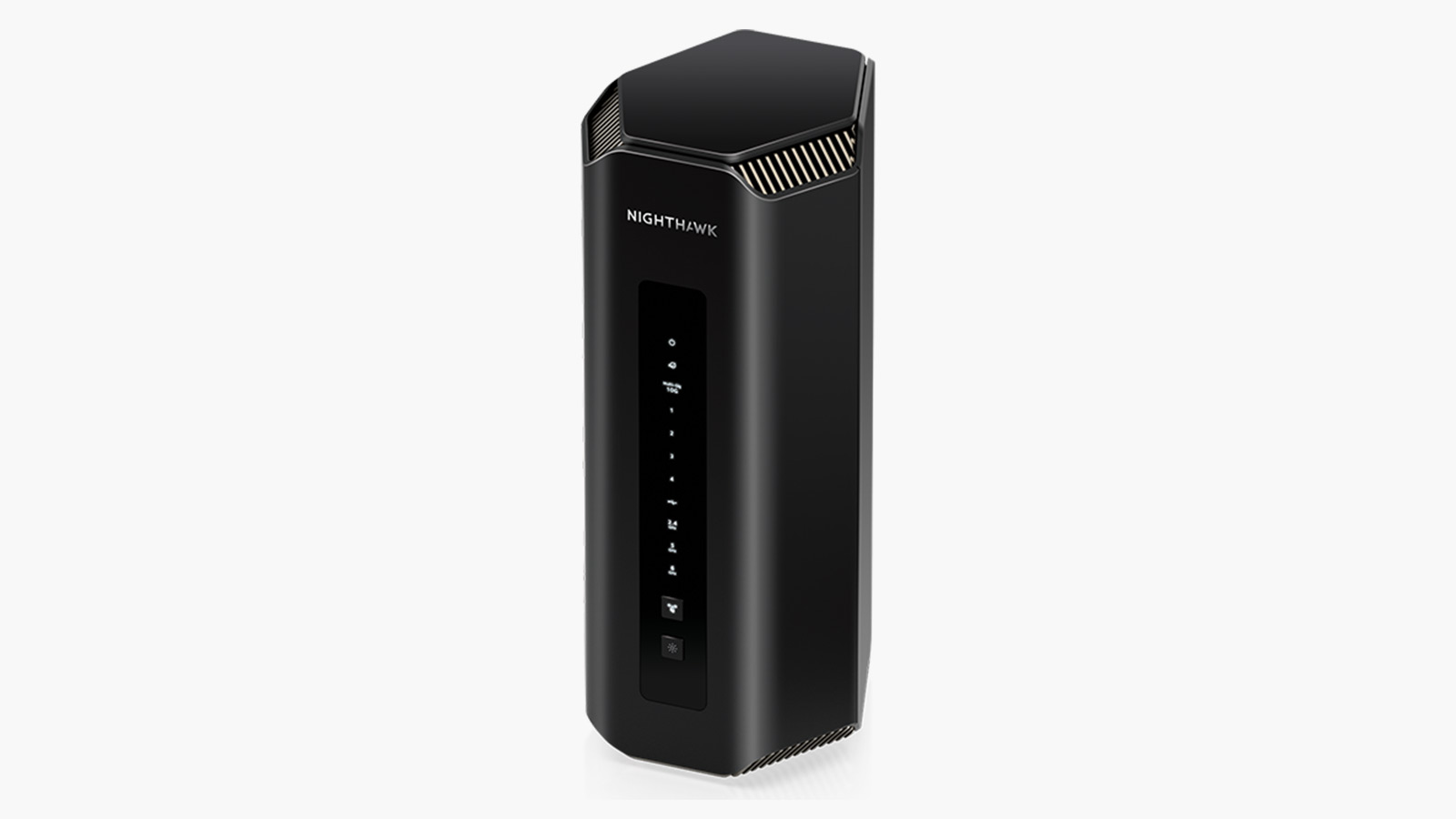
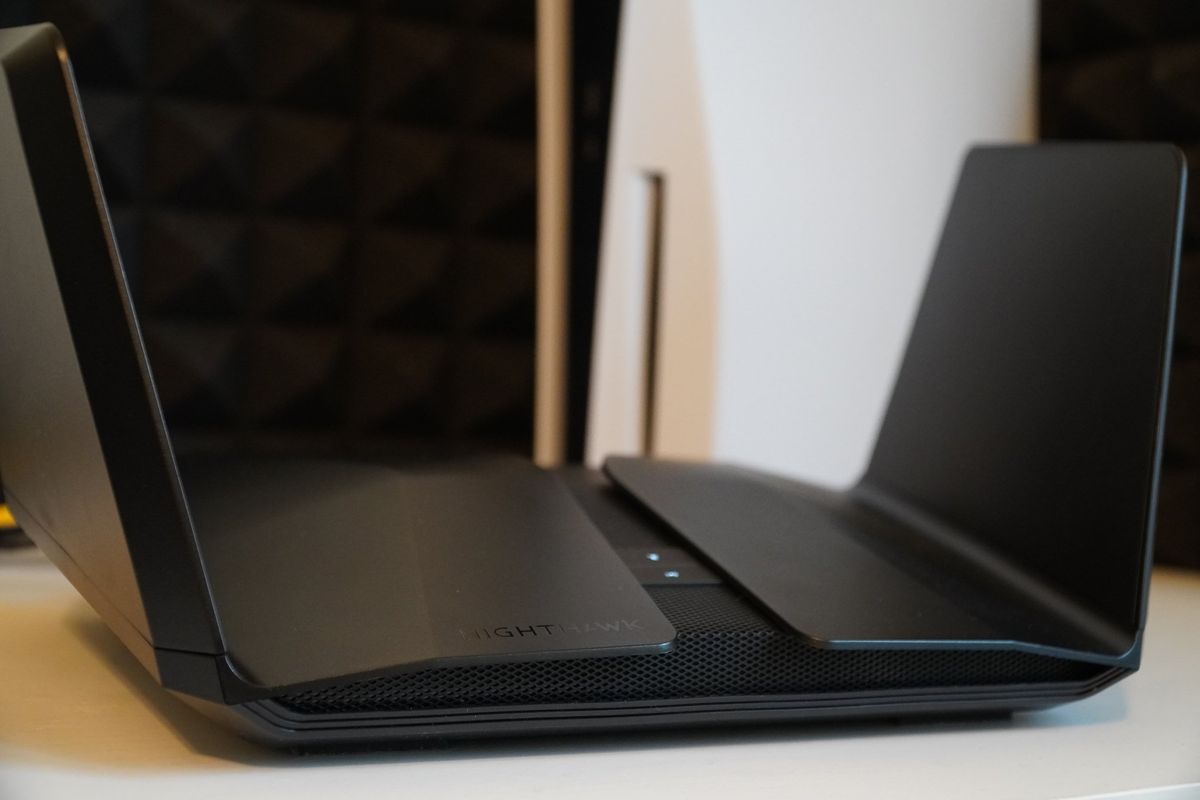
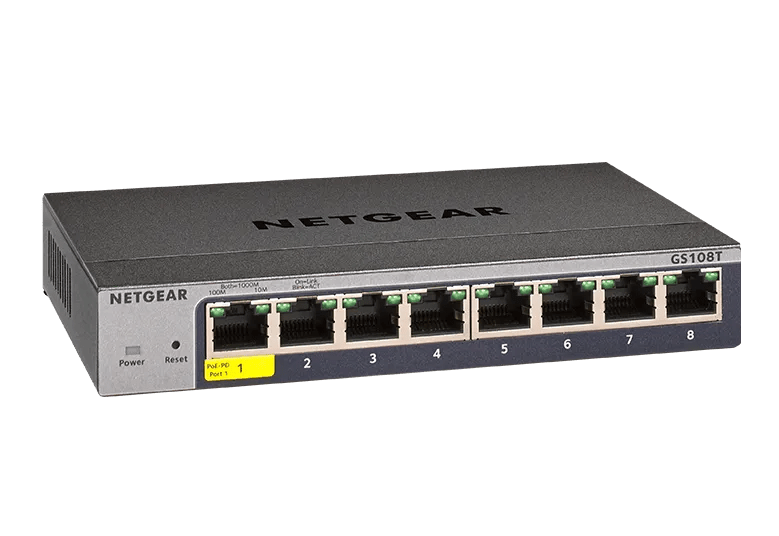
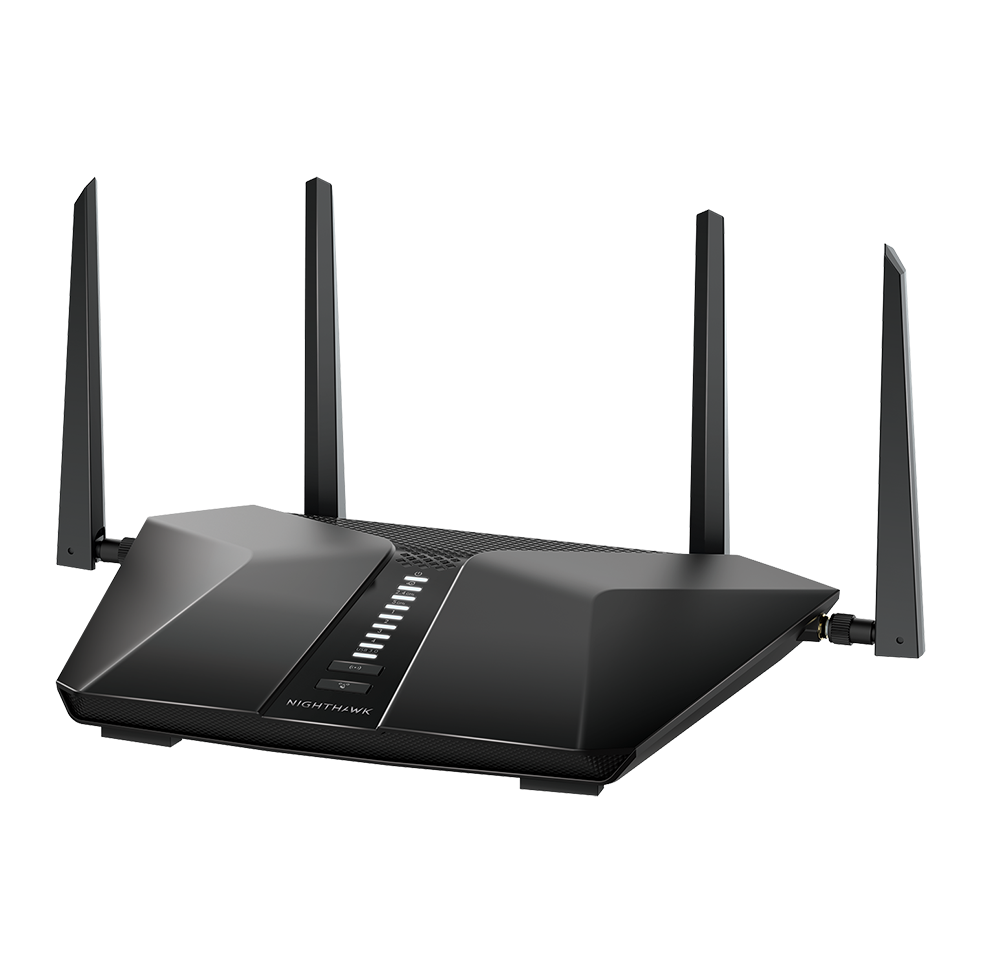
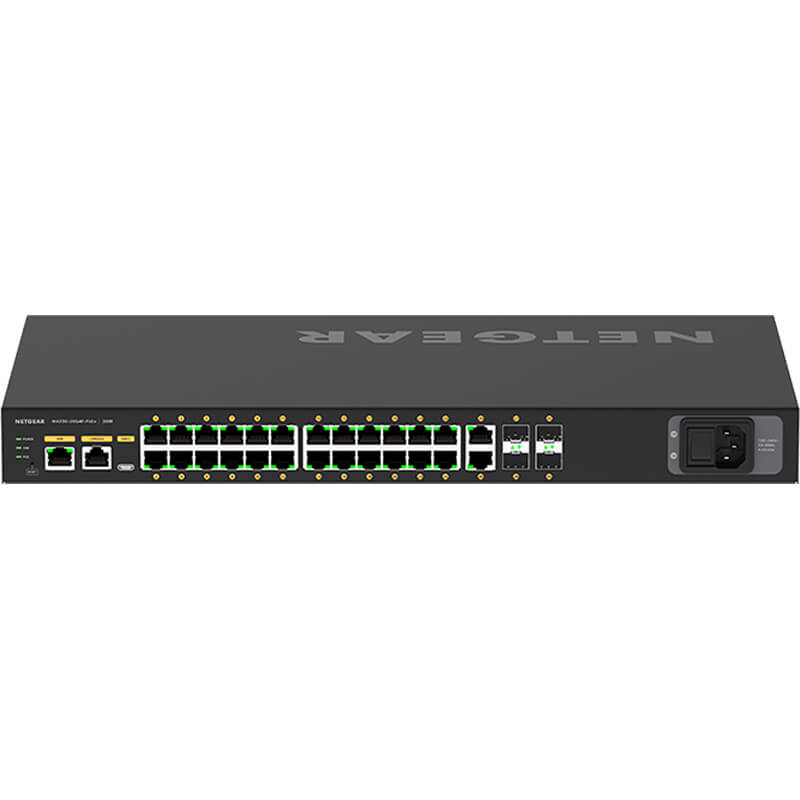
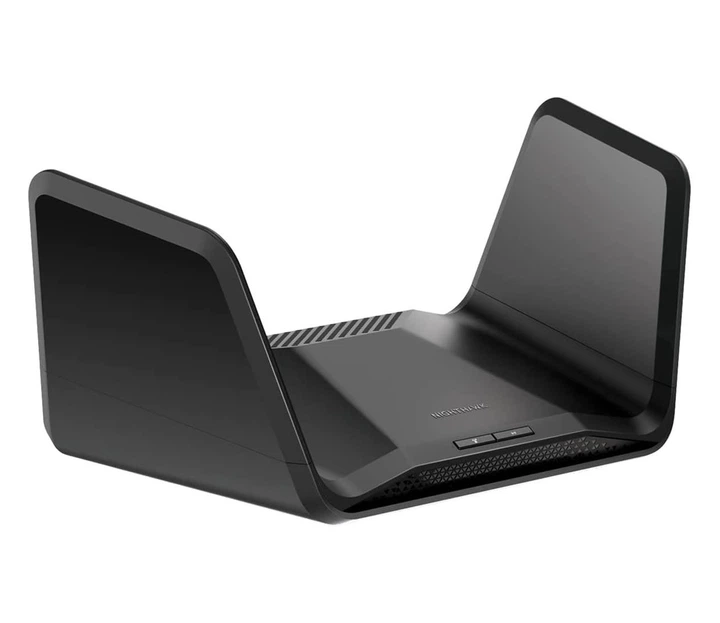
Username admin, password password. This has held across Netgear's consumer line for over a decade, including Nighthawk. Some business switches use admin with an empty password field.
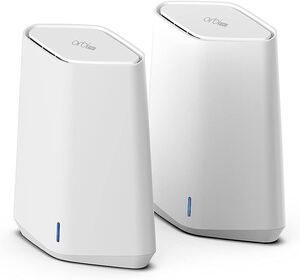
Orbi mesh systems are the exception. An Orbi asks you to set an admin password during setup, so there is no universal default; the label carries the Wi-Fi key only.
Genie, Smart Wizard and the modern firmware
Netgear has shipped three distinct admin interfaces over the years. Smart Wizard and Genie both accept admin/password. Recent firmware adds security questions on first login — answer them, because they are the only self-service password recovery Netgear offers. Without them, a forgotten admin password means a factory reset.
When the password is rejected
Three usual causes. The password was changed during ISP setup and never recorded. The keyboard is sending a capital P — the password is entirely lowercase. Or the unit is an Orbi, which never had a factory password to begin with.
Firmware and known vulnerabilities
Netgear devices in this catalogue carry documented CVE entries, several of them authentication bypasses that make the admin password irrelevant to an attacker. If your model appears in the list, the firmware update matters more than the password.
Perguntas frequentes
Username admin, password password — all lowercase. Orbi mesh systems are the exception: they have no factory password and ask you to create one during setup.
The hostname only resolves on the router's own network, and public DNS servers often swallow it. Use 192.168.1.1 directly, and check you are not on a guest network or a VPN.
If you answered the security questions on first login, use the password recovery link on the login page. If not, hold the Reset pin for seven seconds — that restores admin/password and wipes your configuration.