D-Link Router Login and Default Password
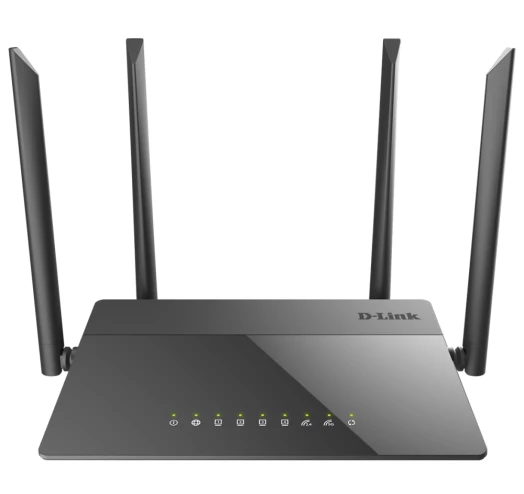
D-Link routers answer at 192.168.0.1, or at dlinkrouter.local on newer firmware. The username is admin and the password is usually blank — not "admin".
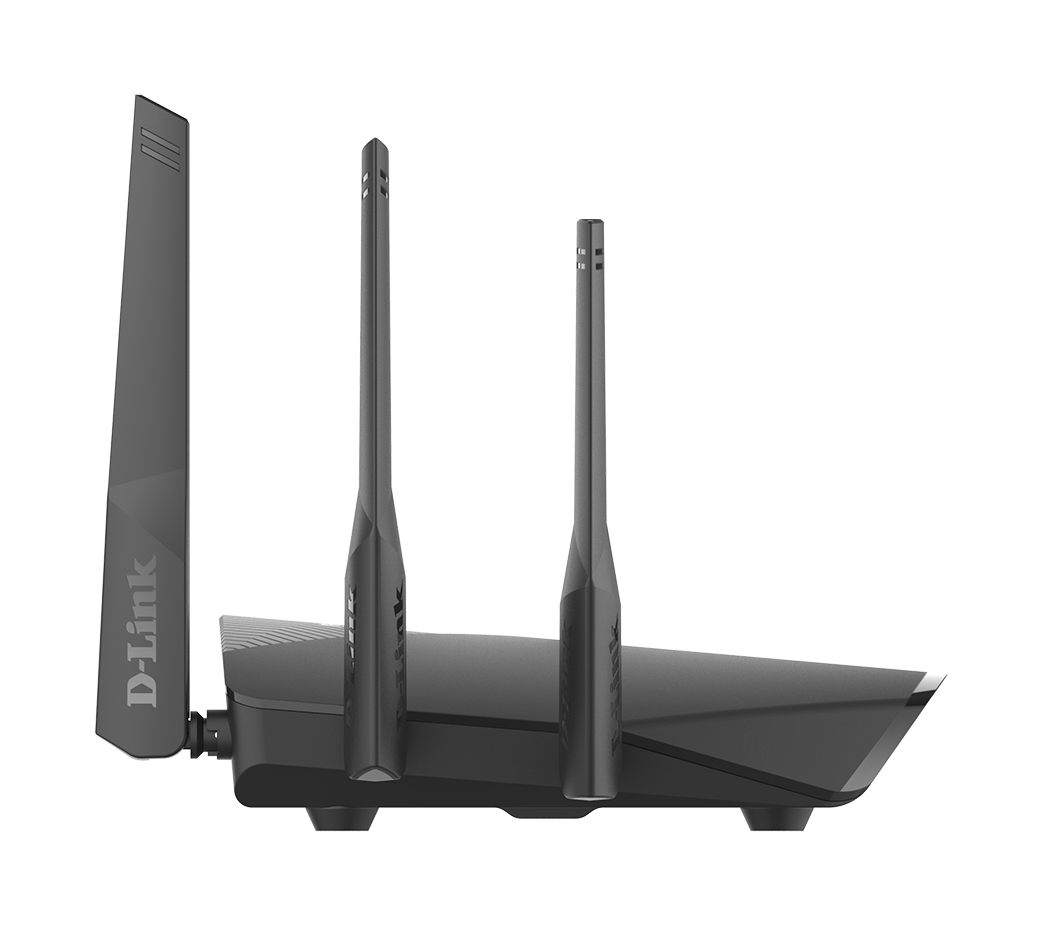
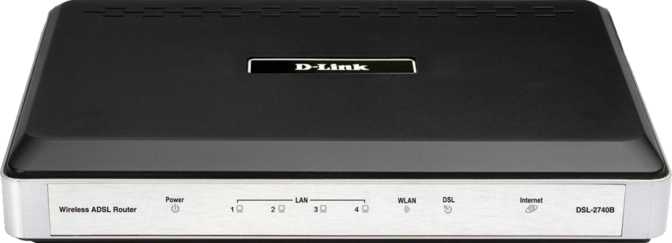
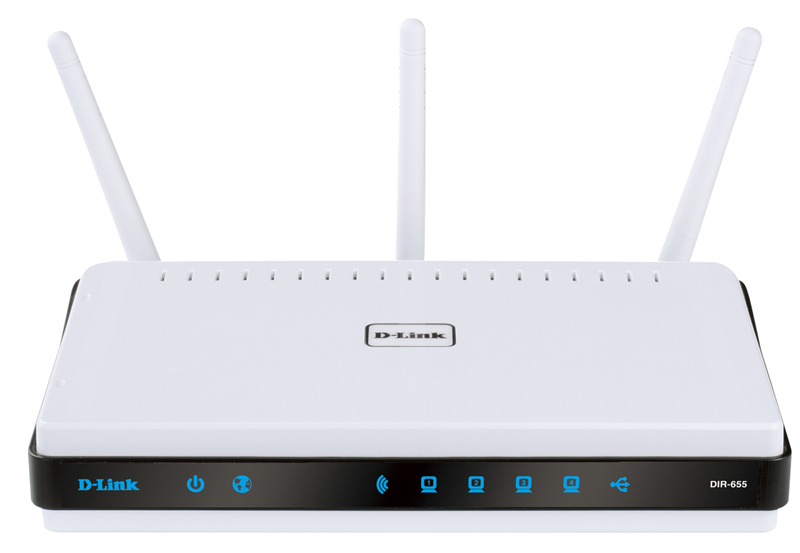
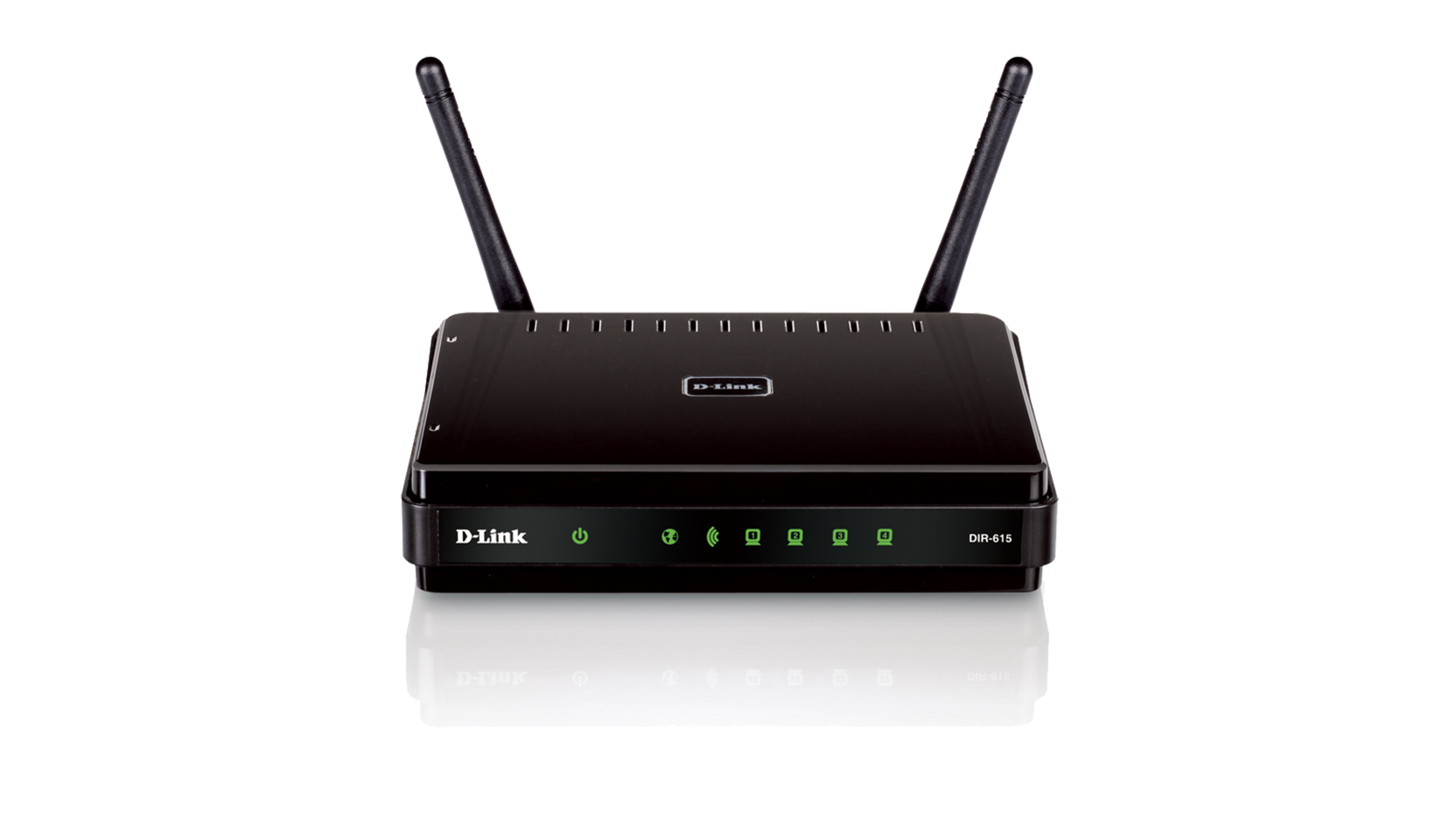
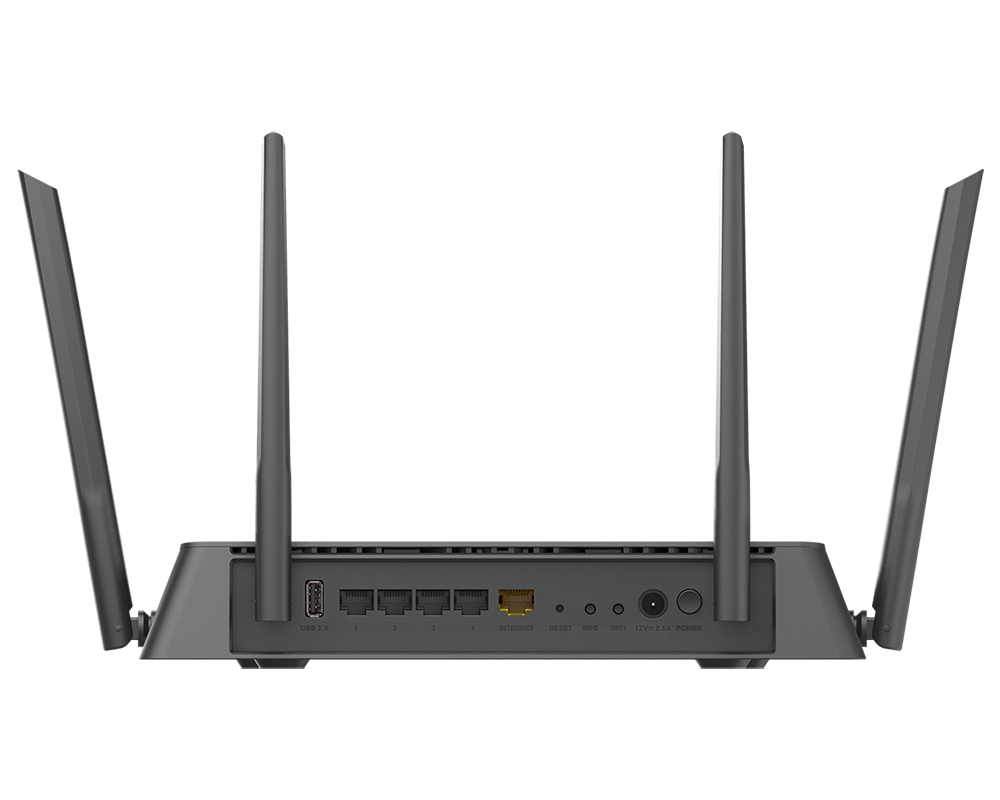
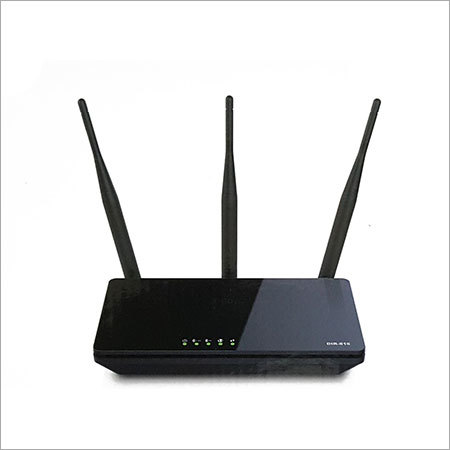
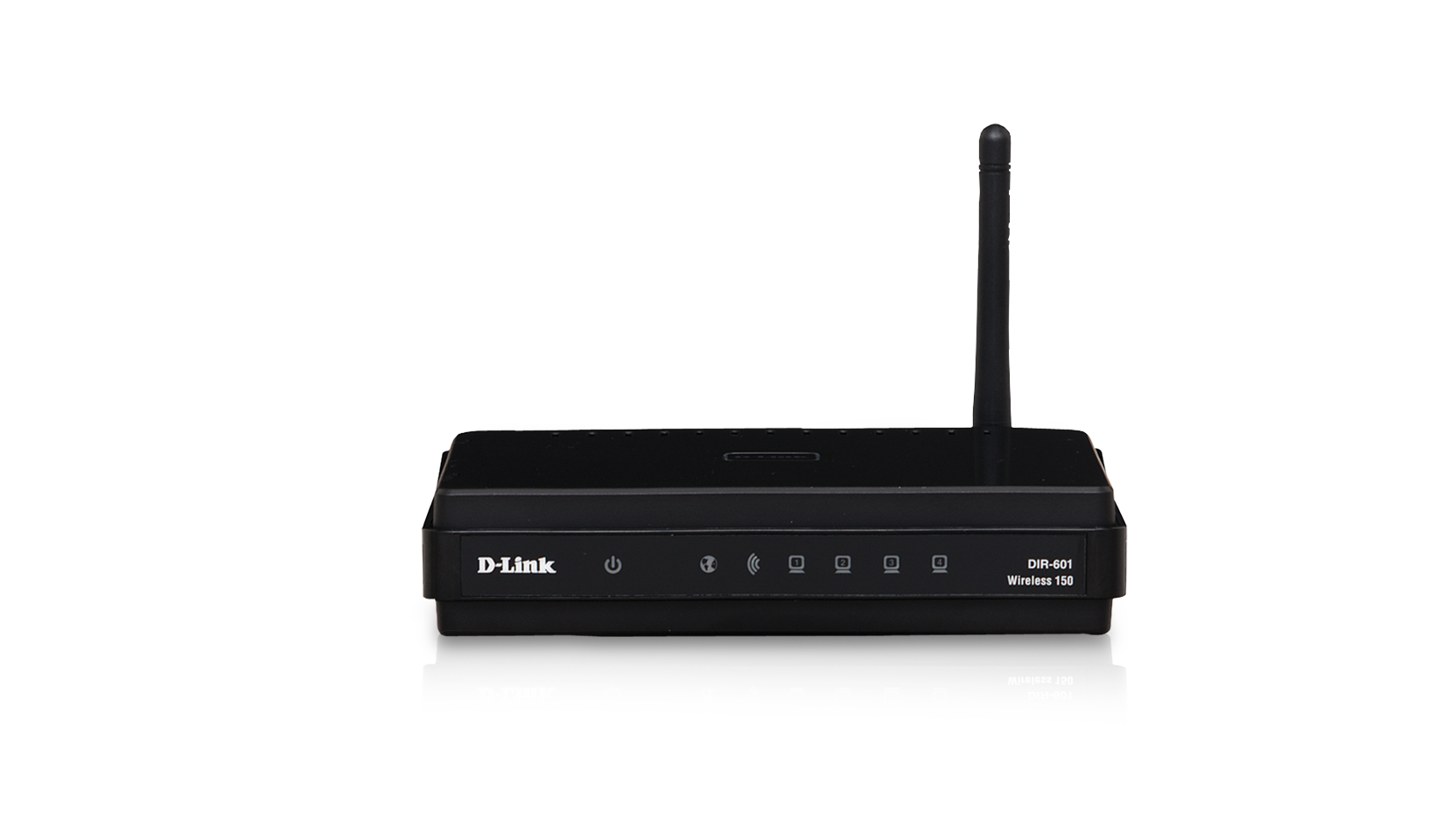
Address and hostname
The long-standing default is 192.168.0.1. Recent DIR models also register the local hostname dlinkrouter.local, and some ISP-supplied units are pre-configured onto 192.168.1.1 instead.
Credentials
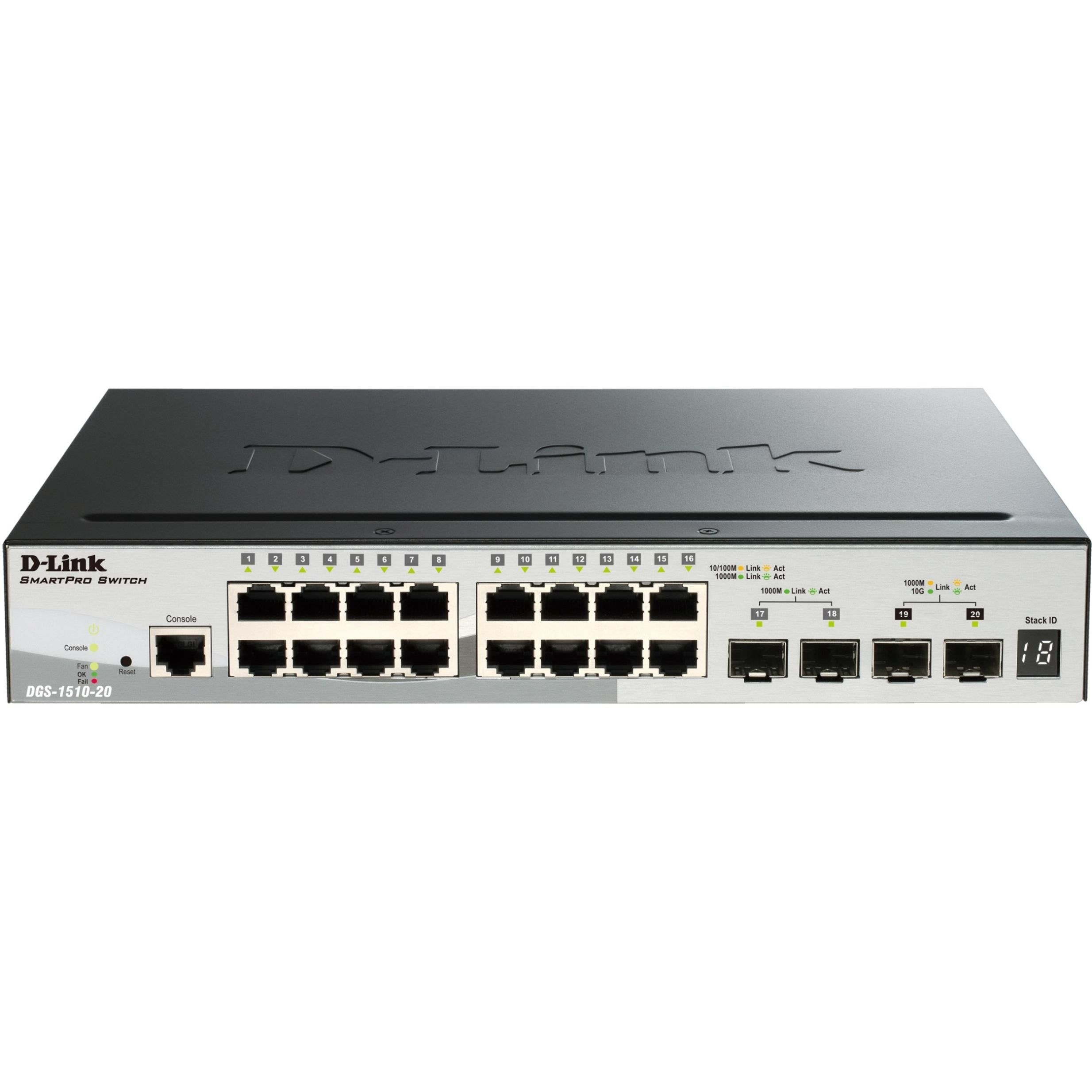
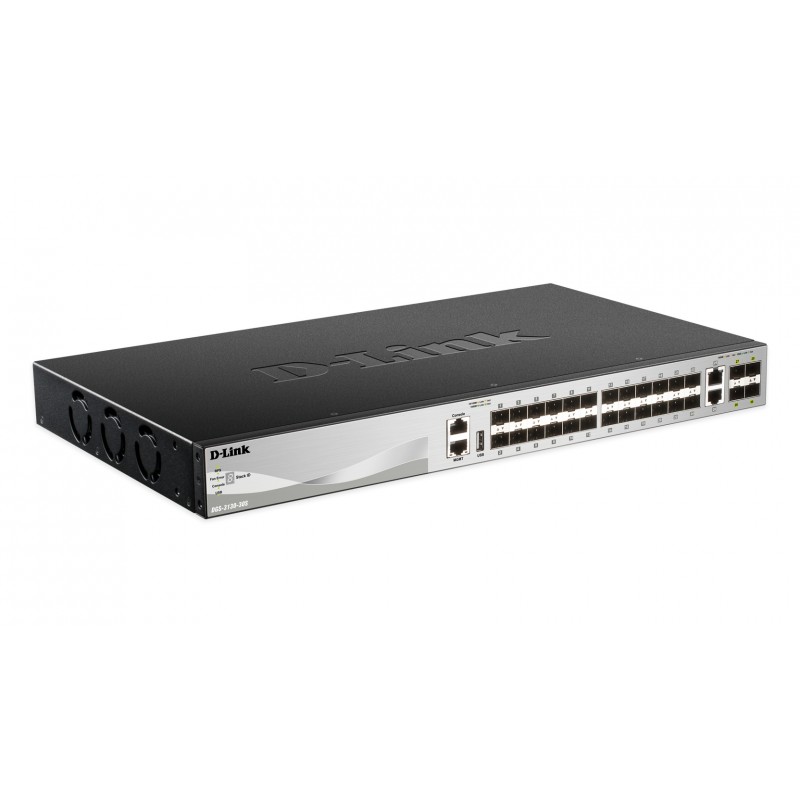
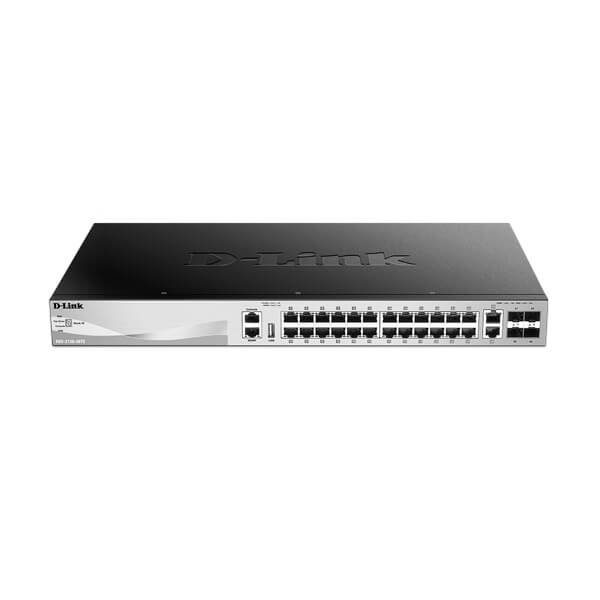
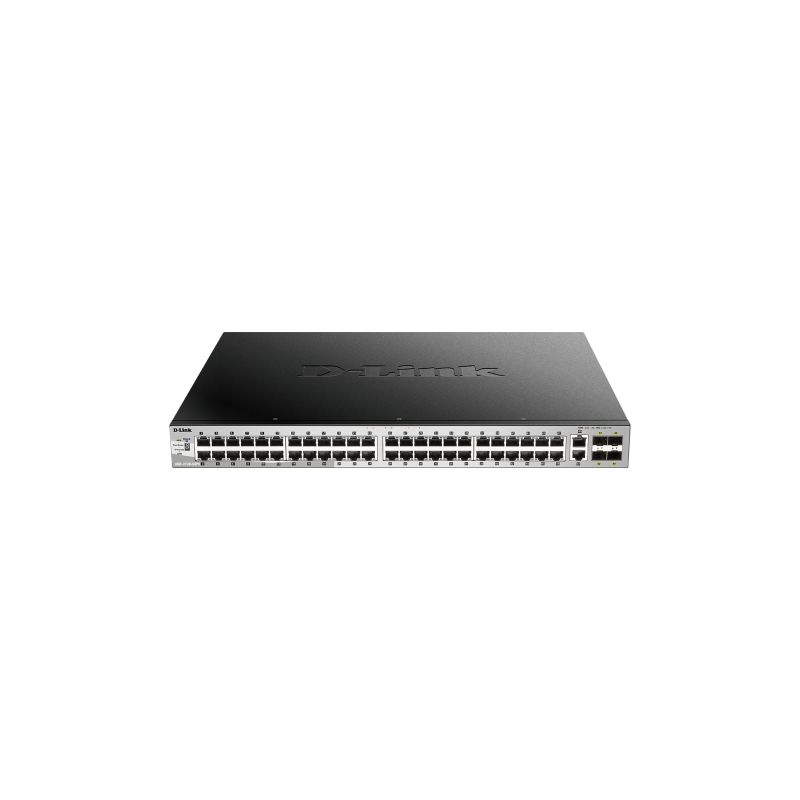
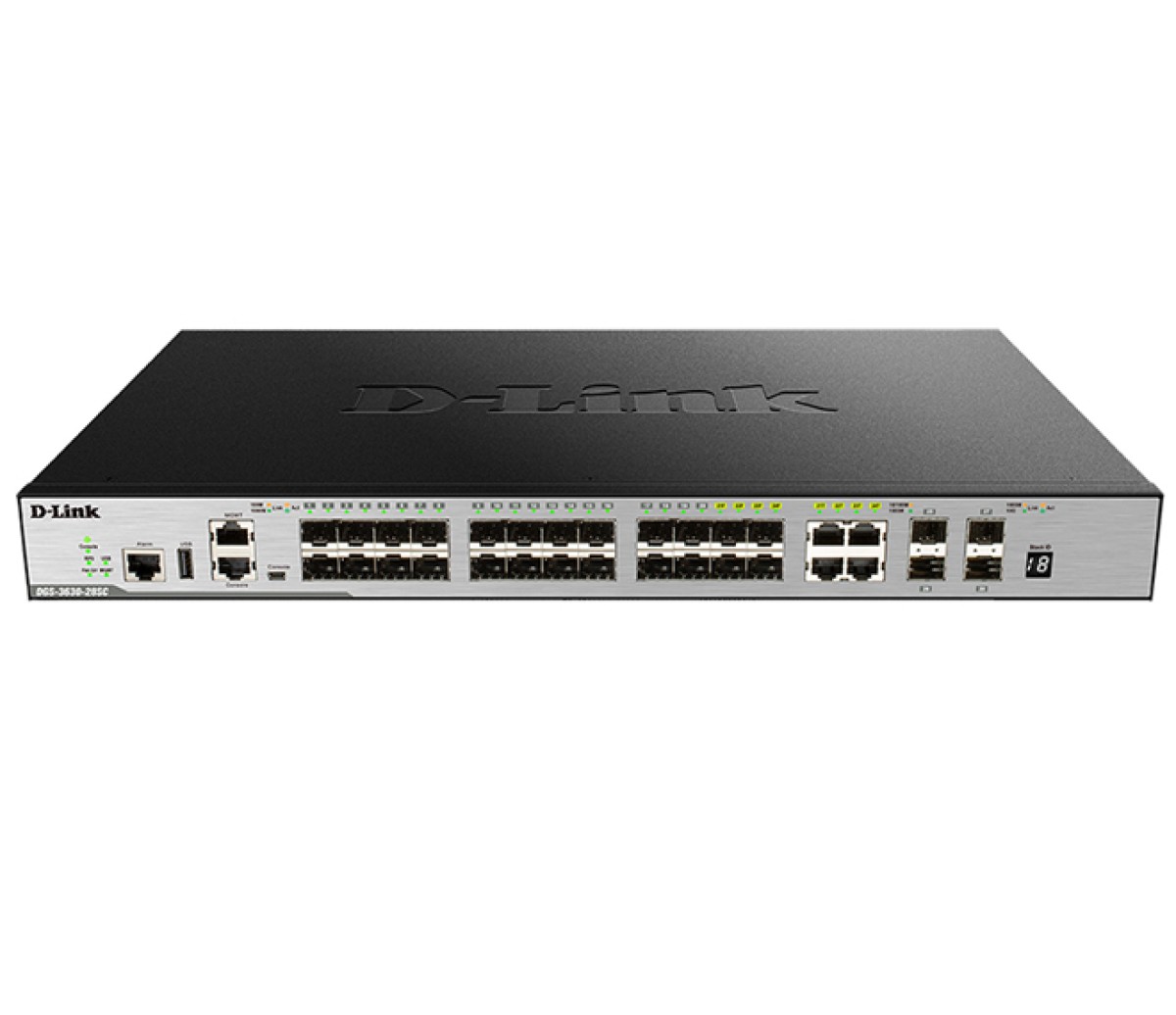
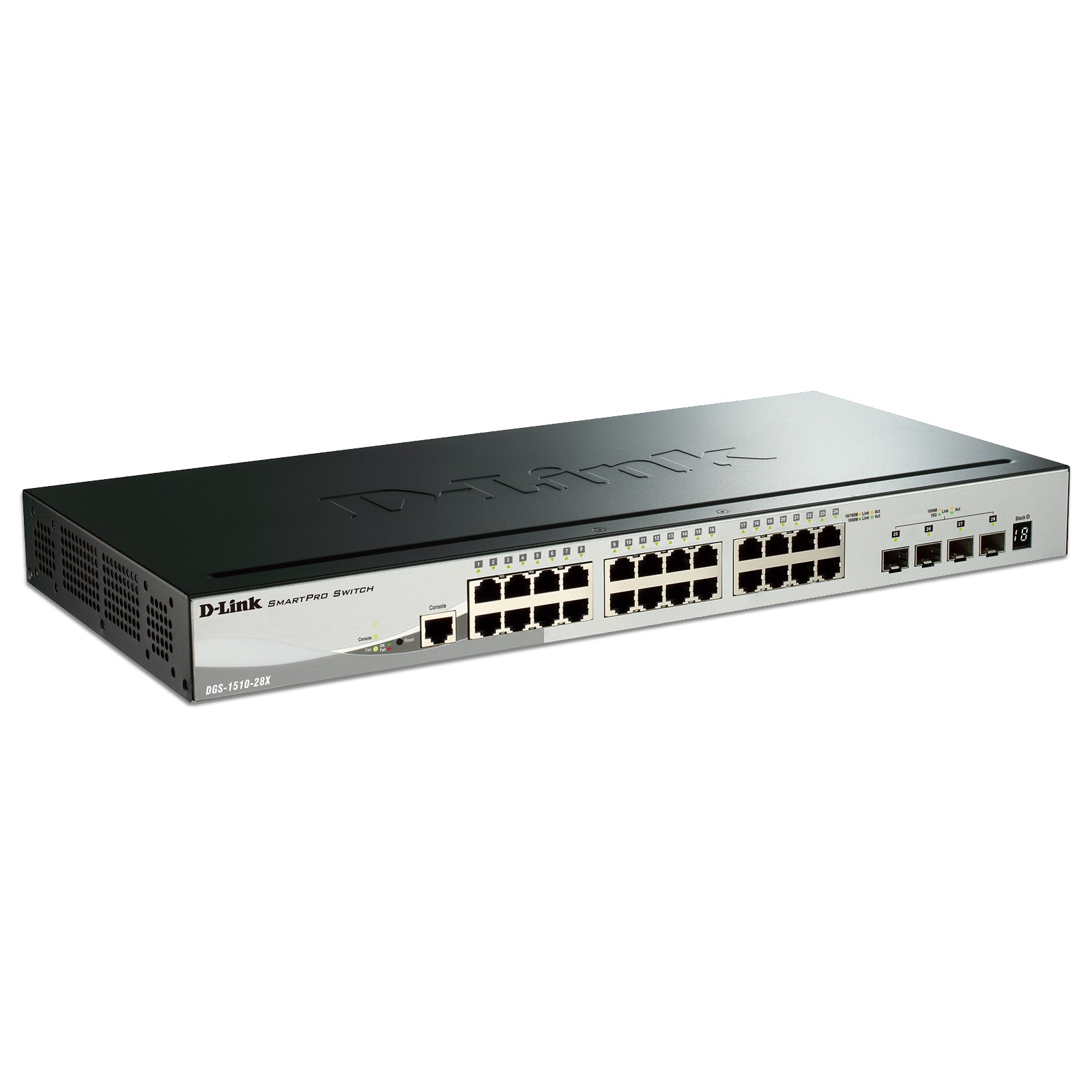
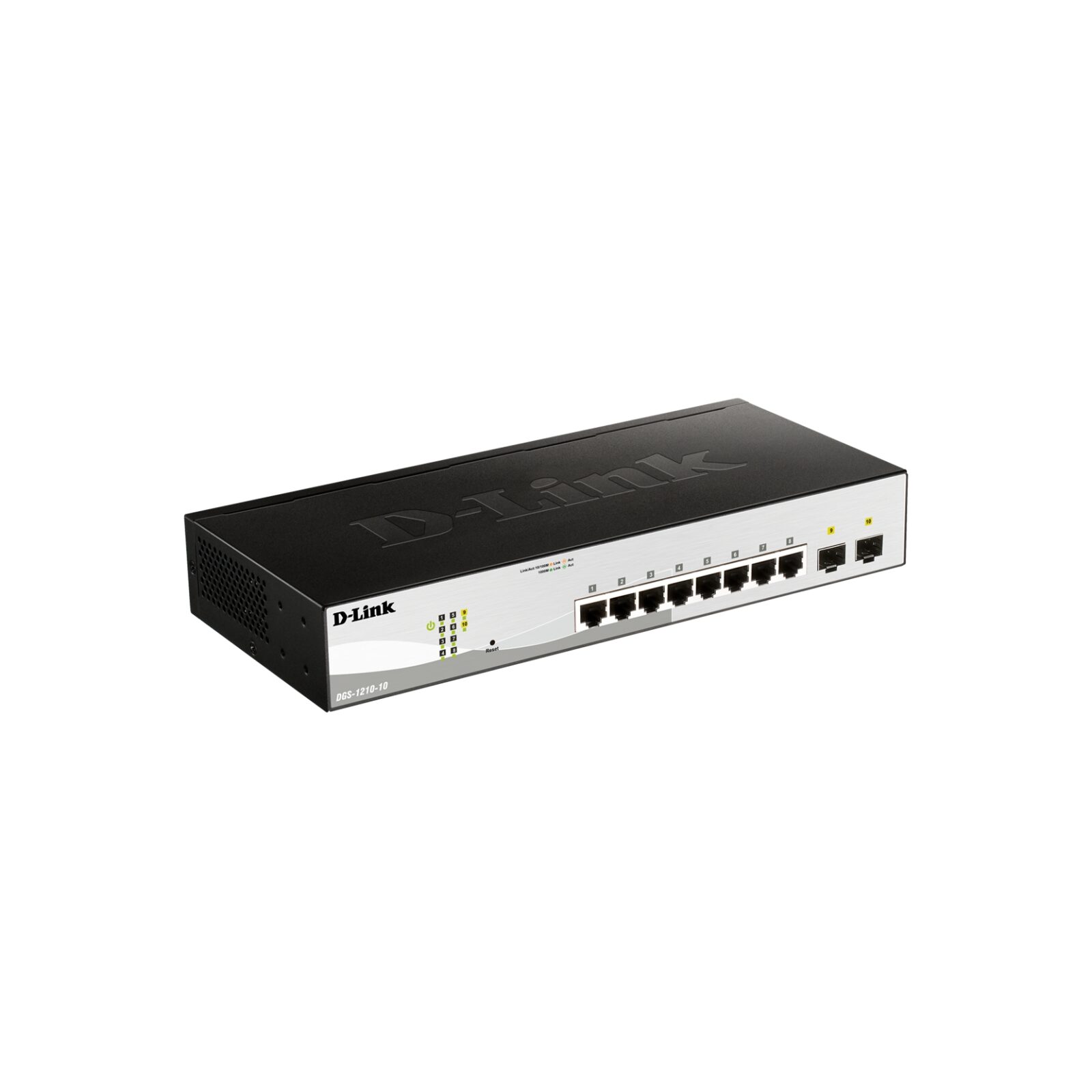
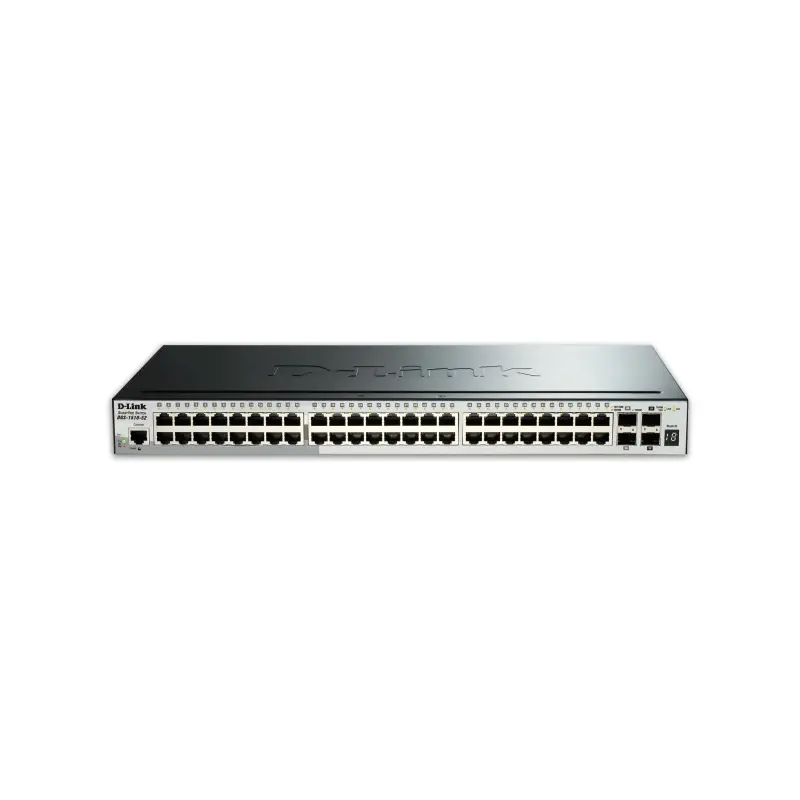
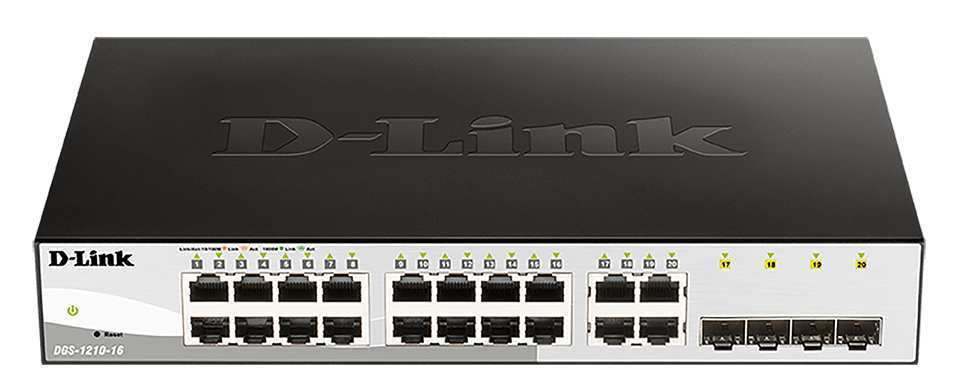
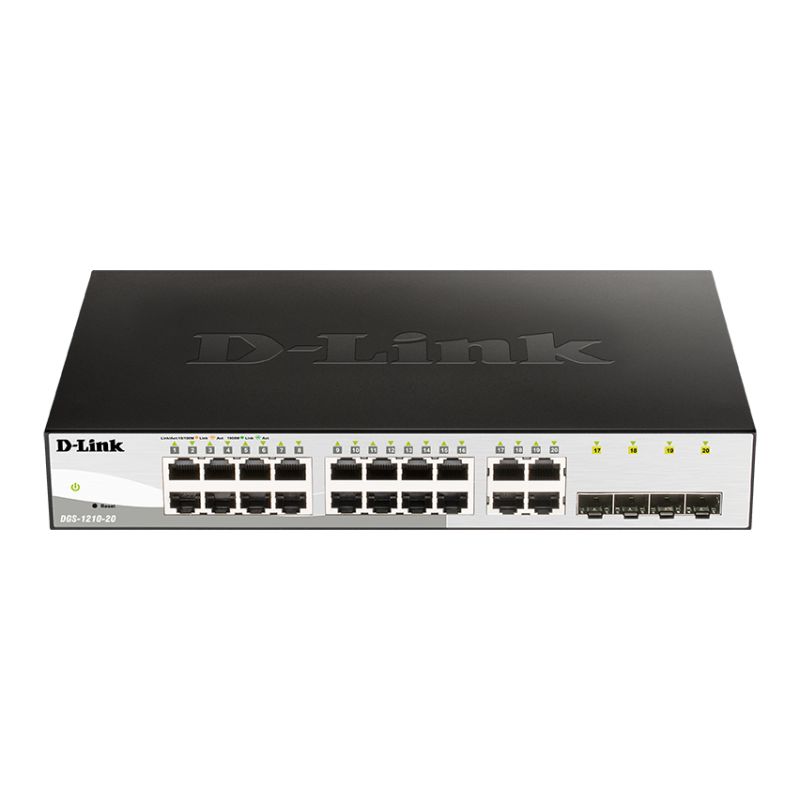
D-Link's convention is username admin with an empty password field. A minority of models use admin/admin, and DCS cameras have historically used admin with a blank password as well. Managed DGS switches often ship with admin/admin.
Newer DIR routers follow the industry shift and force password creation during the setup wizard, so there is no factory pair to look up.
Cameras are a separate story
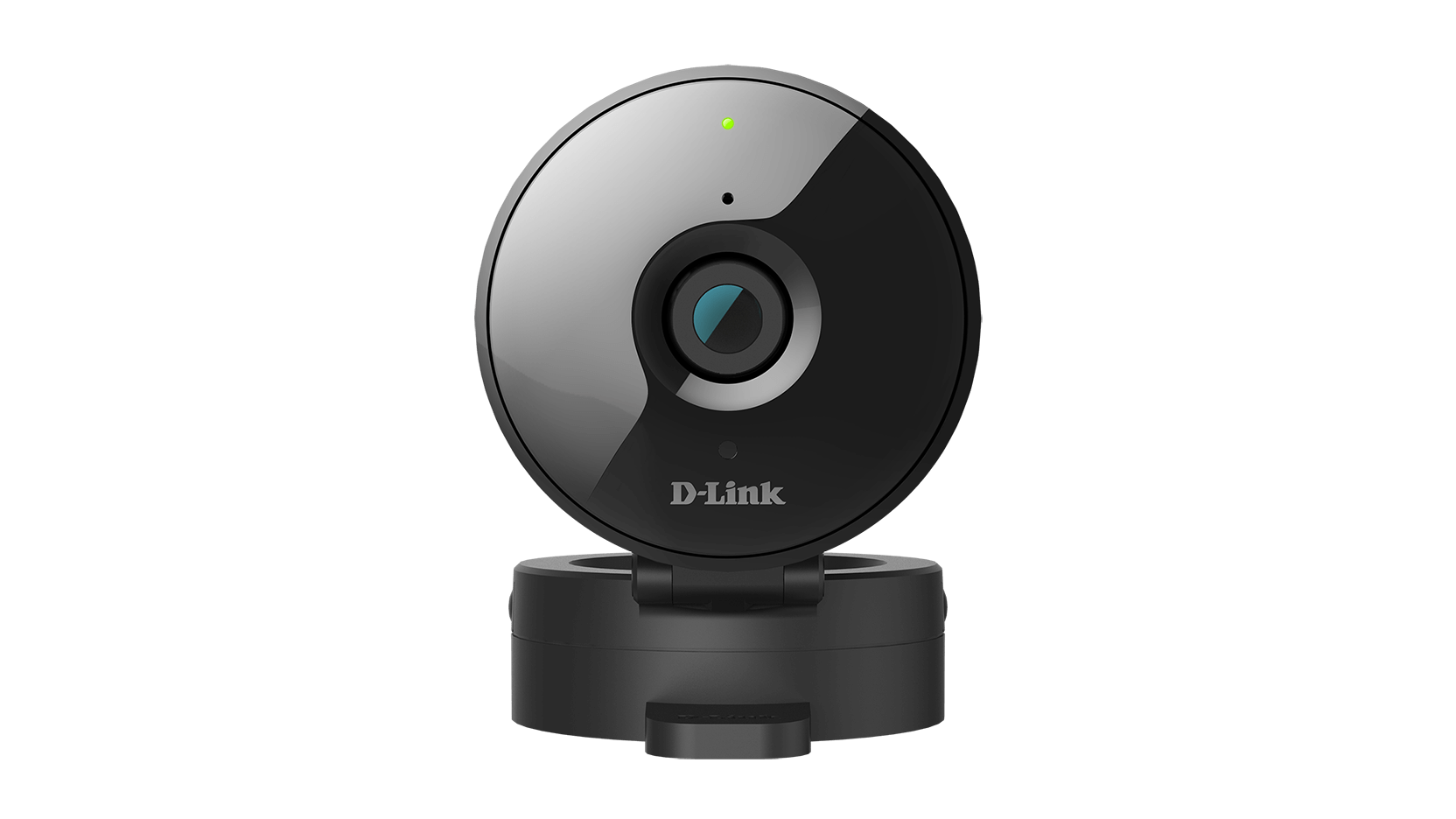
DCS network cameras use mydlink cloud registration on recent firmware. Once a camera is bound to a mydlink account, the local admin password is set through that account and the old blank-password default no longer applies.
Reset and firmware
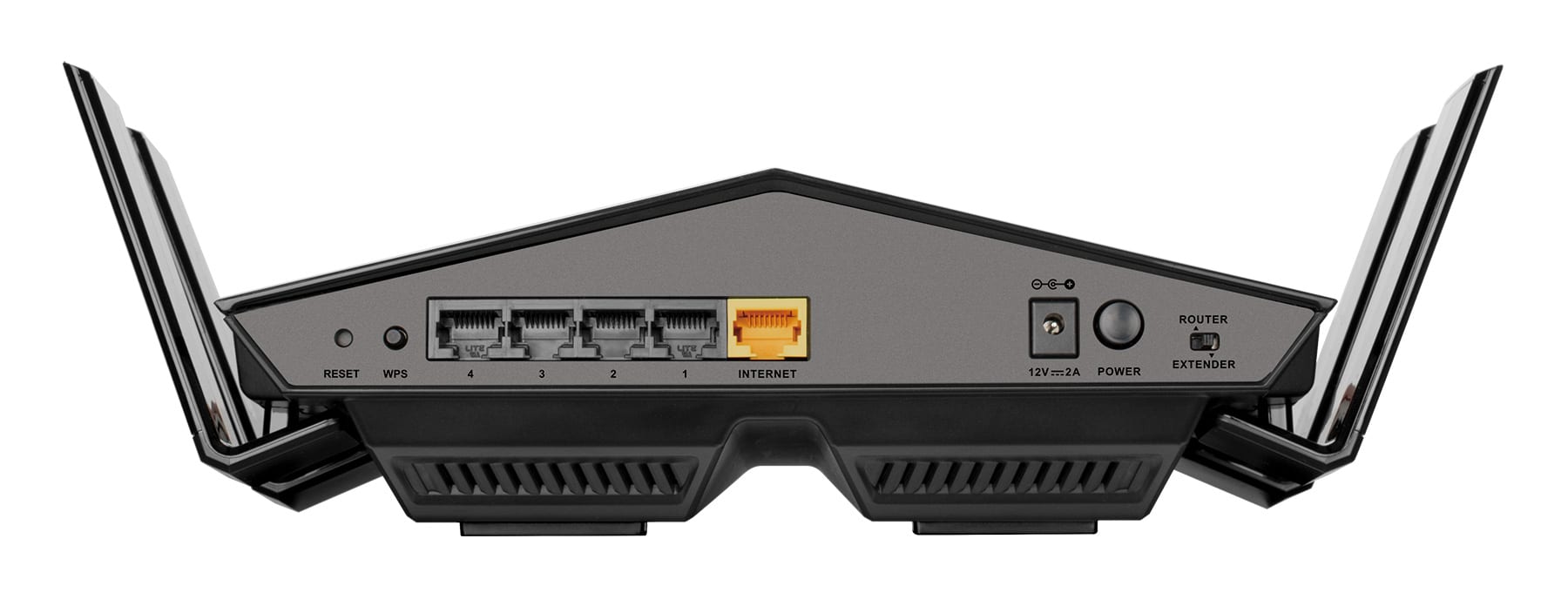
Hold the recessed reset button for about ten seconds with the unit powered on. D-Link support windows are relatively short — several popular DIR models reached end of support while still widely deployed, and their vulnerabilities were never patched. Check the CVE list for your model; if it is unsupported, replacing the hardware is the only real fix.
Perguntas frequentes
Username admin with the password field left blank on most models. Some use admin/admin, and managed DGS switches usually do. Newer DIR routers make you create a password during setup.
Hold the reset button a full ten seconds while the unit is powered — a shorter press only reboots it. If the router is a recent DIR model, the reset returns it to the setup wizard rather than to a fixed password.
192.168.0.1 in almost all cases. ISP-supplied units are sometimes reconfigured onto 192.168.1.1, and newer models also answer to dlinkrouter.local.