Asus Router Login and Default Password
Asus routers open at router.asus.com or 192.168.1.1, with admin/admin as the factory login on older units. Anything with AiMesh or recent ASUSWRT makes you set a password during first-time setup.
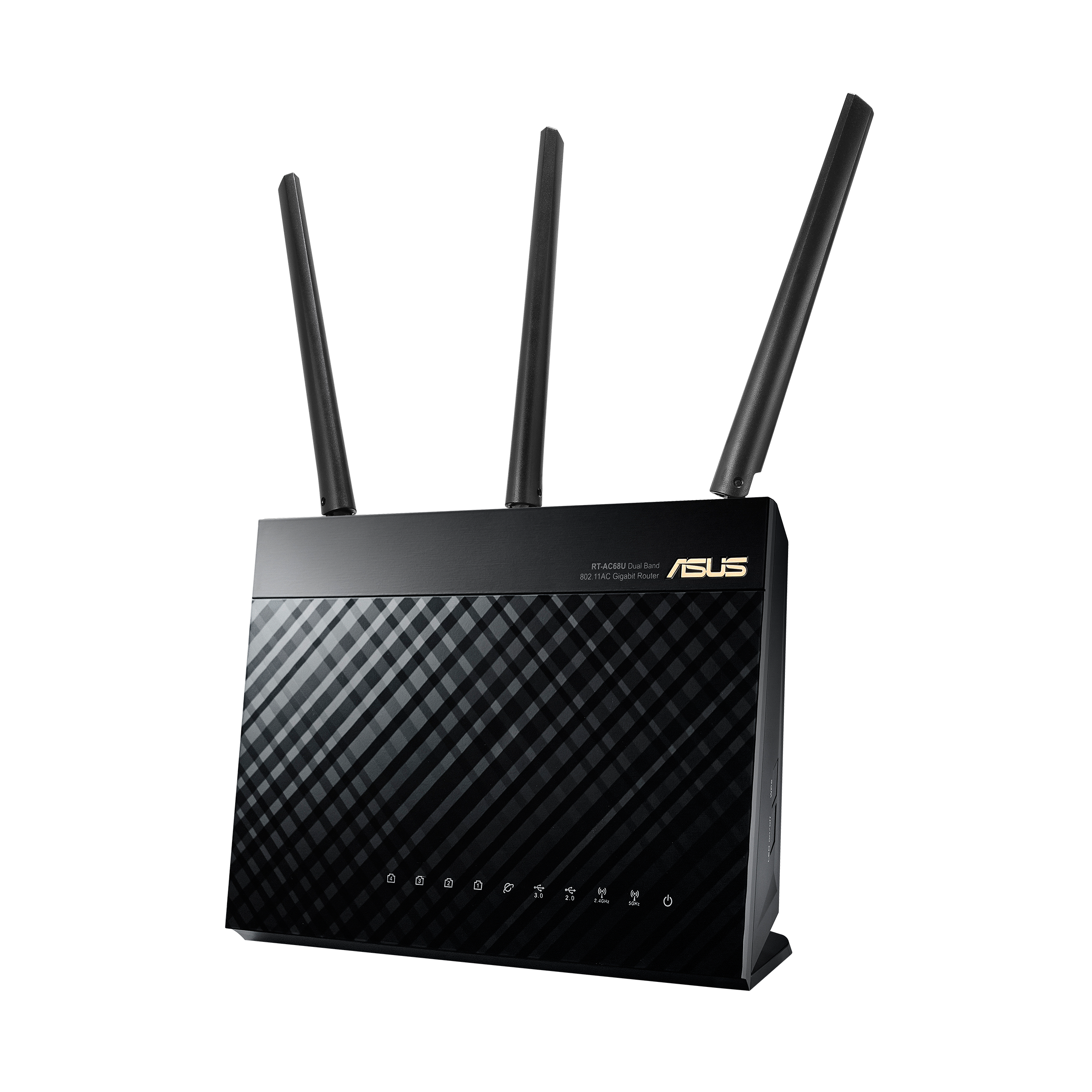
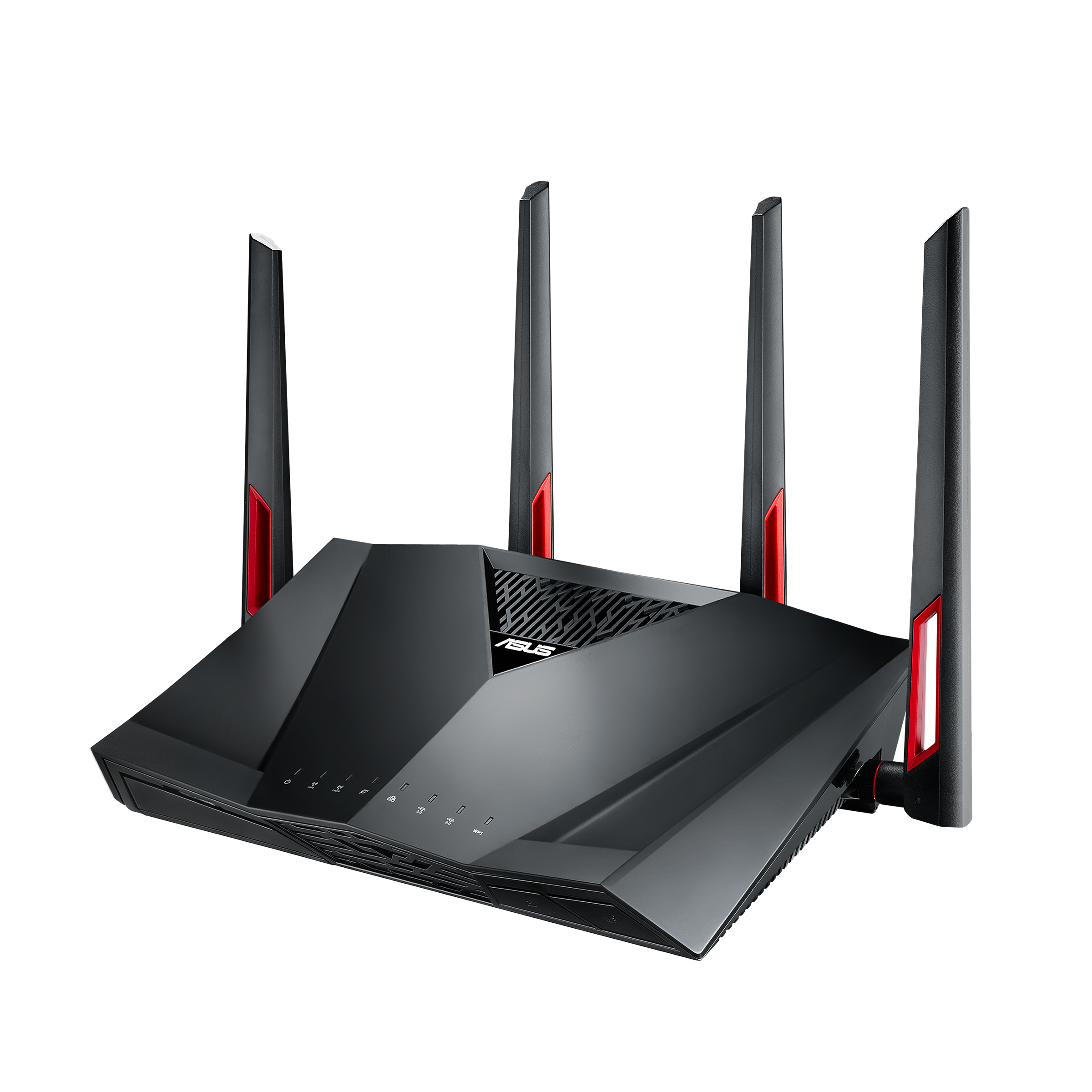
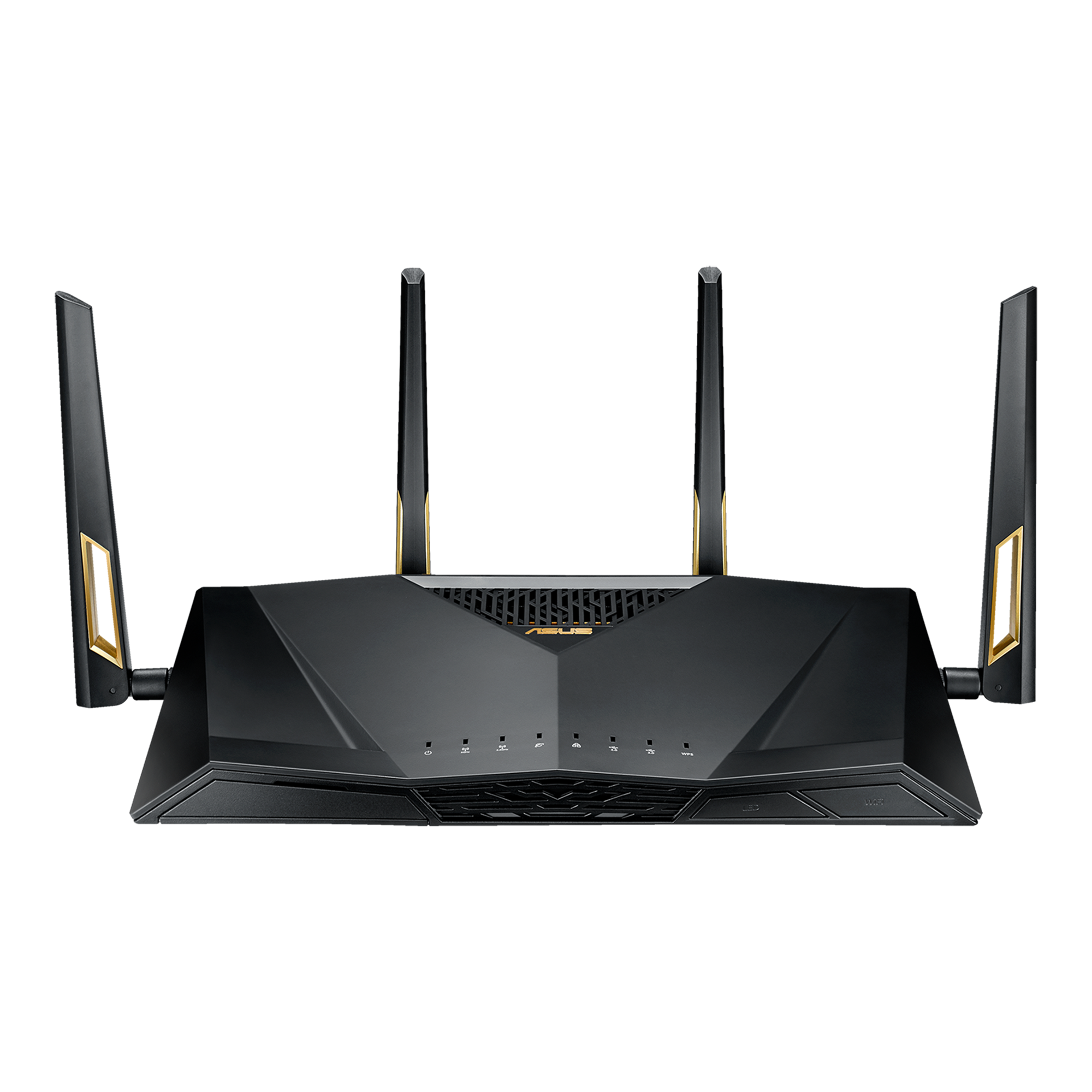
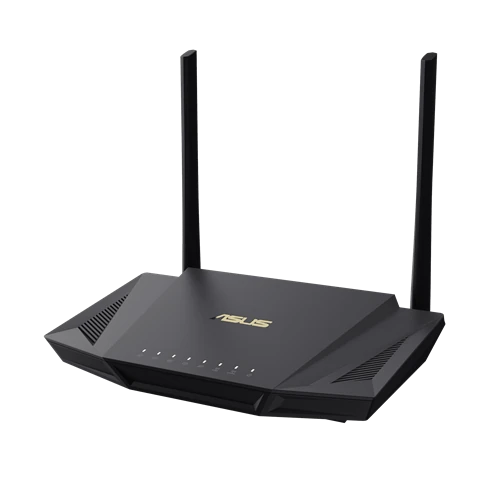
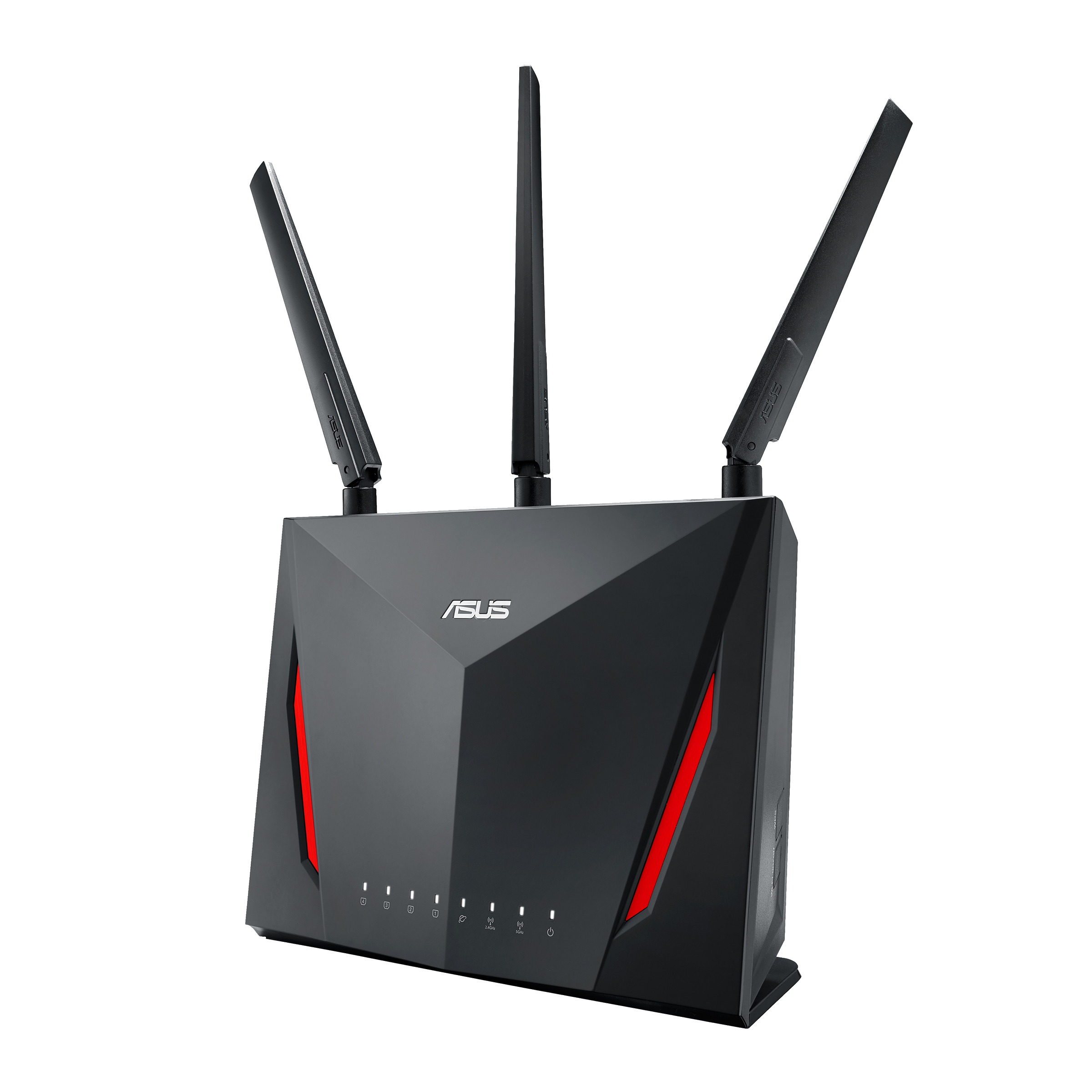
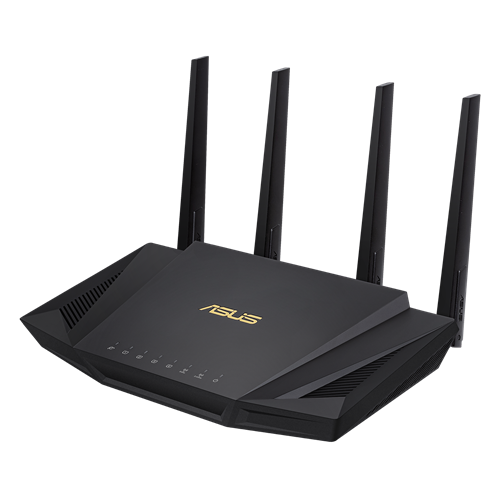
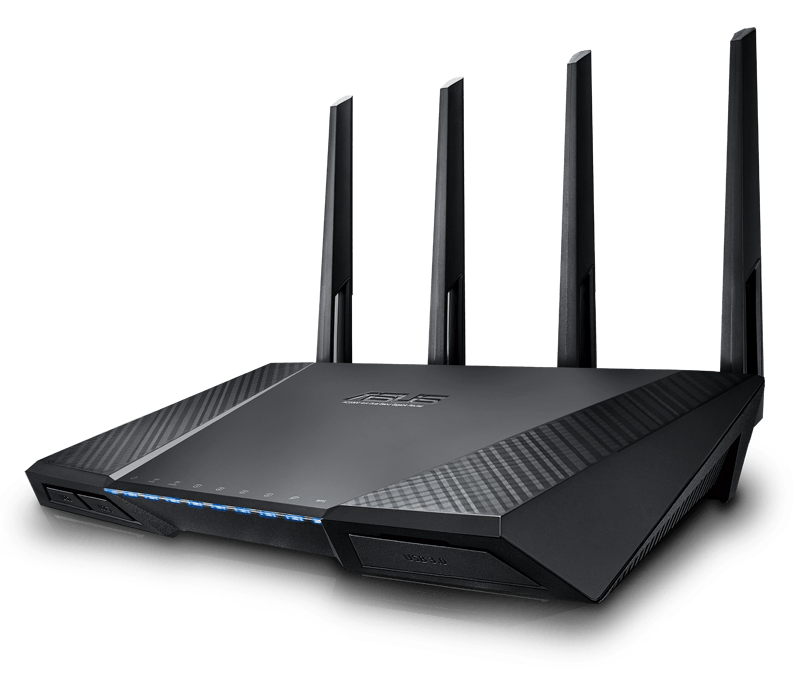
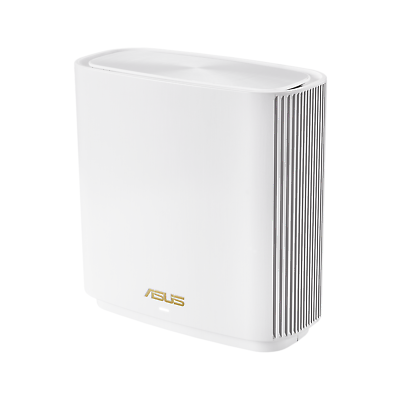
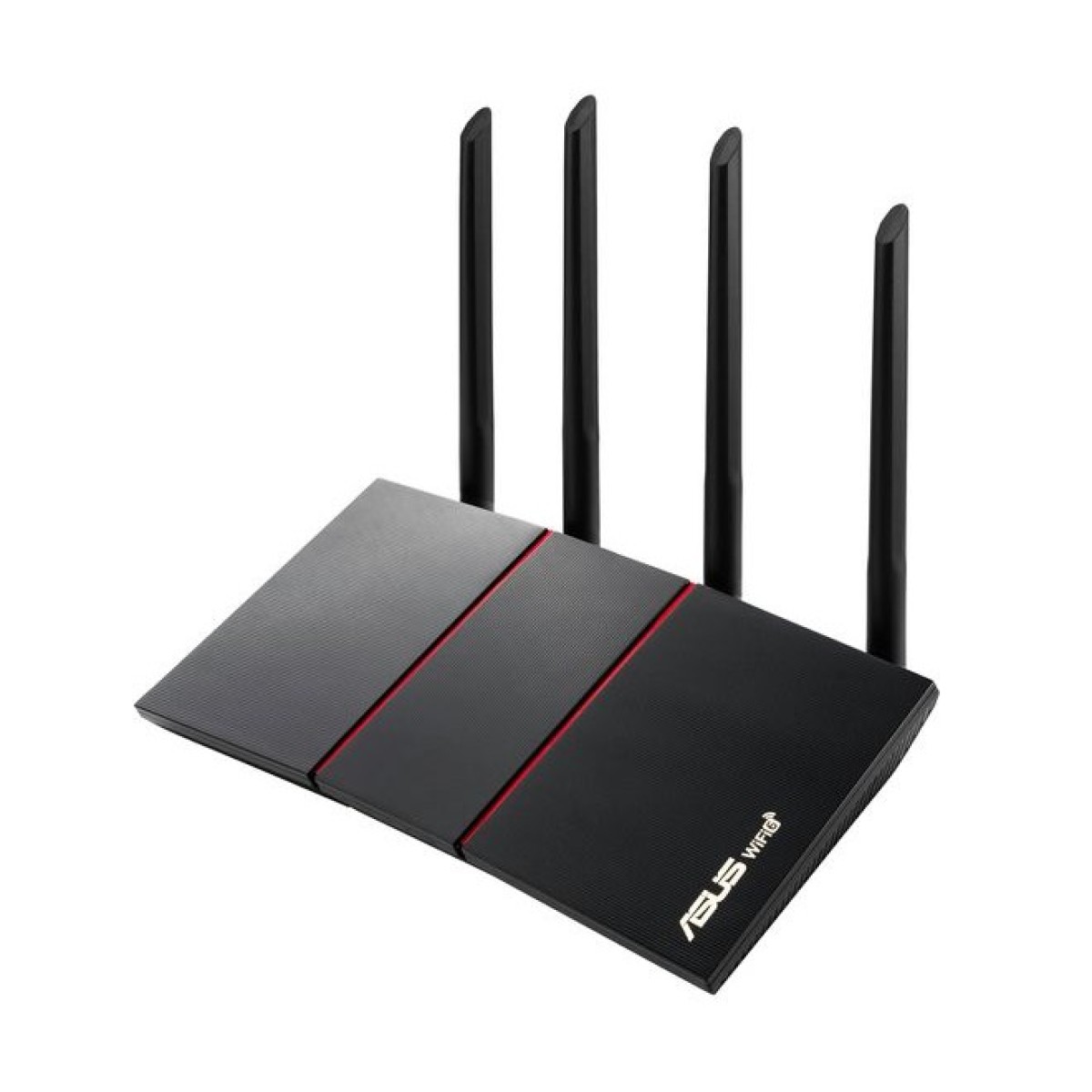
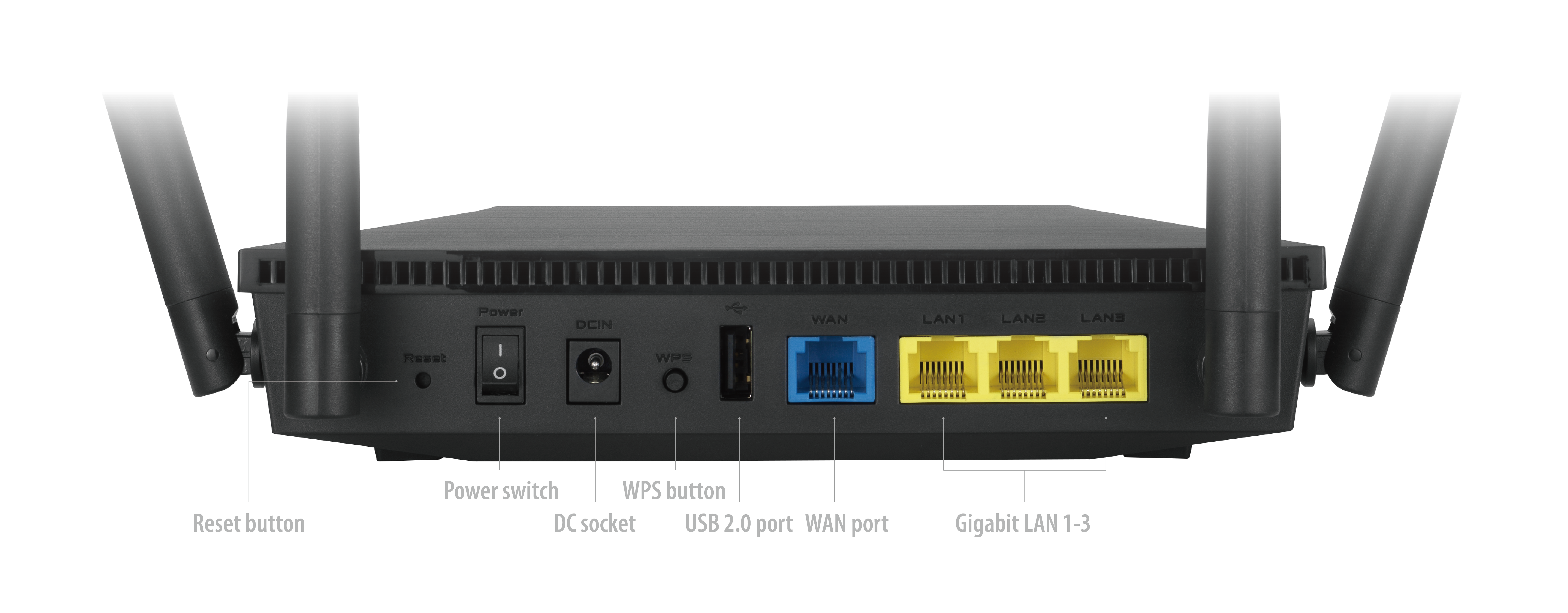
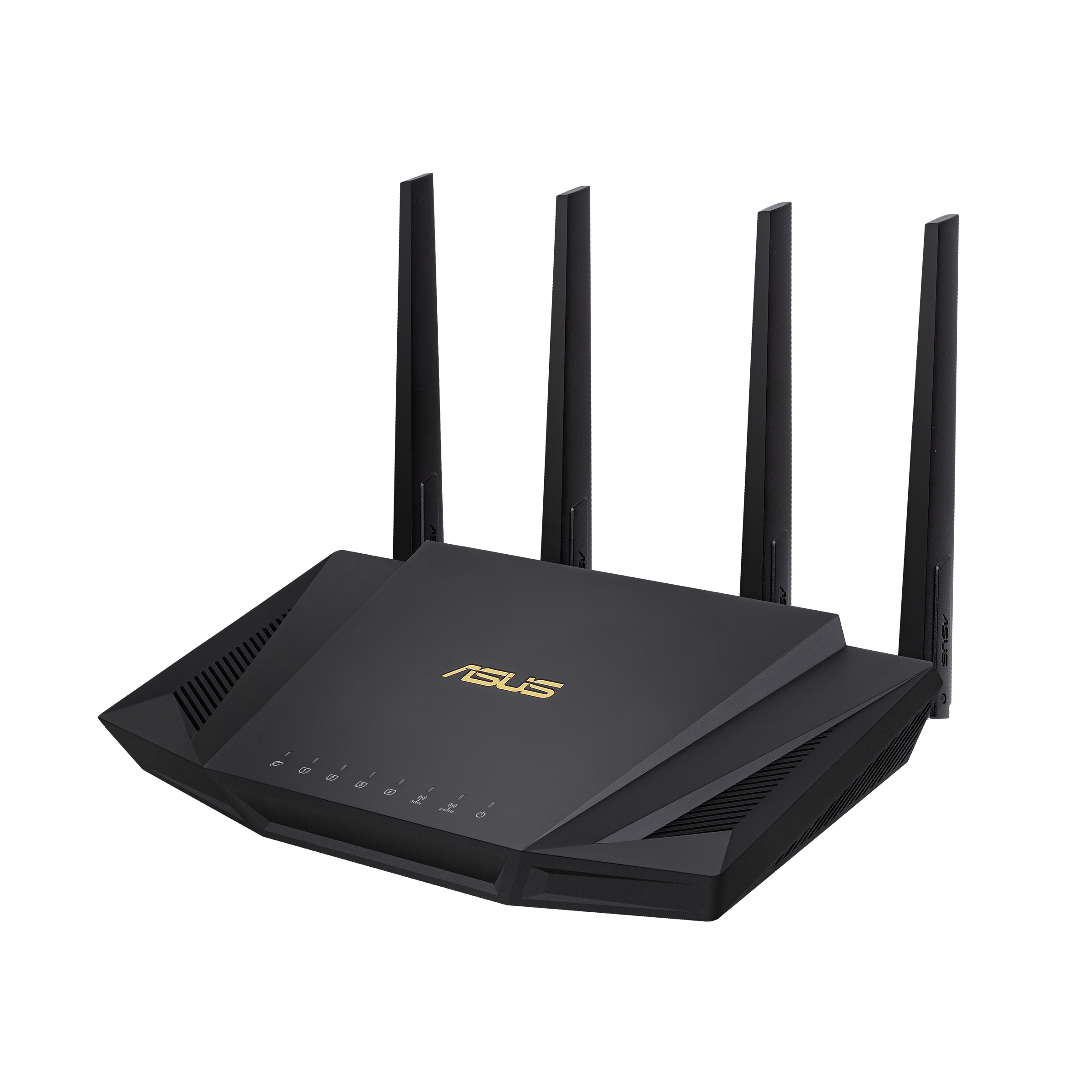
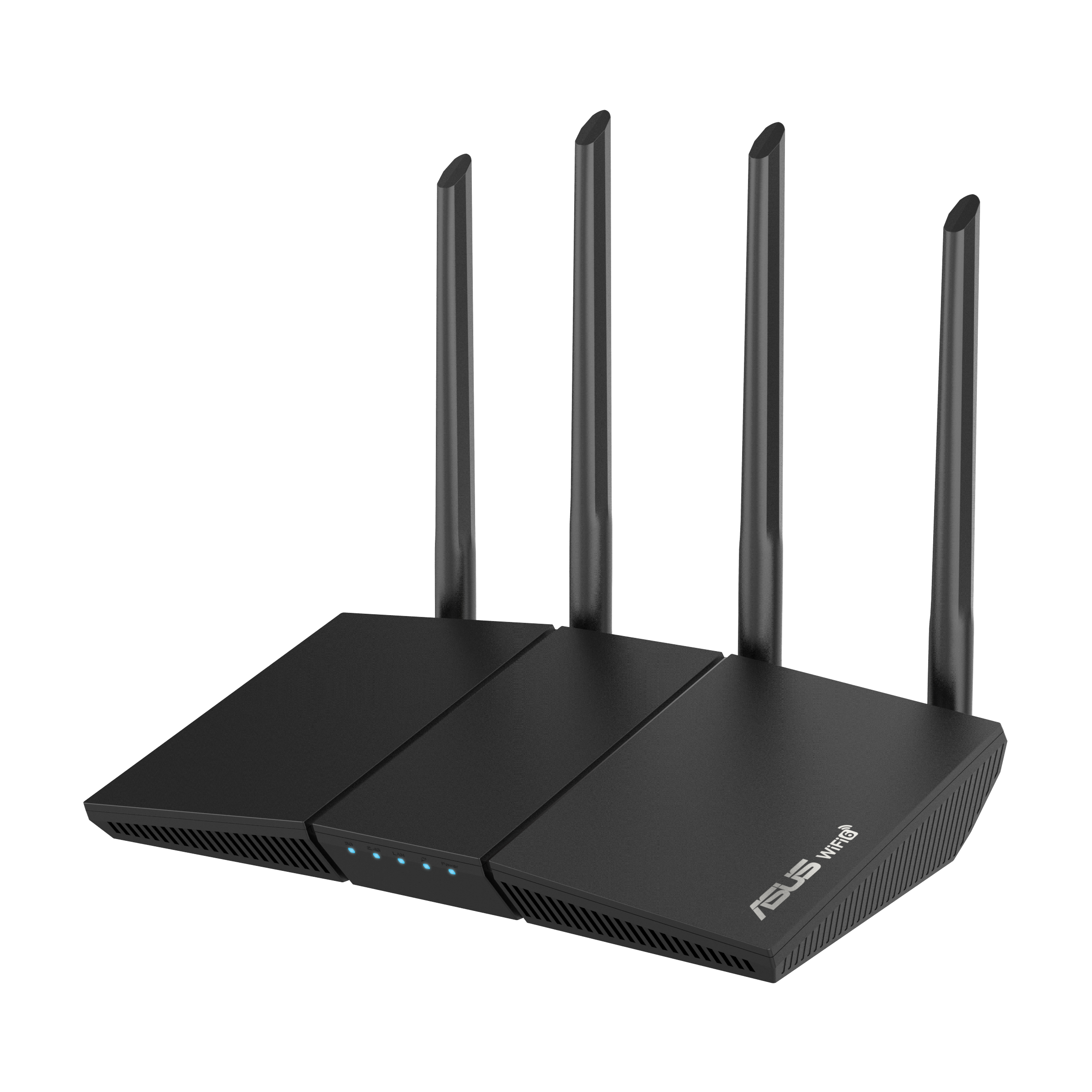
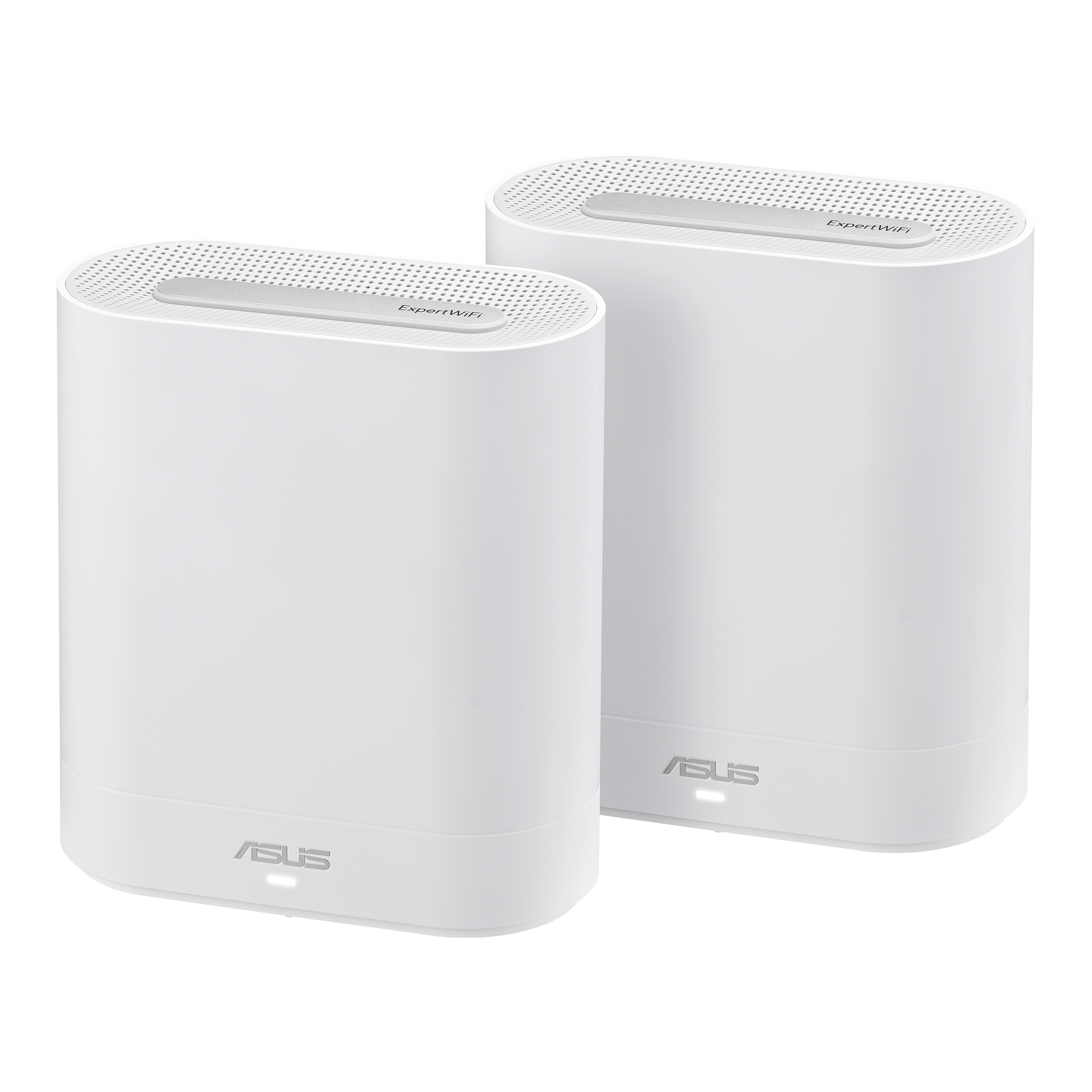
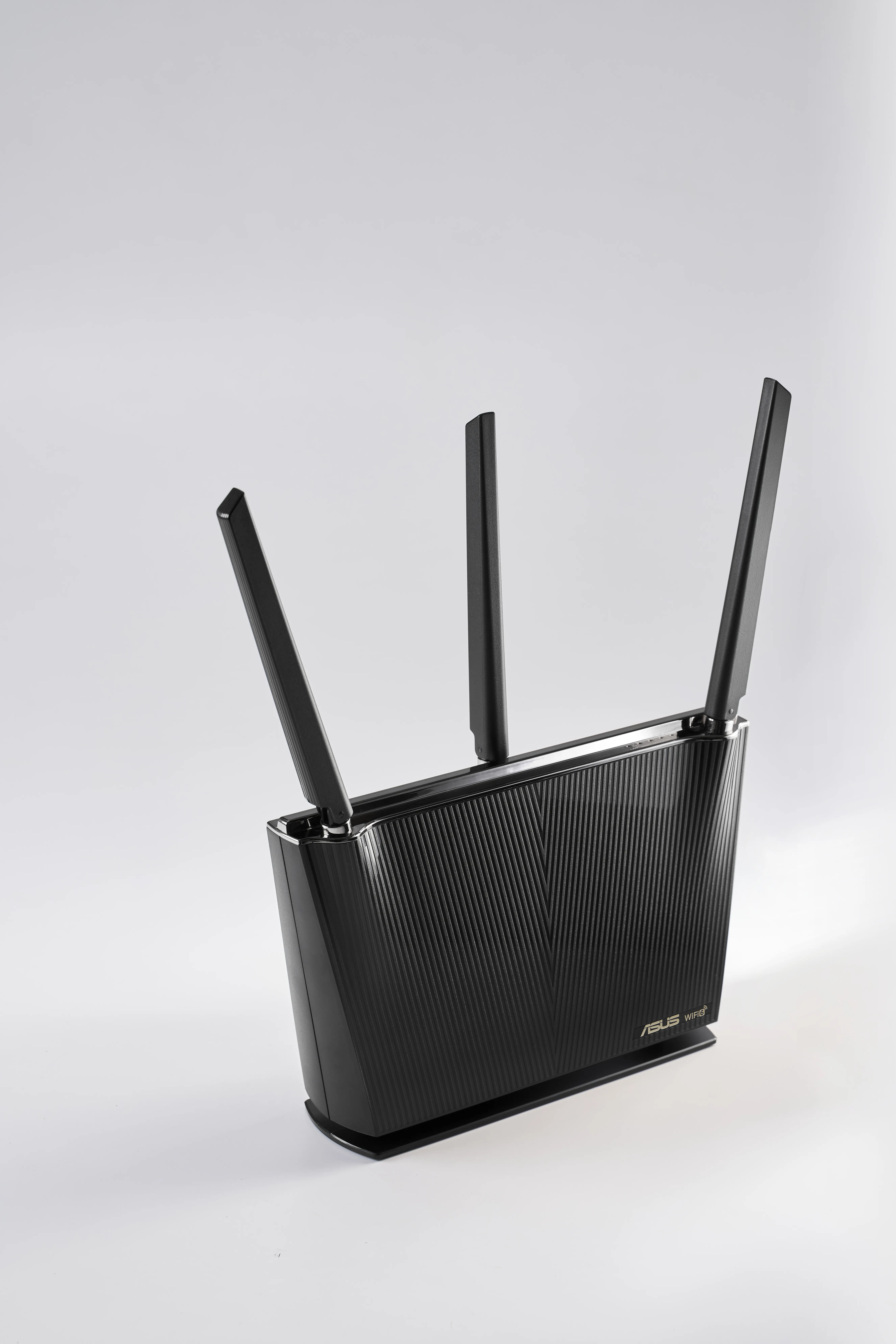
The address
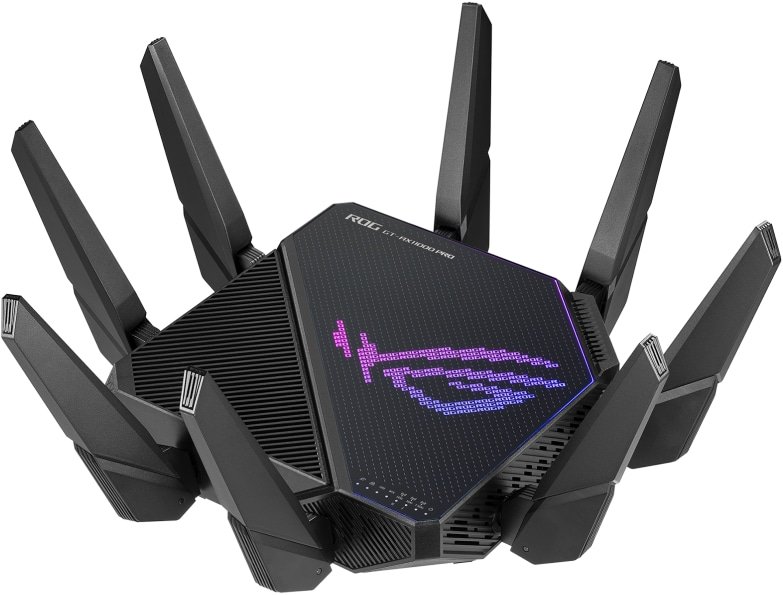
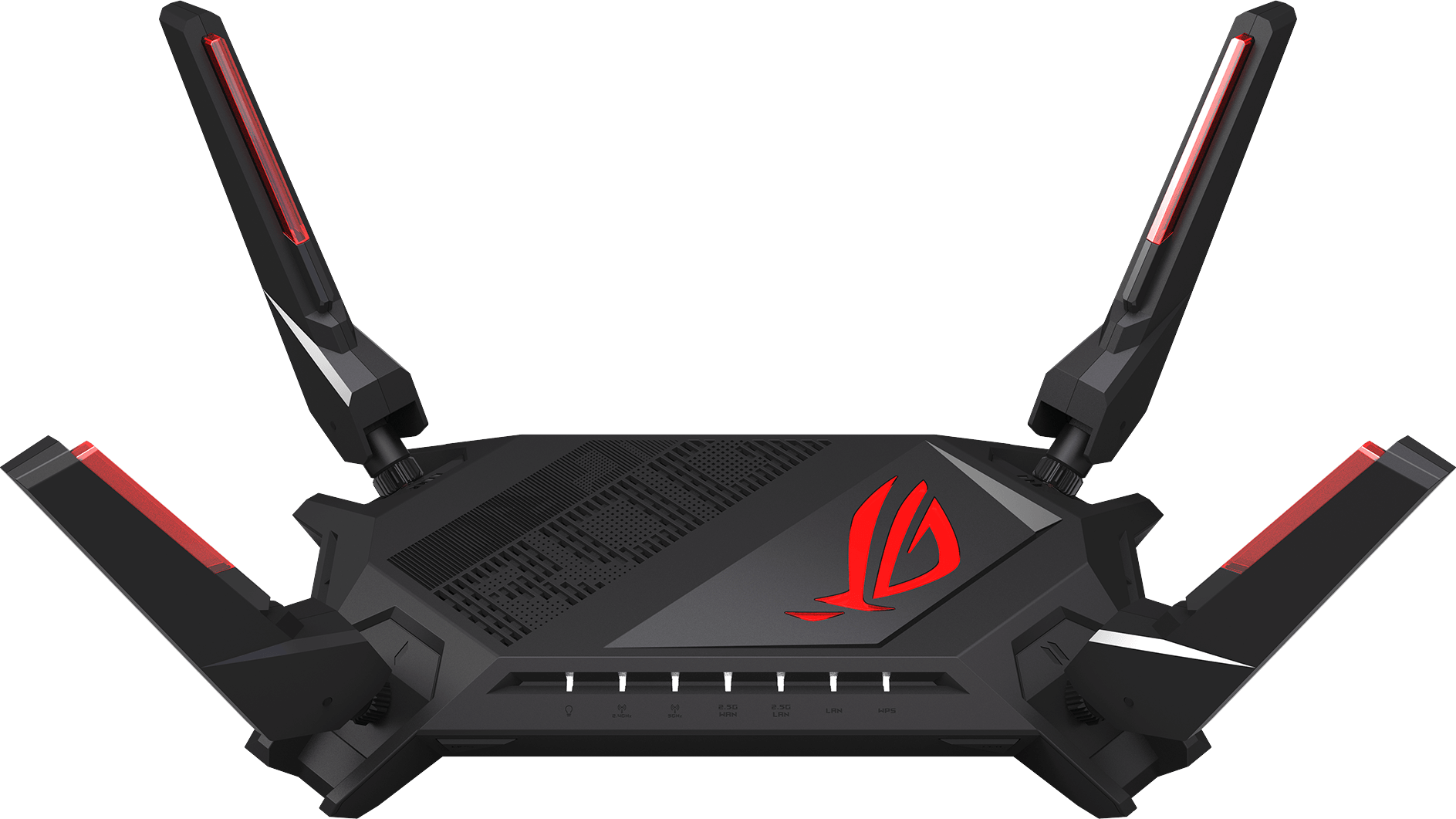
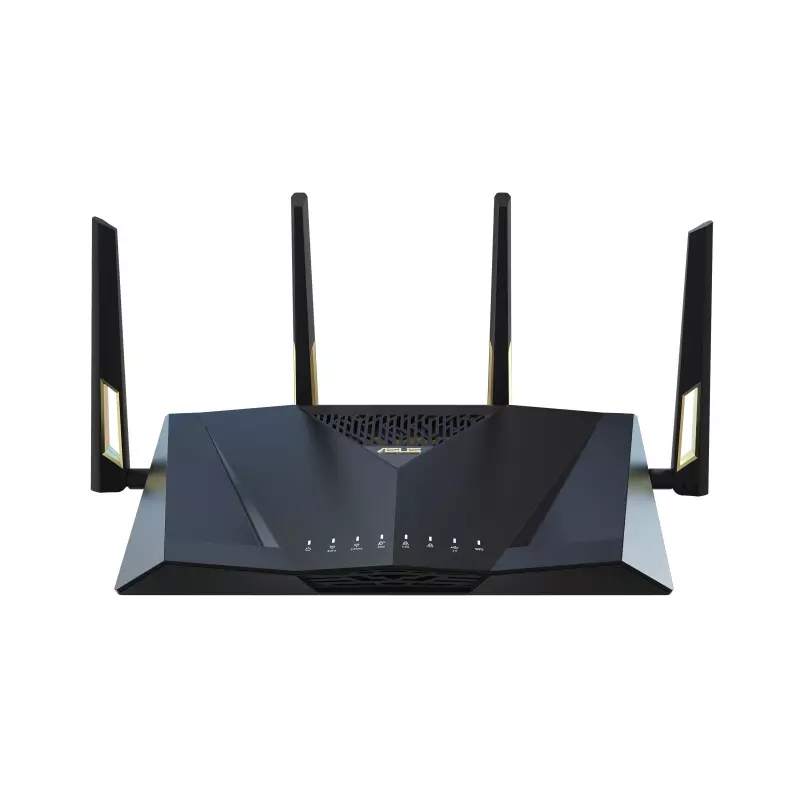
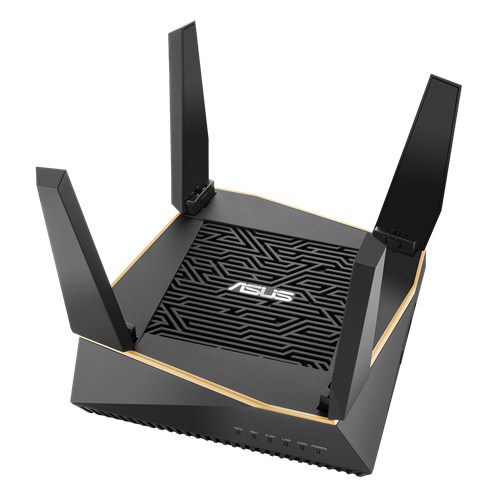
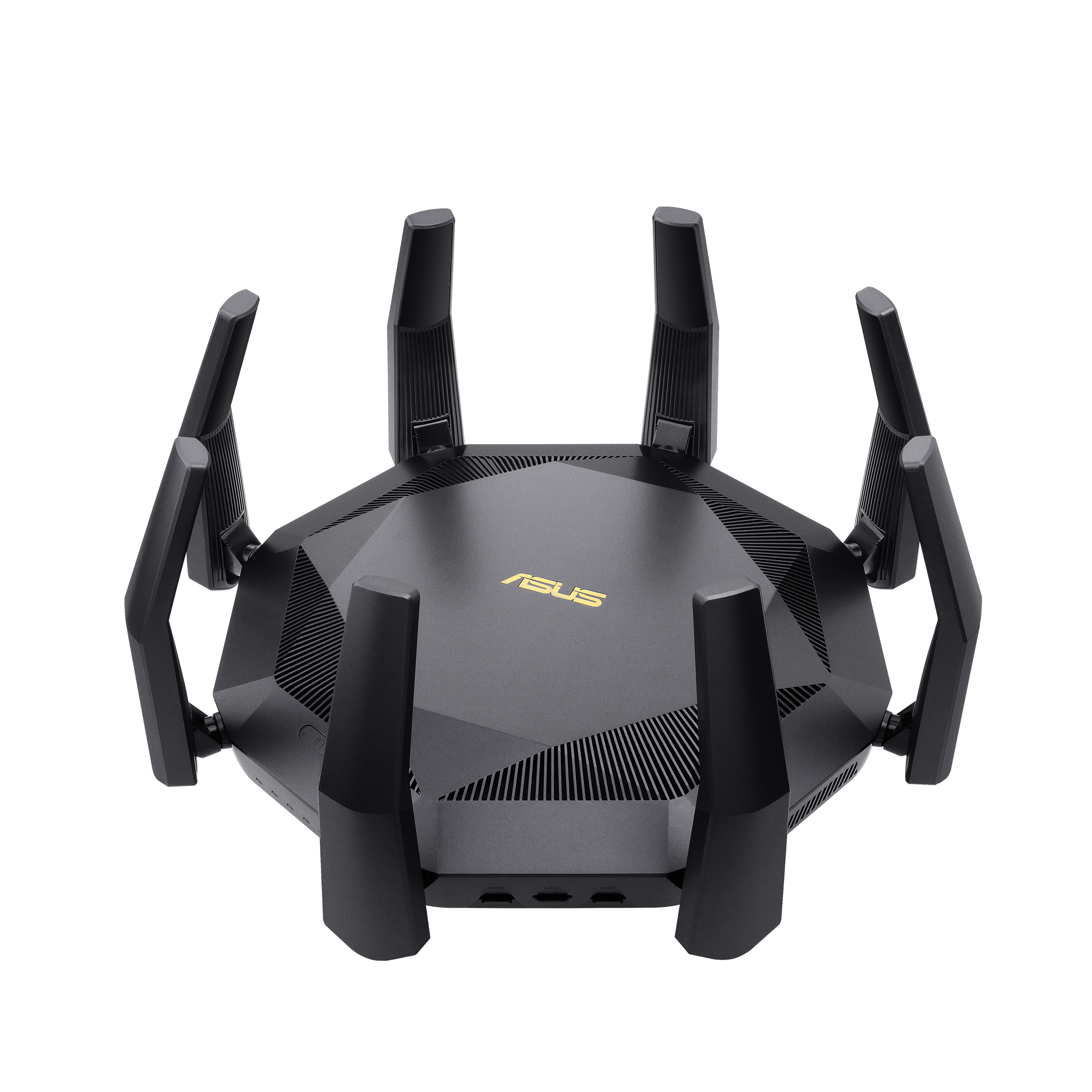
Asus provides router.asus.com as a local hostname and 192.168.1.1 as the numeric fallback. Both work only from inside the network. ROG Rapture gaming routers use the same scheme despite the different interface skin.
Credentials by generation
Units running older ASUSWRT accept admin / admin. Every router shipped with the Quick Internet Setup wizard — that covers essentially the whole RT-AX line and later RT-AC models — refuses to finish setup until you supply your own admin username and password. Asus deliberately blocks admin/admin there.
ASUSWRT-Merlin, the popular third-party firmware, inherits whatever credentials the stock firmware had; flashing it does not reset the login.
AiMesh nodes
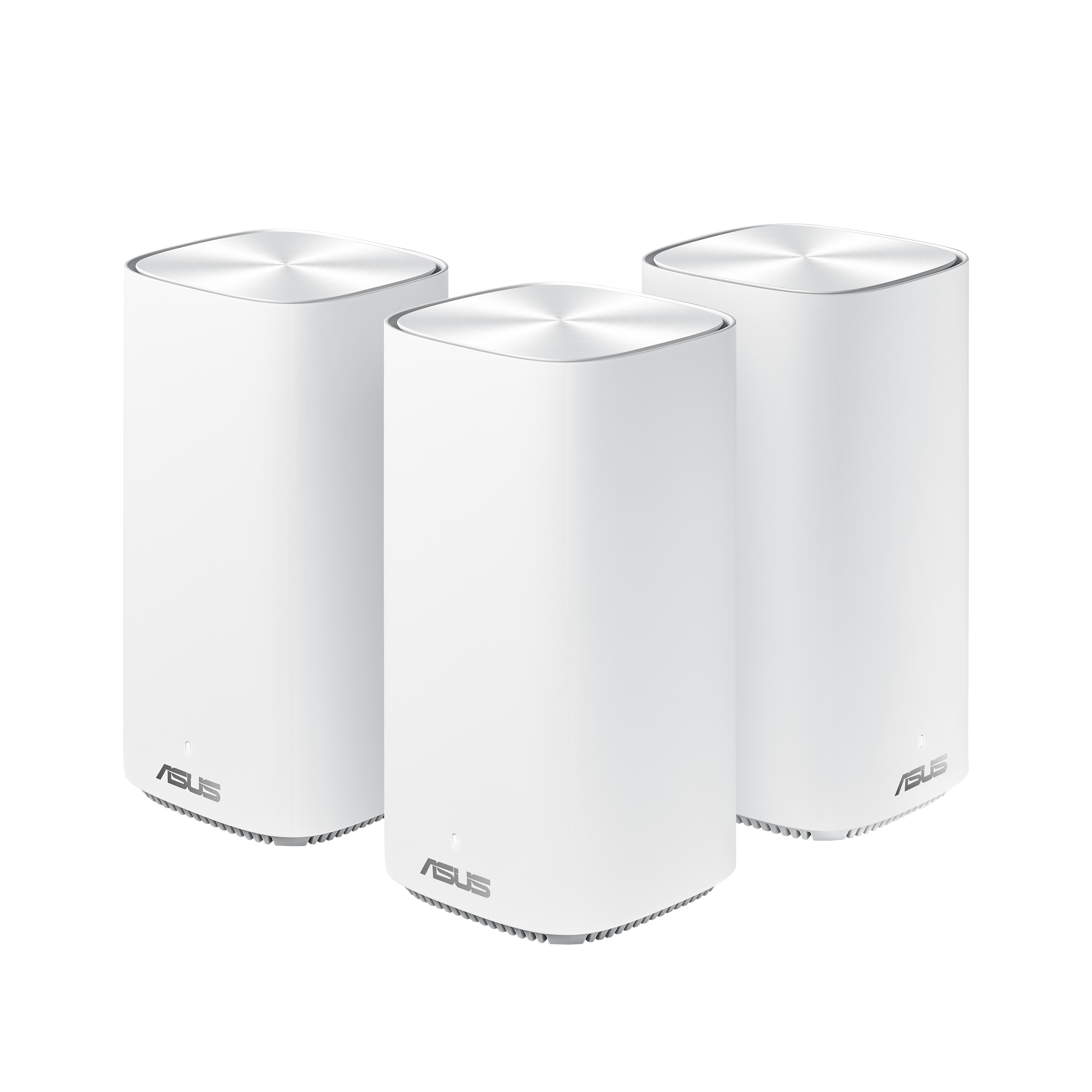
A router acting as an AiMesh node has no independent login — it is administered entirely through the primary router. Pointing a browser at a node's IP gives you nothing useful. Find the primary and log in there.
Reset behaviour
Asus offers a hardware reset (hold Reset for five seconds until the power LED blinks) and a WPS-button reset on some models. Both restore the factory state, which for modern units means the setup wizard, not admin/admin. Keep in mind that a reset also clears any AiMesh topology — nodes must be re-paired.
Security note
Asus routers have historically been targeted by botnets that exploit exposed admin panels rather than weak passwords. If remote management (WAN access to the web UI) is enabled, disable it. Check the CVE list for your model below.
FAQ
admin / admin on older ASUSWRT firmware. Newer RT-AX and recent RT-AC models block that pair outright — the setup wizard forces you to create your own credentials before the router will work.
The name resolves only on the router's own network. Disconnect from any VPN, make sure you are not on a guest SSID, and try 192.168.1.1 instead.
Nodes have no separate admin interface. All configuration happens on the primary router; the node simply follows it.