TP-Link Router Login and Default Password
Most TP-Link routers open at 192.168.0.1 or tplinkwifi.net. Older models still accept admin/admin; anything sold after 2019 asks you to create a password on first boot instead.
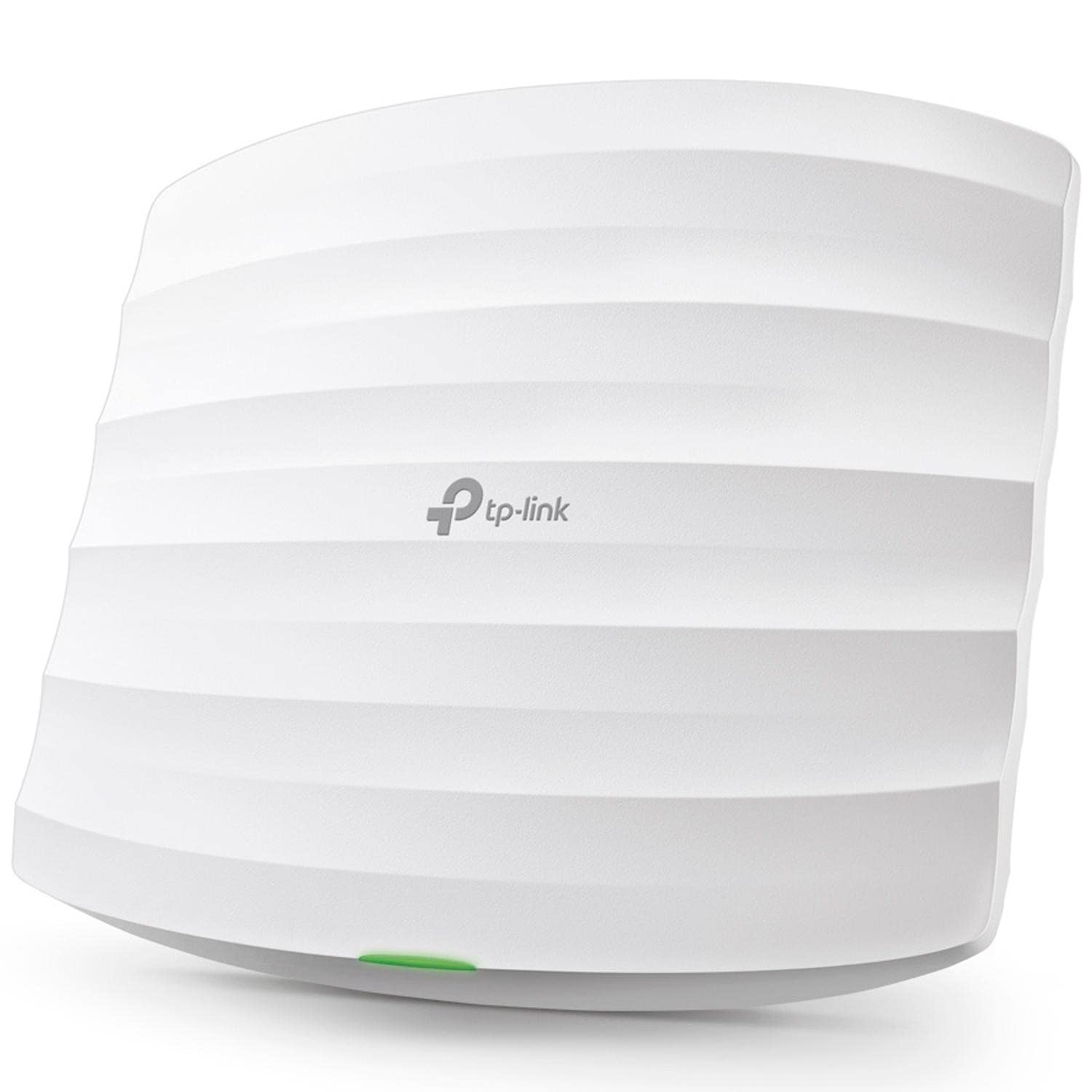
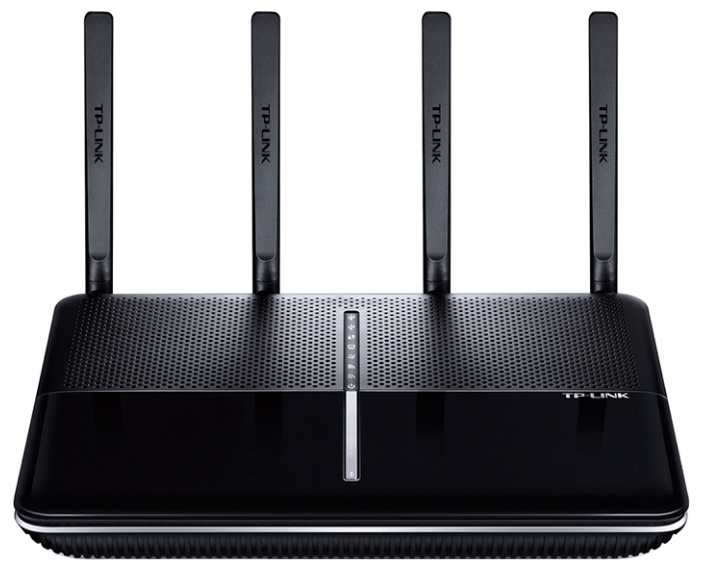
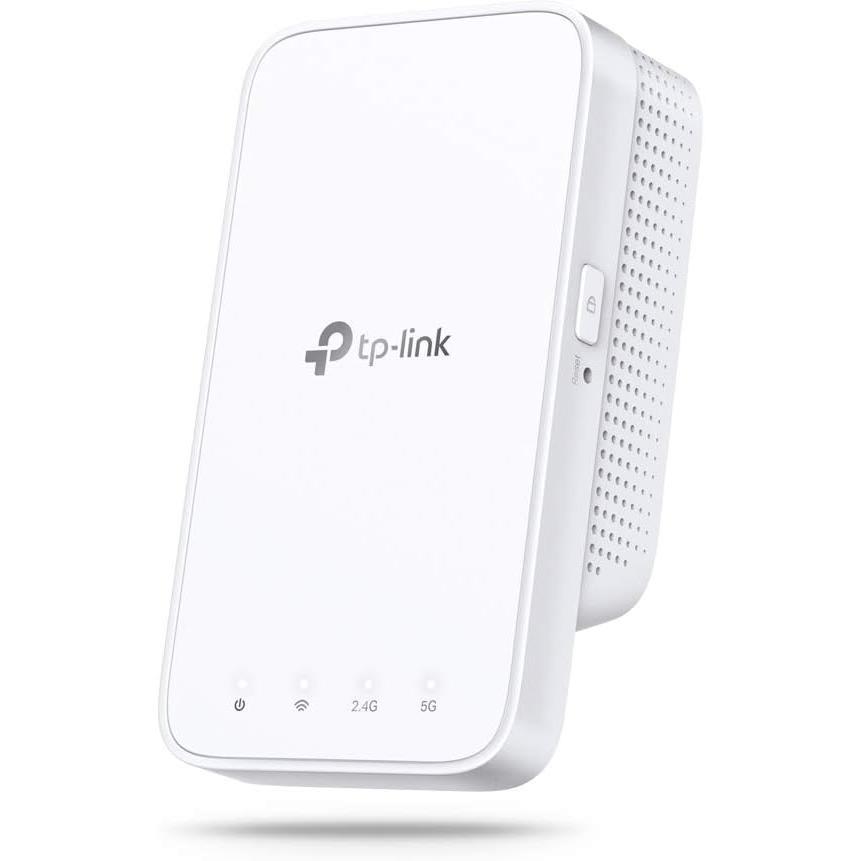
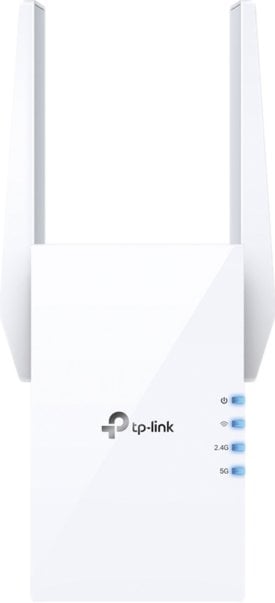
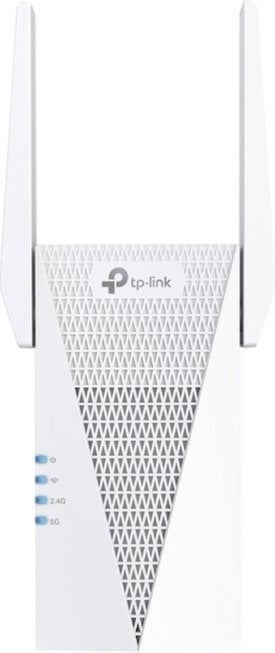
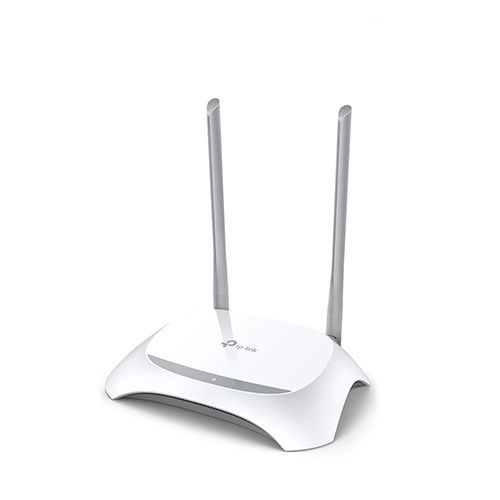
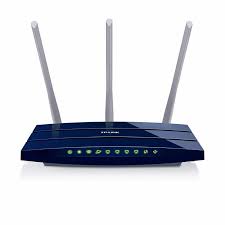
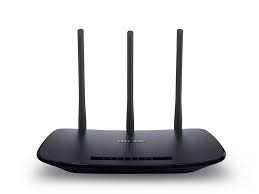
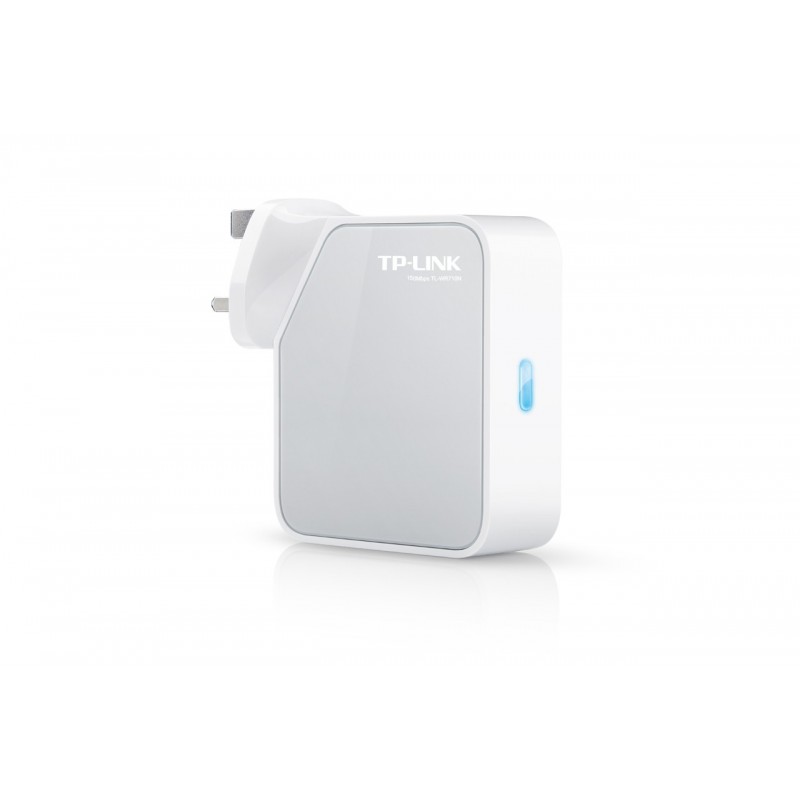
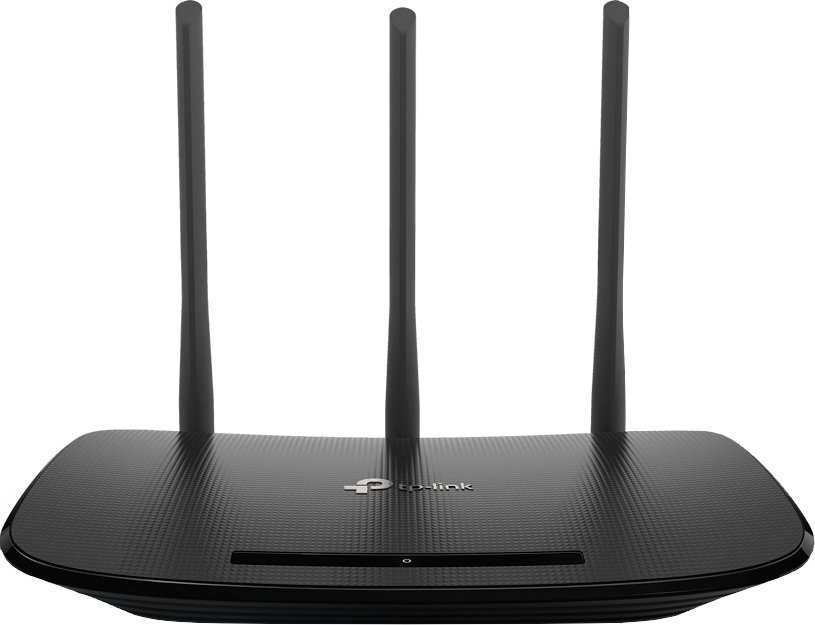
Getting into the admin panel
TP-Link uses two default addresses depending on the model line: 192.168.0.1 for most Archer and TL-WR routers, 192.168.1.1 for some ISP-supplied units. The hostname tplinkwifi.net resolves to whichever one your unit uses, which makes it the safer thing to type.
You must be on the router's own network — over Wi-Fi or by cable. A TP-Link admin panel is not reachable from the internet unless remote management was deliberately switched on, and switching it on is a bad idea.
What the credentials actually are
There is no single TP-Link password, and that is the source of most confusion. Three generations coexist:
Pre-2019 models ship with admin / admin. Archer units from roughly 2019 onward ship with no password at all — the first login screen makes you create one. Deco mesh systems have no web password by design; they authenticate through the TP-Link ID in the mobile app.
Wi-Fi password is a separate thing from the admin password. The Wi-Fi key is printed on the label underneath the router; the admin password is not.
Why the label password is refused
The sticker carries the Wireless Password/PIN — that is the Wi-Fi key, not the admin login. People type it into the admin form, get rejected, and conclude the router is broken. Look for a separate line reading Username: admin; if the label has no such line, your unit belongs to the generation that sets its own password.
After a factory reset
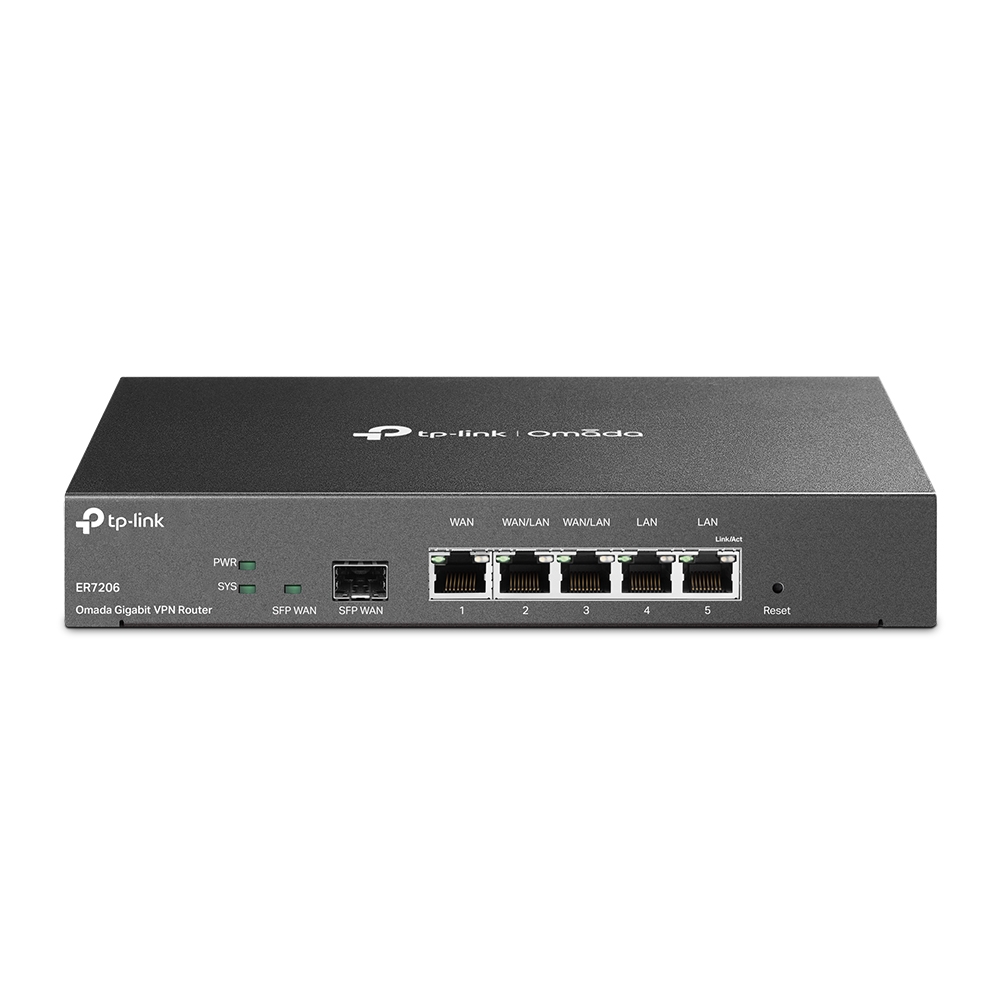
A 10-second press on the Reset pin returns the unit to whichever scheme its firmware shipped with — not necessarily to admin/admin. A 2022 Archer reset back to «create your own password», not to a known default. Reset also wipes the Wi-Fi configuration, so plan to reconnect every device afterwards.
SSS
Your unit is almost certainly from the post-2019 generation, which has no factory admin password: the first login screen creates one. If someone already set it and it is lost, a factory reset is the only route back in.
admin / admin on models made before roughly 2019. Newer Archer units ship with no credentials and prompt you to create a password. Deco mesh systems use the TP-Link ID from the app instead of a local password.
Whatever the firmware shipped with. Older units return to admin/admin; newer ones return to the create-a-password prompt. A reset never sets a password that was not there originally.