Tenda Router Login and Default Password
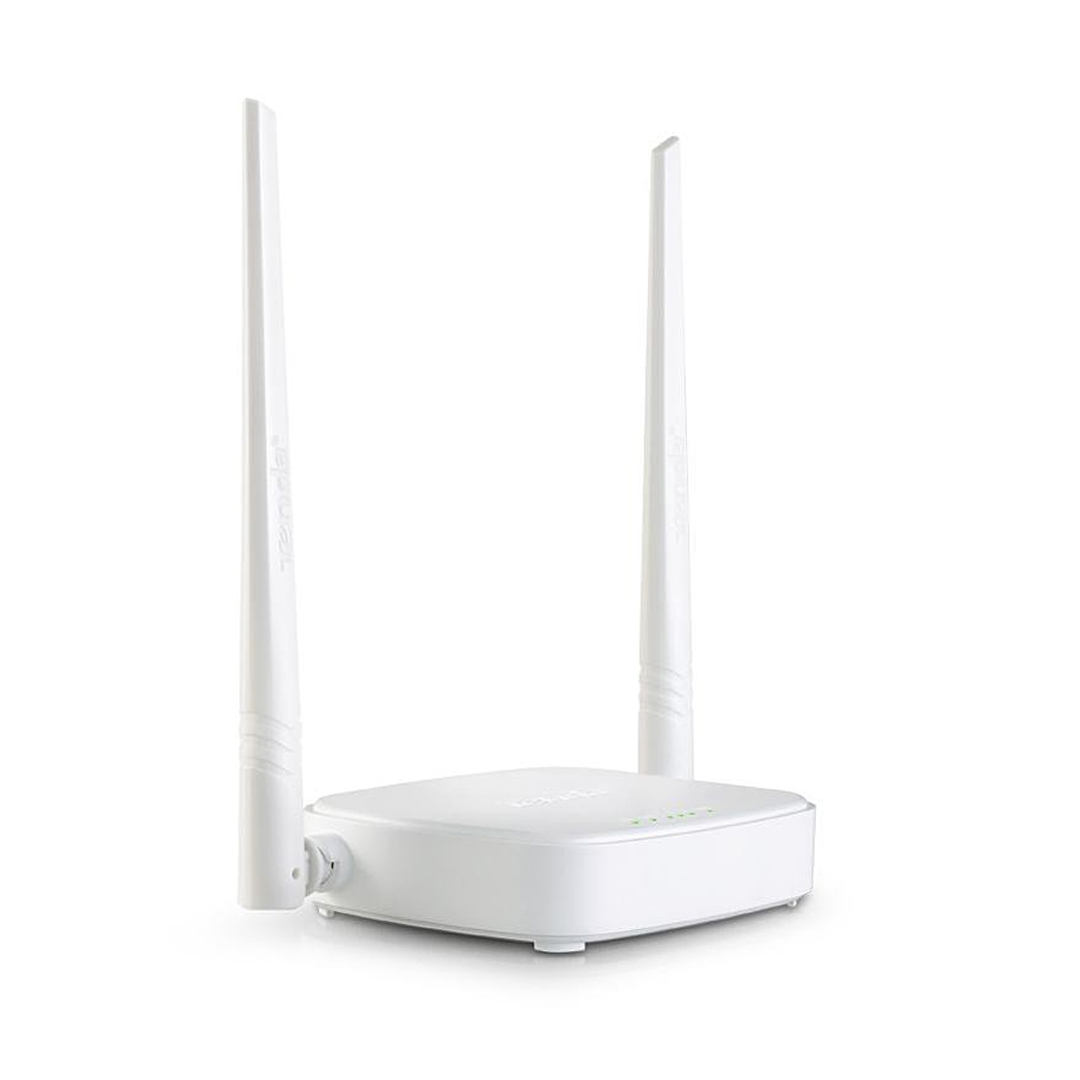
Tenda routers answer at 192.168.0.1 and at tendawifi.com. There is no factory password on most models — the login page is blank and the setup wizard asks you to create one.
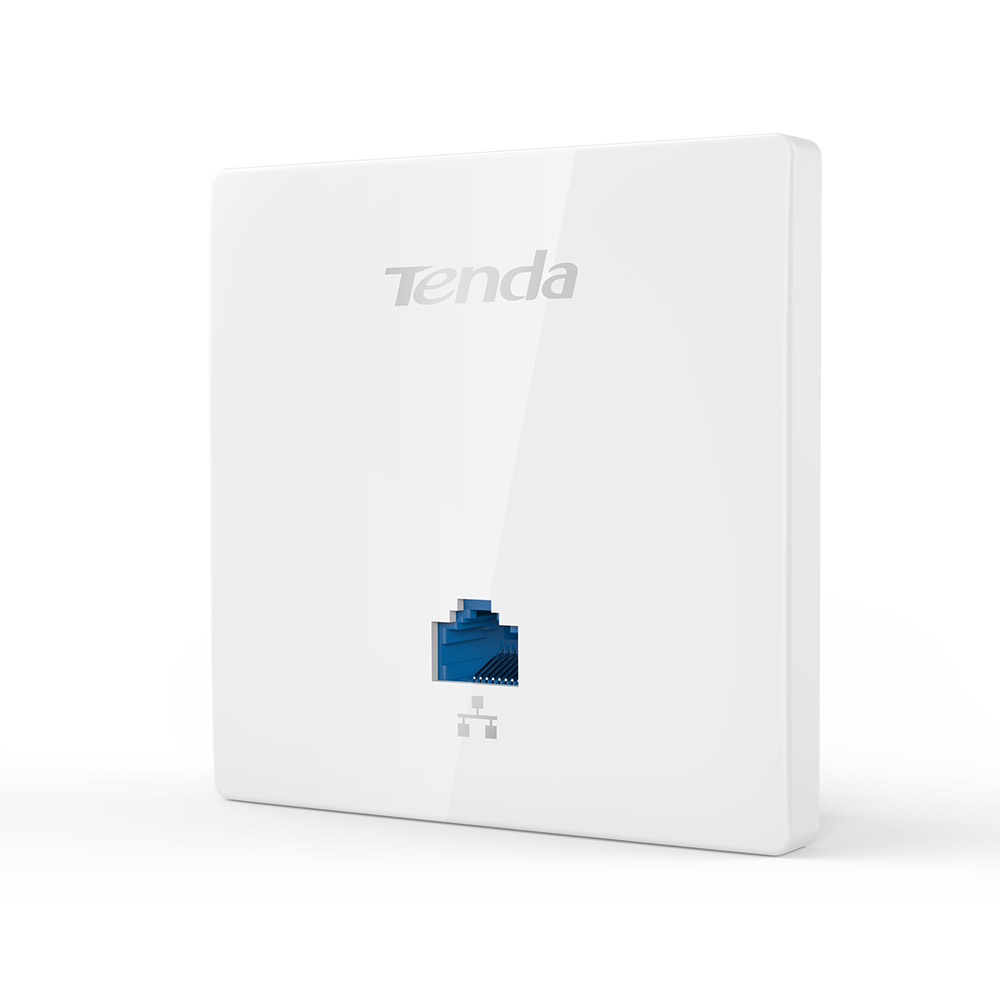
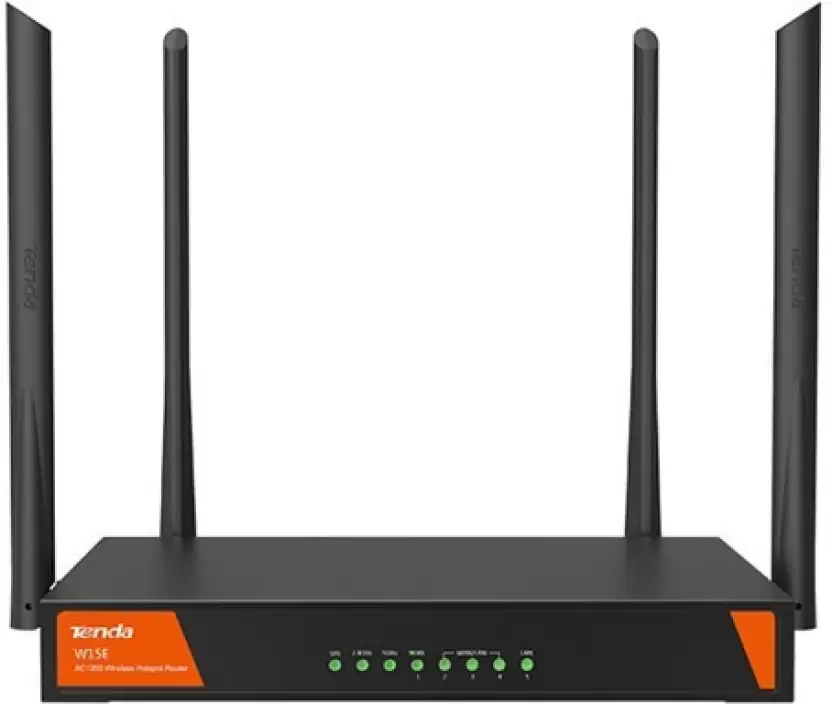
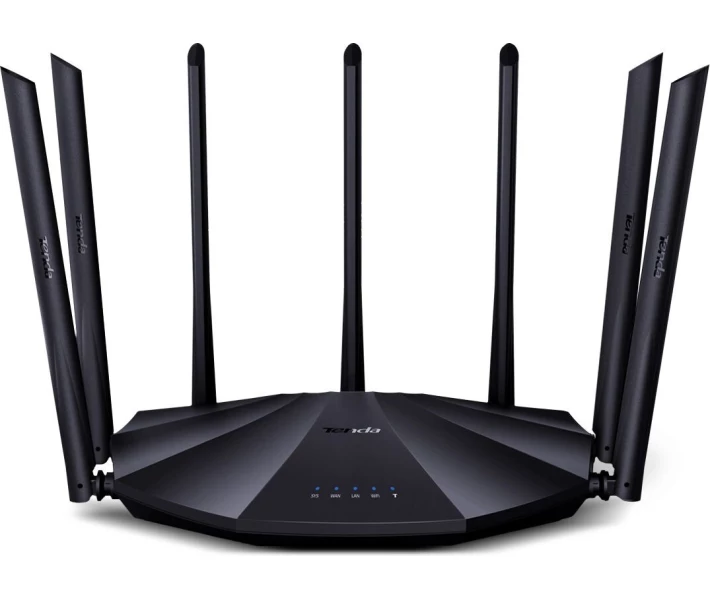
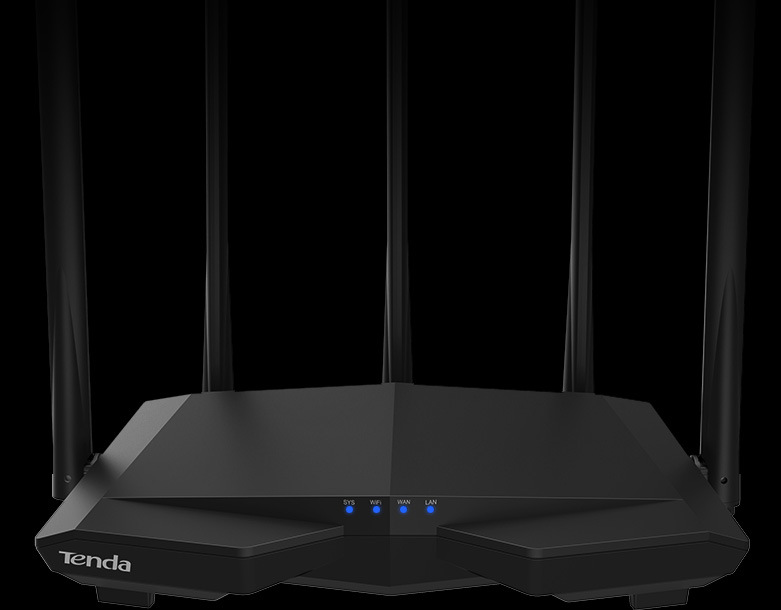
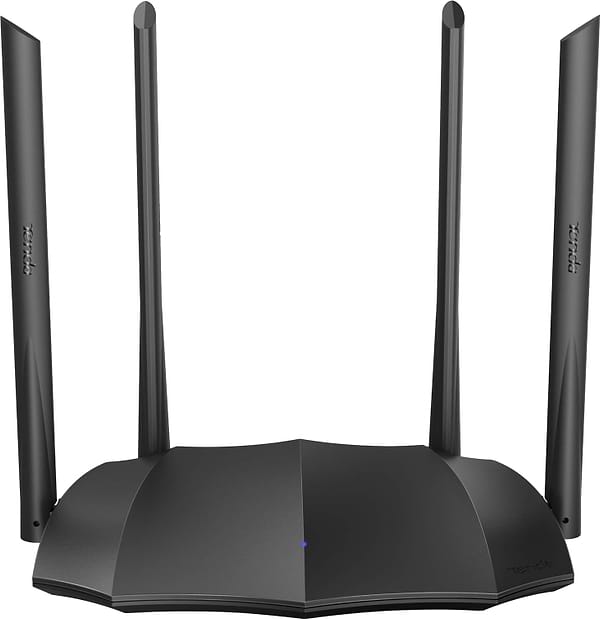
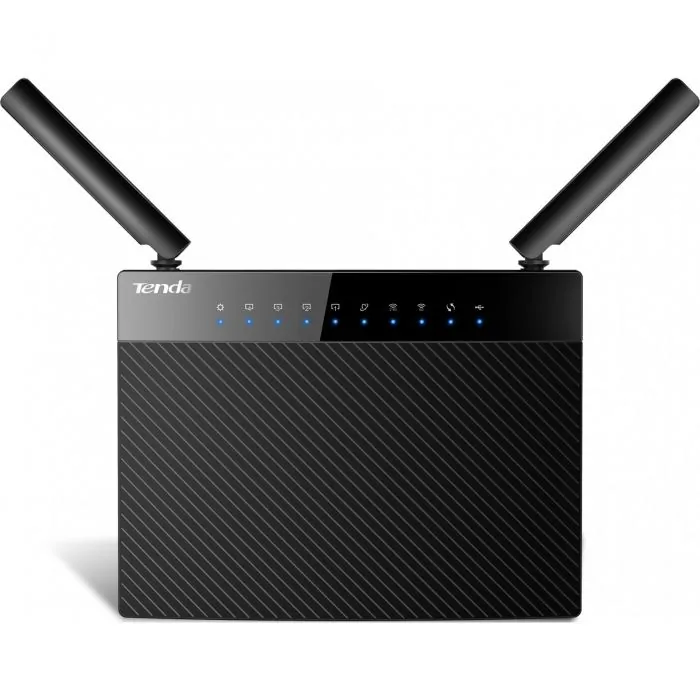
Getting in
Type 192.168.0.1 or tendawifi.com. Nova mesh units use 192.168.0.1 as well but expect configuration through the Tenda WiFi app.
The blank login
Tenda's convention is a single password field with no username, and on a factory unit that field is empty — press the login button with nothing typed. Some older models use admin/admin. After first login the wizard requires a password before it will apply any settings.
Reset
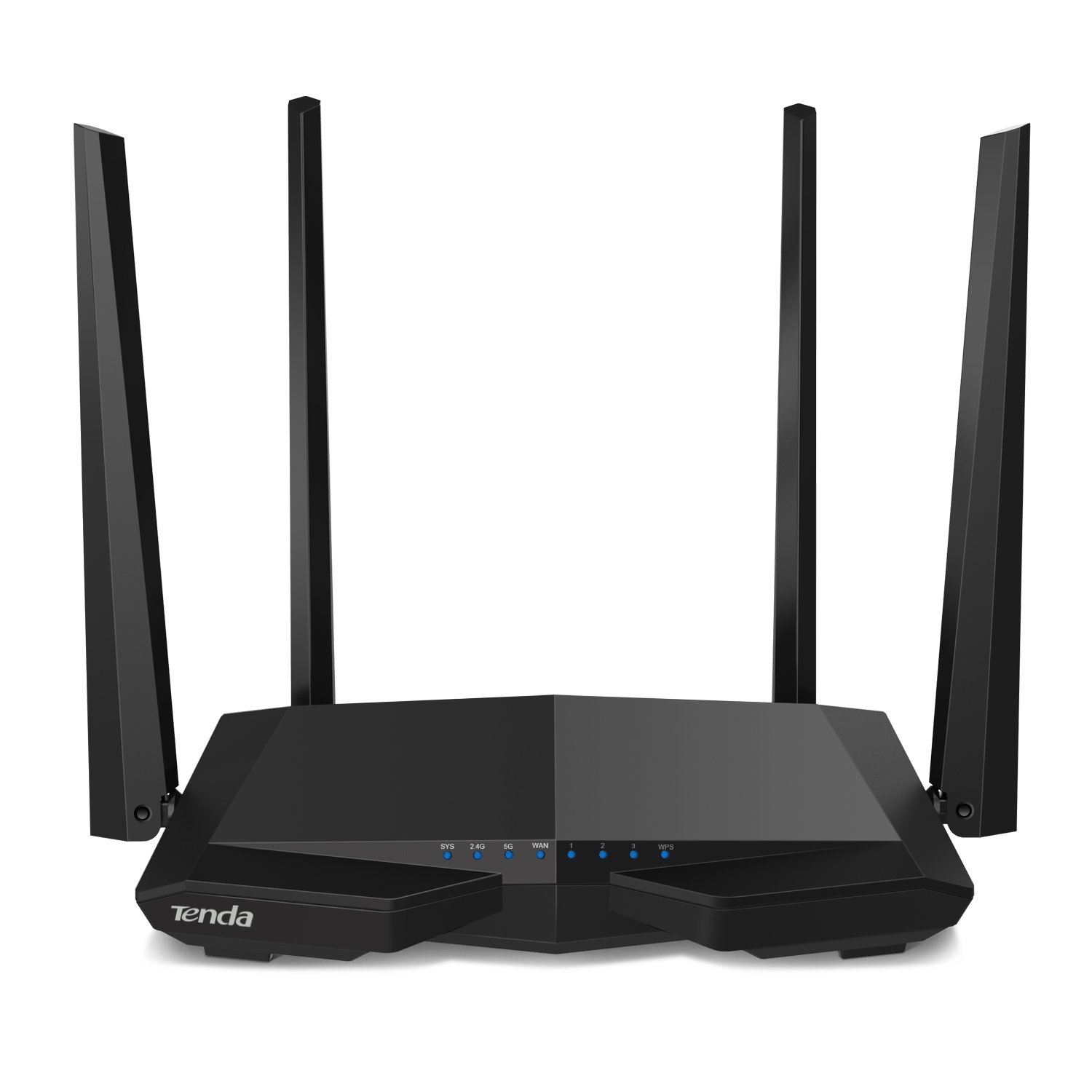
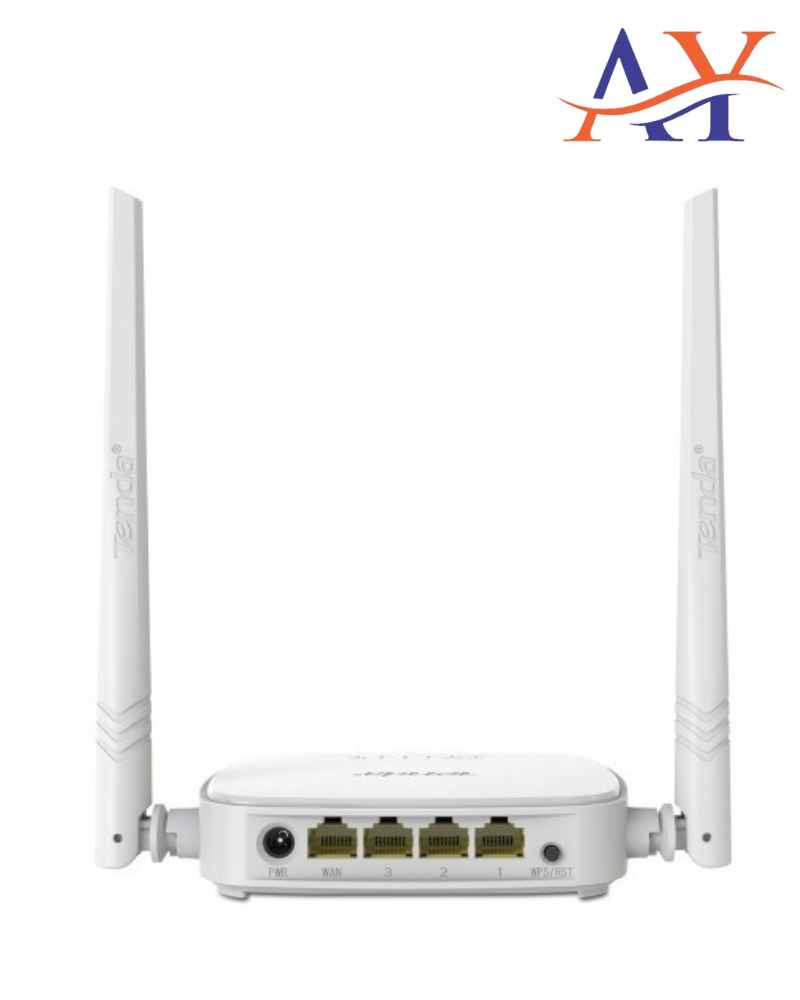
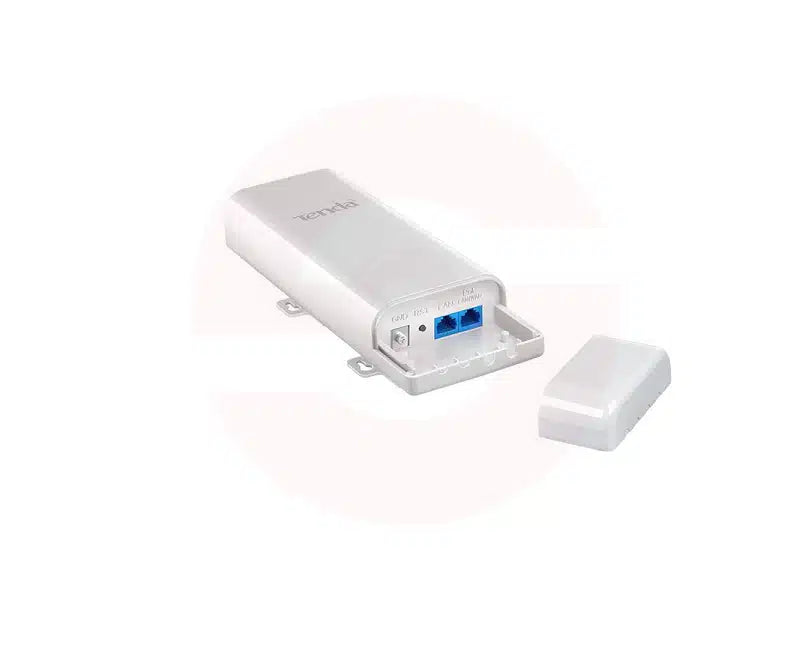
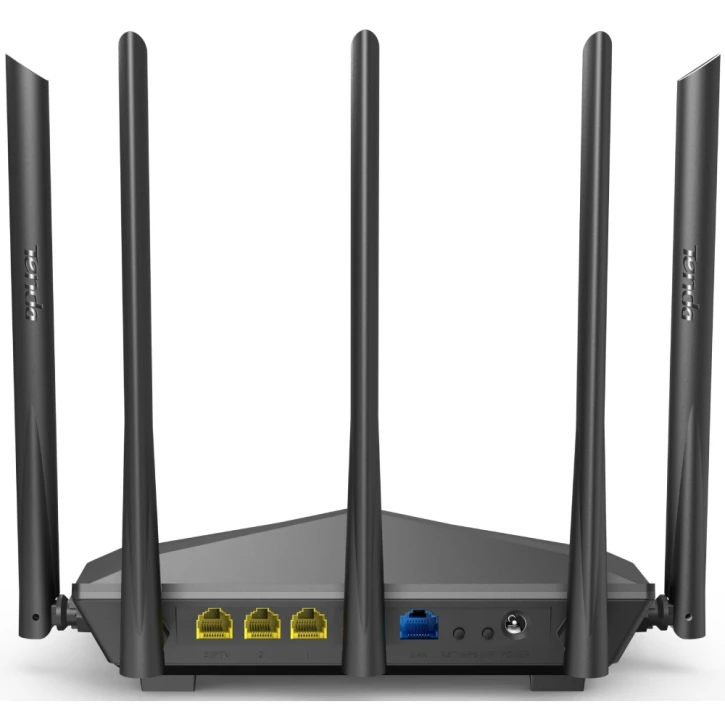
Hold the WPS/RST button for roughly eight seconds until the indicators blink. The router returns to the blank-password state and the Wi-Fi network reverts to its factory SSID, which is printed on the label.
Worth knowing before you deploy one
Tenda hardware is priced aggressively and turns up widely in rented flats and small offices. Several models have documented remote command-injection vulnerabilities, and firmware updates arrive slowly or not at all for cheaper lines. If a Tenda router faces the internet with remote management enabled, disable it. The per-model CVE list is below.
Perguntas frequentes
Most models have none — the login field is blank on a factory unit. Older models use admin/admin. The setup wizard then makes you create a password.
192.168.0.1, and the hostname tendawifi.com resolves to it while you are connected to the router.
Hold the WPS/RST button about eight seconds until the LEDs blink. This restores the blank password and the factory SSID printed on the label.