Huawei Router and ONT Default Password
Huawei home routers open at 192.168.1.1 with admin/admin. Fibre ONTs — the HG8245 and EG8145 families — sit at 192.168.100.1 and often use root/admin instead.
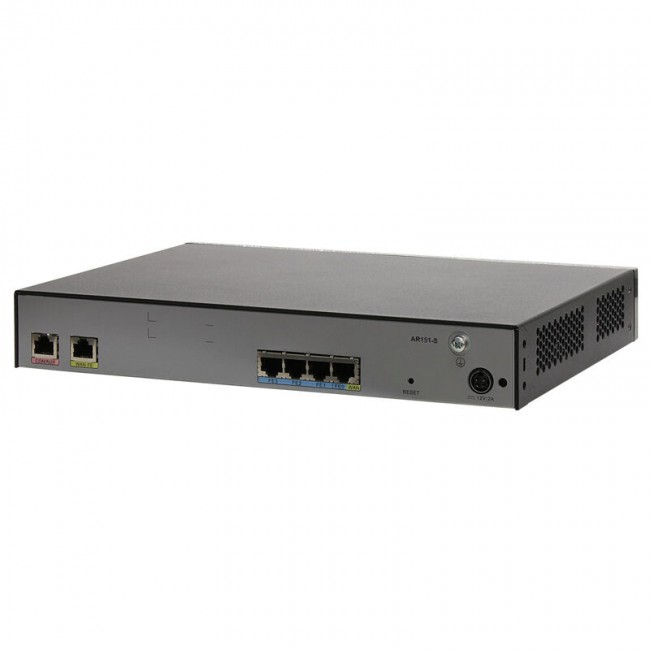
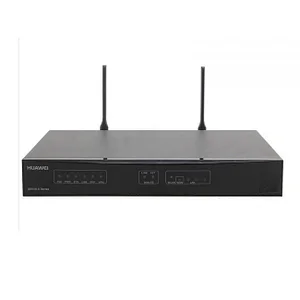
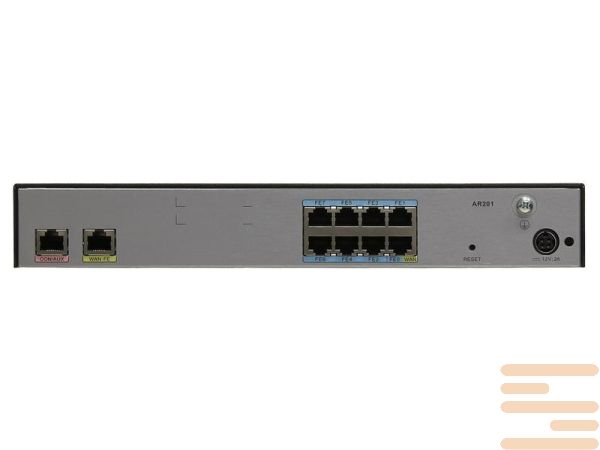
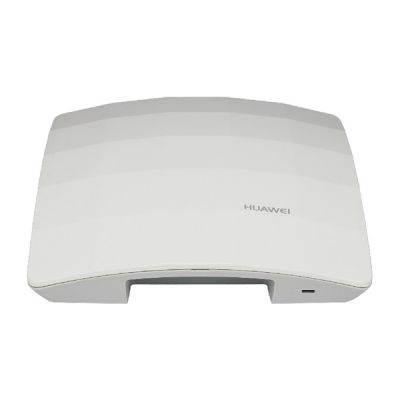
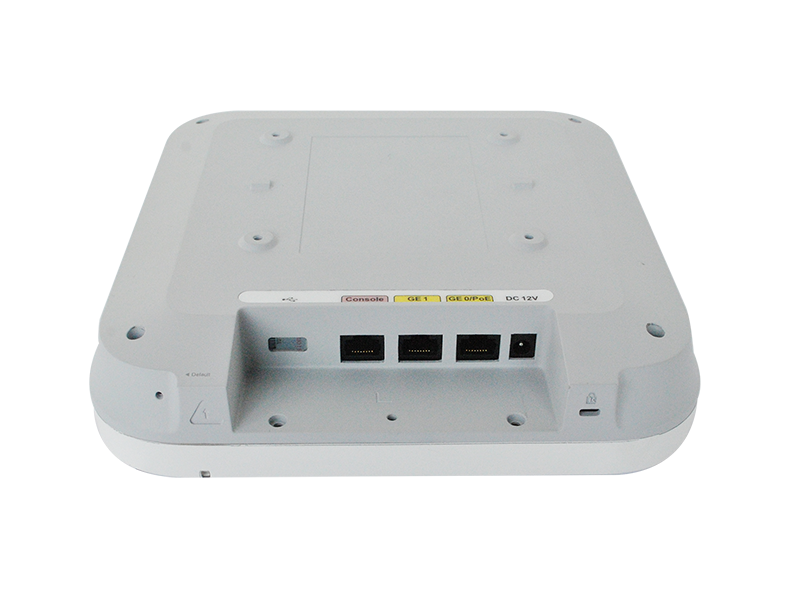
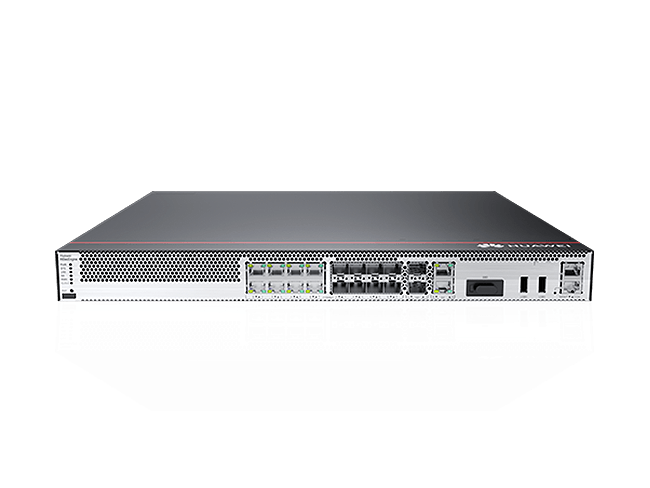
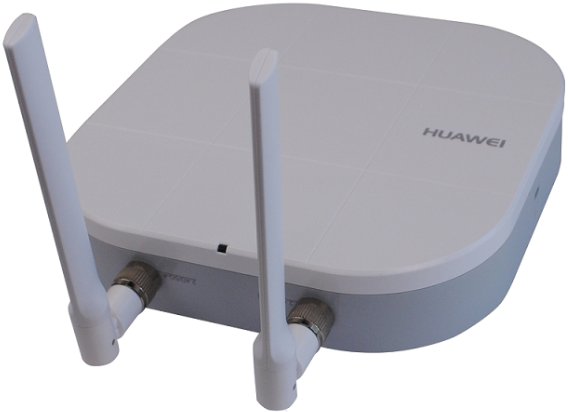
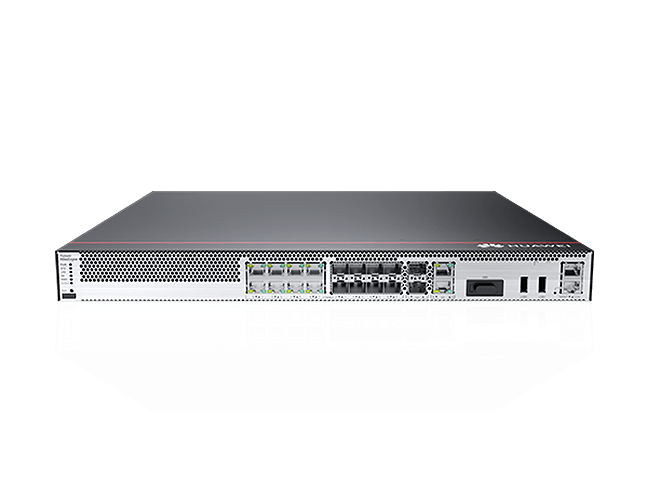
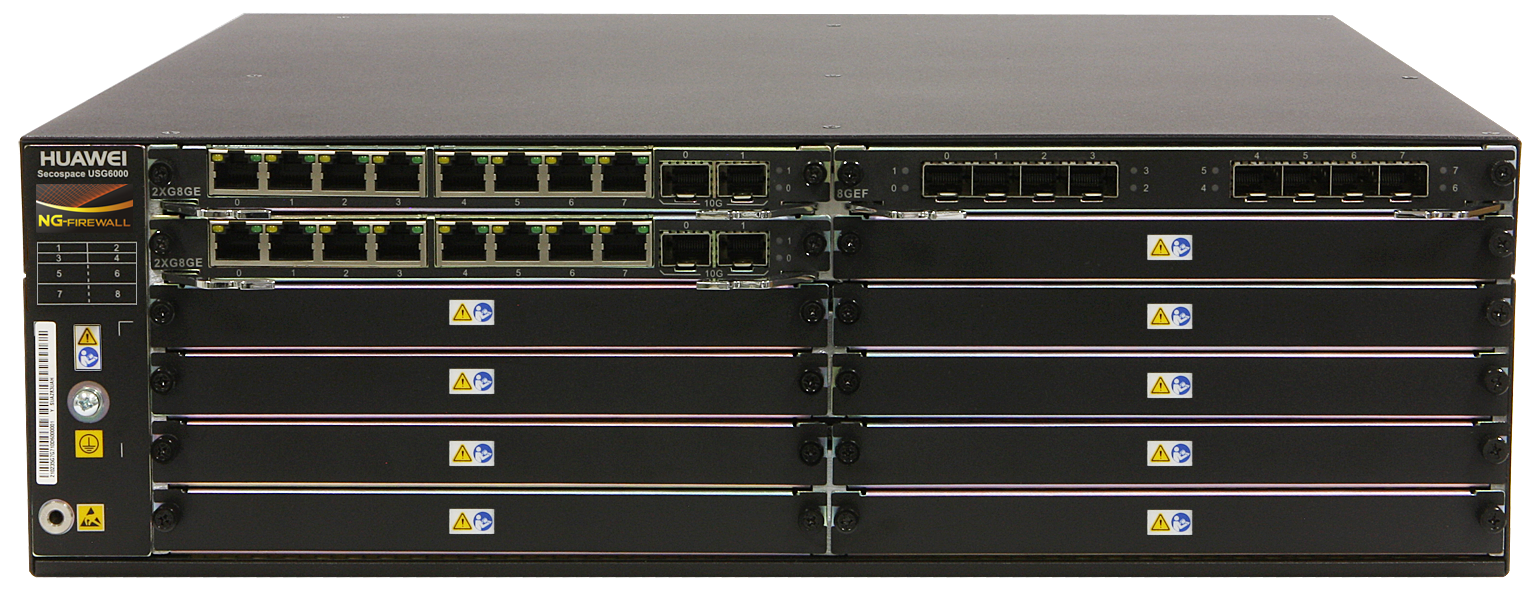
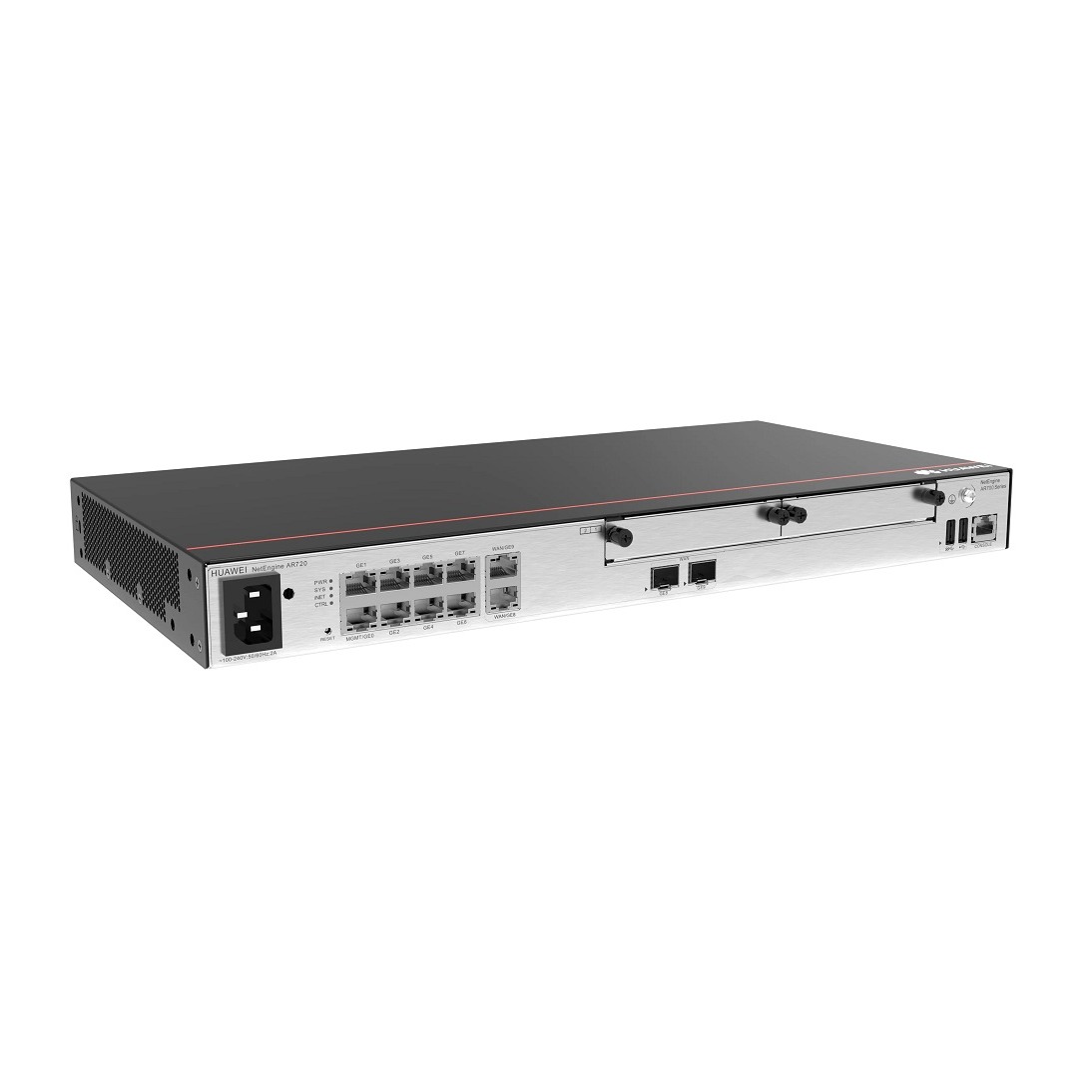
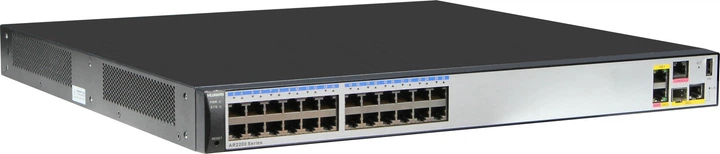

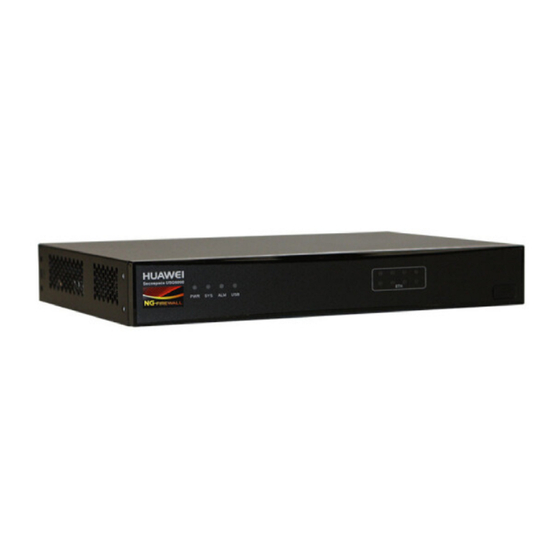
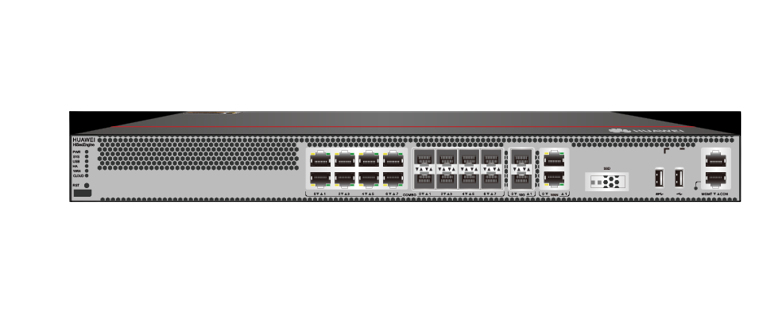
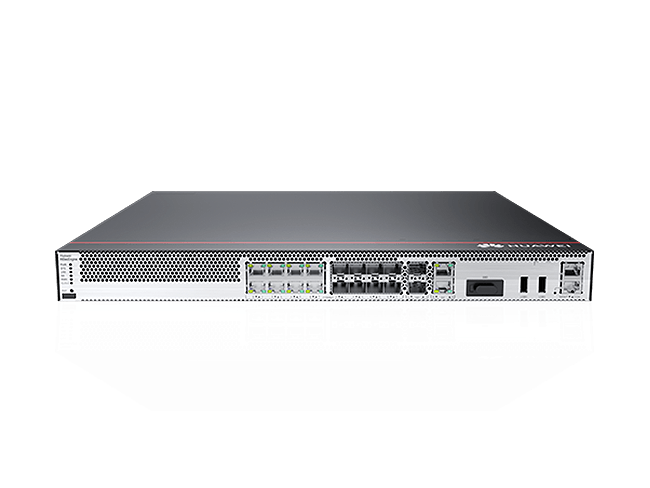
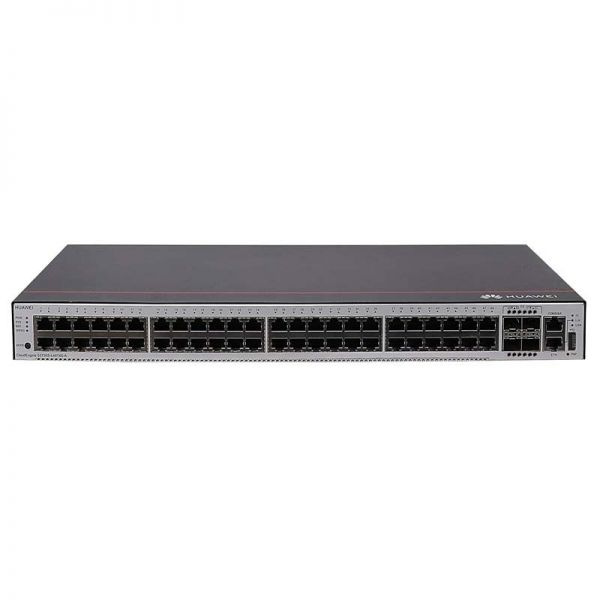
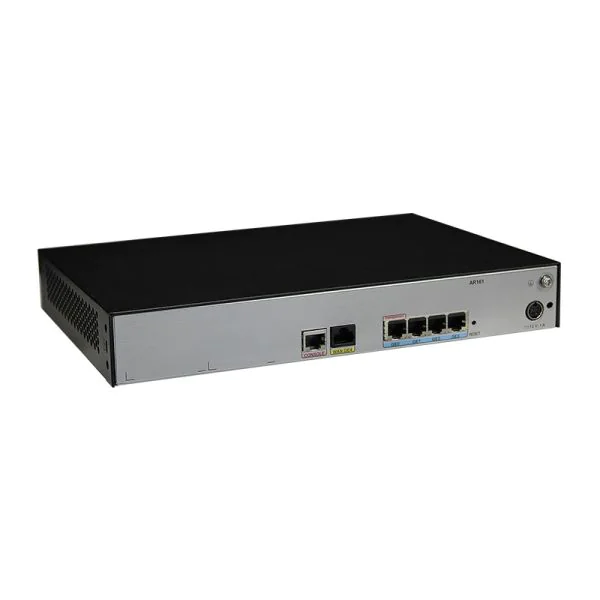
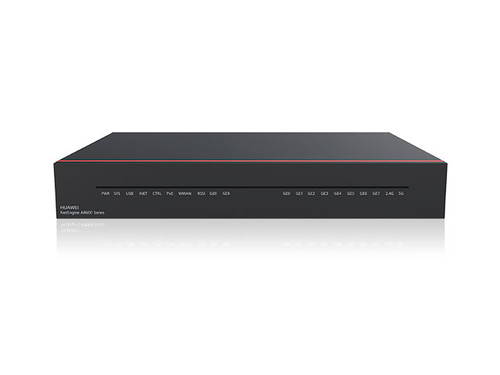
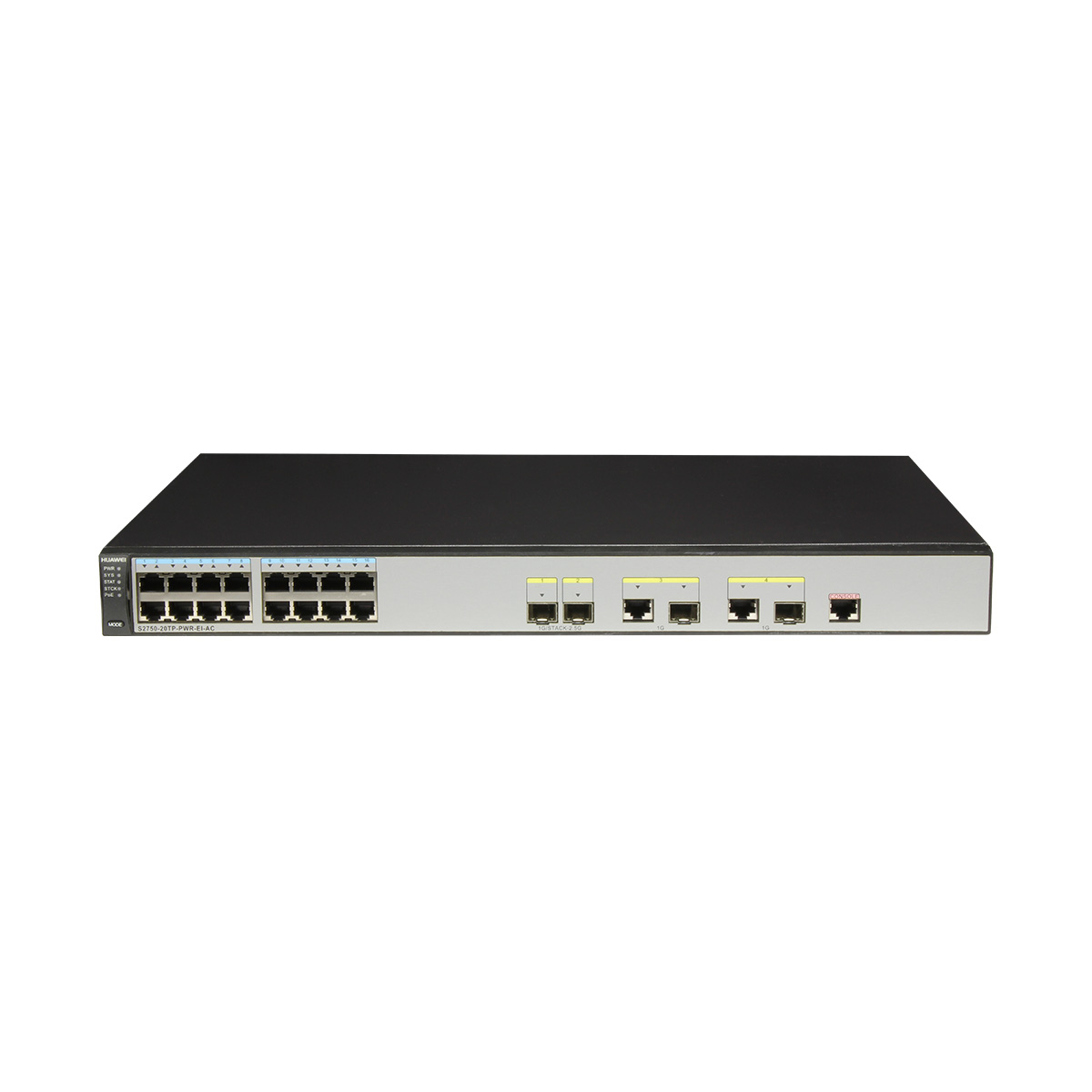
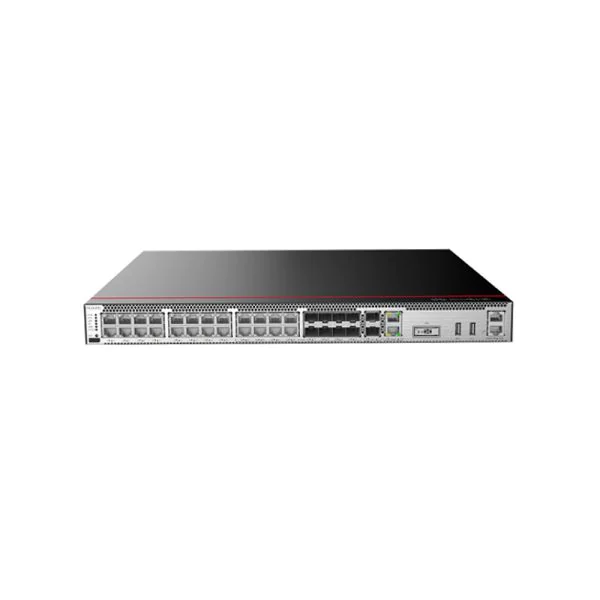
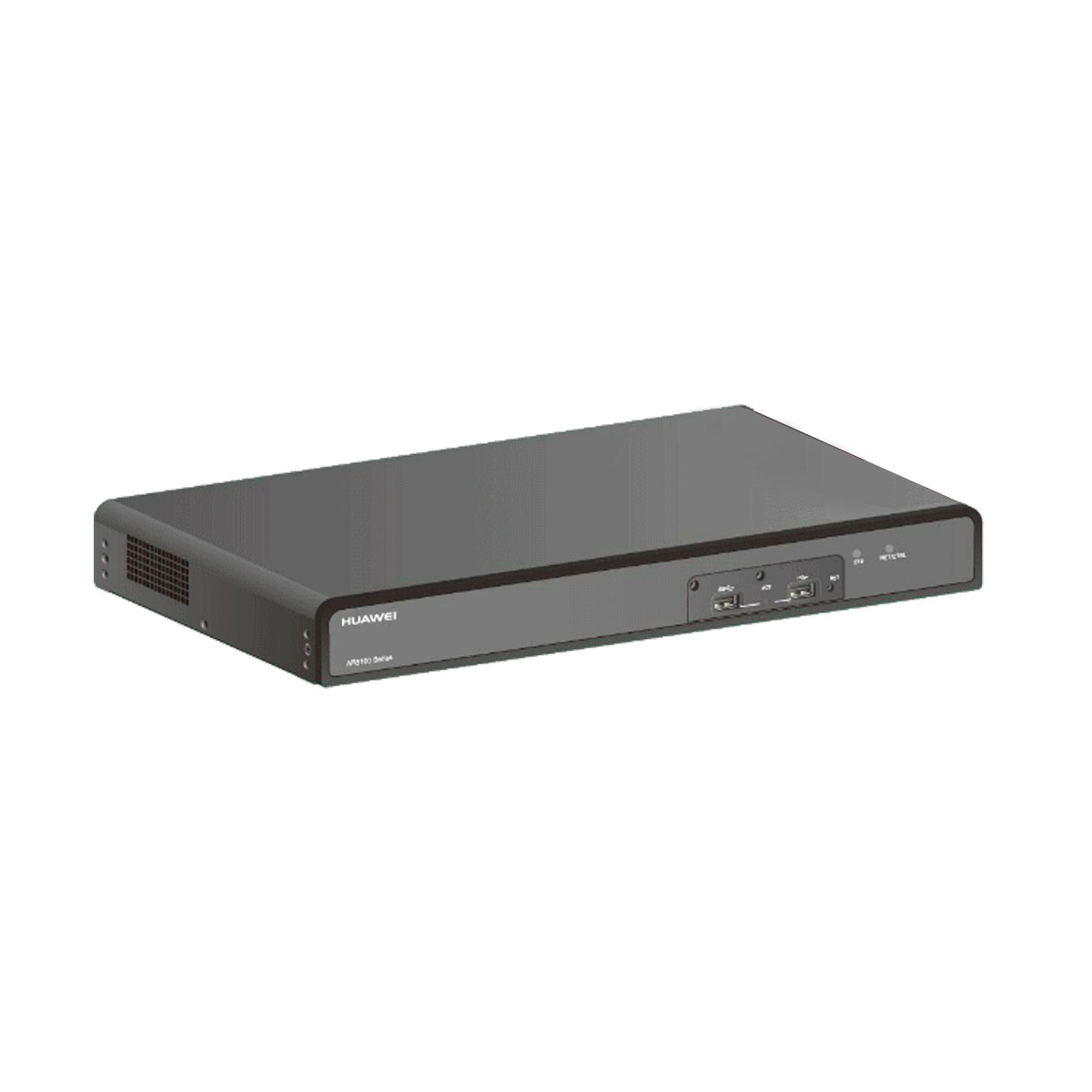
Two device families, two addresses
Huawei's consumer routers use 192.168.1.1 with admin/admin. The fibre terminals distributed by ISPs — HG8245, HG8145, EG8141, EG8145 and relatives — use 192.168.100.1 and commonly root/admin or telecomadmin with a provider-specific password.
The ISP factor
Most Huawei ONTs in homes were supplied by an internet provider, and providers routinely change the credentials before shipping. That is why generic lists so often fail on these units: the password on the label was replaced with one your ISP controls. The superuser account (telecomadmin) is normally reserved by the provider entirely.
If the label password is refused and you did not set it, the credentials belong to your ISP — contact them rather than resetting, because a reset on a provisioned ONT can drop your service until they re-provision it.
Reset with care
On a plain router a reset is harmless. On an ISP-provisioned ONT it may erase the VLAN and PPPoE parameters that make the connection work, and those are not always recoverable without the provider. Photograph the WAN configuration before touching the reset pin.
Firmware history
Older Huawei home gateways carry well-known remote code execution vulnerabilities that were widely exploited by IoT botnets. ISP-supplied units are usually updated by the provider; retail units frequently are not. Check the model list below.
FAQ
admin/admin on retail home routers at 192.168.1.1. Fibre ONTs such as the HG8245 and EG8145 use 192.168.100.1 with root/admin, though ISPs frequently replace those credentials.
192.168.100.1 for the HG and EG fibre terminal families. Consumer routers use 192.168.1.1.
Your ISP almost certainly changed it during provisioning. Contact the provider — resetting a provisioned ONT can wipe the VLAN and PPPoE settings your connection depends on.