Ubiquiti Default Password and UniFi Login
Ubiquiti has no single default. UniFi devices use ubnt/ubnt over SSH until they are adopted by a controller; EdgeRouters answer at 192.168.1.1, airMAX radios at 192.168.1.20.
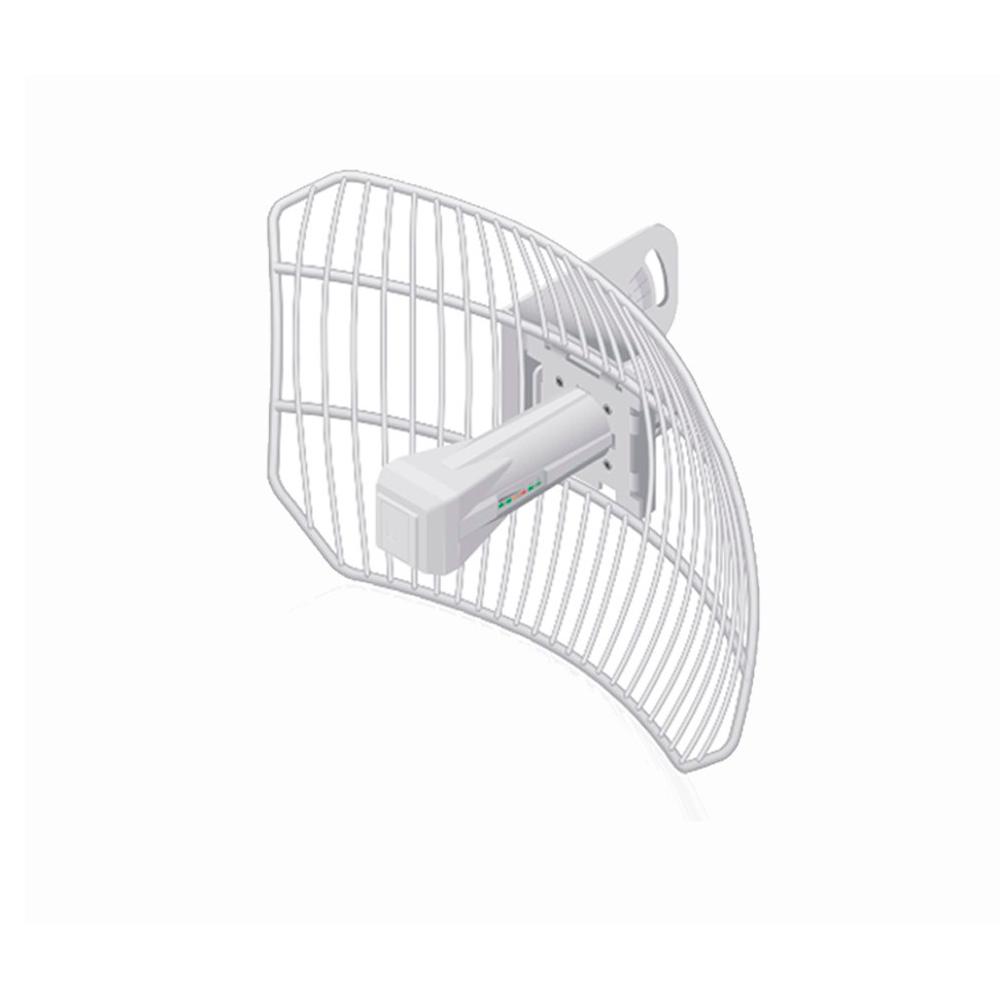
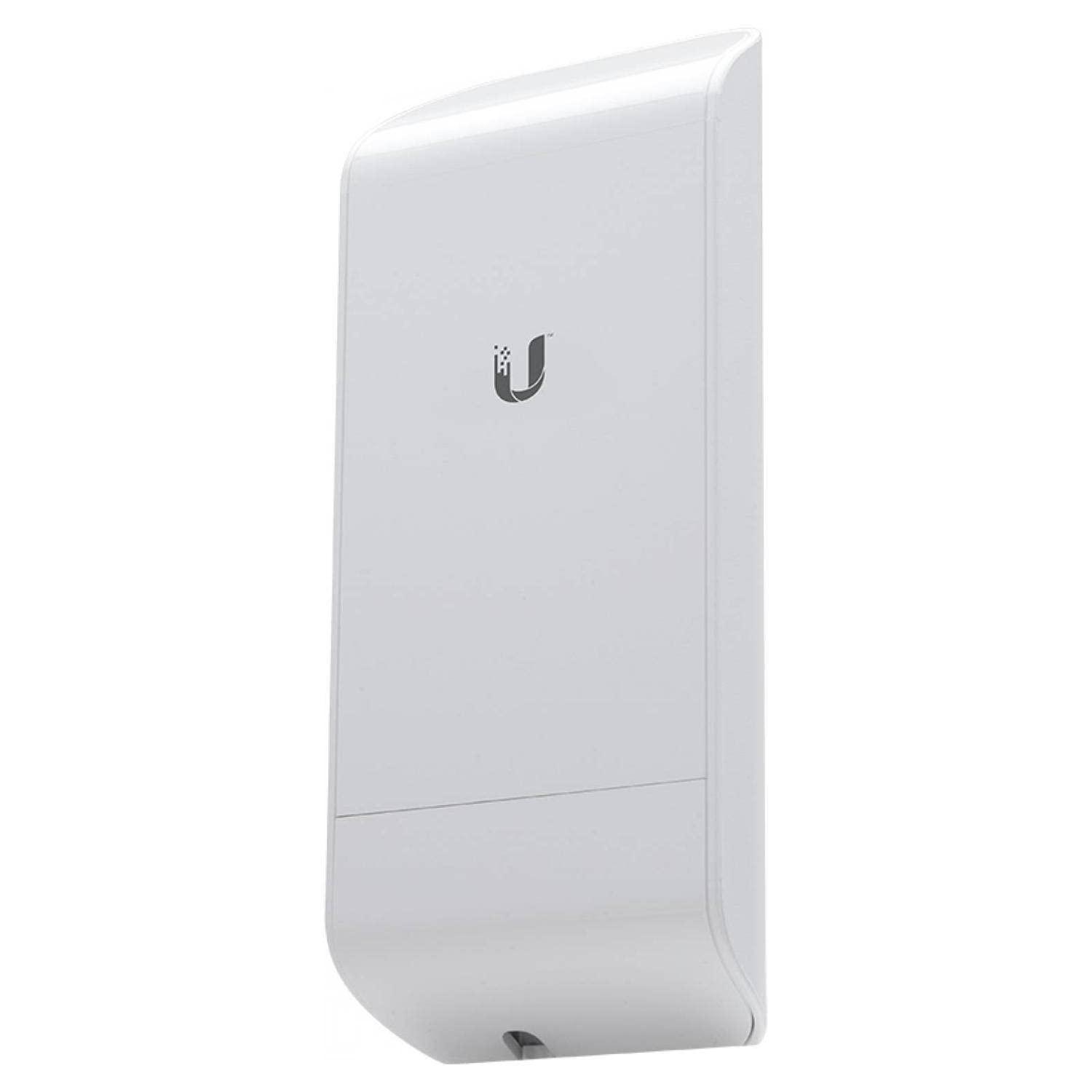
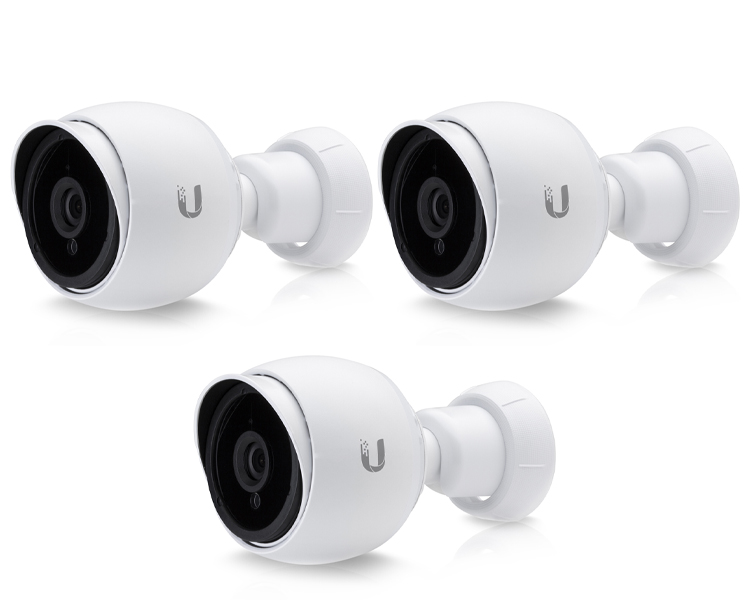
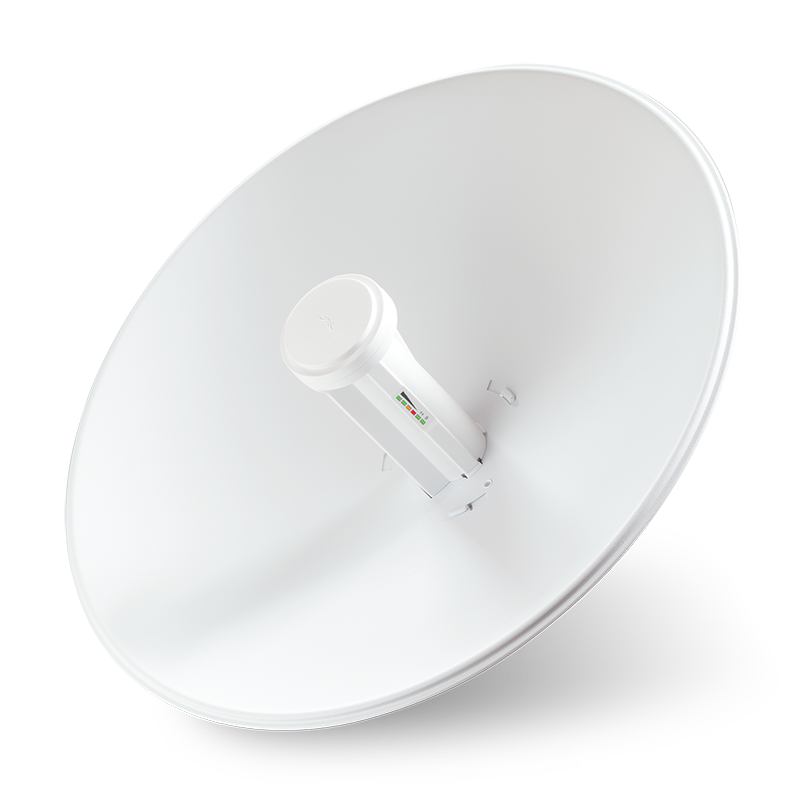
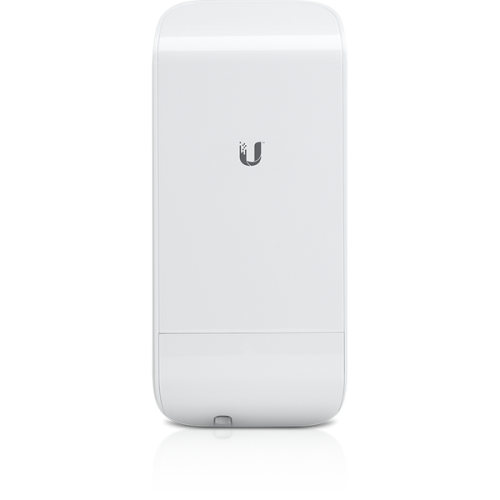
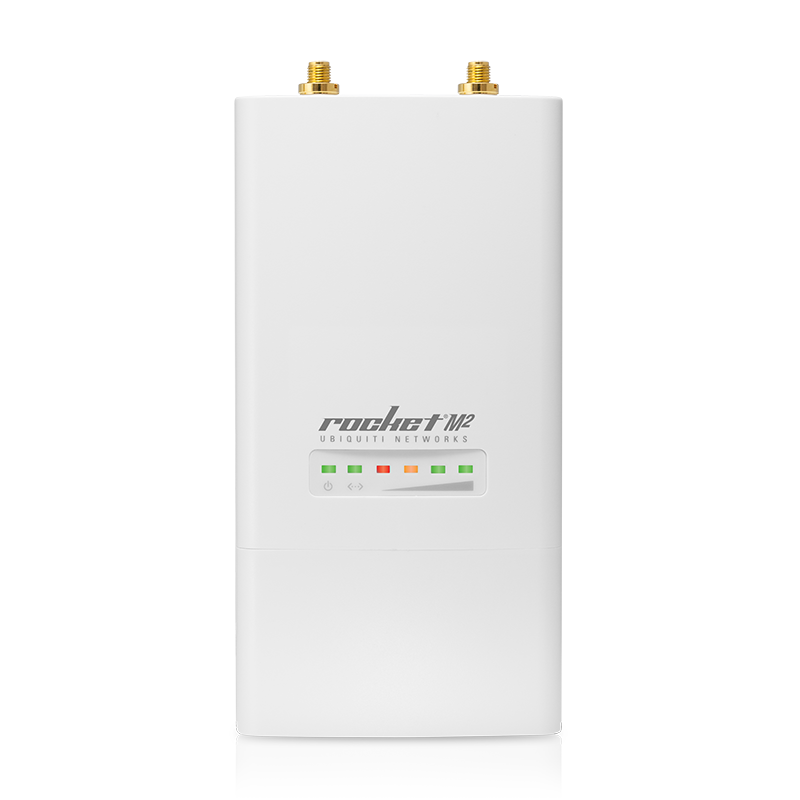
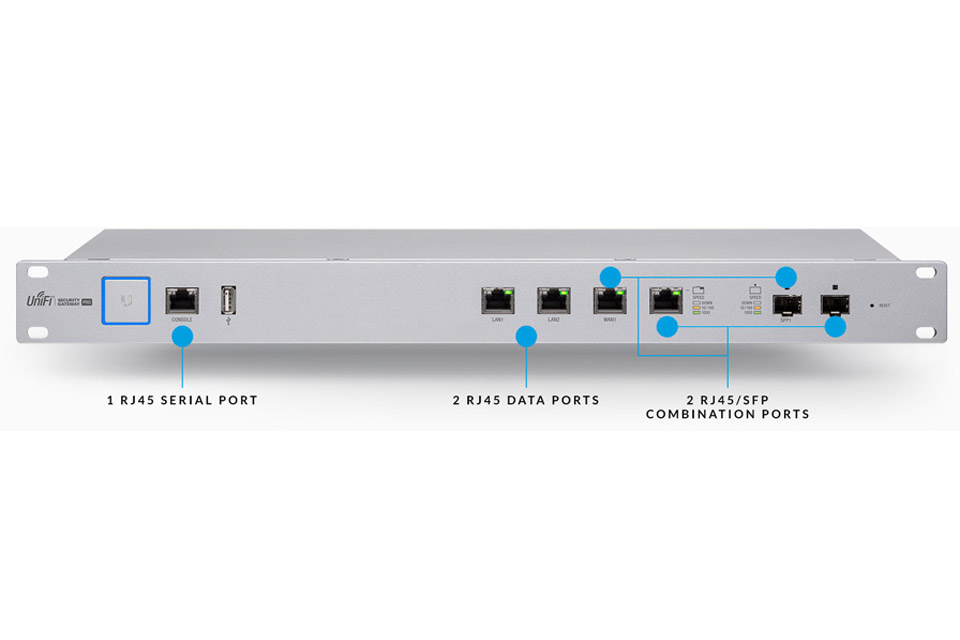
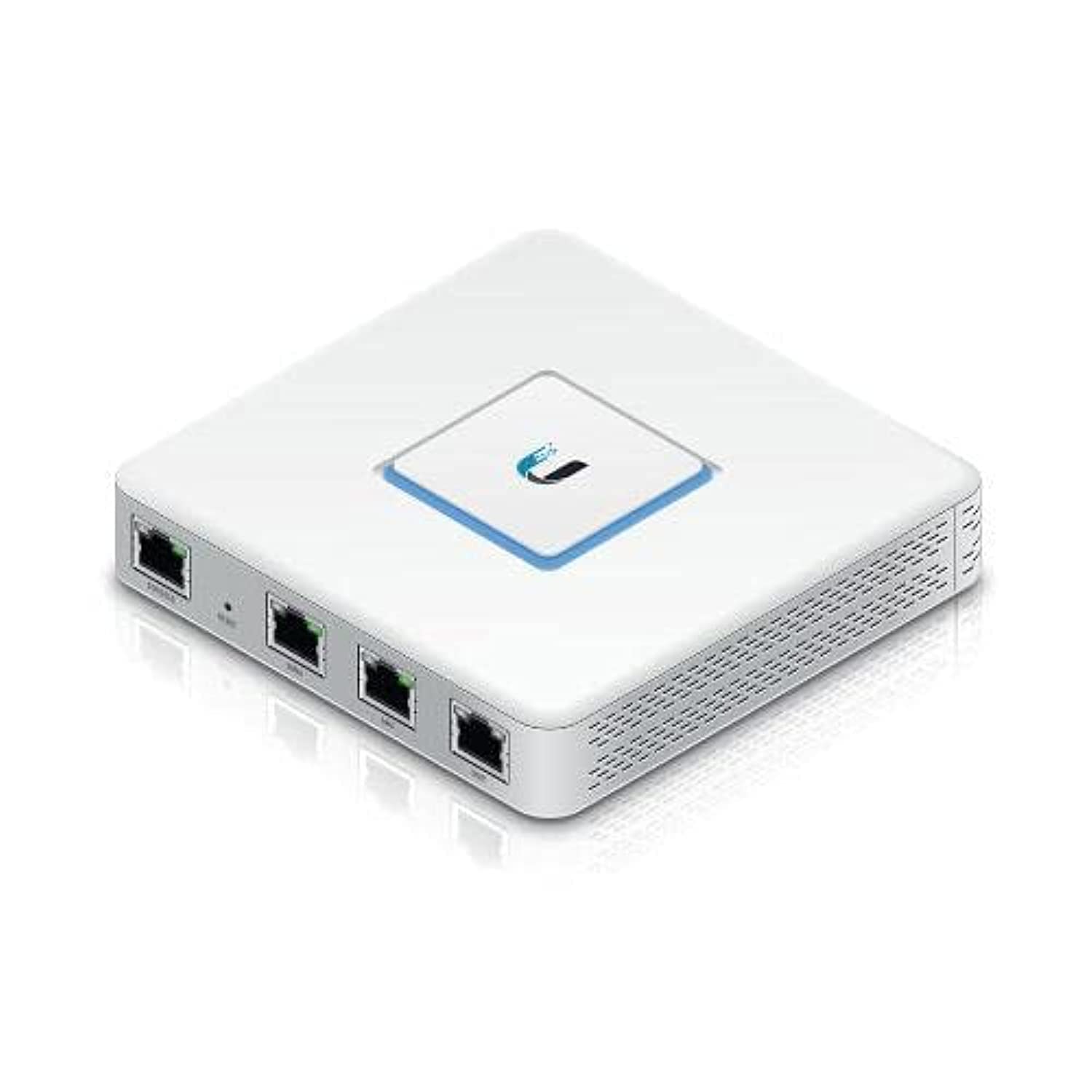
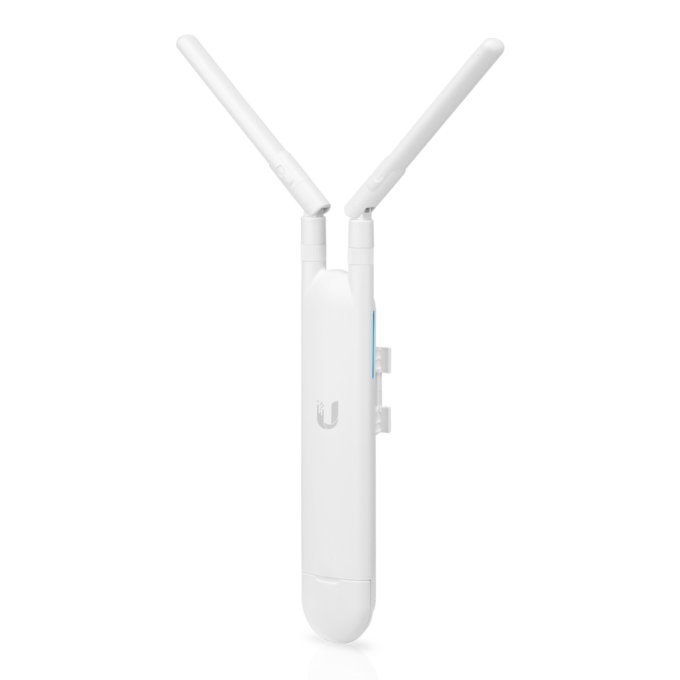
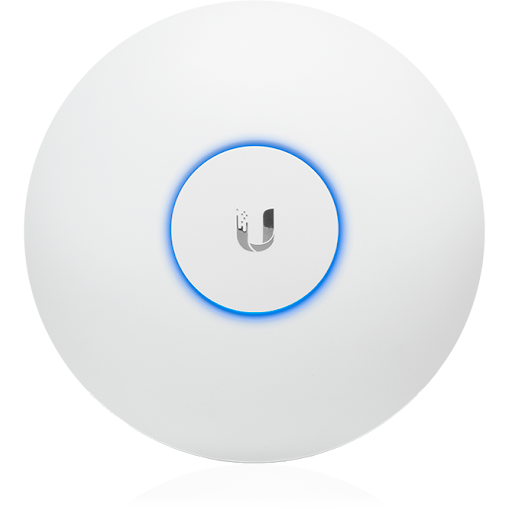
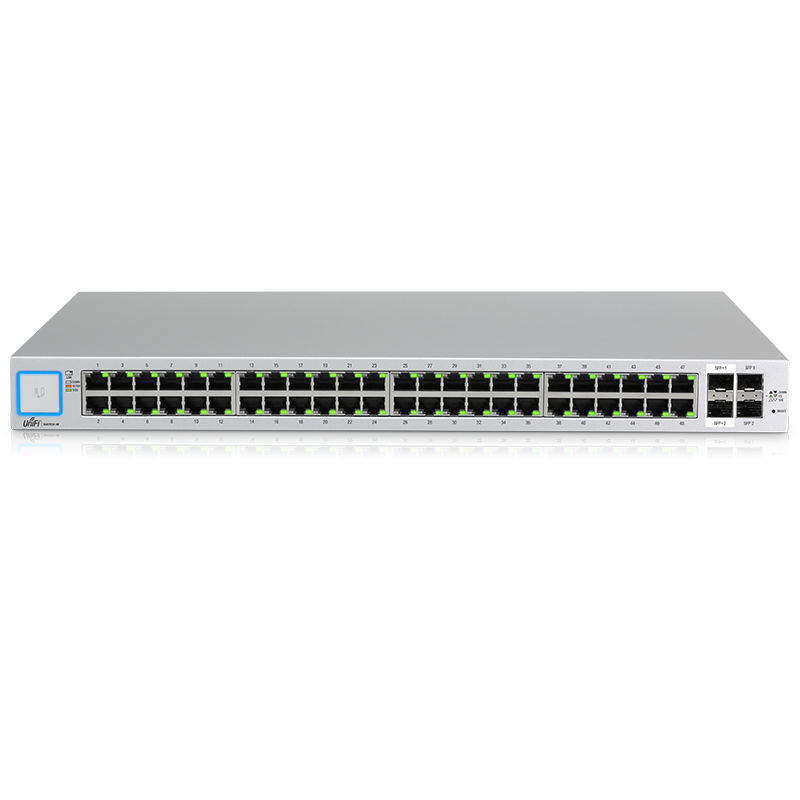
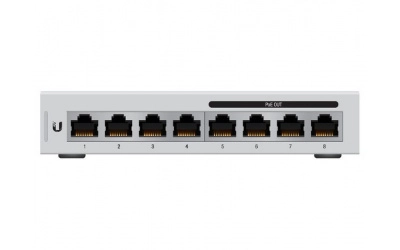
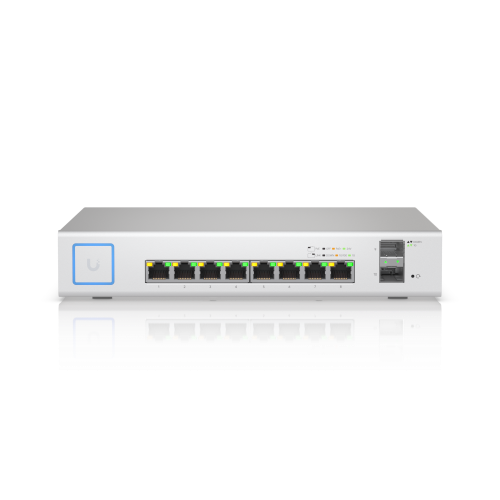
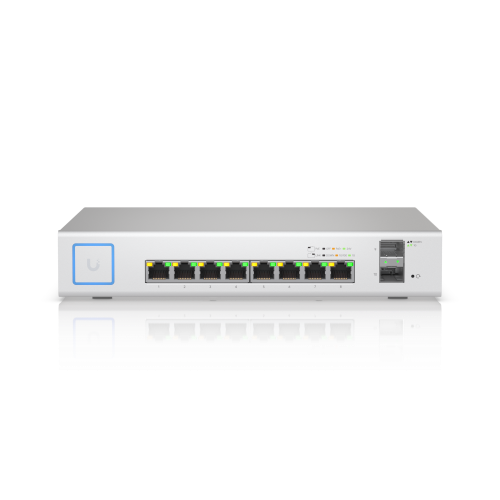
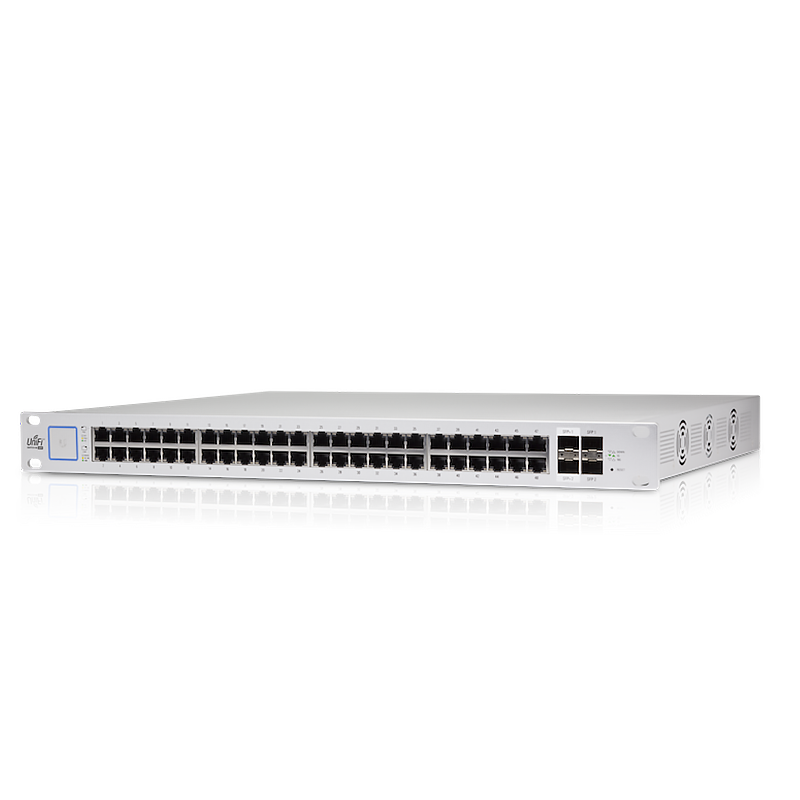
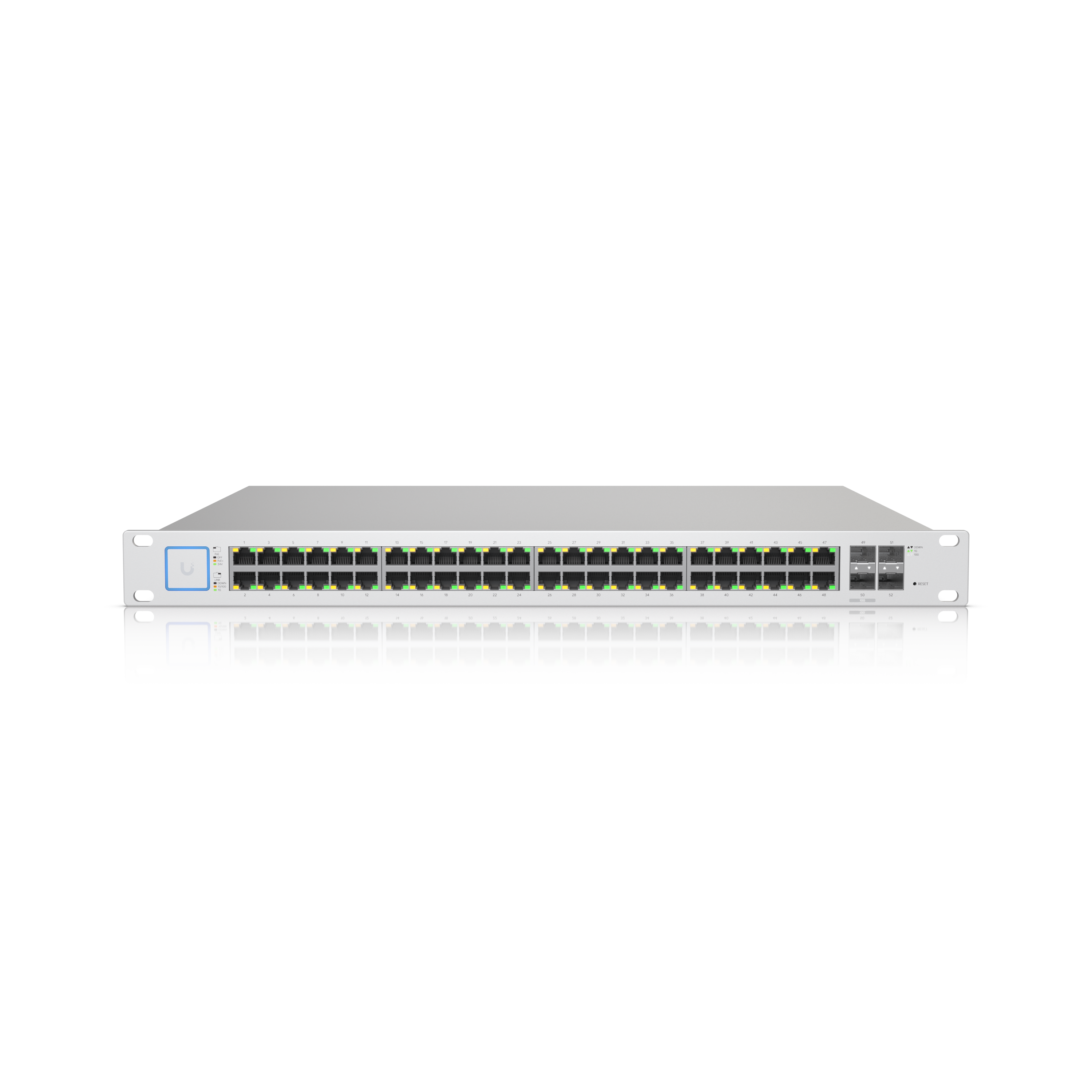
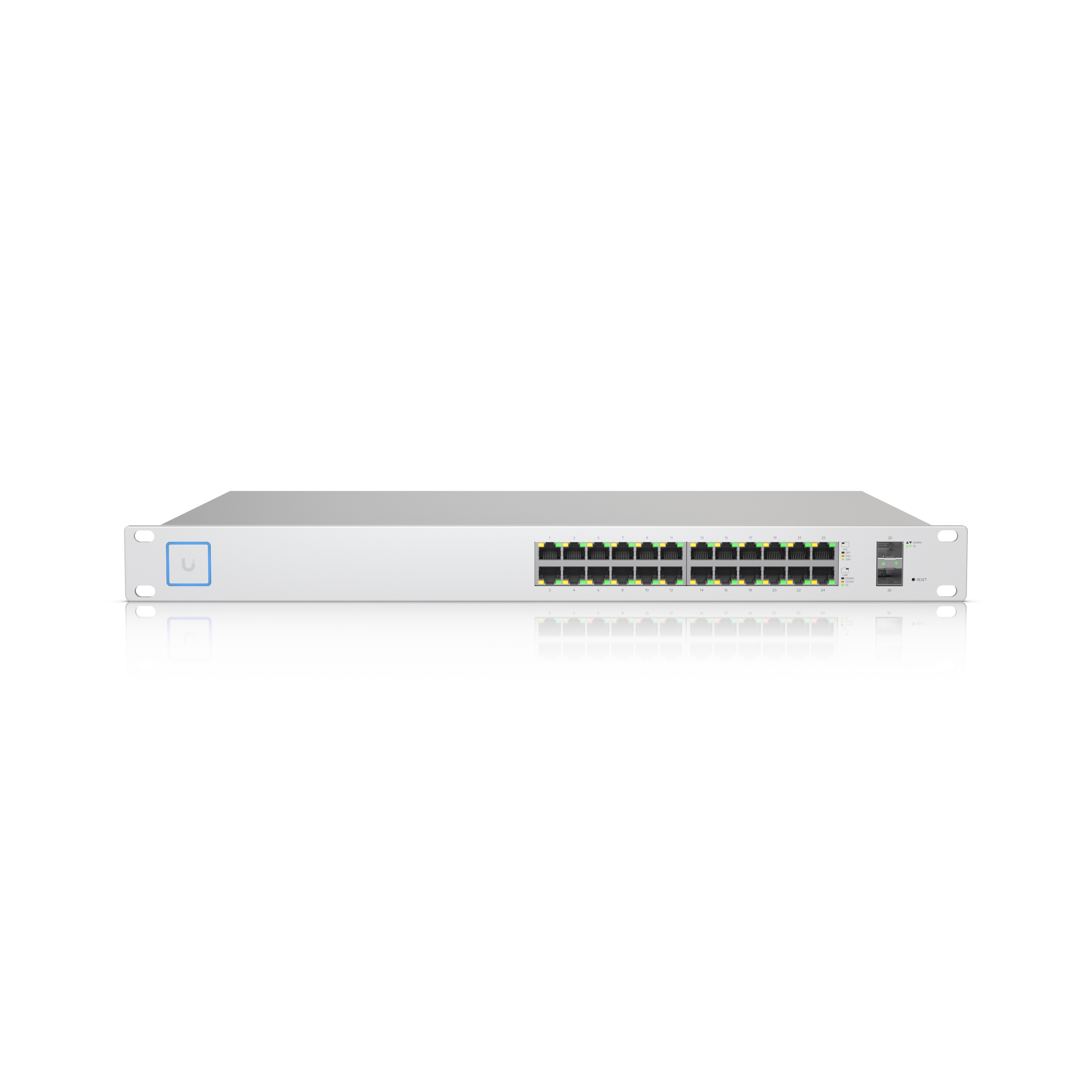
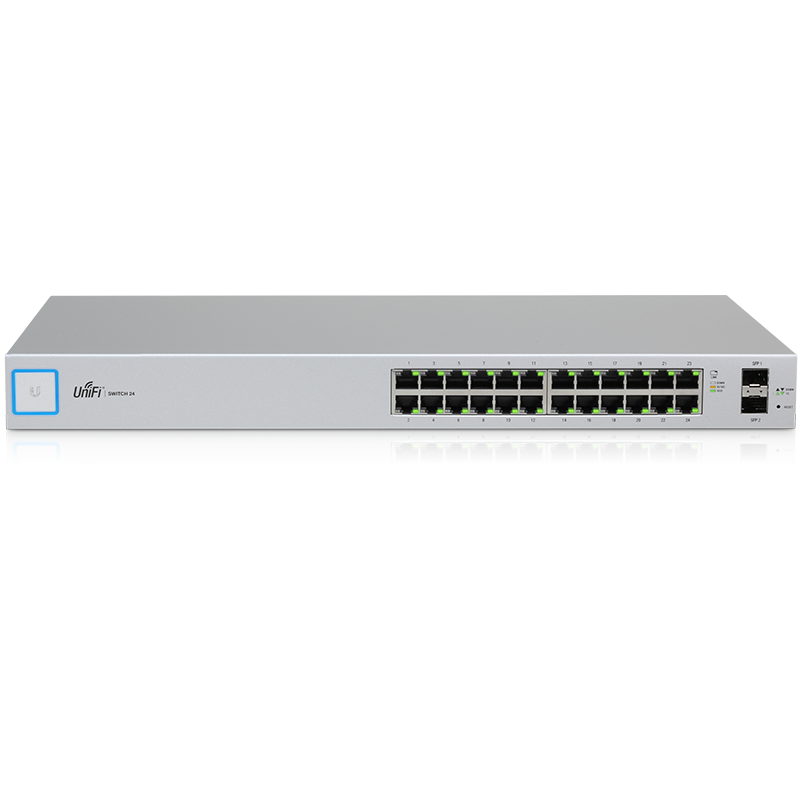
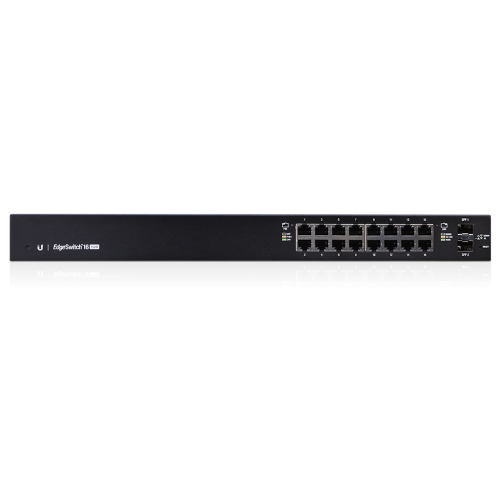
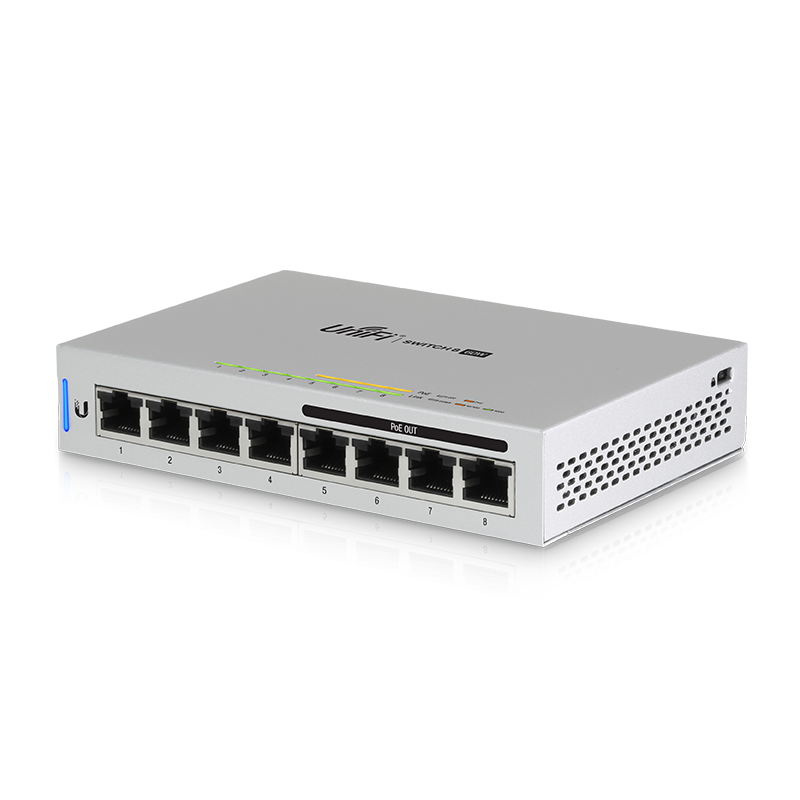
Three product families, three schemes
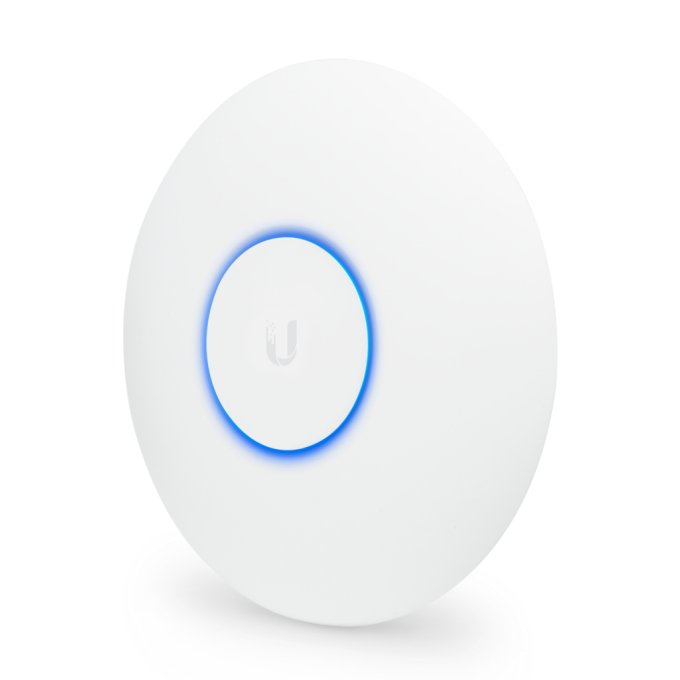
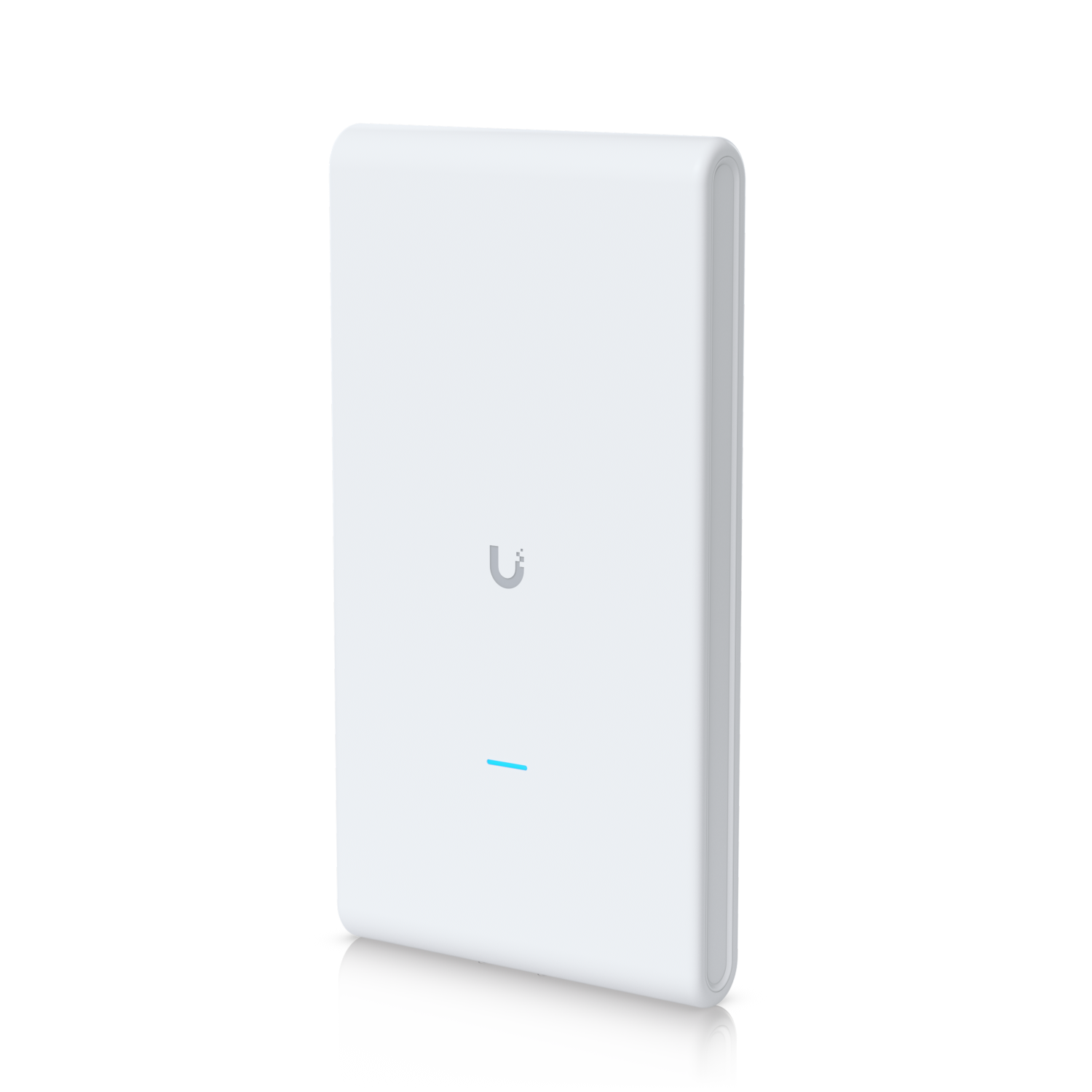
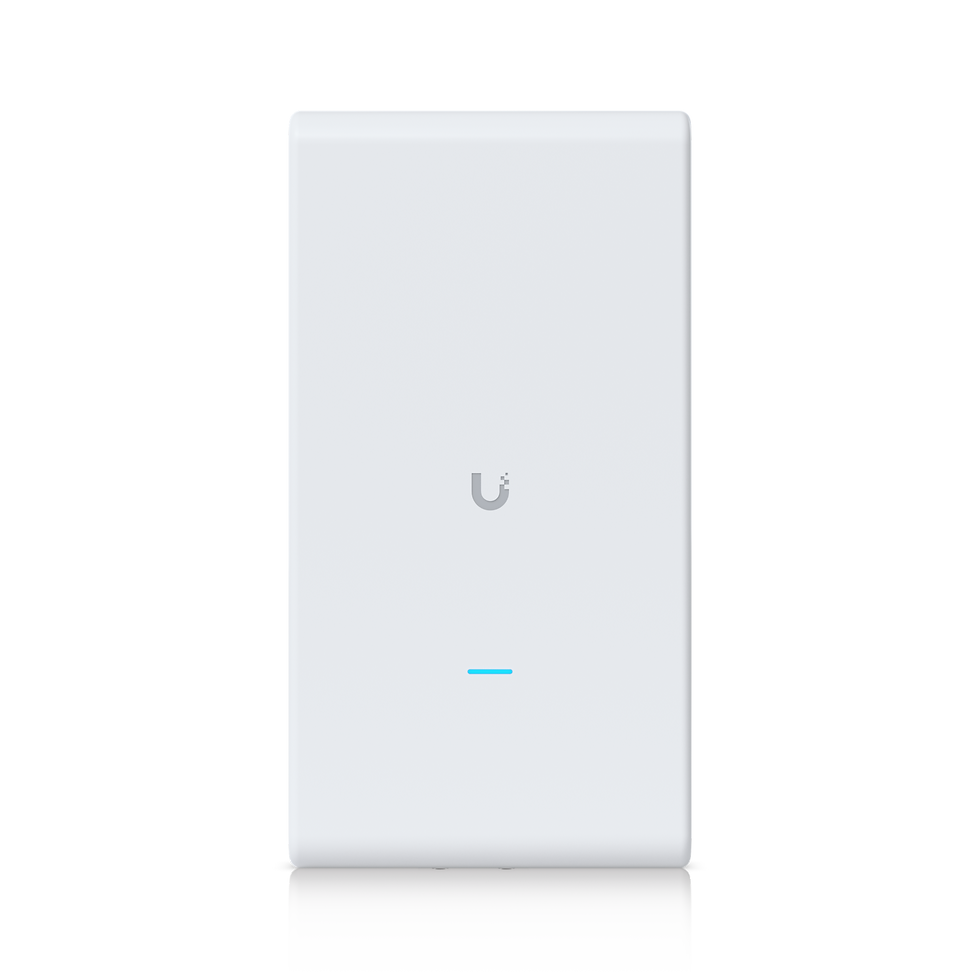
UniFi access points and switches are not configured directly. A factory device broadcasts itself for adoption and accepts SSH with ubnt/ubnt for diagnostics only; real configuration happens in the UniFi Network controller, which sets its own credentials on every adopted device.
EdgeRouter (EdgeMAX) units are conventional: 192.168.1.1 on eth0, with ubnt/ubnt for both web UI and SSH.
airMAX radios — NanoStation, Rocket, LiteBeam — use 192.168.1.20 with ubnt/ubnt and a country/compliance prompt on first login.
What adoption does to credentials
Once a UniFi device is adopted, ubnt/ubnt stops working: the controller pushes its own SSH credentials, configured under site settings. A device that has been adopted and then orphaned — controller lost, site deleted — retains those credentials and must be force-provisioned or physically reset.
Reset
Hold the reset pin for roughly ten seconds while powered. UniFi devices return to the unadopted state; EdgeRouters and airMAX radios return to their documented defaults. Note that resetting a UniFi AP does not remove it from the controller — remove it there too, or adoption will conflict.
Security posture
Ubiquiti's exposure has historically come from controllers and management interfaces reachable from the internet rather than from device passwords. Keep the controller behind a VPN, and check the model list below for firmware advisories.
FAQ
ubnt / ubnt across UniFi (SSH only, before adoption), EdgeRouter and airMAX. The address differs: EdgeRouters use 192.168.1.1, airMAX radios use 192.168.1.20.
The device has been adopted by a controller, which replaced the credentials with its own. Use the controller's SSH credentials from site settings, or factory-reset the device and re-adopt it.
An unadopted UniFi AP requests DHCP and falls back to 192.168.1.20. It is designed to be found by the controller rather than browsed to directly.